The rapid evolution of text-to-speech (TTS) technology is opening new frontiers for API developers, backend engineers, and technical leads. Gone are the days of mechanical, monotone voice synthesis—today’s best TTS models deliver expressive, natural speech that can elevate applications, automate content, and empower accessibility. Yet, many high-fidelity solutions like ElevenLabs remain locked behind paywalls or cloud services, raising concerns about cost, privacy, and long-term control.
Enter Dia-1.6B: an open-source TTS breakthrough from Nari Labs, designed for realistic, controllable dialogue generation with transparent, community-driven development. Unlike typical TTS models, Dia-1.6B excels at synthesizing multi-speaker conversations while supporting non-verbal cues and customizable voice characteristics. In this guide, you'll discover what makes Dia-1.6B unique, how it compares to leading cloud TTS platforms, and how you can implement it locally for total control.
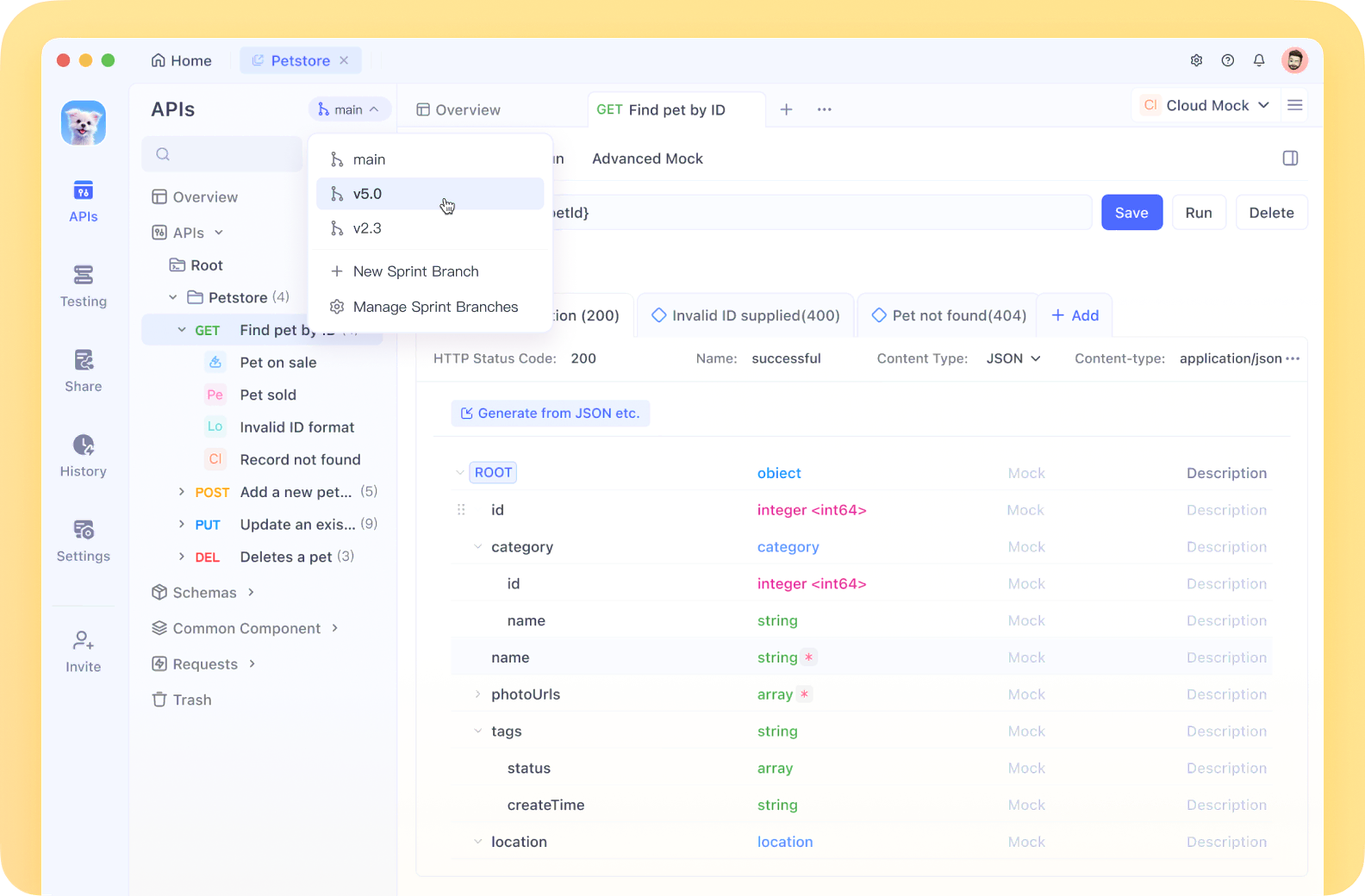
💡 Looking for a robust API testing platform that generates beautiful API Documentation and boosts team productivity? Apidog offers all-in-one collaboration, replacing Postman at a better price.
What is Dia-1.6B? Open Source TTS Redefined
Dia-1.6B is a large language model built for advanced text-to-speech synthesis, released by Nari Labs via Hugging Face. Its standout feature: generating highly realistic, multi-speaker dialogue, not just isolated sentences.
Key capabilities include:
- Massive Model Size: 1.6 billion parameters capture subtle speech nuances—intonation, rhythm, emotion.
- Dialogue Synthesis: Simple tags like
[S1]and[S2]enable seamless multi-speaker conversations. - Non-Verbal Cues: Insert cues like
((laughs)),((coughs)), or((clears throat))for authentic, conversational audio. - Audio Conditioning: Influence generated speech style, emotion, and even enable voice cloning via audio samples.
- Open Source License: Released under Apache 2.0, Dia-1.6B can be freely used, modified, and integrated in your projects.
- English Only: Current support is limited to English.
Nari Labs provides a demo comparing output with ElevenLabs and Sesame CSM-1B. You can try Dia-1.6B instantly on Hugging Face’s ZeroGPU Space—no local installation required.
Dia is absolutely stunning 🤯1.6B parameter TTS model to create realistic dialogue from text. Control emotion/tone via audio conditioning + generates nonverbals like laughter & coughs. Licensed Apache 2.0 🔥⬇️ Sharing the online demo below pic.twitter.com/b7jglAcwbG
— Victor M (@victormustar) April 22, 2025
Why Developers and Teams Choose Dia-1.6B
Modern API-focused teams demand flexibility, privacy, and full-stack control. Dia-1.6B fits these needs:
- Authentic Dialogue: Delivers multi-speaker interactions, not just single-voice narration.
- Integrated Non-Verbals: Realistic conversational sounds enhance immersion and UX.
- Voice Cloning & Conditioning: Fine-tune tone or clone voices with a reference audio sample—ideal for consistent branding or unique user experiences.
- Open Access: No vendor lock-in, licensing headaches, or API rate limits. Download and run locally, inspect code, or contribute improvements.
Comparing Dia-1.6B vs. ElevenLabs vs. Sesame 1B
How does Dia-1.6B stack up against leading commercial TTS platforms?
pic.twitter.com/kaFdal8a9n Lets go, an Open Source TTS-Model that beats Elevenlabs and Sesame 1b at only 1.6b.Dia 1.6b is absolutely amazing. This gets hardly better. https://t.co/mCAWSOaa8q
— Chubby♨️ (@kimmonismus) April 22, 2025
| Feature | Dia-1.6B | ElevenLabs | Sesame 1B |
|---|---|---|---|
| Cost | Free, open source | Subscription-based | Closed source |
| Privacy | Local deployment | Cloud only | Cloud only |
| Customization | Full (open code) | Limited | Limited |
| Offline Use | Yes | No | No |
| Community Support | Open, collaborative | Vendor-supported | Vendor-supported |
| Non-Verbal Cues | Yes | Partial | No |
Dia-1.6B Advantages:
- No ongoing fees or cloud dependencies
- Data never leaves your environment—ideal for sensitive projects
- Complete transparency and extensibility for custom solutions
- Active open-source community for fast innovation and support
Considerations:
Running Dia-1.6B requires capable hardware and some setup, but it delivers unmatched privacy and flexibility for teams who can manage local infrastructure.
How to Run Dia-1.6B Locally: Step-by-Step

Hardware Requirements
- GPU: CUDA-enabled NVIDIA GPU required (CPU support coming soon)
- VRAM: ~10GB (RTX 3070/4070 or better recommended)
- Speed: Enterprise GPUs (e.g., A4000) deliver fast, near real-time generation. Lower-end GPUs will be slower.
If you lack suitable hardware, test Dia-1.6B via Hugging Face’s ZeroGPU Space or join Nari Labs’ waitlist for hosted access.
Prerequisites
- Modern NVIDIA GPU with up-to-date drivers (CUDA 12.6+)
- Python 3.8+ installed
- Git for repository management
- uv (optional but recommended for fast Python package management)
Installation & Quickstart (Gradio UI)
1. Clone the Repository
git clone https://github.com/nari-labs/dia.git
cd dia
2. Run the Application (Recommended: uv)
uv run app.py
- Handles virtual environment and dependencies (PyTorch, Hugging Face, Gradio, Dia model weights, Descript Audio Codec)
- First run downloads everything; subsequent launches are much faster
Manual Alternative (if not using uv):
python -m venv .venv
# Linux/macOS: source .venv/bin/activate
# Windows: .venv\Scripts\activate
pip install -r requirements.txt
python app.py
Check pyproject.toml for exact dependencies.
3. Access the Gradio UI
Visit the local URL (typically http://127.0.0.1:7860) displayed in your terminal.
Using Dia-1.6B: API & Custom Integration
- Text Input: Use
[S1],[S2]for speakers;(laughs),(coughs)for non-verbals. - Audio Prompt (Optional): Upload a reference audio file for voice cloning or emotion control. Place transcript before your main script in the input box.
- Generate & Download: Click to synthesize and download audio.
Pro Tip: For voice consistency, either use an audio prompt or set a fixed random seed if available.
Python Example Integration:
import soundfile as sf
from dia.model import Dia

model = Dia.from_pretrained("nari-labs/Dia-1.6B")
text = "[S1] Dia is an open weights text to dialogue model. [S2] You get full control over scripts and voices. [S1] Wow. Amazing. (laughs) [S2] Try it now on Git hub or Hugging Face."
output_waveform = model.generate(text)
sf.write("dialogue_output.wav", output_waveform, 44100)
A PyPI package and CLI tool are planned for easier automation.
💡 Want an API testing tool that simplifies your workflow and generates beautiful API Documentation? Apidog brings your team together on one platform and replaces Postman at a better price!
Final Thoughts: Open Source Voice, Total Control
Dia-1.6B signals a new era for TTS in software development—delivering advanced dialogue synthesis, non-verbal cues, and open customization, all under your full control. For engineering teams, the benefits are clear: no ongoing fees, data stays private, and extensibility is limitless. As Dia-1.6B evolves with planned features like quantization and CPU support, open-source TTS will only get more accessible.
For API developers and tech leads building next-gen voice experiences, Dia-1.6B offers a compelling, transparent alternative to proprietary cloud platforms—especially when paired with modern API tooling like Apidog for seamless testing and documentation. Own your voice synthesis pipeline, customize to your needs, and accelerate innovation on your terms.