
The rise of Large Language Models (LLMs) like ChatGPT, Claude, and Gemini is transforming how developers build, test, and integrate AI into their workflows. Yet, concerns about data privacy, variable cloud costs, and internet reliance often limit their use for backend teams and API developers. What if you could run these powerful models directly on your own machine—securely, offline, and at zero ongoing cost?
Meet Ollama: a streamlined, open-source framework that lets you download, run, and manage advanced LLMs locally with just a few commands. Whether you’re prototyping API integrations, experimenting with prompt engineering, or safeguarding sensitive project data, Ollama puts modern AI at your fingertips—without the cloud.
Why Developers Choose Ollama for Local LLMs
Running LLMs on your own hardware offers practical benefits for API engineers and technical teams:
- Enhanced Privacy: Prompts and responses never leave your machine—ideal for confidential or proprietary data.
- Offline AI Access: Use downloaded models anytime, anywhere, even without internet.
- Customizable Workflows: Tailor model behavior using Modelfiles for unique personas, response styles, or instruction sets.
- No Cloud Fees: Avoid per-token or monthly charges—just use your existing hardware.
- Hands-on Experimentation: Safely test, compare, and debug open-source models in your development workflow.
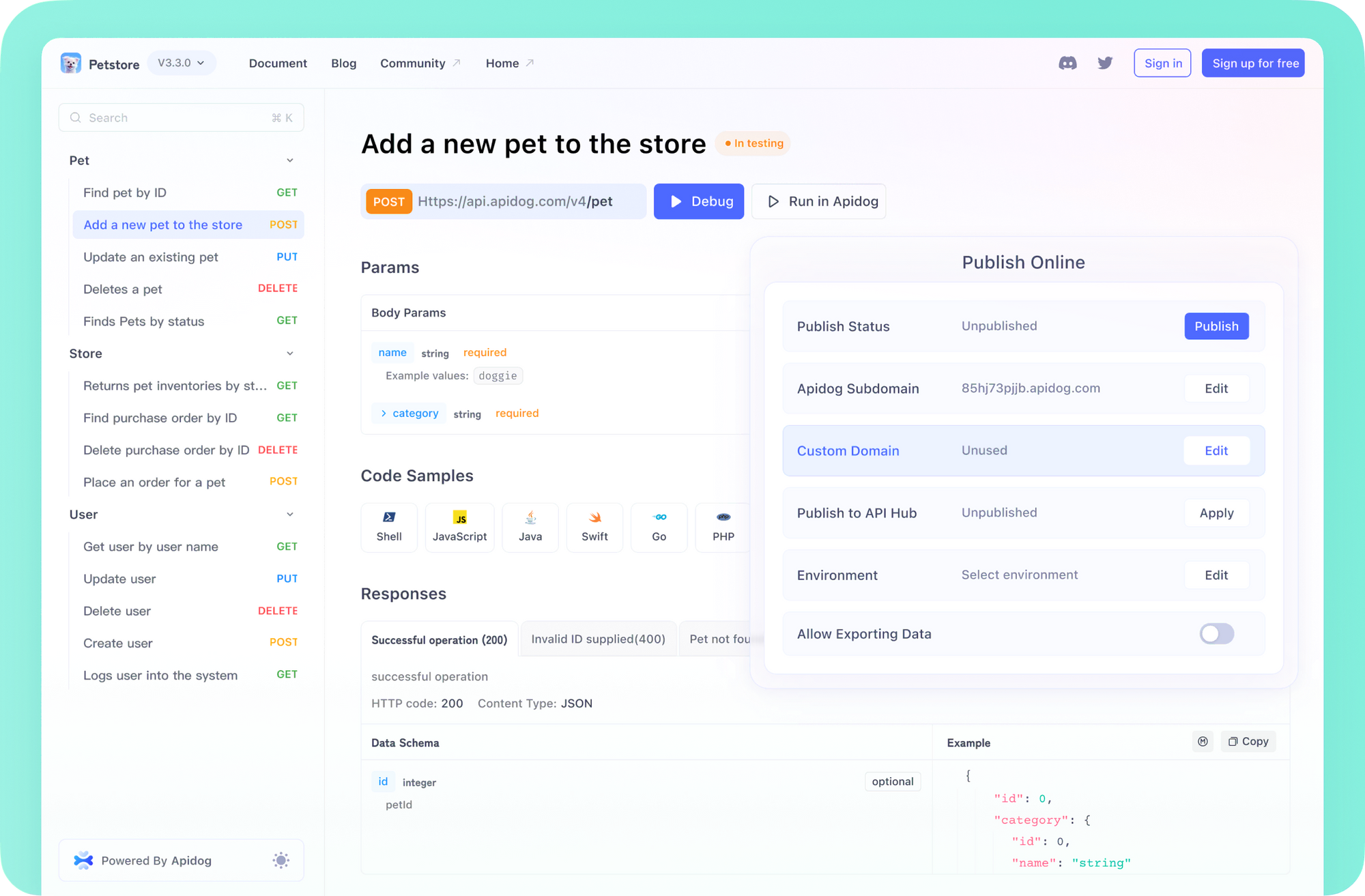
💡 Looking for an API platform that streamlines collaboration and documentation? Apidog auto-generates beautiful API docs, boosts developer productivity, and offers an affordable alternative to Postman.
How Ollama Works: LLMs, Local Inference, and APIs
Before you install Ollama, it’s helpful to understand the basics:
What Are Large Language Models (LLMs)?
LLMs are advanced AI models trained on vast datasets of text and code. When given a prompt, they predict the most likely next words—enabling them to generate code, summarize docs, or answer technical questions. Different LLMs have unique strengths depending on their architecture, training data, and size.
Ollama’s Architecture
Ollama sits between you and the LLM, handling:
- Model Downloads: Fetches trusted, pre-packaged models.
- Execution: Loads models into RAM (and GPU if available) for fast inference.
- Interfaces: Offers a command-line tool and a local API server (HTTP) for integration with scripts, editors, or API tests.
Hardware Requirements: Can Your Computer Run Ollama?
Local LLMs are resource-intensive. Here’s what you need:
- RAM:
- Small Models (3B params, e.g., Phi-3 Mini): Minimum 8GB RAM
- Medium Models (7–8B, e.g., Llama 3 8B, Mistral 7B): 16GB+ RAM recommended
- Large Models (13B+): 32GB–128GB RAM
- CPU: Modern CPUs work; faster = better. RAM is usually the bottleneck.
- GPU (Optional): Significantly boosts performance. Ollama detects and uses compatible GPUs (NVIDIA on Linux/Windows, Apple Silicon on macOS).
- Disk Space: Models range from a few GBs to 100+ GBs.
Tip: For API developers starting out, 16GB RAM and a recent CPU is a solid baseline. Use smaller models for rapid prototyping.
Step-by-Step: Installing Ollama on macOS, Linux, and Windows
Supported Platforms:
- macOS
- Linux
- Windows (via WSL2, Preview)
1. Prerequisites
- Supported OS (macOS, Linux, or Windows with WSL2)
- Terminal access (Terminal, Command Prompt, or WSL)
2. Install Ollama
-
macOS:
- Visit ollama.com
- Download for macOS, open
.dmg, drag Ollama to Applications
-
Linux:
- In terminal:
curl -fsSL https://ollama.com/install.sh | sh - Follow prompts. For manual/advanced installs, see the Ollama GitHub.
- In terminal:
-
Windows (Preview):
- Visit ollama.com
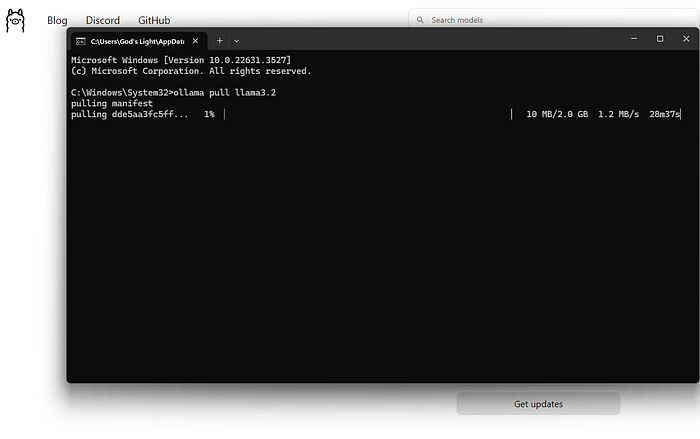
- Download for Windows (Preview), run installer
- If prompted, set up WSL2 and GPU drivers (WSL terminal recommended)
3. Verify Installation
In your terminal, run:
ollama --version
You should see the installed version. If not, check your installation steps or restart the terminal.
Running Your First Local LLM: Quickstart Example
Ollama’s model registry makes it easy to download and run models for development:
1. Choose a Model
Recommended starter models:
- llama3:8b – Meta’s 8B parameter model; strong for code, instructions (needs ~16GB RAM)
- mistral – 7B, efficient and fast
- phi3 – Microsoft’s compact SLM; good on 8GB RAM (phi3:mini)
- gemma:7b – Google’s open 7B model
2. Run a Model
In your terminal:
ollama run llama3:8b
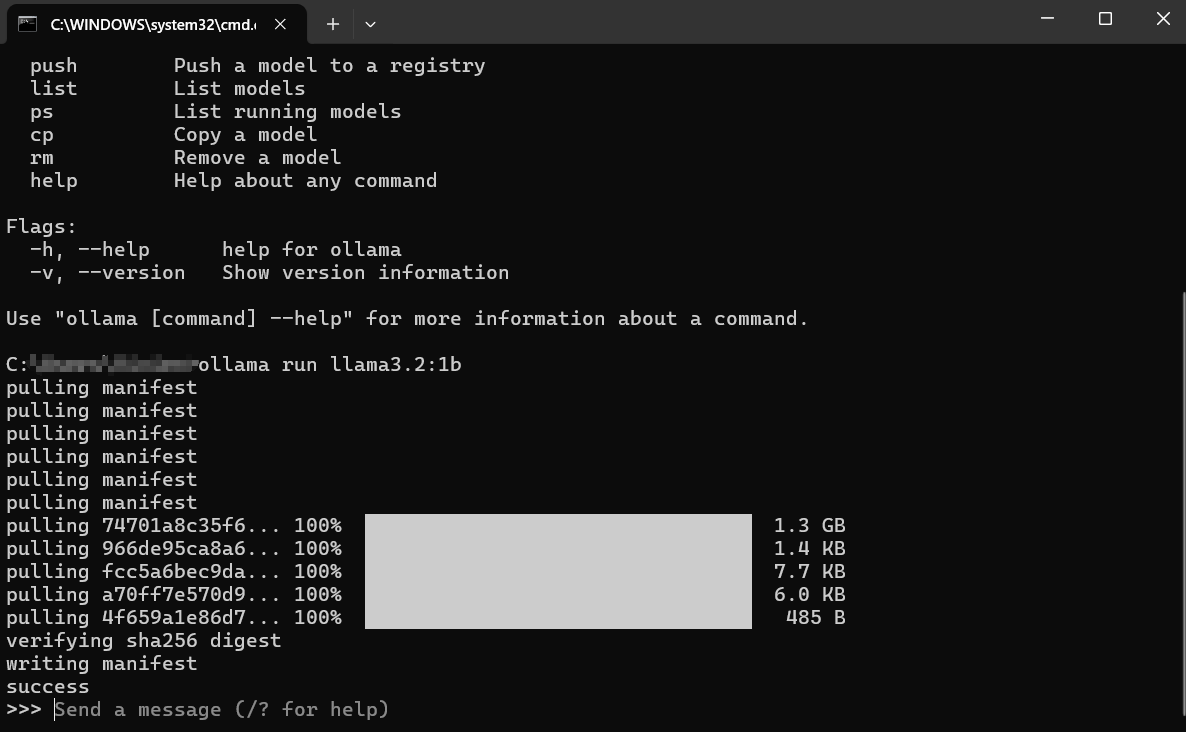
Ollama will:
- Download the model if it’s not local
- Load it into RAM/GPU
- Start an interactive chat session:
>>> Send a message (/? for help)
Type a prompt, e.g.:
Explain REST API versioning best practices.
The model streams a response—ideal for quick API Q&A, code samples, or doc generation.
3. List and Manage Models
-
List downloaded models:
ollama list -
Remove a model:
ollama rm mistral:latest
Getting Better Results: Practical Prompt Engineering
LLM output quality depends on your prompts. For backend/API use cases:
-
Be Precise:
Good: “Generate a Python Flask endpoint for POST /login with JWT authentication.”
Poor: “Write some Python code.” -
Specify Format:
Ask for code blocks, JSON, or docstrings. -
Set Context:
If referencing previous API behavior, include necessary details. -
Iterate:
Refine prompts as needed; LLMs can improve with clarification.
Model Selection:
Try the same prompt across different models. For code, consider models like codellama or starcoder.
Advanced Customization: Ollama Modelfiles
For teams with specific requirements—such as enforcing a documentation style or persona—Ollama’s Modelfile system lets you fine-tune model behavior:
Example:
Create a sarcastic assistant version of Llama 3.
-
Create a
Modelfile:FROM llama3:8b SYSTEM """You are a highly sarcastic assistant. Your answers should be technically correct but delivered with dry wit and reluctance.""" PARAMETER temperature 0.5 -
Build your custom model:
ollama create sarcastic-llama -f ./Modelfile -
Run it:
ollama run sarcastic-llama
This workflow is ideal for QA teams, API doc writers, or anyone needing reproducible model behavior.
Ollama’s Local API: Integrate LLMs Into Your Stack
Ollama exposes a local HTTP API (default: http://localhost:11434). Example request:
curl http://localhost:11434/api/generate -d '{
  "model": "llama3:8b",
  "prompt": "How do I implement OAuth2 in a REST API?",
  "stream": false
}'
This enables:
- Integration with API testing tools (like Apidog)
- Automated code/documentation generation
- Custom developer tools or CI pipelines
Pro API teams use Apidog to combine documentation, collaboration, and testing—making it easy to validate LLM-powered endpoints.
Troubleshooting Ollama: Common Issues & Solutions
Installation fails:
- Check permissions (use
sudoif needed) - Ensure network connectivity
- Verify platform prerequisites (e.g., WSL2 on Windows)
Model download errors:
- Retry with a stable connection
- Free up disk space
- Use
ollama pull <model_name>for manual downloads
Slow performance:
- Close memory-heavy apps; try smaller models
- Check GPU status (
ollama runoutput) - Update GPU drivers if needed
“Model not found” errors:
- Double-check spelling
- List models with
ollama list - For custom models, use the exact name from
ollama create
Ollama Alternatives for Local LLM Inference
Depending on your workflow, consider these options:
-
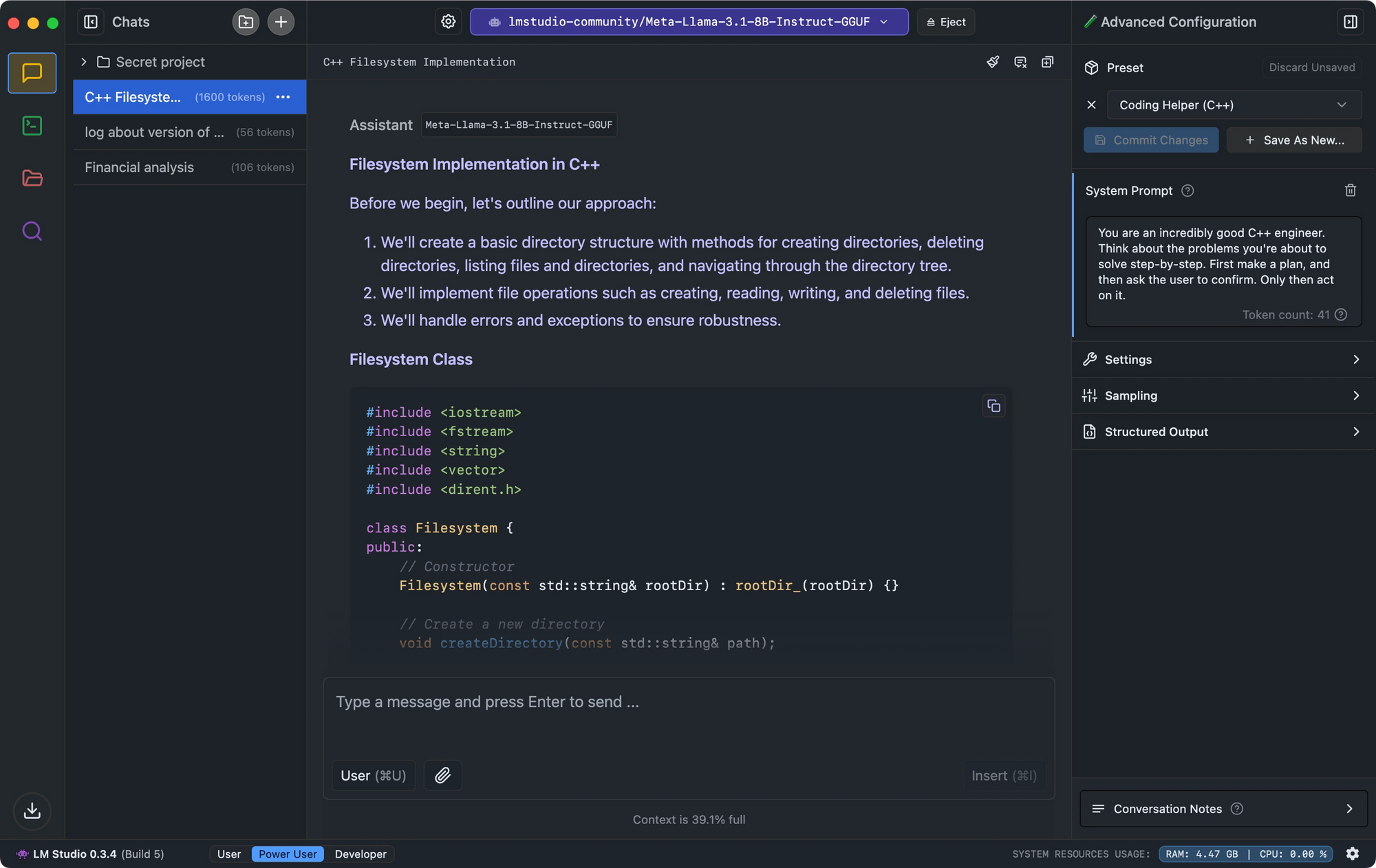
LM Studio: GUI-driven, checks model compatibility, runs a local OpenAI-compatible API server
-
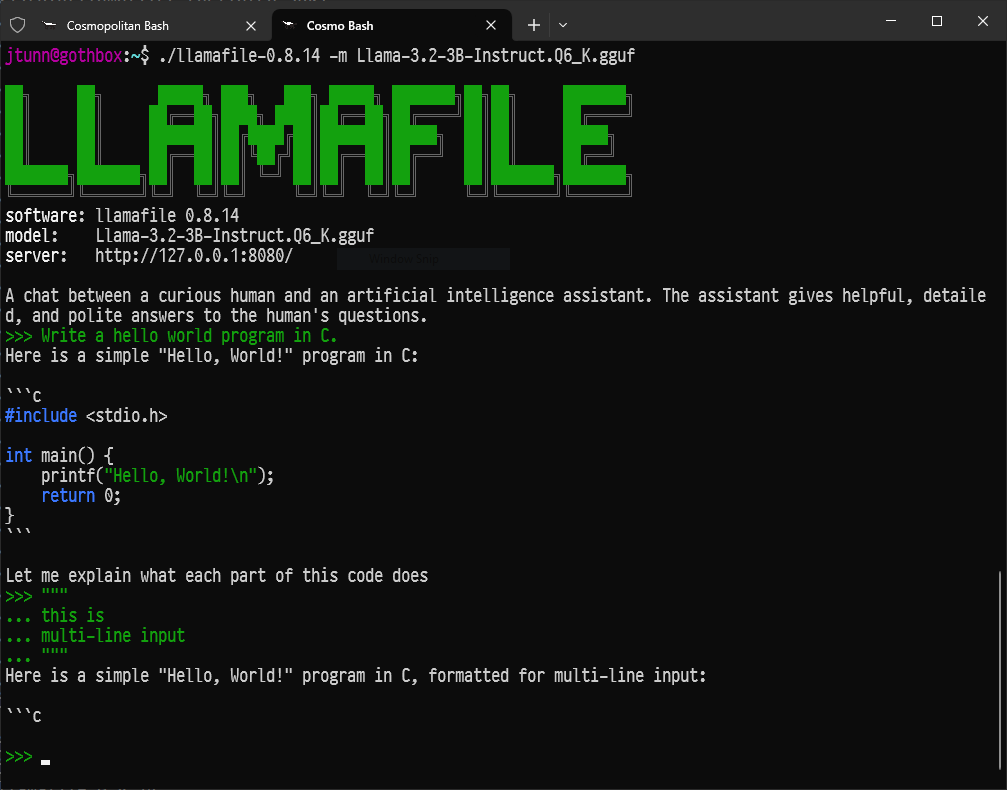
Llamafile: Converts LLMs into single portable executables for quick deployment
-
LLaMa.cpp: The C++ engine powering many local LLM projects; excellent for CLI purists
Apple Silicon users have an alternative path worth knowing:running DeepSeek V3 locally via MLXskips the Ollama abstraction layer and extracts more throughput from the unified memory architecture.
Once you have a local model running, a natural next step is building a retrieval layer on top of it—RAGFlow lets you wire those local models into an AI-powered Q&A systemgrounded in your own documents.
Developers who want an agent layer on top of their local models rather than a raw chat prompt should take a look atAgenticSeek as a self-hosted AI assistant, which wraps local inference behind a task-oriented interface.
Conclusion: Local LLMs Empower API Teams
Ollama lowers the barrier to experimenting with powerful LLMs on your own terms—no cloud lock-in, no privacy trade-offs. For API developers, QA engineers, and technical leads, running local models unlocks real-world use cases: rapid prototyping, secure code generation, and seamless API integration.
Ready to build smarter, faster, and more securely? Ollama and Apidog together give you a robust foundation for modern AI-powered API development.
💡 Want to streamline your API workflow? See how Apidog generates beautiful docs, enables real-time team collaboration, and delivers more value than Postman.