
If you’re building a UI before the backend exists, you need data to render against, and DummyJSON is one of the fastest ways to get it. It’s a free, hosted fake REST API that serves realistic products, users, carts, and more over plain HTTP, no signup required. This guide explains what DummyJSON gives you, how it compares to other public testing APIs, and what to do when fixed placeholder data stops being enough.
What is DummyJSON?
DummyJSON is a free placeholder JSON API. You send a request to a public endpoint, and it returns structured, believable sample data. There’s no database to set up and no key to register. It exists so frontend developers, students, and anyone prototyping can hit a real network endpoint instead of hardcoding arrays in their code.
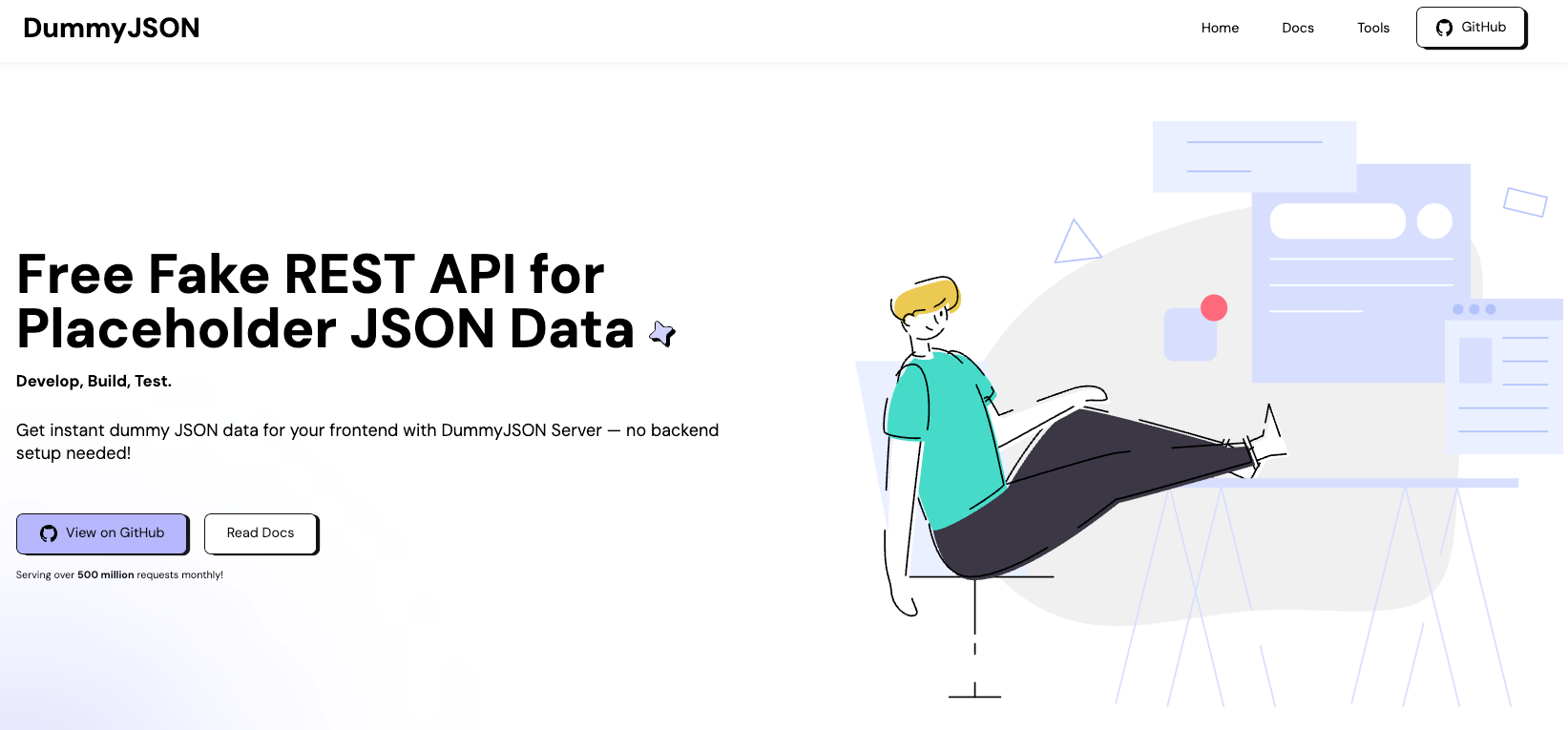
The data is fake but coherent. A product has a title, price, rating, stock count, and category. A user has a name, email, address, and company. That consistency makes DummyJSON useful for wiring up tables, cards, pagination, and detail pages that look like the real thing. Because the records are nested and typed the way production data usually is, you can build out filters, sort controls, and detail views without inventing your own fixtures first.
DummyJSON serves everything over HTTPS as JSON, so it works the same from a browser fetch, a mobile app, a curl command, or a server-side script. There’s nothing to install. You point a request at a URL and you get data back, which is exactly what you want during the early hours of a project when the real API doesn’t exist yet.
It’s a learning and prototyping tool, and it’s good at that job. When you need an endpoint to fetch from in a tutorial or a quick demo, it saves you real time.
DummyJSON endpoints, auth, and limits
DummyJSON exposes several resource collections. The common ones are:
/products, catalog items with price, stock, and ratings/users, people with addresses, emails, and company details/carts, shopping carts tied to users/postsand/comments, blog-style content/todos, task items/recipesand/quotes, extra content sets
Each collection supports the patterns you’d expect from a REST API. You can fetch all records, fetch one by ID, search, filter by category, and paginate with limit and skip. A select parameter trims the response to specific fields, and a delay parameter (0 to 5000 ms) lets you simulate a slow network so you can test loading states.
Here’s a basic read:
curl https://dummyjson.com/products?limit=5&skip=10
Authentication uses a login endpoint and a bearer token. You post credentials to /auth/login, get back a token, and send it on protected requests:
# 1. Log in to get a token
curl -X POST https://dummyjson.com/auth/login \
  -H 'Content-Type: application/json' \
  -d '{"username":"emilys","password":"emilyspass"}'

# 2. Use the token on an authenticated request
curl https://dummyjson.com/auth/me \
  -H 'Authorization: Bearer YOUR_ACCESS_TOKEN_HERE'
Writes are supported too. You can send POST, PUT, PATCH, and DELETE requests, and the API responds as if the change happened. The catch: those writes are simulated. DummyJSON echoes back a record that looks updated or created, but nothing persists. Refresh and your “new” product is gone. That’s by design for a shared public service, and it’s the single most important limit to understand. The docs don’t publish hard rate limits, but treat any free shared endpoint gently and don’t point a load test at it.
For a fuller tour of what’s out there beyond DummyJSON, the roundup of free APIs for developers covers options across many categories.
DummyJSON vs JSONPlaceholder vs Reqres
DummyJSON isn’t the only free fake REST API. The two it gets compared to most are JSONPlaceholder and Reqres. They overlap, but each leans a different way.
| Tool | Best for | Resources | Auth flow | Writes persist? |
|---|---|---|---|---|
| DummyJSON | Realistic e-commerce-style demos | Products, users, carts, posts, recipes, more | Login endpoint + bearer token | No (simulated) |
| JSONPlaceholder | Quick CRUD tutorials, minimal setup | Posts, comments, users, todos, albums, photos | None | No (simulated) |
| Reqres | Auth and request/response flow demos | Users, register/login mocks | Mock register/login | No (simulated) |
The pattern is the same across all three. You get fixed, read-mostly data, writes are faked, and you can’t change the shape of what comes back. JSONPlaceholder runs on json-server under the hood, which is why its data model feels so generic. DummyJSON wins when you want data that resembles a real store. Reqres is handy when you’re specifically demoing a login screen.
The official sources are worth bookmarking: JSONPlaceholder and the DummyJSON GitHub repo if you want to self-host or read the code.
When fixed placeholder data isn’t enough
Hosted fake APIs hit a wall fast once your project gets specific. You’ll feel it when:
- Your app needs fields DummyJSON doesn’t have. A
subscription_tierorfeature_flagsobject simply isn’t in the schema, and you can’t add one. - You need writes that stick. Building a cart flow or an admin panel means creating a record and reading it back. Simulated writes break that loop.
- You need to test error paths. A real app must handle a
429, a500, or a malformed payload. Fixed-success APIs won’t produce those on demand. - Your data must match your own OpenAPI contract so the frontend and backend agree before the real server ships.
This is the point where you stop borrowing someone else’s fake API and start generating your own. You want the same zero-backend convenience, but with your schema, your field names, and responses you control.
How to build your own custom fake REST API with Apidog
Apidog is an API platform that designs, tests, documents, and mocks APIs in one place. Its mock server is the piece that replaces a hosted fake API when you’ve outgrown fixed data. Instead of accepting whatever DummyJSON returns, you define the endpoint and the data shape, and Apidog generates realistic responses that match. To follow along, download Apidog and create a free project.
Here’s the flow:
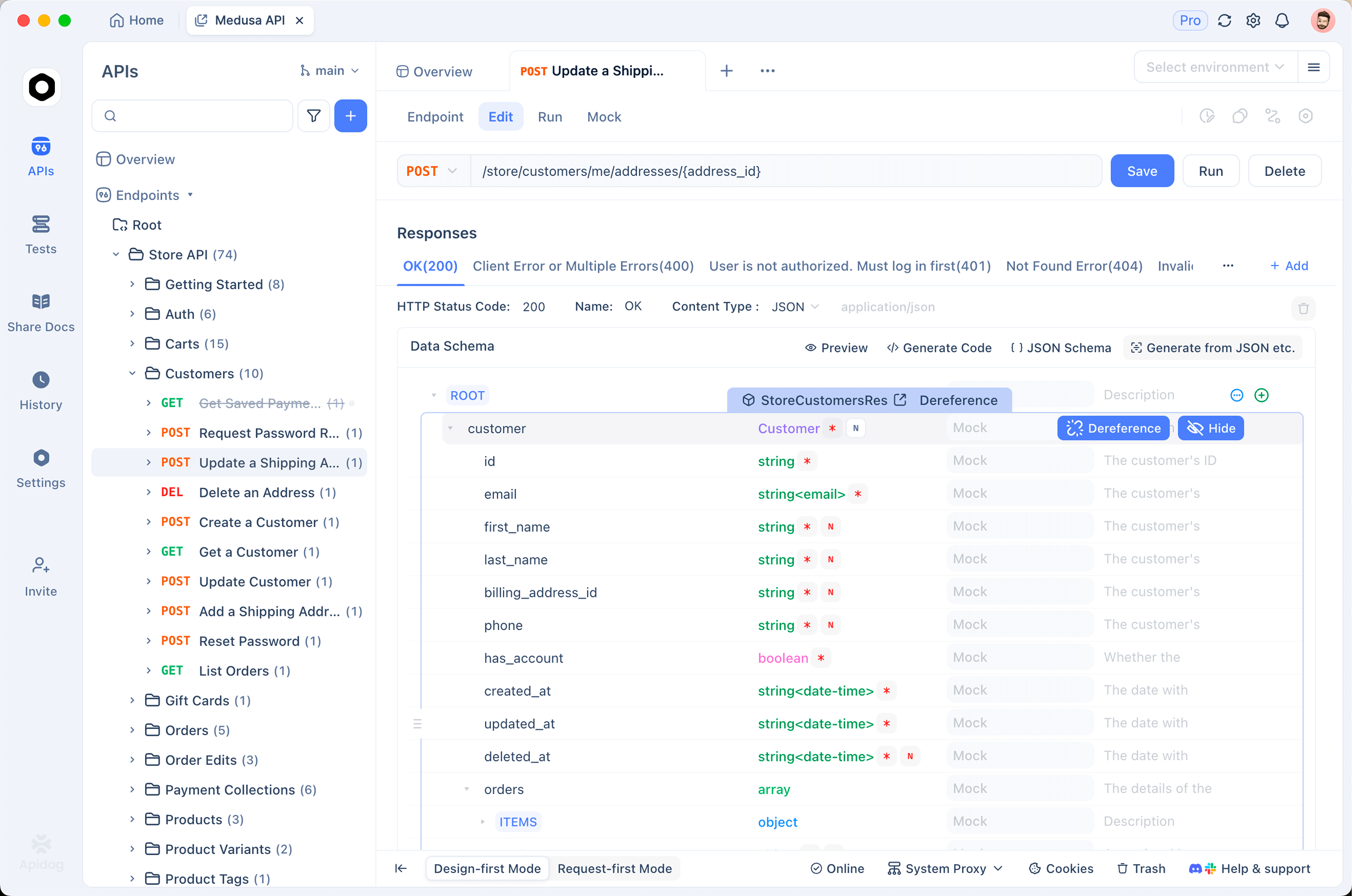
1. Define your endpoint and schema. Create an endpoint like GET /products and describe the response fields: id, title, price, stock, category. You can do this by hand or import an existing OpenAPI/Swagger file so the mock matches your real contract.
2. Let smart mock generate the data. Apidog reads your field names and types, then produces sensible values automatically. A field named email returns an email, price returns a number, createdAt returns a date. There’s no need to write fixtures by hand. If you’ve used Faker before, this is the same idea built into the platform. The guide on generating mock data from OpenAPI schemas walks through the schema-driven side in detail.
3. Customize values and edge cases. Need a specific range for price, a fixed enum for status, or a deliberate 500 response to test error handling? You set rules per field and per response. This is the part hosted APIs can’t do, because you own the definition.
4. Run the mock server and call it. Apidog gives you a live URL. Point your frontend at it exactly like you’d point it at DummyJSON, except now every field and status code is yours:
curl https://<your-mock-host>/products?limit=5
Because the mock is generated from your schema, when your API spec changes the mock changes with it. Your fake data and your real contract never drift apart. If you want more realistic, varied datasets, the approach in creating realistic API test data pairs well with mock-driven development.
The honest trade-off: DummyJSON wins on speed for a throwaway demo, since there’s nothing to configure. Apidog wins the moment you need your own schema, persistent-feeling writes, controllable errors, or a mock that stays in sync with the real API you’re going to ship.
Frequently asked questions
Is DummyJSON free to use?
Yes. DummyJSON is free and needs no API key. You can call its public endpoints directly from a browser, curl, or your app. Like any shared free service, it’s meant for prototyping and learning, not production traffic or load testing.
Does DummyJSON save the data I create or update?
No. POST, PUT, PATCH, and DELETE requests return a response that looks successful, but nothing persists on the server. The next read returns the original data. When you need writes that actually stick, build your own mock. The guide to mock APIs explains the difference between simulated and stateful mocking.
What’s the difference between DummyJSON and a mock server?
DummyJSON is a fixed, hosted dataset everyone shares. A mock server, like the one in Apidog, runs against your schema and returns data and status codes you define. Use DummyJSON for generic demos, and a mock server when the data has to match your own API.
Can I get realistic data instead of obvious placeholders?
Yes, if you generate it from a schema. Schema-driven tools read your field names and types and produce believable values automatically, so an email field looks like an email and a price looks like a price. That’s the main reason teams move from a fixed fake API to their own mock.
Conclusion
DummyJSON is a solid free fake REST API. It’s the quickest way to render a UI against realistic-looking products, users, and carts without writing a line of backend code, and for tutorials or quick prototypes it’s hard to beat. The limits show up when you need your own fields, writes that persist, controllable errors, or data that tracks your API contract.
When you reach that point, generate your own custom fake REST API instead of borrowing a fixed one. Apidog lets you define the schema, mock realistic data from it automatically, and keep the mock in sync with the API you’ll ship. Try it free and turn your spec into a working mock in minutes.