

Postman is better downloaded as a standalone application rather than as a Postman online tool because it is a native application. Native applications are not limited to a particular browser or application, and are designed to be system-specific rather than application-specific.
For instance, installing an extension from the Chrome Web Store would only run on that browser and not others. In contrast, Postman as a standalone application takes support only from the operating system and is not dependent on other applications. It is like any other software application, such as a game or antivirus, that can be installed on your system and offers an optimized experience for API testing.
Postman also supports automated testing and collaboration features, allowing team members to collaborate more easily on API development and testing. Postman is available for Windows, MacOS, and Linux systems. In the following sections, we will explain how to download and install Postman on Windows and MacOS.
To install Postman, go to the official website and click Download for Mac / Windows / Linux depending on your platform.
Official website: https://www.postman.com/downloads/
How to Download and Install Postman for Windows
Here is the detailed guide to help you download and install Postman on Windows, if you are a beginner developer, check it now.
To download Postman for Windows, follow these steps:
Step 1. You can select "Postman for Windows" and follow the below steps to download Postman for free.
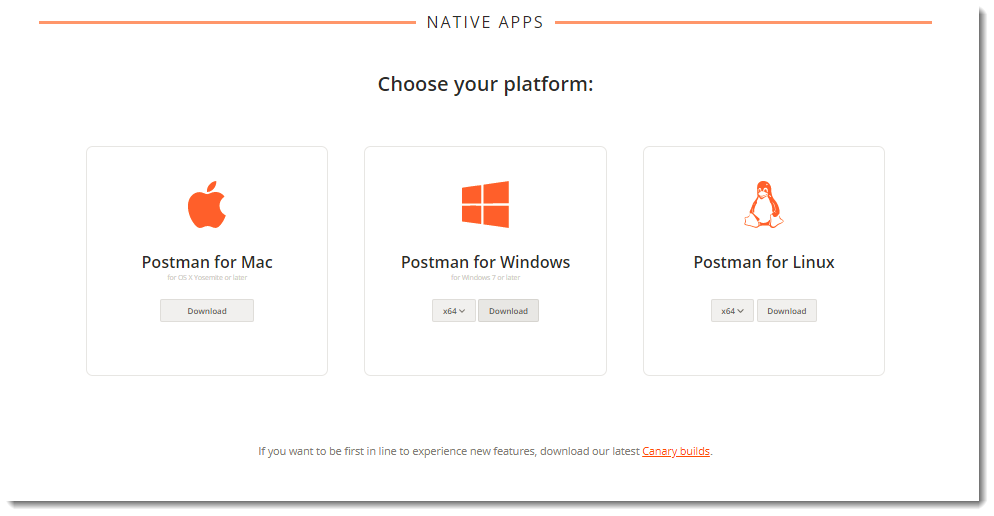
Here is a download x64-Windows as an example.
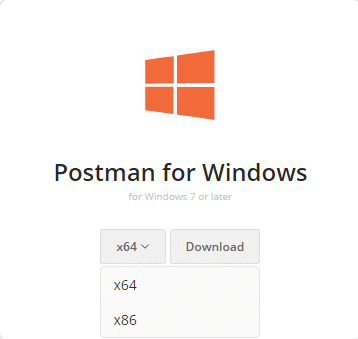
Step 2. Just click "Download" and start automatically. Please wait for it to finish.
Step 3. Once the download is complete, open the downloaded file. Click on the exe file to install Postman in Windows.

In the previous section, we successfully downloaded the Postman installation program. Next, we will show you how to install Postman on a Windows system.
Step 4. A window will appear asking for your permission to change your device. Click on "Yes" to continue.
Step 5. Click the "Next" button to enter the installation options page. Follow the instructions on the screen to complete the installation process.
Once the installation is complete, you can open Postman and start using its various features.
How to Download and Install Postman for Mac
To download Postman on MacOS, follow these steps:
Step 1. When you open Postman's official download page at the above URL, click the " Download " button.
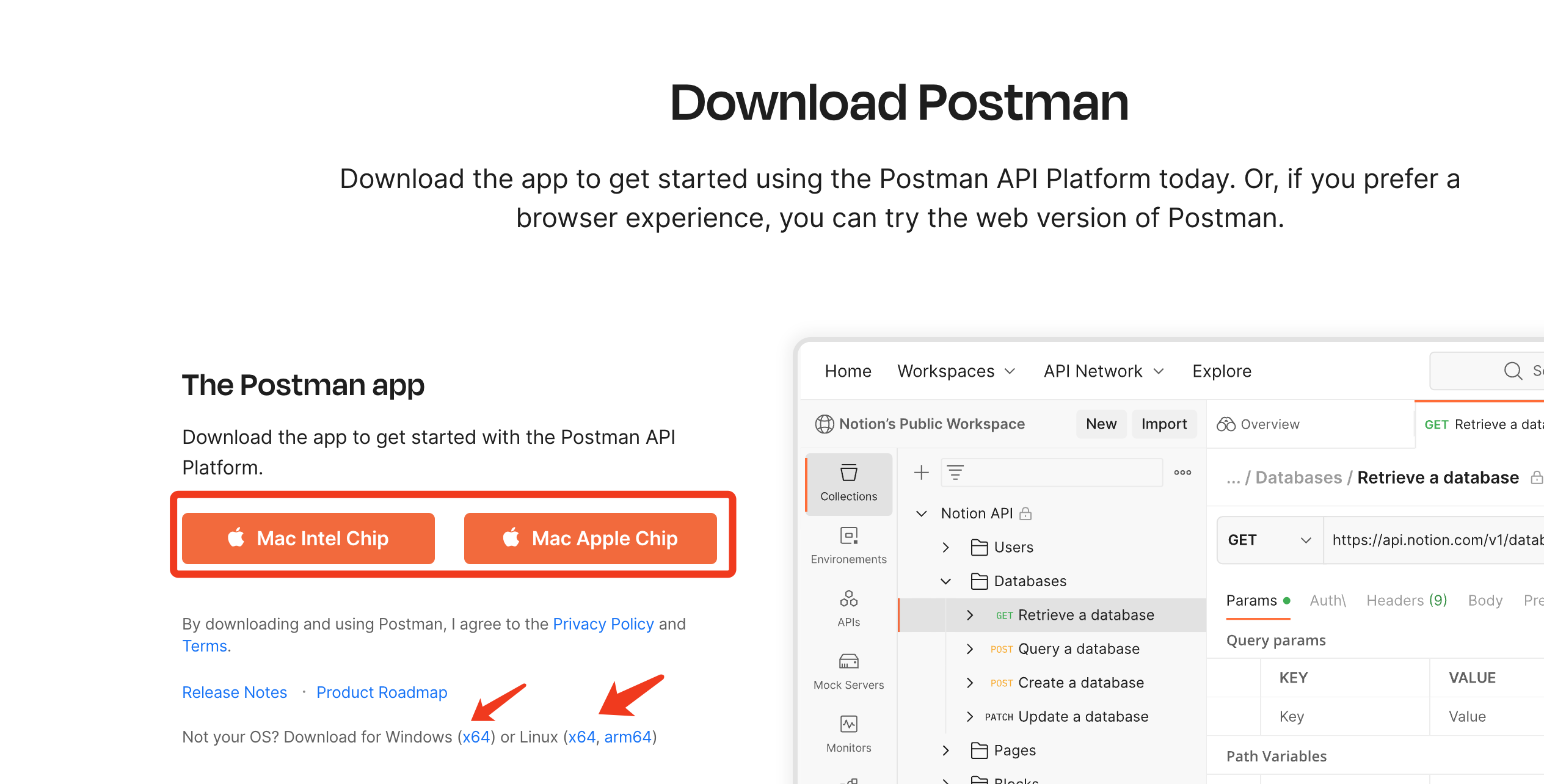
Step 2. The Postman installation files will start downloading.
Step 3. Once the download is complete, locate and opened the downloaded installation file.
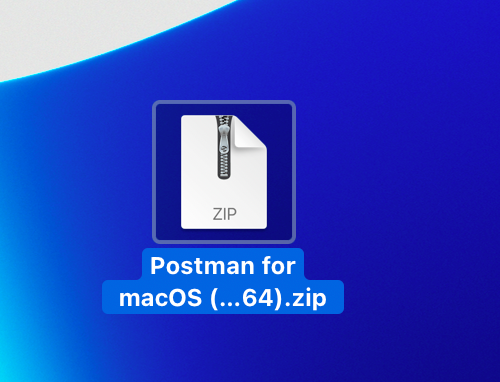
Step 4. Double-click on the file to begin the installation process.
That's it! You have installed Postman on MacOS and are ready to start using it.
Note: You may encounter a security warning when opening the app for the first time. If so, follow these steps:
- Go to System Preferences on your MacOS.
- Click on Security & Privacy.
- Click on the General tab.
- Click on the lock icon in the bottom left corner and enter your password.
- Under the "Allow apps downloaded from" section, select "App Store and identified developers".
- Close the Security & Privacy window and try opening the Postman app again.
Once you have successfully installed and opened Postman on your MacOS, you can start using it to test and develop APIs.
 Steven Ang Cheong Seng
Postman Alternative: Apidog
Apidog is a robust and user-friendly tool that provides an alternative to Postman for API testing and documentation. With Apidog, developers can create, edit, monitor, share whole API collections, and perform tests hassle-free.
Apidog is free to download, and with continuous community support, developers can freely customize and adapt it to their requirements. Its intuitive interface and immaculate features make it an ideal tool for managing APIs, testing, and collaboration.
If you're looking for a Postman alternative, we recommend giving Apidog a try, and you can download it effortlessly from their official website.
Weighing whether to stay on Postman after the March 2026 plan change? See Postman alternatives in 2026, eight tools compared with current pricing.


