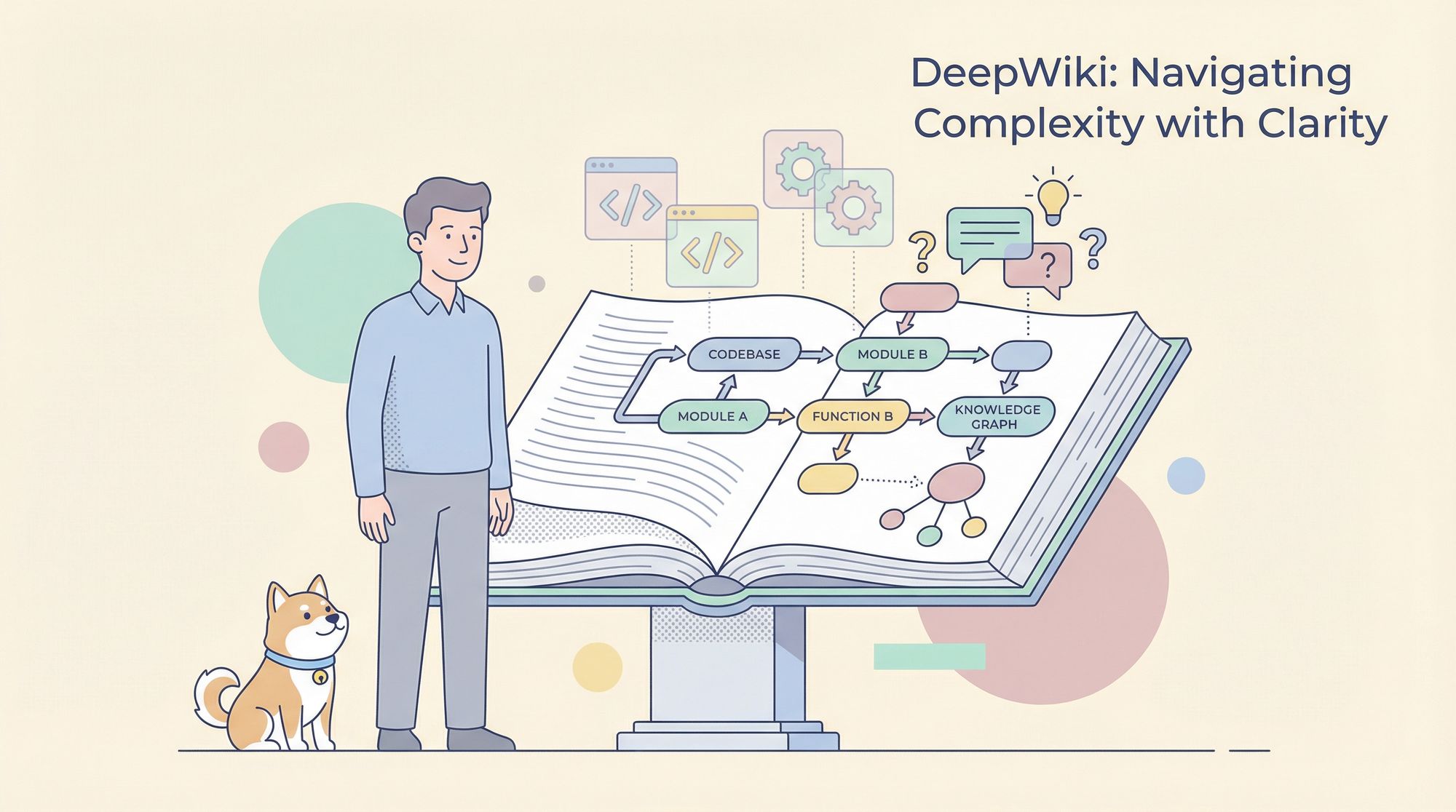
Imagine diving into a complex GitHub repository and instantly understanding its architecture, code logic, and purpose—without endless scrolling or cryptic comments. DeepWiki, a platform by Cognition AI, aims to make this vision a reality for developers, API engineers, and open-source teams. By simply swapping "github" for "deepwiki" in any public repo URL, you unlock an AI-powered documentation experience, complete with interactive diagrams and instant answers from a dedicated AI assistant.
💡 Looking for an API testing tool that generates beautiful API documentation? Want a unified platform for your dev team to work efficiently with maximum productivity? Apidog delivers everything you need, replacing Postman at a more affordable price!
What Is DeepWiki? A New Way to Explore GitHub Repositories
Developers often waste hours trying to decipher poorly documented repositories. DeepWiki solves this by instantly generating a comprehensive, wiki-style overview for any public GitHub repo. Built by the creators of Devin—the AI coding assistant—DeepWiki acts like a technical librarian, distilling thousands of lines of code into clear, actionable insights.
For example, with just one click, you can generate a DeepWiki for any repository, like the [WebGL Scroll Sync Repo](https://t.co/bhm1xVCQvk pic.twitter.com/mV5vQQqTS5) (see the announcement). Whether you’re onboarding to a new project or evaluating open-source code, DeepWiki makes understanding repositories effortless.
DeepWiki: Which repo would you like to understand?
Scale and Impact:
- Indexes over 30,000 public repositories
- Analyzes 4 billion+ lines of code
- Powered by $300,000+ in compute investment
- Designed for both new and experienced developers
How DeepWiki Works: Fast, Frictionless Documentation
Getting started is simple:
- Take any public GitHub URL:
github.com/owner/repo - Replace "github" with "deepwiki":
deepwiki.com/owner/repo - Access a full-featured wiki page loaded with insights
Here’s what DeepWiki delivers (see live example):
-
Rich AI-Generated Documentation:
DeepWiki analyzes code, READMEs, and config files to generate easy-to-read explanations. It maps out the codebase structure, highlights key modules, and clarifies dependencies—no more guesswork. -
Interactive Visual Diagrams:
Visualize the architecture with clickable class hierarchies, dependency graphs, and workflow charts. These diagrams help developers quickly grasp how components interact. -
AI Chat Assistant (Powered by Devin):
Highlight any code or description, and ask context-aware questions like “How does this function work?” or “How can I contribute?” The AI assistant pulls answers directly from the codebase. -
Deep Research Tools:
DeepWiki can identify bugs, suggest optimizations, and even compare repos—giving you the advantage of an expert code reviewer on demand.
Access and Collaboration:
- Free for all public repositories—no signup needed
- Shareable links for wikis and AI-generated answers
- For private repos, sign in with a Devin account
"You can share wikis and answers to keep everyone on the same page. Just copy the link. Check out the 30,000 repos already live: https://t.co/b8L2ZDUiTO pic.twitter.com/fx8hJfh7d7"
— Cognition (@cognition_labs) April 25, 2025
Technical Stack:
DeepWiki leverages advanced AI, code analysis, and cloud infrastructure to process massive codebases, making them instantly approachable for teams of any size.
DeepWiki in Practice: Real-World Example
Let’s say you’re evaluating a machine learning library with a dense README and tangled code. Instead of manual exploration, you open the DeepWiki version of the repo (try it here):
- Module Breakdown: Each module is summarized with usage examples.
- Architecture Diagrams: Instantly see how data flows through the system.
- Conversational Q&A: Ask, “How does gradient optimization work here?” and get an answer linked to the relevant code.
Within minutes, you understand the project’s core logic and can confidently contribute or make architectural decisions.
DeepWiki isn’t just for individual developers. It empowers open-source maintainers to automate documentation, making their projects more accessible to contributors. Educators can use real codebases as teaching tools, bridging the gap between theory and practice.
Why DeepWiki Matters for API and Backend Developers
- Accelerates onboarding to unfamiliar codebases
- Reduces time spent deciphering undocumented logic
- Helps QA and backend teams trace dependencies and spot issues
- Makes collaboration and code reviews more effective
For API-focused teams, DeepWiki complements your workflow by making backend and interface documentation transparent and interactive. Tools like Apidog further streamline this process—offering an all-in-one platform for API design, testing, and collaborative documentation.
Key Takeaways
DeepWiki redefines how developers interact with GitHub repositories. Its AI-driven documentation, visual diagrams, and conversational assistant transform complex code into clear, actionable knowledge. For API developers and backend teams, this means faster onboarding, better code understanding, and more effective collaboration.
Next time you’re navigating a challenging GitHub repo, try DeepWiki—just swap the URL and let AI guide you. And if you need a modern API documentation and testing platform, explore Apidog’s solutions for seamless team productivity and cost savings (learn more, compare with Postman).