Run Cursor on Your Phone: How to Build, Test, and Manage Code with AI and Apidog
Running advanced AI coding tools like Cursor on your phone is now a practical reality. For API developers, backend engineers, and technical leads, this unlocks new ways to code, review, and manage projects on the move—without sacrificing power or security. This guide shows you exactly how to set up and use Cursor on mobile, optimize your mobile coding workflow, and enhance your experience with Apidog for seamless API integration and testing.
💡 Before you dive in, [download Apidog for free](
) to streamline API management and complement your mobile development toolkit.
Why Run Cursor on Mobile? Developer Use Cases
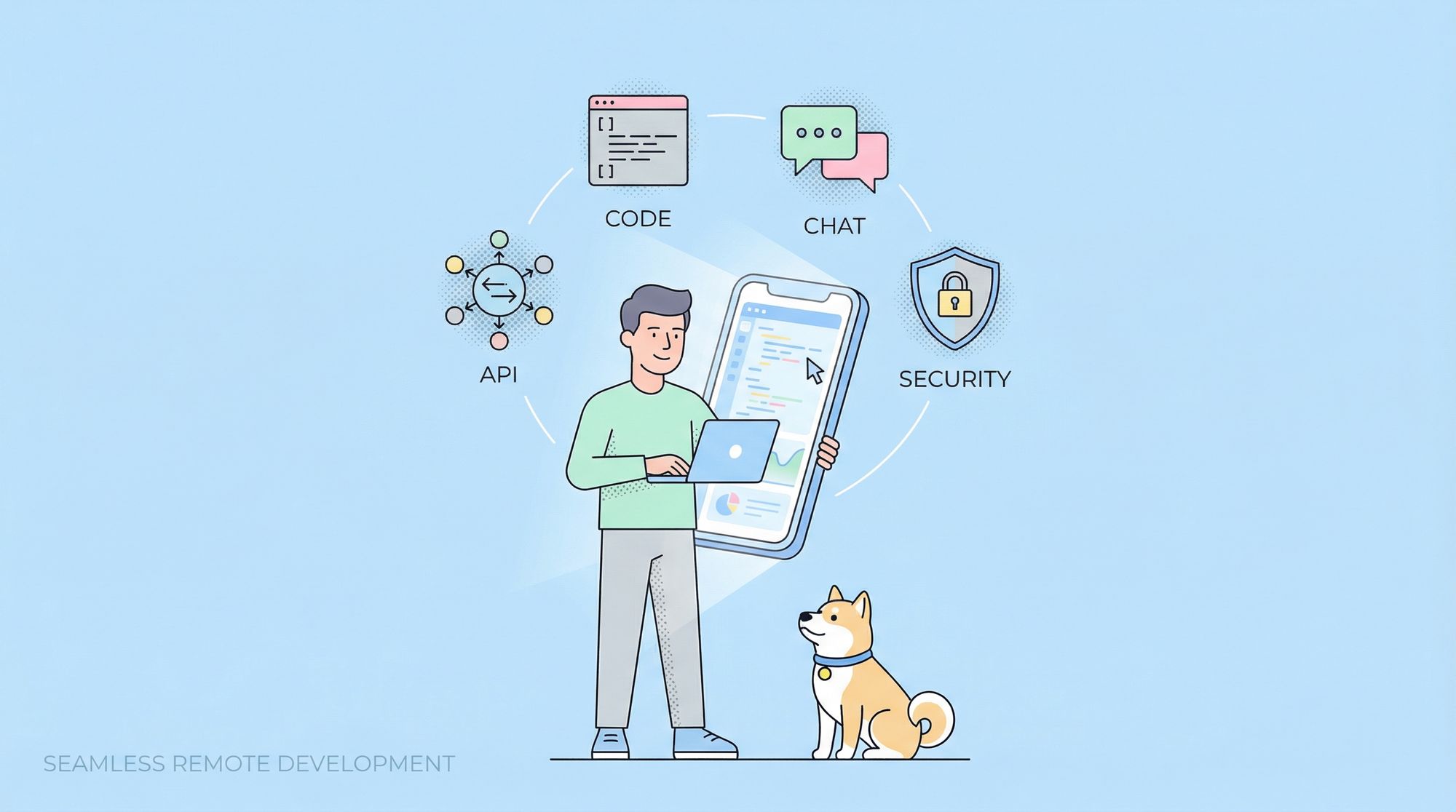
Imagine reviewing pull requests during your commute, triggering AI agents to fix bugs while at a client site, or testing API endpoints between meetings—all from your phone. Cursor’s web-based architecture, now optimized for mobile, enables:
- Real-time code editing and review with syntax highlighting
- Background agent execution for asynchronous coding tasks
- Mobile-first workflows for repository management and team collaboration
- Integration with tools like Apidog for instant API testing and validation
Whether you’re an API developer or a technical lead, mobile access to Cursor keeps you productive wherever you are.
How Cursor Delivers a Native Coding Experience on Mobile
Cursor’s web platform is built as a Progressive Web App (PWA), meaning you get the speed and feel of a native app—without a heavy install.
Key Technologies Behind Cursor Mobile
- Progressive Web App (PWA): Offers installable, offline-capable access from any modern browser.
- WebAssembly (WASM): Enables high-speed code execution directly in your mobile browser.
- Service Workers: Manage offline use and background sync, so coding isn’t interrupted by spotty connections.
- Advanced Web APIs: Mobile browsers now support file system access, clipboard integration, and push notifications, allowing robust code editing and real-time updates.
This technical stack means you can edit, run, and manage code repositories directly from your phone, with the same reliability and features as the desktop app.
Setting Up Cursor on Your Mobile Device
Getting started is fast and secure:
- Open your mobile browser (Chrome, Safari, Firefox, or Edge).
- Go to cursor.com/agents.
- Install as a PWA:
- On iOS, tap the Share icon and select “Add to Home Screen.”
- On Android, tap the install banner or use the browser menu to “Install App.”

This adds Cursor to your home screen for instant access. After launch, you’ll automatically sync with your Cursor account—repositories, projects, and agent configurations are ready to use, no manual transfer required.
Core Features: What You Can Do with Cursor on Mobile
Cursor isn’t a stripped-down version on mobile—nearly all essential features are available, optimized for touch:
- AI Agents: Write code, answer complex queries, and generate scaffolding—all asynchronously.
- Background Tasks: Start bug fixes, code reviews, or analysis jobs while you multitask. Get notified when they finish.
- Repository Management: Branching, commits, and merge conflict resolution with intuitive touch gestures (swipe, pinch-to-zoom, long-press).
- Advanced Code Review: See color-coded diffs, inline comments, and split-screen layouts for side-by-side code and docs.
Example: On a train, you can start an AI agent to refactor a function, then get a push notification when the job is done—without ever opening your laptop.
Power Workflows: Advanced Development on the Go
Mobile doesn’t mean compromise. Cursor’s mobile tools support even complex, large-scale projects:
- Slack Integration: Trigger AI agents from Slack or receive notifications when background tasks complete—stay in sync with your team.
- Parallel Agent Execution: Launch multiple agents to solve the same problem, compare results side by side, and choose the best approach.
- Full Git Support: Perform rebase, cherry-pick, and interactive staging from your phone, using visual diff tools designed for small screens.
Integrate Cursor with Your API Toolchain (Why Apidog Matters)
Modern development is all about integration. With Cursor’s open APIs and Apidog’s mobile-friendly interface, you can:
- Review and Test APIs: Instantly check documentation, test endpoints, and validate responses while coding or reviewing on Cursor.
- End-to-End Workflow: Use Apidog on mobile to debug backend services or monitor API health without leaving the Cursor environment.
- Container & Database Management: Start Docker containers, check logs, or run SQL queries—all from your phone, keeping your stack running wherever you are.
Apidog seamlessly fits into this mobile-first workflow, giving full-stack and backend teams the flexibility to manage APIs on the fly.
Optimizing Performance: Faster, Smoother Mobile Coding
Cursor employs several techniques to keep mobile coding fast and efficient:
- Predictive Loading: Frequently used code snippets and agent data are cached locally.
- Smart Memory Management: Unused agents and background tabs are suspended to save RAM.
- Delta Sync and Compression: Only changed data is sent, reducing bandwidth use and speeding up sync—even on weak connections.
- Progressive Loading: UI elements appear as soon as they’re ready, so you’re never left waiting.
Security: Keeping Code Safe on Mobile Devices
Mobile introduces unique risks, but Cursor’s architecture is built for security:
- OAuth 2.0 Authentication: Secure sign-in with support for biometrics where available.
- Role-Based Access Control: Permissions stay consistent between mobile and desktop.
- Encrypted Communication: All code and data transfers use strong encryption; certificate pinning guards against interception.
- Audit Logging: All repository access and changes are tracked for compliance.
Rest assured that your code, credentials, and collaboration are protected, even on the go.
Team Collaboration and Project Management Anywhere
Effective team coordination doesn’t stop at the desktop:
- Live Collaboration: Edit files simultaneously with teammates, with visual indicators of who’s working where.
- Pull Requests: Review, comment, and merge changes from your phone. Get notifications for new reviews or approvals.
- Project Tracking: Connect to project management tools for real-time updates, task assignments, and milestone progress.
Troubleshooting Common Mobile Issues
Mobile work can encounter unique challenges. Here’s how to address them:
- Network Drops: Cursor’s offline-first design caches work and syncs changes automatically when you reconnect.
- Older Devices: The UI adapts to device performance; background processes are throttled as needed.
- Touch Precision: Gesture recognition and adjustable UI scaling help avoid accidental taps and make small elements easier to use.
Conclusion: Mobile Coding with Cursor and Apidog
Running Cursor on your phone is more than a convenience—it’s a leap forward in remote, AI-powered development. When paired with Apidog, you can manage APIs, review code, and collaborate on projects from anywhere, without missing a beat.
To get started, make sure your browser is up to date, your connection is reliable, and you’re familiar with Cursor’s web interface. Explore how Apidog can streamline your API workflows and unlock the full power of mobile coding.
[Download Apidog now](
) to enhance your mobile development experience.