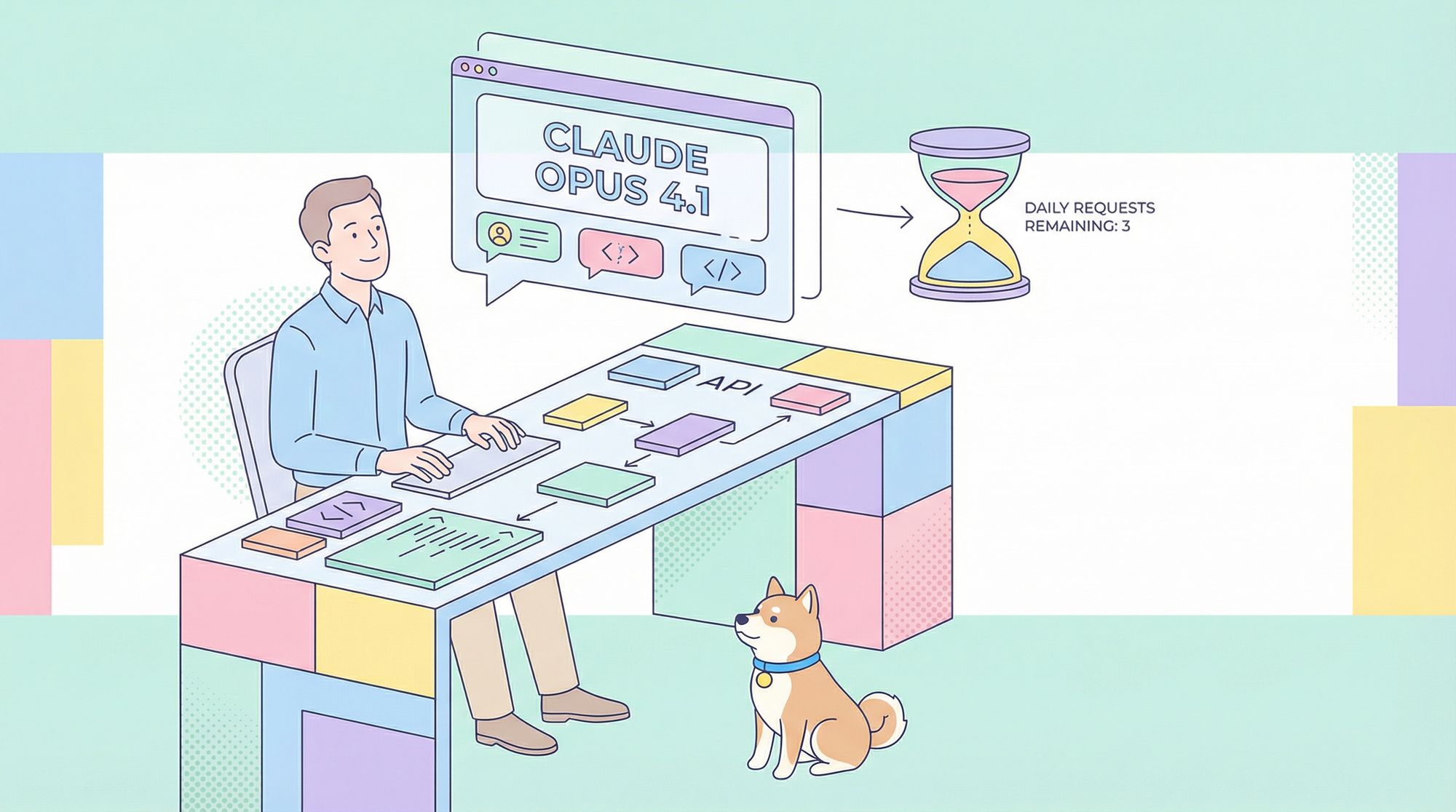
Unlocking advanced AI models like Claude Opus 4.1 can transform how you prototype, test, and refine APIs or backend systems. Anthropic now offers limited free access to Claude Opus 4.1 through the claude.ai web interface—an opportunity for technical teams to experience state-of-the-art AI without upfront investment.
Before you start:
Download Apidog for free. Apidog streamlines API testing and prompt engineering, making it easier to organize, test, and track your Claude interactions within your workflow.
This guide walks you through accessing Claude Opus 4.1, understanding its free-tier structure, setting up your account, and maximizing your limited daily requests. We’ll also show how Apidog can fit seamlessly into your workflow, helping you get the most out of every AI session.
What Is Claude Opus 4.1? Key Features for Technical Users
Claude Opus 4.1, developed by Anthropic, is a high-performance AI language model engineered for:
- Complex reasoning and code analysis
- Content generation with large context windows
- Step-by-step "extended thinking" outputs—ideal for debugging or requirement breakdowns
Opus 4.1 incorporates advanced safety protocols, ensuring ethical and accurate responses even in technical scenarios. Compared to previous Claude models, it delivers higher-quality, context-aware answers and supports deeper, multi-step problem solving.
Why does this matter to API and backend engineers?
- Supports detailed discussions about architecture, protocols, and workflow automation
- Handles large code snippets or multi-part technical prompts
- Extended thinking mode makes it easier to debug, trace logic, or generate structured documentation
All interactions occur within a clean chat-style interface at claude.ai, making rapid prototyping and iterative Q&A straightforward.
Claude Opus 4.1 Free Access Policy Explained
Anthropic’s promotional free tier for Claude Opus 4.1 includes:
- 3 standard requests/day: For concise, straightforward prompts
- 3 extended thinking requests/day: For prompts requiring breakdowns, visible reasoning, or stepwise outputs
This policy is valid until September 15, 2026. After this date, continued access will require a paid subscription.
Details for Developers:
- No payment info needed to get started
- Usage counters are visible for each request type
- Extended thinking is toggled in the interface, giving granular control over your usage
This free access period is designed for technical users to evaluate Claude’s capabilities in real-world projects and provide feedback.
Step-by-Step: Signing Up for Free Claude Opus 4.1 Access
Here’s how to unlock your daily requests:
-
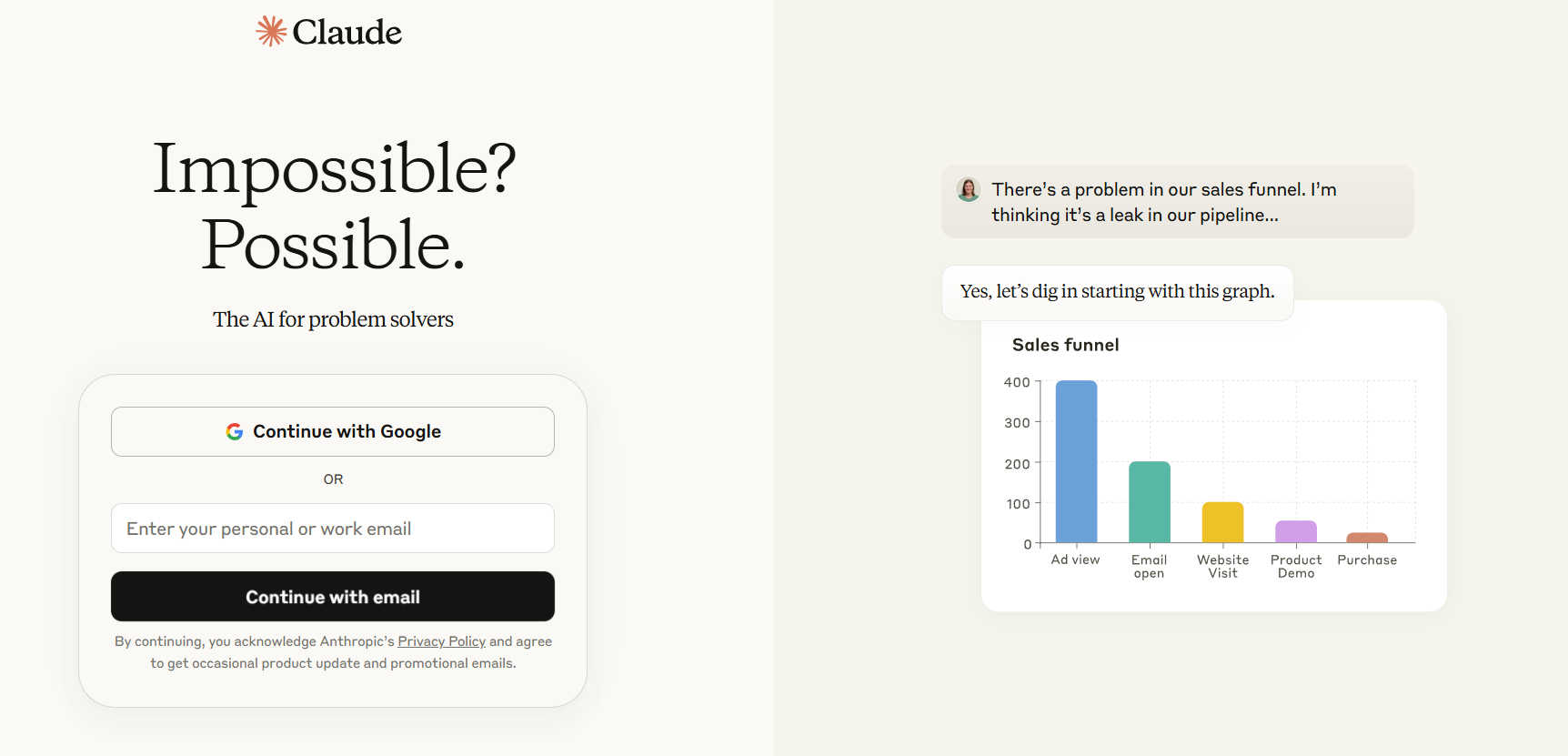
Go to claude.ai in your browser.
-
Click the "Sign Up" button (top right corner).
-
Register with your email and create a password.
-
Check your inbox for a confirmation email from Anthropic.
- Didn’t see it? Check your spam folder.
-
Click the verification link in the email to activate your account.
-
Log in with your credentials.
Once inside:
-
Navigate to the model selection dropdown.
Select "Claude Opus 4.1" from the list.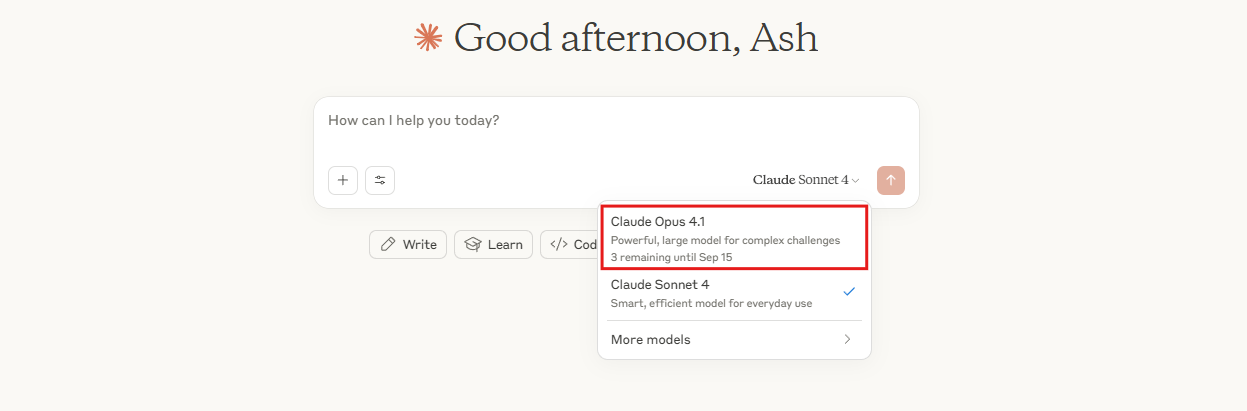
-
Verify your available free requests.
The interface displays counters for standard and extended thinking requests.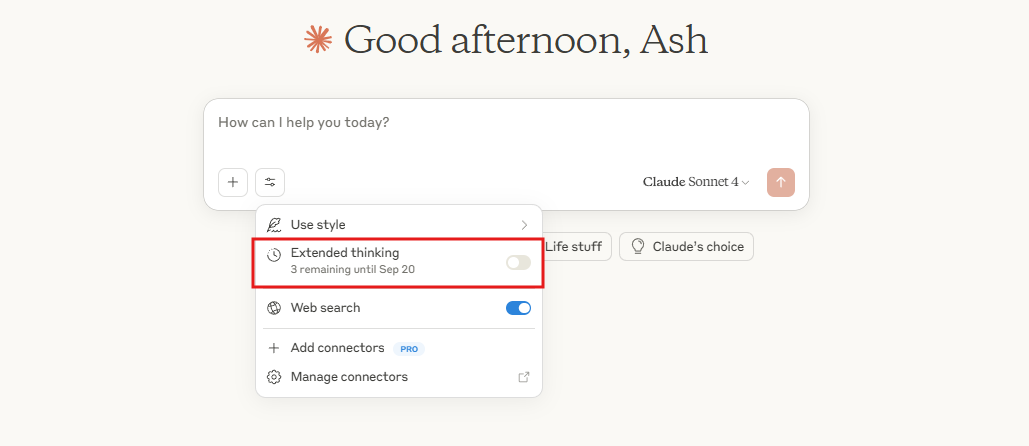
Troubleshooting tip:
Enable cookies in your browser for a seamless signup experience.
Making Your First Request: Using Claude Opus 4.1 for API & Code Tasks
With your account active, you’re ready to interact:
-
Open the chat interface.
-
Type your query in the prompt box. For example:
Describe the architecture of Claude Opus 4.1.
Press Enter. -
To use extended thinking mode:
- Toggle the option in settings before submitting your prompt.
- The model will display intermediate reasoning steps before the final answer.
-
Monitor your usage counters.
Each request (standard or extended) reduces the corresponding daily limit.
Tip:
Ask follow-up questions within the same chat to maintain context—great for multi-step technical explorations or API design iterations.
Maximizing Your Daily Free Requests: Pro Tips for Developers
With only 3 standard and 3 extended requests per day, efficient use is key:
-
Craft precise prompts:
Instead of "Help with API design," try "List RESTful best practices for designing a user authentication API, in bullet points." -
Reserve extended thinking for deep dives:
Use extended mode when troubleshooting complex issues, reviewing code, or generating in-depth documentation. -
Batch related questions:
Combine multiple related queries in a single prompt to conserve your request quota. -
Pace your usage:
Spread requests throughout the day—don’t use all in the morning if you anticipate further needs later. -
Save and export important chats:
Claude.ai allows you to export conversations. Apidog can help you organize and annotate these for future project reference. -
Watch for usage alerts:
The interface notifies you as limits approach, so you can prioritize mission-critical queries.
Organizing and Managing Claude Responses Effectively
Efficient API and backend teams treat AI outputs as project artifacts. Here’s how to streamline your Claude workflow:
-
Organize chats in folders:
Categorize conversations by project, feature, or bug. -
Pin key discussions:
Keep critical design decisions or API specs easily accessible. -
Edit and regenerate prompts:
Tweak previous prompts to refine responses—valuable for iterative testing. -
Share chat links with teammates:
Collaborate or get peer review by sharing conversation URLs. -
Analyze response quality:
Track which prompt structures yield the most actionable or accurate results. -
Use search within chats:
Quickly retrieve details from past discussions.
Apidog complements this process by letting you incorporate Claude-generated insights directly into your API test cases and documentation.
Claude Opus 4.1 vs. Other Free AI Models: What Matters for Developers?
How does Opus 4.1 compare to other free options?
| Model | Context Handling | Reasoning Depth | Free Tier Limits |
|---|---|---|---|
| Claude Opus 4.1 | Large | Advanced | 3 std + 3 ext/day |
| Claude Sonnet | Medium | Moderate | Unlimited |
| Other free LLMs | Varies | Basic–Moderate | Often unlimited |
- Opus 4.1 is temporarily restricted, but excels in technical accuracy and problem-solving.
- Sonnet or basic models offer unlimited queries but lack depth for complex engineering use cases.
Switch between models in the interface to compare outputs for your own prompts.
Preparing for Post-Free Period: Next Steps for Technical Teams
The free trial for Claude Opus 4.1 ends on September 15, 2026. Plan ahead:
- Evaluate paid plans on claude.ai for continued access and higher limits.
- Compare with other enterprise AI solutions to ensure the best fit for your team’s workflow.
- Document your learnings and use cases during the free period to inform purchasing decisions.
Apidog can help you export and structure these case studies, making the transition to paid or alternative solutions smoother.
Developers who have already explored direct Opus 4.1 access will find that Rovo Dev's 20-million-daily-token quota offers a different route suited to teams running heavier agentic workloads.
Key Takeaways: Get the Most from Claude Opus 4.1
- Free access to Claude Opus 4.1 on claude.ai enables advanced AI experimentation for API and backend teams until September 15, 2026.
- 3 standard and 3 extended thinking requests per day support both quick queries and deep technical problem-solving.
- Optimize your prompts, organize outputs, and leverage Apidog to streamline your workflow and maximize every interaction.