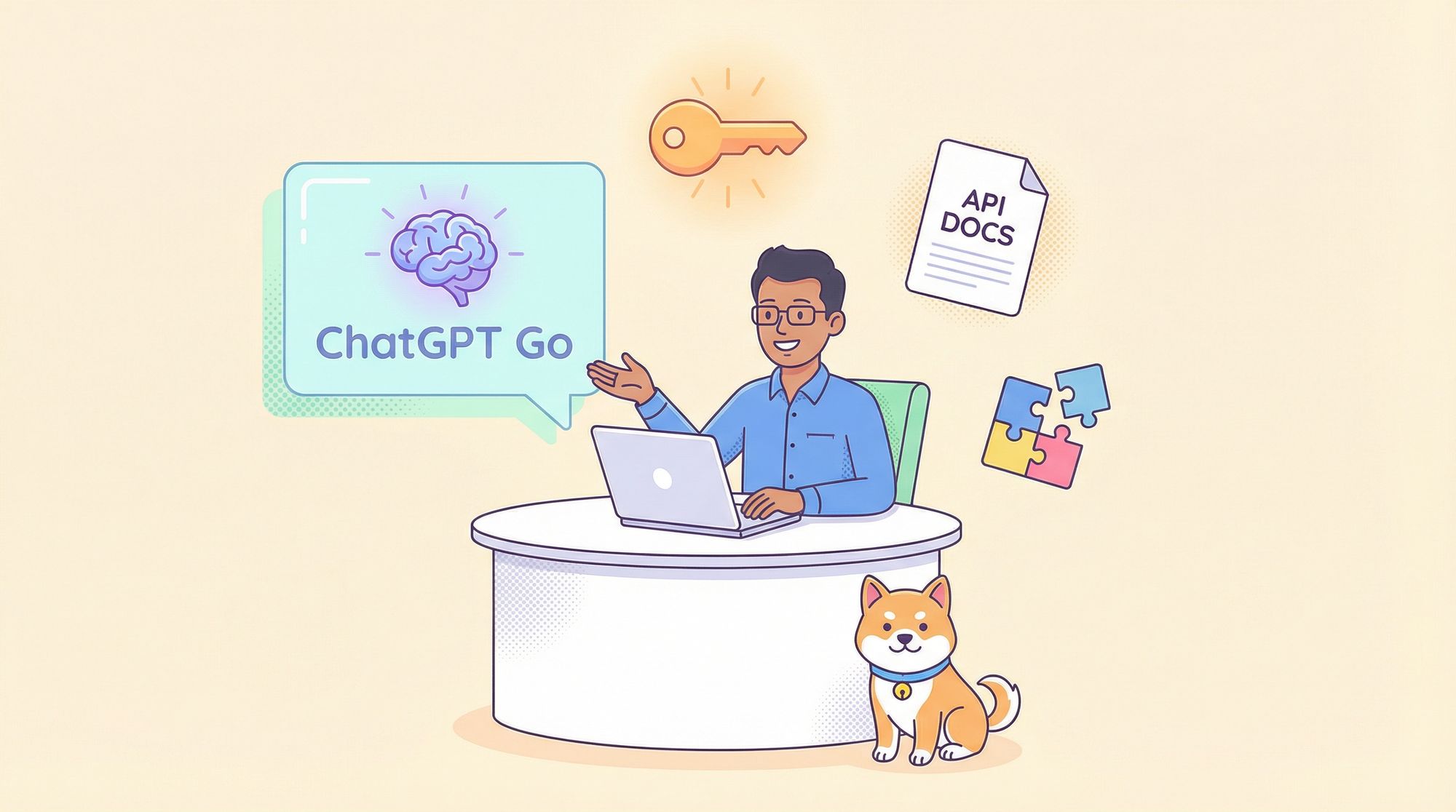
The recent launch of ChatGPT Go’s 12-month free offer in India is a game-changer for developers, API engineers, and technical teams. For the first time, advanced AI features—once behind a paywall—are widely accessible to the Indian tech community, unlocking new possibilities for productivity, automation, and smarter API workflows.
This guide covers everything you need to know to claim your free ChatGPT Go subscription, understand its feature set, and maximize this opportunity—especially when paired with Apidog, a free-to-start API development platform that integrates directly with AI coding assistants for seamless, AI-powered workflows.
What Is ChatGPT Go? Key Features for API Developers
ChatGPT Go is OpenAI’s affordable subscription tier aimed at providing expanded access to its most popular AI tools. For eligible users in India, this plan is now free for 12 months—making it an essential resource for developers and technical teams working with APIs, backend systems, and automation.
Core Features of ChatGPT Go (Free for 12 Months):
- Extended GPT-5 Access: Handle more complex queries and longer conversations. Ideal for debugging, brainstorming, and multi-step problem-solving common in API development.
- Enhanced Image Generation: Quickly create images for technical docs, system diagrams, or UI mockups—supporting clear communication across teams.
- Increased File Uploads: Upload and analyze larger datasets, API specs, or documentation files—perfect for reviewing OpenAPI/Swagger files or reporting formats.
- Advanced Data Analysis Tools: Use Python-based tools to process logs, test data, or metrics. Speeds up API response analysis and troubleshooting.
- Expanded Memory Context: AI remembers longer conversations, allowing for ongoing, context-rich assistance during extended development or QA sessions.
- Projects, Tasks, and Custom GPTs: Organize projects, track progress, and build custom AI agents tailored to your workflow or API stack.
Tip: While exploring free AI tools, consider how Apidog connects your API specs directly to AI coding assistants (like Cursor), streamlining API design, testing, and documentation.
Eligibility: Who Can Get ChatGPT Go Free in India?
Before you start, make sure you meet these requirements:
1. Location
- Must be physically in India.
- For Android: Google Play account location set to India.
2. Account Status
- New users: Eligible immediately.
- Free users: Can upgrade at no cost.
- Existing Go subscribers: Get automatic extension (see OpenAI terms).
- Plus/Pro/Business/Enterprise: Must downgrade first.
3. Payment Method
- Credit card or UPI required for signup (₹1 UPI verification fee refunded).
- No charges during 12-month promo; billing starts only after if not canceled.
Important Limitations:
- One redemption per account.
- Canceling forfeits remaining free period.
- Account must be in good standing.
Step-by-Step: How to Claim Your Free ChatGPT Go Subscription
On Web
-
Go to ChatGPT Web
- Visit the ChatGPT website.
- Sign up or log in.
-
Start the Upgrade
- Click “Try ChatGPT Go” from the dashboard, or go to Settings → Account → Try ChatGPT Go.
-
Add Payment Method
- Enter UPI or credit card details (required for future billing, but not charged during promo).
-
Activate
- Subscription activates instantly. Confirm in Settings → Account.
On Android
-
Update the App
- Ensure you have the latest ChatGPT app from Google Play.
-
Choose Upgrade
- Tap “Upgrade to Go for Free,” the “Try Go” badge, or go to Settings → Upgrade to Go for free.
-
Add Payment Method
- Follow the prompts (no charge during promo).
-
Confirm Activation
- Subscription is immediately active for 12 months.
On iOS
- Official Rollout: Starts next week with a guided process in the ChatGPT iOS app.
- Early Access: Upgrade from iOS app settings (confirm no charge in Apple Pay), or redeem via web, then log in to iOS app.
Can You Use a VPN to Access This Offer?
Some developers outside India consider VPNs to access the promotion. Technically possible, but note the risks:
- Use an India-based VPN, create a new account, and set Google Play to India if on Android.
- Payment method may require India-based details.
- This could violate OpenAI’s TOS, risking account suspension.
- Consider ethical and compliance concerns before proceeding.
Maximizing Value: ChatGPT Go + Apidog MCP Server
While ChatGPT Go delivers powerful AI assistance, combining it with Apidog’s free MCP Server transforms how you build, test, and maintain APIs.
What Is Apidog MCP Server?
Apidog MCP Server lets AI coding assistants (like Cursor) access your real API specs from Apidog projects. This means:
- Direct Access to API Docs: Endpoints, schemas, and auth details are always up-to-date for AI tools.
- Accurate Code Generation: Generate code (TypeScript, Python, etc.) based on your actual API specs.
- Natural Language Queries: Ask, “What does the /users endpoint return?” and get precise answers.
- Real-Time Sync: Any change in your API docs is instantly available to your AI assistant.
Example Use Case:
While developing a new endpoint, use ChatGPT Go for code suggestions and troubleshooting. Simultaneously, let Apidog’s MCP Server feed your API structure to the AI, ensuring every suggestion is context-aware and matches your actual API.
Check our step-by-step guide to set up the Apidog MCP Server below.
Conclusion: Unlock Smarter API Development—Free
With ChatGPT Go free for 12 months and Apidog’s permanently free tools, Indian developers now have enterprise-grade AI capabilities at their fingertips, without cost barriers.
Pairing ChatGPT Go’s advanced AI with Apidog MCP Server’s API-aware integration gives your team a unique edge: AI-powered code, documentation, and answers—always grounded in your real API specs and workflows.
Ready to accelerate your API projects? Sign up for Apidog free and experience seamless AI-powered development.