This is a 10-part series sharing how Apidog developed Apidog CLI, a command-line tool for API testing and API lifecycle management. Read in order or jump to any post that interests you:
| Title | Focus | |
|---|---|---|
| 1 | We Built 126 MCP Tools. But It Is Not the Best Solution for Agent | Problem discovery |
| 2 | Why We Developed Brand-new Apidog CLI | Architecture development |
| 3 | The Golden Rule: CLI Produces Facts, Model Acts on Facts | Core philosophy |
| 4 | agentHints: Teaching CLIs to Talk to Agents |
Structured output |
| 5 | SKILL: Shipping Operational Experience as Code | Operational experience |
| 6 | The Numbers Don't Lie: 30% Fewer Tool Calls, 25% Fewer Tokens | Quantitative results |
| 7 | From PRD to Testing Loop: A Complete Agent Workflow with Apidog CLI | Practical tutorial |
| 8 | Why CI/CD Compatibility Is Non-Negotiable for Agent Tools | DevOps perspective |
| 9 | AI Branch: Safer Project Changes with AI Agents | Security layer |
| 10 | Spec-First Was Yesterday. Welcome to Skill-First. | Vision & future |
We Built 126 MCP Tools. Then We Found It Is Not the Best Solution for working on API Development with Agents.
When MCP (Model Context Protocol) became the industry hotspot in early 2025, the question every API product faced was simple: "Do you have MCP?"
For Apidog, we answered yes. We built a complete MCP Server—not just a simple demo. The MCP client would initialize a session, the server would generate a sessionId, and save session state through Redis. It was a protocol-level session system. We divided tools into categories: native project tools, built-in domain tools, and 126 generated tools automatically converted from OpenAPI endpoint definitions.
Apidog MCP continues to work and serve users who need MCP integration. It provides standardized tool connections following the MCP protocol, which is valuable for the ecosystem.
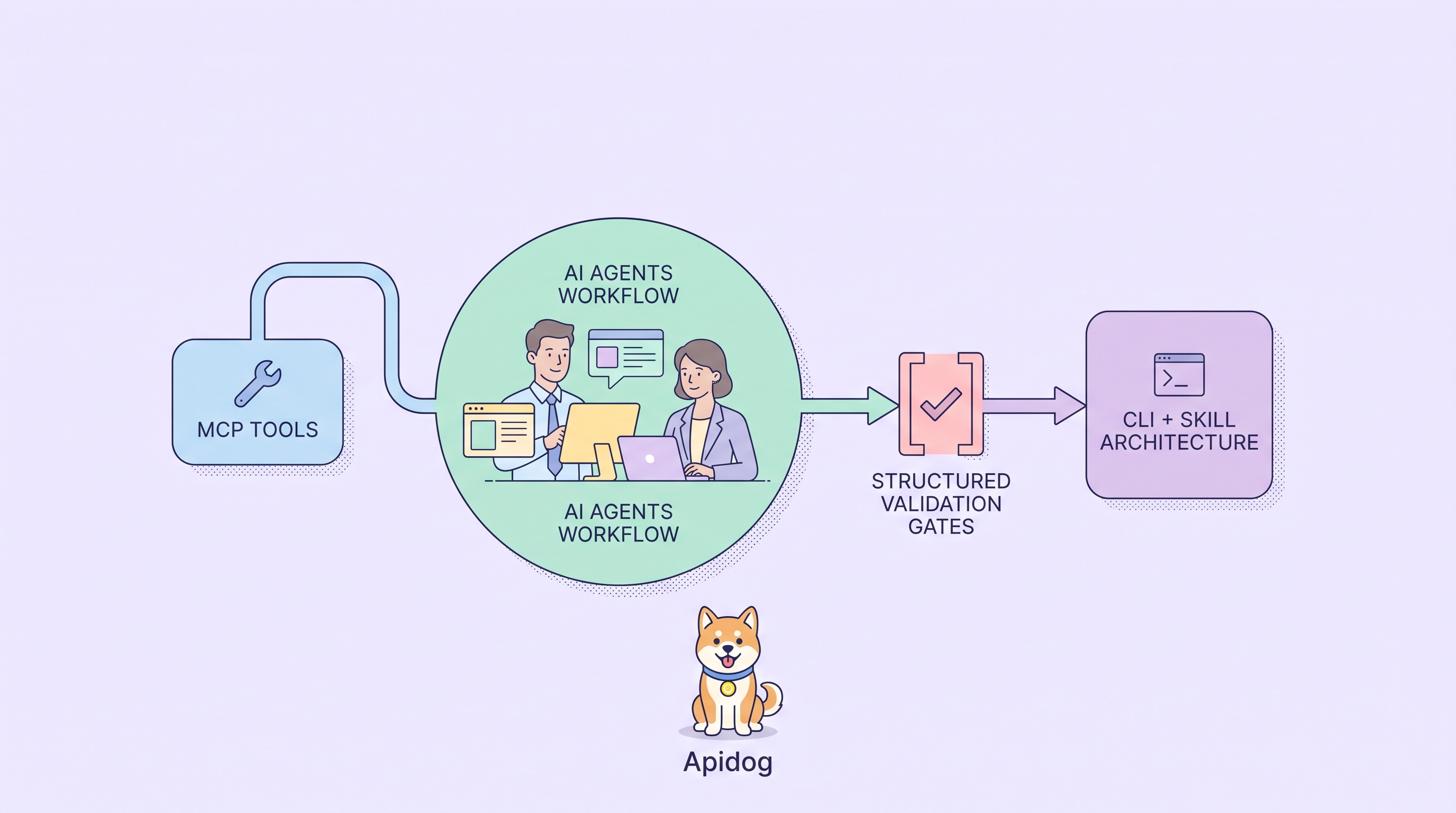
But when we entered real tasks involving complex R&D workflows, we discovered limitations. When a user says "help me add a test for this endpoint and run verification," the Agent faces a wall of random tools—deciding which to use, in what sequence, with what validation.
We realized: MCP excels at connecting tools, but complex R&D tasks need more than tool connection—they need executable engineering processes.
That insight led us to develop Apidog CLI as a better approach—one that handles development workflows better.
What is Apidog CLI?
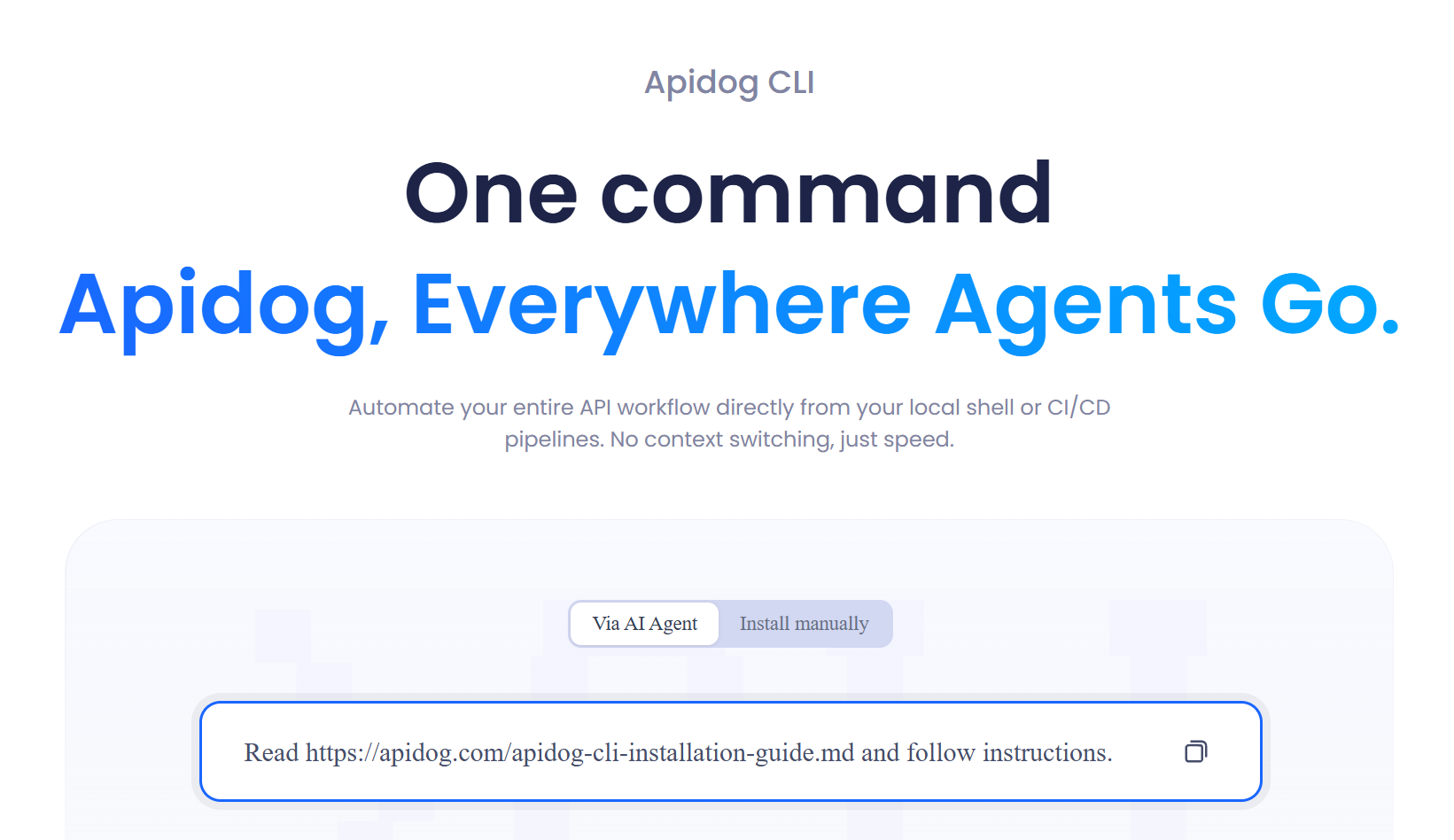
Apidog CLI is a command-line tool for API testing that lets you run test scenarios, manage API documentation, and automate testing workflows directly from your terminal or CI/CD pipelines. Built specifically for AI agents to manage API resources, it goes beyond traditional CLI for API testing—providing structured output, schema validation, and next-step guidance that agents need to execute complex workflows safely. Whether you're running automated API tests in GitHub Actions, generating test cases from code with Claude Code, or maintaining test scenarios across projects, Apidog CLI serves as the bridge between AI agents and your API testing infrastructure.
Quick Start: Try Apidog CLI + SKILL
If you want to try the approach described in this series, here's how to start:
# Install Apidog CLI
npm install -g apidog-cli@latest

# Install companion SKILL for AI Agents
apidog skill install

# Check version (need 2.2.5+ for new capabilities)
apidog -v

# Authenticate
Or ask your AI Agent to install it:
Read the instructions and help me install Apidog CLI:
Your First Agent Task
After installation, give your Agent a small, low-risk task:
Use Apidog CLI to help me create my first API endpoint in Apidog.
First, check my Apidog CLI setup and list the projects I can access.
Ask me which project to use. After I confirm, create a simple GET /health
endpoint named Health Check with a 200 response example. Validate any
structured input before writing, then read the endpoint back and summarize
This gives you a concrete starting point: the Agent checks setup, asks before writing, creates a small API definition, validates before writing, and confirms the saved result.
The Core Architecture
| Layer | Responsibility |
|---|---|
| Apidog | Manages API and test assets (docs, schemas, mocks, tests, reports) |
| CLI | Provides deterministic execution (read, validate, write, run) |
| SKILL | Provides task judgment and operation paths (8 companion Skills) |
| AI Branch | Isolates changes for human review before merge |
| Agents | Understand goals, call commands, adjust based on feedback |
The Safer Loop for Agent-Driven Testing
With AI Branch as the outer safety layer, the complete workflow looks like this:
┌─────────────────────────────────────────────────────────────────────┐
│                        AI BRANCH (Safety Layer)                      │
│  ┌──────────────┐     ┌──────────────┐     ┌──────────────┐         │
│  │  Read Assets │────▶│  Generate    │────▶│  Validate    │         │
│  │  (CLI get)   │     │  (Agent)     │     │  (cli-schema)│         │
│  └──────────────┘     └──────────────┘     └──────────────┘         │
│                                                │                    │
│                                                ▼                    │
│  ┌──────────────┐     ┌──────────────┐     ┌──────────────┐         │
│  │  Run Tests   │◀────│  Read Back   │◀────│    Write     │         │
│  │  (apidog run)│     │  (CLI get)   │     │  (to AI Br.) │         │
│  └──────────────┘     └──────────────┘     └──────────────┘         │
│          │                                                          │
│          ▼                                                          │
│  ┌──────────────────────────────────────┐                           │
│  │         Human Review & Merge          │                           │
│  │   (User confirms before main branch)  │                           │
│  └──────────────────────────────────────┘                           │
This loop matters because many Apidog resources are structured. Test cases and test scenarios include request data, assertions, variable extraction, pre/post processors, step order, and environment references. If an Agent guesses the structure, small mistakes cause failed writes, incomplete display, or tests that don't behave as expected.
Let the Agent generate, let CLI validate, and let AI Branch isolate changes until human review.
The Apidog CLI Journey Overview
This series documents how we developed Apidog CLI as a better strategy for API R&D workflows.
Apidog MCP continues to provide standardized tool connections—that's valuable and we maintain it. But for tasks involving multi-step workflows, validation gates, and structured execution, we found CLI + SKILL offers a better experience.
We didn't just add commands to the old CLI, where users ran automatic API tests integrating with their CI/CD. We systematically introduced Apidog's core capabilities into CLI, making it a workflow layer for developers, scripts, and AI Agents.
The key difference is where complexity lives:
- MCP route: Complexity in model context and tool selection stage—great for simple tool calls
- CLI + SKILL route: Complexity distributed into engineering system—better for more advanced workflows
The result: safer Agent workflows for complex tasks, fewer tool calls, less token waste, and better error recovery—while MCP remains available for users who prefer that approach.
The Apidog CLI Journey Map
┌─────────────────────────────────────────────────────────────────┐
│                    THE APIDOG CLI + SKILL JOURNEY               │
├─────────────────────────────────────────────────────────────────┤
│                                                                 │
│  [Problem Discovery]                                            │
│     │                                                           │
│  ┌───┐                                                          │
│  │ 1 │ We Built 126 MCP Tools. Then We Found                    │
│  └───┘ a Better Approach for Workflows.                         │
│     │                                                           │
│     ▼                                                           │
│  [Architecture Development]                                     │
│  ┌───┐                                                          │
│  │ 2 │ Why We Developed a Brand-new Apidog CLI                  │
│  └───┘                                                          │
│     │                                                           │
│     ├──────────────────┬──────────────────┐                     │
│     ▼                  ▼                  ▼                     │
│  [Core Philosophy]  [Technical Design]                          │
│  ┌───┐              ┌───┐              ┌───┐                    │
│  │ 3 │ CLI Produces │ 4 │ agentHints:  │ 5 │ SKILL: Shipping    │
│  └───┘ Facts        └───┘ Teaching     └───┘ Operational        │
│     │              │    CLIs           │    Experience          │
│     │              │                  │                         │
│     └──────────────┴──────────────────┘                         │
│                        │                                        │
│                        ▼                                        │
│               [Validation & Practice]                           │
│               ┌───┐        ┌───┐                                │
│               │ 6 │───────│ 7 │                                 │
│               └───┘ Numbers│   PRD to Testing                   │
│                   │        │   Loop                             │
│                   ▼        ▼                                    │
│               [Foundation]   [Security Layer]                    │
│               ┌───┐        ┌───┐                                │
│               │ 8 │───────│ 9 │                                 │
│               └───┘ CI/CD  │   AI Branch                       │
│                   │        │                                    │
│                   └────────┘                                    │
│                        │                                        │
│                        ▼                                        │
│                   [Vision]                                      │
│                   ┌────┐                                        │
│                   │ 10 │ Spec-First → Skill-First               │
│                   └────┘                                        │
│                                                                 │
Quick Journey Navigation
Part 1: Problem Discovery
MCP provides standardized tool connections—but for complex R&D workflows, we discovered limitations. Agents faced a wall of random tools when tasks involved multi-step processes. This post explores four structural challenges and why CLI + SKILL are better for workflow-heavy tasks.
Part 2: Architecture Development
2. Why We Developed a Brand-new Apidog CLI
We didn't abandon MCP—we built CLI + SKILL to handle what MCP doesn't optimize for: complex workflows with validation gates and structured execution. This post compares execution chains and explains how CLI + SKILL distributes complexity into the engineering system while MCP continues serving its purpose.
Part 3: Core Philosophy
3. The Golden Rule: CLI Produces Facts, Model Acts on Facts
The core principle: don't make the model memorize all rules—let rules be executed at the right places. This post introduces `cli-schema validate`, the quality gate that catches field errors, wrong enums, and structural problems before they become failed writes.
Part 4-5: Technical Design
4. agentHints: Teaching CLIs to Talk to Agents
Traditional CLI output is for humans. Agents need structured results, failure reasons, and next-step suggestions. `agentHints` turns product experience into machine-readable guidance—appearing exactly where Agents need to make decisions.
5. SKILL: Shipping Operational Experience as Code
A SKILL is not just a command reference. It's an operating guide for AI Agents: when to use a command, which comes first, what fields shouldn't be guessed, when to validate, when to read back. SKILL packages workflow knowledge into versionable, evolvable guides.
Part 6-7: Validation & Practice
6. The Numbers Don't Lie: 30% Fewer Tool Calls, 25% Fewer Tokens
We compared MCP vs. CLI + SKILL across typical tasks. Tool call steps decreased by ~30%. Token consumption from invalid descriptions and retries decreased by ~25%. Structural error retries decreased by ~40%. This post breaks down where the savings come from.
7. From PRD to Testing Loop: A Complete Agent Workflow with Apidog CLI
Walk through a real example: a team has an Order Refund PRD and codebase. See how an Agent uses CLI + SKILL to generate OpenAPI, create test cases, validate structures, build test scenarios, and run verification—end to end.
Part 8-9: Foundation & Security
8. Why CI/CD Compatibility is Non-Negotiable for Agent Tools
Agent-friendliness must be built on CI/CD-friendliness. `apidog run` serves both: CI cares about exit codes, report files, stable parameters; Agents care about structured results, failure reasons, next-step suggestions. One command, multiple consumers.
9. AI Branch: Safer Project Changes with AI Agents
When Agents modify project resources, safety matters. AI Branch provides isolated editing—changes stay in a separate branch until human review. This prevents automated changes from directly affecting the main branch. Create, review, then merge with confidence.
Part 10: Vision & Future
10. Spec-First Was Yesterday. Welcome to Skill-First.
API development is changing with AI Agents joining the workflow. Spec-First was for human collaboration. Skill-First packages specs, tests, and scenarios into executable, verifiable skills—complementing existing approaches for the Agent era. This post outlines the future and provides concrete getting-started steps.
Key Takeaways (TL;DR)
| Insight | What It Means |
|---|---|
| MCP and CLI + SKILL serve different needs | MCP connects tools; CLI + SKILL executes workflows—use what fits your task |
| Complexity belongs in engineering, not context | 126 tools × 500 tokens = 50,000 tokens of burden for complex workflows |
| `cli-schema validate` is the quality gate | Catch errors locally, not through failed writes |
| `agentHints` guides next steps | Prevents Agents from writing based on "imagination" |
| SKILL packages operational experience | Not just commands—workflow wisdom for Agents |
| CI/CD remains the foundation | Agent features added on top, not replacing CI |
| AI Branch provides safety layer | Isolated editing + human review before merge |
Start Reading
Ready to dive in? Start with Post 1: We Built 126 MCP Tools. Then We Found a Better Approach for Workflows.
Download Apidog to design, mock, test, and document APIs in one workspace. Learn more about Apidog CLI for command-line API testing, CI automation, and AI Agent workflows.