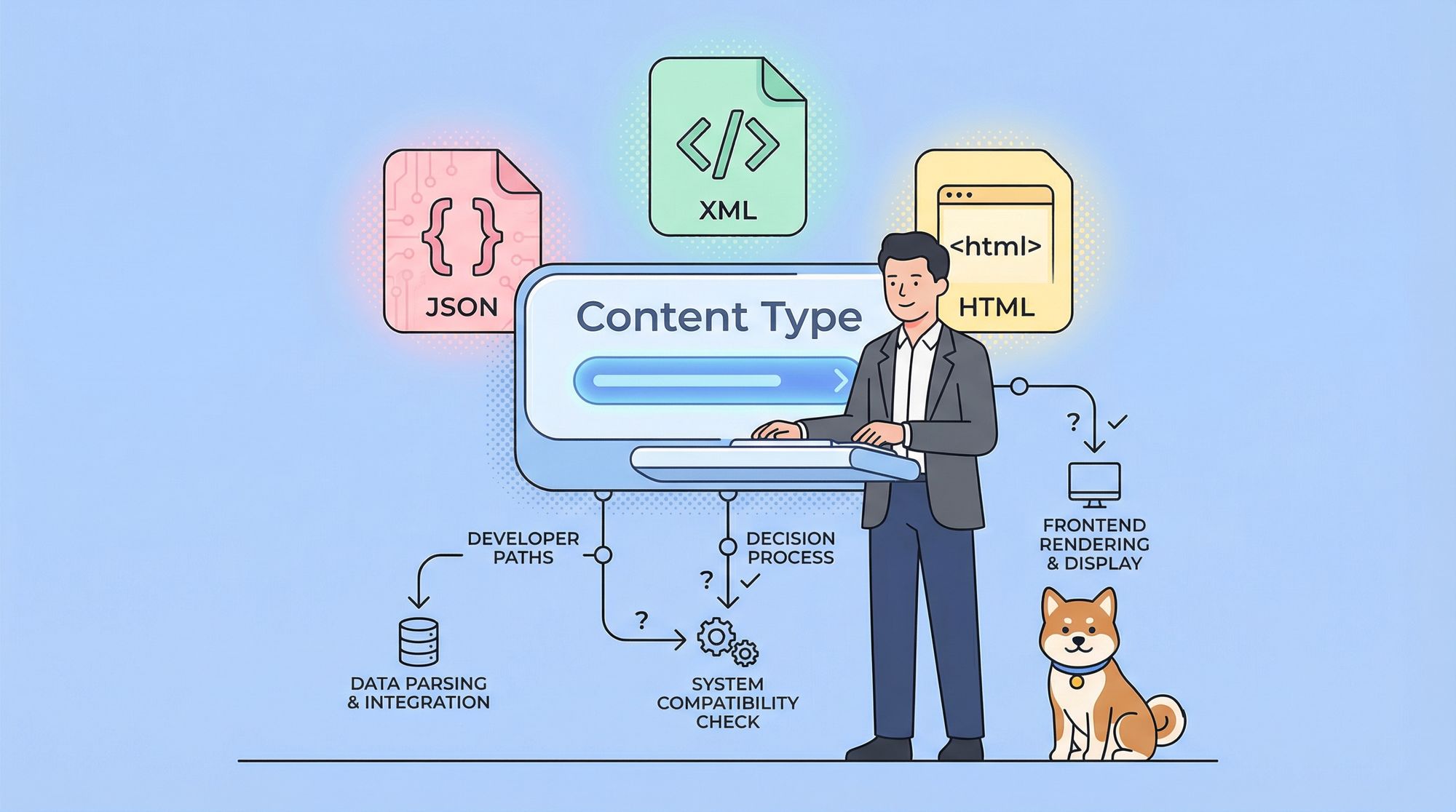
APIs are everywhere these days, and they are essential for building modern web applications. But how do you decide what format to use for your API responses? Should you use JSON, XML, HTML, or something else? In this blog post, we will explore the pros and cons of different API response content types, and give you some tips on how to choose the best one for your project.
What is an API Response Content Type?
An API response content type is the format of the data that an API returns to the client. It is also known as the media type or the MIME type. It tells the client how to interpret and process the data, and what tools to use to display or manipulate it.
The most common API response content types are:
- JSON (JavaScript Object Notation): A lightweight and human-readable format that uses key-value pairs and arrays to represent data. It is widely used for web APIs because it is easy to parse and generate with JavaScript and other languages. JSON is also compatible with many frameworks and libraries, such as React, Angular, and jQuery.
{
  "name": "John",
  "age": 25,
  "hobbies": ["reading", "coding", "gaming"]
}
- XML (Extensible Markup Language): A markup language that uses tags and attributes to structure data. It is more verbose and complex than JSON, but it also offers more flexibility and extensibility. XML can be used to define custom schemas and namespaces, and to validate data with DTDs or XSDs. XML is also supported by many tools and standards, such as SOAP, RSS, and XSLT.
<person>
  <name>John</name>
  <age>25</age>
  <hobbies>
    <hobby>reading</hobby>
    <hobby>coding</hobby>
    <hobby>gaming</hobby>
  </hobbies>
</person>
- HTML (HyperText Markup Language): A markup language that uses tags and elements to structure and style web pages. It is the default format for web browsers, and it can be used to render rich and interactive content. HTML can also be combined with CSS and JavaScript to create dynamic and responsive web pages. HTML is not commonly used as an API response content type, but it can be useful for some scenarios, such as web scraping or server-side rendering.
<html>
  <head>
    <title>My Profile</title>
  </head>
  <body>
    <h1>John</h1>
    <p>Age: 25</p>
    <p>Hobbies: reading, coding, gaming</p>
  </body>
</html>
- Other formats: There are many other formats that can be used as API response content types, depending on the needs and preferences of the developers and users. Some examples are CSV, YAML, PDF, and plain text. These formats may have different advantages and disadvantages, such as simplicity, readability, portability, and compatibility.

How to Choose the Right API Response Content Type for Your Project?
There is no definitive answer to this question, as different projects may have different requirements and goals. However, here are some factors that you can consider when choosing an API response content type for your project:
- The nature of the data: What kind of data are you returning from your API? Is it structured or unstructured? Is it hierarchical or flat? Is it numeric or textual? Is it large or small? These questions can help you determine the most suitable format for your data. For example, JSON is good for structured and hierarchical data, while CSV is good for flat and numeric data.
- The target audience: Who are the consumers of your API? Are they developers or end-users? Are they familiar with the format or not? Are they using a specific platform or tool or not? These questions can help you determine the most user-friendly format for your API. For example, XML is good for developers who need to validate and transform data, while HTML is good for end-users who need to view and interact with data.
- The performance and scalability: How fast and reliable is your API? How much bandwidth and storage do you have? How many requests and responses do you handle? These questions can help you determine the most efficient format for your API. For example, JSON is good for fast and lightweight APIs, while PDF is good for slow and heavy APIs.
- The standards and conventions: What are the best practices and norms for your industry or domain? Are there any existing or emerging standards or protocols that you need to follow or support? Are there any common or popular formats that you need to be compatible or interoperable with? These questions can help you determine the most appropriate format for your API. For example, XML is good for SOAP-based web services, while JSON is good for RESTful web services.
How to select API Response Content Type in apidog
Apidog is an integrated platform for API design, debugging, development, mock, and testing. It supports various API response content types, such as JSON, XML, HTML, and others. To select the API response content type in Apidog, you can follow these steps:
- Open or create an API project in Apidog.

- Select the API you want to edit or create a new one.

- In the API editor, click on the Response tab, select the Content-Type dropdown, choose the format you want to use for your API response, such as
application/json,application/xml,text/html, etc.

You can also change the API response content type for a specific request by adding the Accept header in the request headers, and specifying the desired format. For example, if you want to request JSON data from an API that supports both JSON and XML, you can add the header Accept: application/json in your request.
Conclusion
Choosing the right API response content type for your project is not a trivial task, as it depends on many factors and trade-offs. However, by considering the nature of the data, the target audience, the performance and scalability, and the standards and conventions, you can make an informed and rational decision that can benefit your project and your users.