
Đây là chuỗi 10 phần chia sẻ cách Apidog phát triển Apidog CLI, công cụ command-line để test API và quản lý lifecycle API. Đọc theo thứ tự hoặc nhảy đến bài bạn quan tâm:
| Tiêu đề | Trọng tâm | |
|---|---|---|
| 1 | Chúng tôi Xây 126 MCP Tools. Nhưng Không là Giải pháp Tốt nhất cho Agent | Phát hiện vấn đề |
| 2 | Tại sao Chúng tôi Phát triển Apidog CLI Mới hoàn toàn | Phát triển architecture |
| 3 | Quy tắc Vàng: CLI Tạo Facts, Model Hành động trên Facts | Triết lý cốt lõi |
| 4 | agentHints: Dạy CLI Giao tiếp với Agents |
Structured output |
| 5 | SKILL: Đóng gói Kinh nghiệm Vận hành thành Code | Kinh nghiệm vận hành |
| 6 | Con số Không Nói dối: 30% Ít Tool Calls, 25% Ít Tokens | Kết quả định lượng |
| 7 | Từ PRD đến Testing Loop: Workflow Agent Hoàn chỉnh với Apidog CLI | Tutorial thực tế |
| 8 | Tại sao CI/CD Compatibility Không thể Thiếu cho Agent Tools | Góc nhìn DevOps |
| 9 | AI Branch: Thay đổi Project An toàn hơn với AI Agents | Lớp bảo mật |
| 10 | Spec-First là Quá khứ. Chào Skill-First | Tầm nhìn & tương lai |
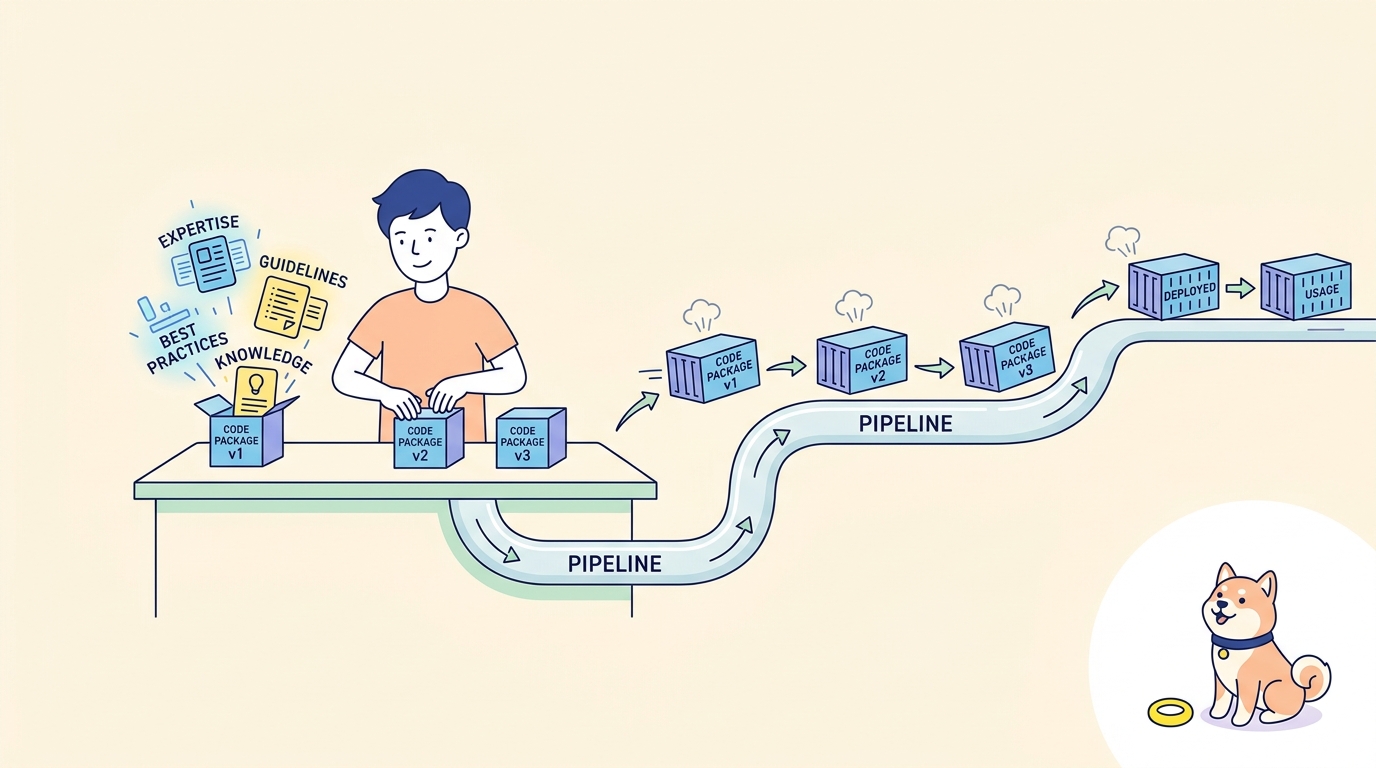
SKILL không chỉ là tham khảo command. Nó là hướng dẫn vận hành cho AI Agents: khi nào dùng command, cái nào trước, field nào không nên đoán, khi nào validate, khi nào read back.
CLI Độc Không Đủ
CLI commands cho Agent quyền thực thi.
Nhưng quyền không có judgment dẫn đến vấn đề:
| Quyền CLI | Rủi ro Không Judgment |
|---|---|
| Tạo test case | Tạo trong project sai |
| Update test scenario | Update không read back |
| Import steps | Import không check structure hiện tại |
| Run tests | Run không validate changes |
Agents cần hơn commands. Cần judgment vận hành.
SKILL là gì?
SKILL là hướng dẫn vận hành viết cho AI Agents.
Không là:
- Danh sách command đơn giản
- Sách tham khảo
- Trang help
Đó là:
| Nội dung SKILL | Mục đích |
|---|---|
| Khi nào dùng command | Mapping loại task → command |
| Command nào trước | Hướng dẫn sequence |
| Field nào không đoán | Giới hạn an toàn |
| Khi nào validate | Đặt quality gate |
| Khi nào read back | Timing verification |
| Khi nào run tests | Workflow confirmation |
SKILL cho Agents judgment vận hành.
Cài đặt
SKILL là companion cho Apidog CLI:
# Install SKILL cho AI Agent
apidog skill install
Cài 8 companion Skills giúp Agents hiểu:
- CLI command semantics
- Cấu trúc resource
- Task workflows
- Error handling
- Verification patterns
Tại sao SKILL Quan trọng: Hidden Workflows
Agent vẫn cần biết cách tasks nên được decompose thành execution flows cross-business.
Kinh nghiệm này không thể:
- Viết đầy đủ vào tool descriptions (consume quá nhiều context)
- Rải rác trong chat context (mất giữa sessions)
- Được nhớ bởi model (product-specific, không general knowledge)
Hidden workflows và "business pitfalls" cần hướng dẫn explicit.
Ví dụ: Bảo trì Test Scenario
Xem bảo trì test scenario phức tạp.
Cách sai (Agent tự viết từ đầu):
Agent: "Tôi sẽ tạo structure test scenario thủ công"
Agent: Viết steps array hoàn chỉnh với assertions, extractors, processors
Result: Field errors, comparators sai, missing required fields
CLI: Reject write hoặc tạo scenario incomplete
Cách đúng (mã hóa trong SKILL):
| Step | Tại sao |
|---|---|
| 1. Import existing steps từ endpoints hoặc test cases | Không tự viết structure phức tạp |
| 2. Read back structure hoàn chỉnh | Thấy format imported thực |
| 3. Make local modifications | Work với base accurate |
| 4. Validate before update | Catch errors locally |
| 5. Run scenario | Verify behavior |
SKILL không chỉ nói "có test-scenario update command."
Nó nói:
"Scenarios phức tạp không phù hợp để tự viết structure hoàn chỉnh từ đầu. Path ổn định hơn là import existing endpoint hoặc case steps, read back structure hoàn chỉnh, và make local modifications."
Commands Phía sau Hướng dẫn SKILL
Đây là commands SKILL hướng Agents dùng:
# Step 1: Import steps từ endpoints
apidog test-scenario import-steps <scenarioId> --project <projectId>   --source endpoint --ids <endpointIds> --sync manual

# Step 2: Read back với full detail
apidog test-scenario get <scenarioId> --project <projectId>   --with-case-detail

# Step 3: Update parts cụ thể (Agent generates update JSON)

# Step 4: Validate before update
apidog cli-schema validate test-scenario-update --file ./scenario-update.json

# Step 5: Execute update
apidog test-scenario update <scenarioId> --project <projectId>   --file ./scenario-update.json

# Step 6: Run verification
apidog run --project <projectId> --test-scenario <scenarioId>
SKILL nói Agent khi nào dùng mỗi command và tại sao.
Insight Chính: get--with-case-detail
SKILL nhấn mạnh:
"Dùng get--with-case-detail để lấy structure thực, không tưởng tượng case trong steps."Tại sao quan trọng:
Không get--with-case-detail |
Có get--with-case-detail |
|---|---|
| Steps show IDs only | Steps show full case structures |
| Agent không biết format internal | Agent thấy assertion/extractor format thực |
| Agent đoán field names | Agent work từ examples thực |
Lấy structure thực ngăn updates dựa trên tưởng tượng.
Evolvability: SKILL Có thể Thay đổi
Apidog SKILL là kinh nghiệm vận hành evolvable và versionable.
Tại sao Quan trọng
| Thách thức | Giải pháp SKILL |
|---|---|
| CLI commands thay đổi | SKILL có thể update để match |
| Users có personalized workflows | SKILL có thể customize |
| Product features mới | SKILL có thể extend |
| Workflow improvements | SKILL có thể refine |
Cách Hoạt động
Agents được cấp write permissions cho SKILL.
Nếu SKILL落后 hoặc khó dùng:
- Agent có thể modify
- Agent có thể suggest improvements
- SKILL evolves qua usage
SKILL không là documentation frozen. Nó là operational code sống.
Lớp Compatibility
Chúng tôi học từ bugs thực:
Vấn đề phát hiện:
Một scenario steps, trong updates secondary, có outer steps update thành công, nhưng internal HTTP cases không được update đúng.
Root cause:
- Internal case update markers cần handling đặc biệt
- Agents không biết về markers này
- Product semantics yêu cầu flags cụ thể
Giải pháp:
- Compatibility logic vào CLI
- CLI handles internal markers tự động
- Users và Agents không cần biết internal details
Constraint meaning được layer vào SKILL:
SKILL nói Agent dùng đúng commands. CLI handles product semantics phía sau commands. Agent không cần hiểu internal markers.
On-Demand Loading
SKILL follow principle giống cli-schema:
Complexity nên được absorb bởi execution và documentation, không expose đầy đủ cho model.
| Alternative | Vấn đề |
|---|---|
| Load tất cả SKILL vào context | Token burden |
Put tất cả rules trong --help |
Competes for attention |
| Viết vào prompt | Không thể update |
Cách SKILL:
- Agent warm-up SKILL on demand
- SKILL loaded khi task type identified
- Only workflow guidance relevant enters context
SKILL vs. Documentation
| Documentation | SKILL |
|---|---|
| Cho humans đọc | Cho Agents execute |
| Giải thích commands làm gì | Giải thích khi nào dùng |
| Static reference | Dynamic workflow |
| Comprehensive | Task-focused |
| External to Agent | Integrated với Agent |
8 Companion Skills
Apidog cung cấp 8 companion Skills:
| SKILL | Coverage |
|---|---|
| Project management | Projects, metadata, resources |
| API design | Endpoints, schemas, definitions |
| Environment management | Environments, variables |
| Test case creation | Single-endpoint tests, assertions |
| Test scenario management | Multi-step tests, import, update |
| Test suite organization | Grouping, execution |
| Import/export workflows | Data migration, backup |
| CI/CD integration | Pipeline commands, reports |
Each SKILL chứa:
- Task type identification
- Command sequence guidance
- Field safety boundaries
- Validation checkpoints
- Verification patterns
Tiếp theo
Bây giờ chúng tôi established tất cả ba components cốt lõi:
- cli-schema validate — Quality gate
- agentHints — Next-step navigation
- SKILL — Workflow judgment
Câu hỏi tiếp:
Có thực sự work? Con số là gì?
Trong Part 6, Con số Không Nói dối: 30% Ít Tool Calls, 25% Ít Tokens, chúng tôi sẽ share kết quả định lượng từ comparisons internal—và giải thích savings từ đâu.
Key Takeaways
- CLI cho execution power; SKILL cho judgment vận hành
- SKILL là hướng dẫn vận hành, không tham khảo command
- Hidden workflows cần hướng dẫn explicit
- Import steps → read back → update locally an toàn hơn tự viết
--with-case-detailngăn updates dựa trên tưởng tượng- SKILL evolvable—Agents có thể modify
- CLI absorbs product semantics, SKILL guides workflow
- On-demand loading ngăn context burden
Download Apidog để design, mock, test, và document APIs trong một workspace. Learn more về Apidog CLI cho command-line API testing, CI automation, và AI Agent workflows.