
You gave the agent two tools: updateUser and deactivateUser. A support ticket says “close this account.” The agent called deactivateUser. Last week, an almost identical ticket made it call updateUser with status: "closed", which your API accepted and which meant something slightly different downstream.
Nothing was broken. The model was choosing between two plausible options with descriptions that did not tell it which one applied. Tool selection is the failure mode people blame on the model and fix in the schema, because the schema is the only thing the model has to go on.
This guide covers what the model actually reads when it picks a tool, how to write names and descriptions that discriminate, how parameter design changes the error rate, and how to test selection so a wording change does not silently break it. Once your tools are generated from a spec, as in our guide to turning an OpenAPI spec into agent tools, this becomes a question of what goes into that spec.
Apidog is where the descriptions live if your tools come from your API definition, so improving one improves the docs and the tools together.
What the model sees
At the moment of choosing, the model has the conversation, the system prompt, and a list of tool definitions. Each definition is a name, a description, and a parameter schema. It does not have your API docs, your code comments, or the tribal knowledge that updateUser is legacy.
That means every disambiguation must be written into the definition itself. Both the OpenAI function calling guide and the Anthropic tool use documentation make the same point: the description is the text that matters most in the whole definition, and it should be verbose rather than terse.
Selection errors come in four shapes, and each has a different fix.
The model picks a similar tool when two definitions overlap. Fix the descriptions so each says when not to use it. The model picks nothing and answers from memory when no description matches the task language. Fix by using the words your users use. The model picks the right tool with wrong arguments when the parameters are ambiguous. Fix with types, enums, and units. The model chains tools badly when order matters and nothing says so. Fix by stating the prerequisite in the description.
Name tools for what they do
Names carry more signal than their length suggests, because the model reads them first.
Use verbNoun, in the same style across the whole tool set: createOrder, refundOrder, getOrderStatus. Consistency matters as much as the individual choice, since a set that mixes order_create, getOrder, and refund makes every name slightly harder to read.
Be specific about the object. search is a bad tool name. searchCustomersByEmail is a good one, and it tells the model both what it searches and how.
Avoid internal jargon. If your API calls a customer an “entity” and a subscription an “instrument”, the model will not connect those to a ticket that says “customer” and “plan”. Name tools in the language of the task, not the language of the schema.
Never reuse a name across contexts. Two tools called list in different namespaces collapse into ambiguity as soon as they appear in one list.
Write descriptions that discriminate
A useful description answers four questions: what it does, what it changes, when to use it, and when not to.
Here is a weak pair:
{ "name": "updateUser", "description": "Updates a user." }
{ "name": "deactivateUser", "description": "Deactivates a user." }
And a pair that actually separates:
{
  "name": "updateUser",
  "description": "Updates profile fields on an active user, such as name, email, or timezone. Use for corrections and profile edits requested by the user. Does NOT change account status. To disable an account, use deactivateUser instead. Do not use to close or cancel an account."
}
{
  "name": "deactivateUser",
  "description": "Disables a user account, revoking all sessions and blocking sign-in. Reversible with reactivateUser. Use when a customer asks to close, cancel, pause, or suspend their account. Does NOT delete data. For permanent deletion use deleteUser, which cannot be undone."
}
Four techniques are doing the work there.
Name the sibling. “Use deactivateUser instead” resolves the ambiguity directly, at the exact moment the model is comparing them.
Include the user’s vocabulary. The words “close”, “cancel”, “pause”, and “suspend” appear because those are the words that show up in tickets. This is the single highest-return edit you can make, and it is nearly free.
Say what it does not do. Negative statements are more discriminating than positive ones, because the positive claims of two neighboring tools tend to look alike.
Flag reversibility. The model reasons about risk when you tell it there is risk. This pairs with the enforcement patterns in our post on AI agent guardrails, which is where the real protection belongs.
Length is fine. A hundred-word description that prevents one wrong call to a destructive endpoint is cheap.
Design parameters so wrong arguments are hard
Once the right tool is picked, arguments are the next place things go wrong.
JSON Schema gives you most of the constraints you need here, and the JSON Schema validation vocabulary is worth skimming for the keywords your tool-calling API supports.
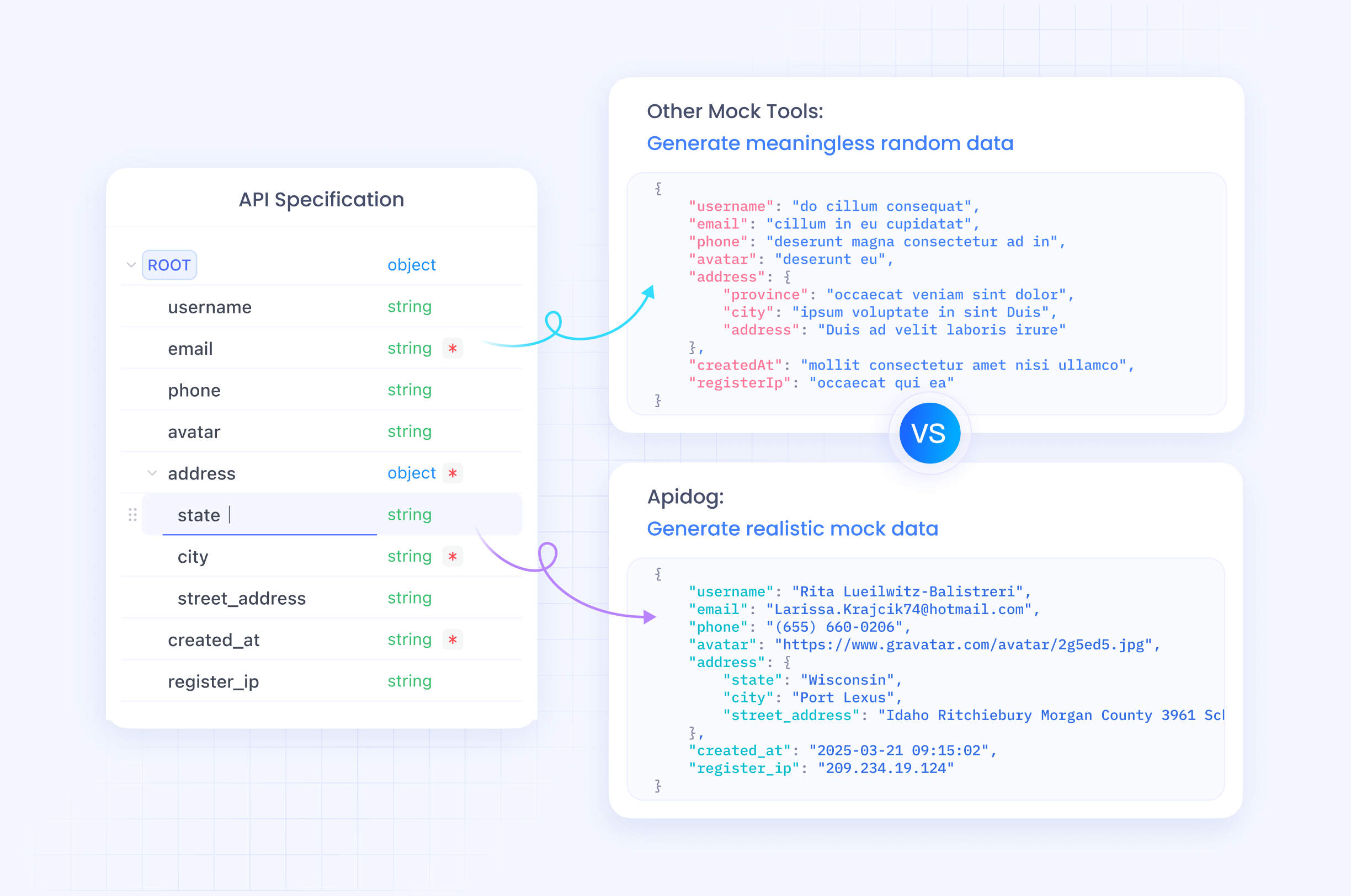
Use enums wherever the set is closed. A status parameter typed as a string invites invention. Typed as an enum, it constrains the model to values your API accepts.
"status": {
  "type": "string",
  "enum": ["pending", "paid", "refunded", "cancelled"],
  "description": "Order status. 'cancelled' means never fulfilled; 'refunded' means fulfilled then reversed."
}
Put units in the name. amount is ambiguous and models will guess dollars or cents inconsistently. amount_cents never is. The same goes for timeout_seconds, distance_meters, and duration_ms.
Give date formats an example. "description": "Start date in ISO 8601 format, for example 2026-08-26" produces correctly formatted dates far more often than “start date” alone.
Keep required lists honest. Marking everything optional pushes failures into runtime; marking things required that the API defaults sensibly makes the model invent values. Both are common, and both show up as validation errors covered by our post on API error design for agents.
Prefer flat over nested. A model filling {"customer": {"address": {"postal_code": "..."}}} makes structural mistakes it does not make on customer_postal_code. Flatten at the tool boundary and reassemble in your executor.
Split overloaded tools. A tool with a mode parameter that changes the meaning of every other field is really two tools. Splitting it improves selection and simplifies both schemas.
State prerequisites and order
Multi-step work fails when the model does not know the sequence. Say it in the description of the dependent tool:
{
  "name": "captureCharge",
  "description": "Captures a previously authorized charge. Requires an authorization_id from authorizeCharge. Call authorizeCharge first if you do not already have one. Cannot capture more than the authorized amount."
}
Two lines, and the ordering problem is handled where the model is already reading. This holds for the whole class: create before update, upload before process, authorize before capture. If the description of a dependent step does not name the step before it, expect the model to skip it. Where the sequence spans multiple agents rather than multiple calls, the handoff rules in our post on passing context between sub-agents apply.
Test selection like any other behavior
Descriptions are code, and they regress. Someone shortens one to fit a style guide and the agent starts picking the wrong endpoint next Tuesday.
Build a small selection suite. Twenty to fifty prompts, each with the tool you expect. Run them, record which tool the model picks, and assert on the name only. Arguments vary run to run; the choice should not. This is the practical shape of the approach in our guide to testing non-deterministic agents.
Seed it with the cases most likely to break:
- The two most similar tools in your set, with prompts that should route to each.
- Prompts using customer vocabulary rather than API vocabulary.
- A prompt that should match nothing, where the correct behavior is to ask rather than to force a call.
- A destructive tool, where a wrong pick has real cost.
Run each prompt several times. A tool that wins four out of five is a coin flip in production and the description needs work.
Point the runs at mocks so a selection test never touches live data. Our post on running agents against mocks instead of production covers the setup, and Apidog can serve those mocks from the same definition your tools were generated from, which keeps schema and behavior aligned.
Three sets that go wrong in the same way
The CRUD set. An API exposes getUser, listUsers, searchUsers, and queryUsers, all generated from endpoints that grew over years. To a model these are four names for one idea. The fix is not better descriptions on all four; it is exposing one of them to the agent and leaving the rest out of the tool list. A curated set beats a complete set every time.
The admin set. Read tools and destructive tools sit side by side with the same tone: getInvoice, voidInvoice, deleteInvoice. Nothing in the text signals that two of these end careers. Add the consequence to the description, mark them for approval, and keep the enforcement in the executor rather than trusting the wording. The layered approach is in our post on stopping agents from nuking your API.
The legacy set. Two endpoints do the same job, one deprecated. The spec still lists both, so the generator emits both, and the agent picks the old one about half the time. Either drop the deprecated operation from the generated tools or start its description with the words “Deprecated. Use createOrderV2 instead.” Models honor that line when it is first, and ignore it when it is buried at the end.
Descriptions are shared configuration
Once you accept that tool descriptions drive behavior, the next question is who owns them. In most teams the answer is accidental: whoever set up the agent first, in a file on their machine.
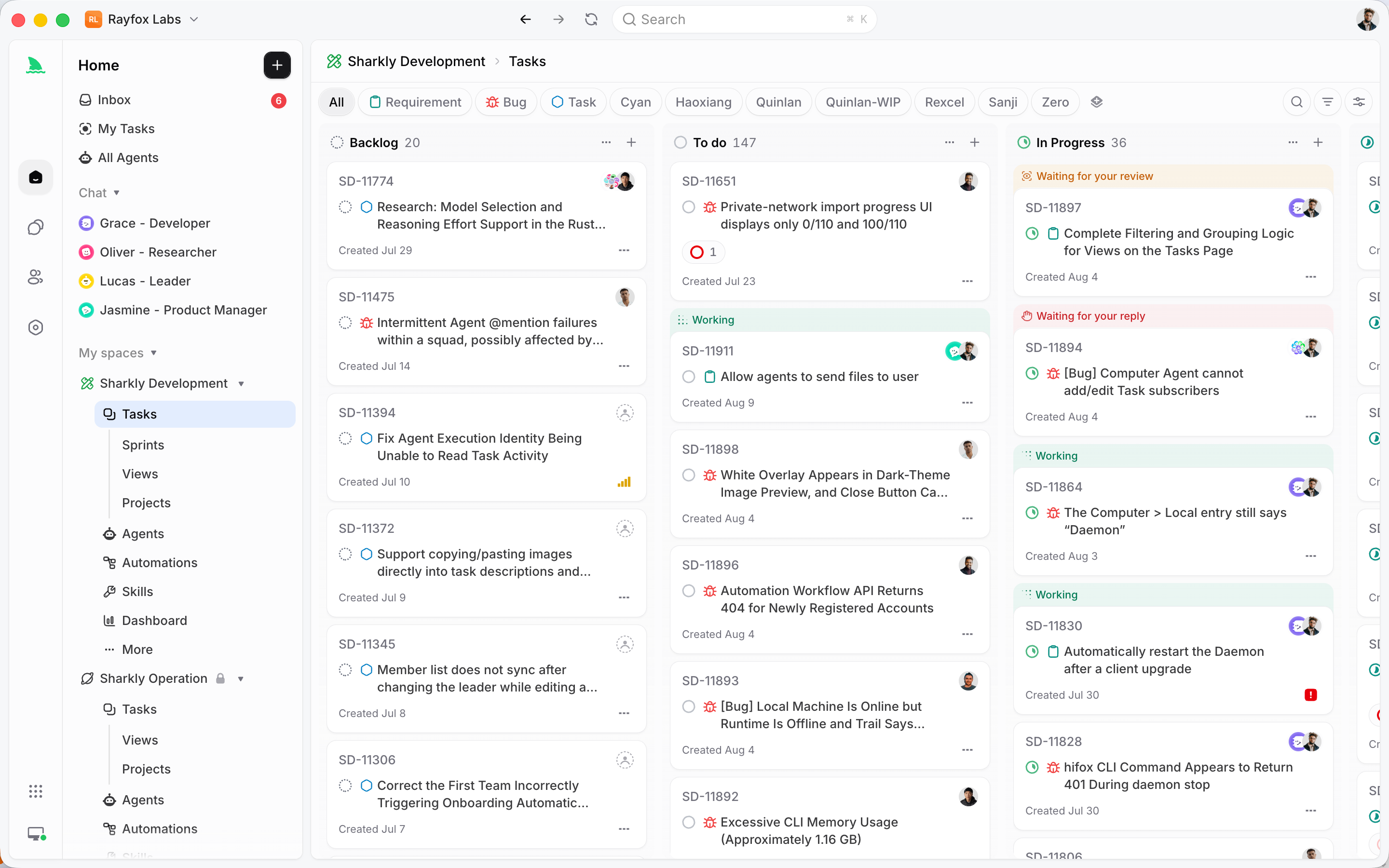
Treat the tool set as a shared artifact instead, reviewed like any other interface. Platforms built around agent work often model this directly. A Sharkly Agent is a saved configuration covering instructions, Runtime, Skills, and repositories, and sharing it in a Space makes one person’s working setup reusable by the team. The value is not the storage. It is that a description change becomes a reviewable edit affecting everyone, rather than a silent local tweak that makes one developer’s agent behave differently from the rest.
Watch the words users bring
The most common gap is vocabulary. Your API says subscription, your customers say plan, membership, and billing. Your API says deactivate, they say cancel, close, and turn off.
Collect the real language. Pull the top phrases from support tickets, search logs, or the transcripts of failed agent runs, then fold them into the descriptions of the tools they should have matched. This costs an hour and usually moves selection accuracy more than any amount of schema tuning.
Keep an eye on the failures too. When an agent picks nothing and answers from its own knowledge, that is a vocabulary miss, not a reasoning failure. The task language never overlapped the tool text, so the tool was invisible.
A checklist for a tool set
- Names follow one
verbNounconvention and name a specific object. - Every description says what changes, when to use it, and when not to.
- Overlapping tools name each other explicitly.
- Descriptions include the words users actually use, not only internal terms.
- Destructive and irreversible actions say so in the description.
- Enums are declared for every closed set.
- Units and formats live in parameter names or descriptions, with examples.
- Required lists match what the API really enforces.
- Dependent tools name their prerequisite.
- A selection suite runs in CI against mocks.
The model is doing pattern matching against text you wrote. When it picks wrong, the text is the first place to look, and usually the only place you need to change. Download Apidog if you want the descriptions, the mocks, and the tests in one project.
Frequently asked questions
How long should a tool description be? Long enough to disambiguate, which is typically two to five sentences. Descriptions do occupy context, so trim the ones for unambiguous tools and spend the space on tools that neighbor each other.
Should I put examples in the description? Yes for formats and units, where an example removes a whole class of mistakes. Skip long usage examples, since they cost context and rarely change the selection.
Is it better to have many narrow tools or a few flexible ones? Narrow tools, up to a point. Each one selects more reliably because it does one thing. Past a few dozen, the list itself becomes the problem and you filter or retrieve, as covered in our post on generating agent tools from OpenAPI.
Can I fix selection in the system prompt instead? Partly, and it is a reasonable stopgap for one or two known confusions. It does not scale, because the prompt is shared across all tools while the description travels with the tool that needs it.
What if the model keeps inventing parameter values? Constrain the type, add an enum, and say in the description that the value must come from a prior call rather than being constructed. If it still happens, validate in the wrapper and return an error naming the allowed values.
Do these rules apply to MCP servers too? Yes. An MCP server exposes names, descriptions, and schemas in the same shape, so the same wording rules apply. Our explainer on what MCP is covers the protocol itself.