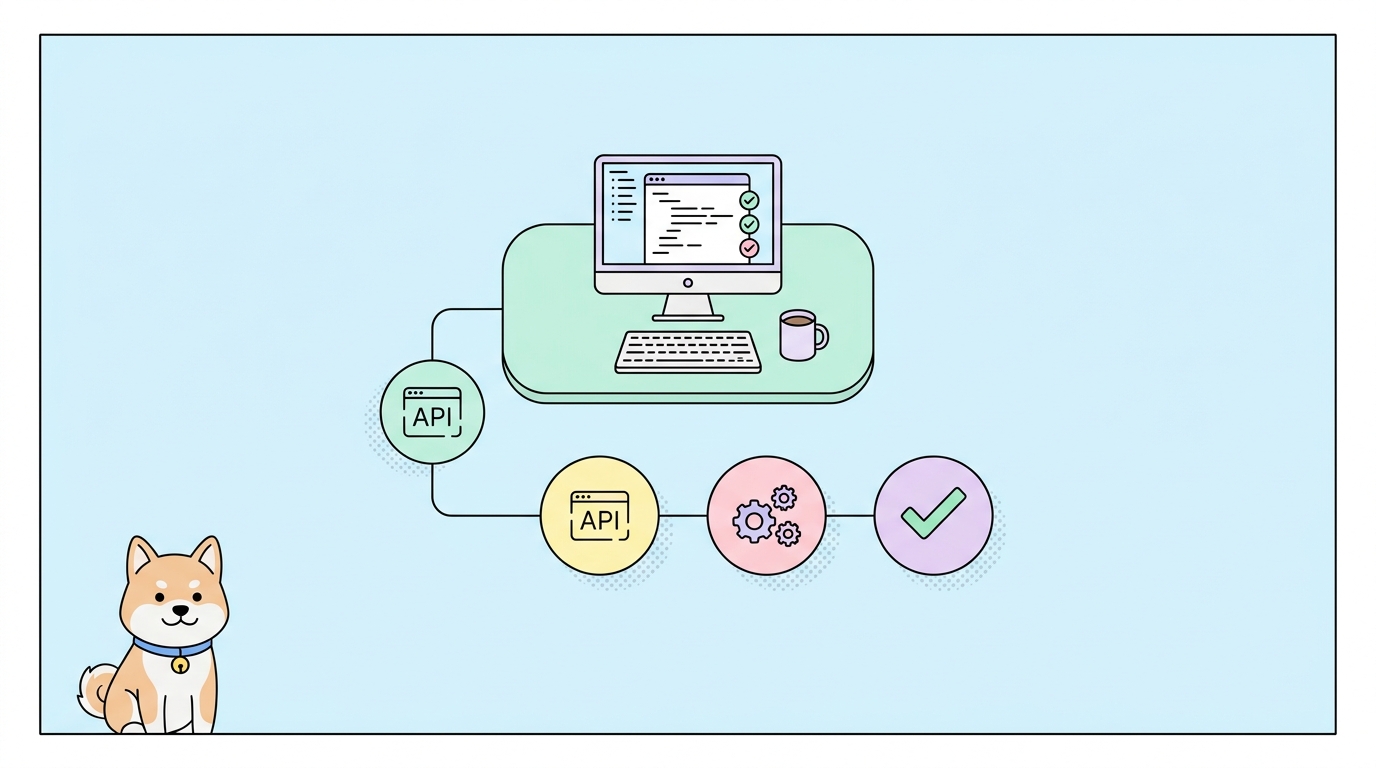
If you have ever needed to test an HTTP client without standing up a real backend, you have probably hit httpbin. It is a tiny web service that echoes your request back to you, so you can see exactly what your code sent. That makes it perfect for debugging headers, checking how your client handles a 500, or confirming that your auth token actually made it into the request. You can point any tool at it, from a raw curl command to a full client like Apidog. The project lives at httpbin.org and is open source under an ISC license.
What is httpbin?
httpbin is an HTTP request and response service. You send it a request; it sends back a JSON description of that request. Nothing more. It was created by Kenneth Reitz, the developer behind the popular Python requests library, and it is written in Python with Flask.
The value is in its simplicity. Say you want to know whether your HTTP client sets a User-Agent header correctly. You hit https://httpbin.org/headers and the response lists every header the server received. No database, no login, no setup. You get a clean mirror of your own request.
httpbin.org is the public instance, and it is convenient for quick checks. It can also be slow or briefly unavailable, since it is a free shared service. Maintenance has shifted over the years; the code now lives under the postmanlabs/httpbin GitHub repo, with community forks like Kong’s floating around too. For anything you run often, self-hosting is the safer bet. More on that below.
Key httpbin endpoints
httpbin exposes a set of endpoints, each aimed at one kind of test. Here are the ones you will reach for most.
| Endpoint | What it does |
|---|---|
/get |
Returns the query args, headers, and origin IP of a GET request |
/post |
Returns the form data, JSON body, and headers you POST |
/put, /patch, /delete |
Same idea for other HTTP methods |
/status/{codes} |
Returns the status code you ask for, like /status/404 or /status/503 |
/headers |
Returns just the request headers the server saw |
/ip |
Returns your origin IP address |
/user-agent |
Returns the User-Agent string your client sent |
/delay/{n} |
Waits n seconds before responding (up to 10), for timeout testing |
/basic-auth/{user}/{passwd} |
Returns 200 only if you send matching Basic Auth credentials |
/bearer |
Checks for a Bearer token in the Authorization header |
/redirect/{n} |
Sends you through n redirects, for testing redirect handling |
/cookies |
Returns the cookies your client sent |
/uuid |
Returns a random UUID |
/anything |
Echoes back everything about the request, whatever method you use |
The /status/{codes} and /delay/{n} endpoints are the quiet heroes here. They let you force error paths and slow responses on demand, which is hard to trigger against a real API. If you want to generate fake response bodies rather than echoes, pair httpbin with a fake API for test data.
How to use httpbin to test a client
The fastest way to try httpbin is with curl. Send a GET request with a query parameter:
curl "https://httpbin.org/get?tool=apidog&check=headers"
You get back a JSON object showing the args, the headers the server received, and your origin IP. That confirms your client sent what you expected.
To test how your code handles a POST body, send some JSON:
curl -X POST "https://httpbin.org/post" \
  -H "Content-Type: application/json" \
  -d '{"name": "widget", "qty": 3}'
httpbin echoes the parsed json, the raw data, and the headers, so you can verify your Content-Type and payload made it through intact.
Now force an error to test your retry logic:
curl -i "https://httpbin.org/status/503"
You get a real 503 Service Unavailable response. Point your client’s error handling at this and confirm it retries or fails gracefully. Swap in /delay/5 to simulate a slow endpoint and check your timeout settings.
You do not have to stay in the terminal. Any REST client can hit these same URLs. If you prefer a graphical workflow, paste https://httpbin.org/get into Apidog, send the request, and inspect the response with syntax highlighting, saved history, and environment variables. That is handy when you want to compare responses across environments or share a test with a teammate. For a terminal-first setup, see these TUI REST API clients.
Self-hosting httpbin with Docker
The public httpbin.org instance is fine for one-off checks, but it can be rate-limited or down when you need it. Running your own copy fixes that and keeps your test traffic private. The official Docker image makes this a two-command job.
Pull the image and run it:
docker pull kennethreitz/httpbin
docker run -p 80:80 kennethreitz/httpbin
The service now listens on port 80. Hit it at http://localhost/get and you get the same behavior as the public site, with no network latency and no shared rate limits. This is the setup you want in CI pipelines, where reliability matters and you do not want to depend on an external service. The image is published on Docker Hub as kennethreitz/httpbin.
If port 80 is taken on your machine, map a different host port, for example docker run -p 8080:80 kennethreitz/httpbin, then use http://localhost:8080/get.
httpbin alternatives
httpbin does one thing well, but it is not the only option, and it is not a full testing platform. Here are honest alternatives depending on what you need.
Postman Echo. A hosted echo service in the same spirit as httpbin, run by Postman. You hit https://postman-echo.com/get and get your request mirrored back. It covers GET, POST, auth, and utility endpoints. See the Postman Echo docs for the full list. If httpbin.org is down, Echo is a solid drop-in.
Self-hosted httpbin. As shown above, running the Docker image gives you the exact same endpoints with full control and no shared limits. This is the best choice when you need httpbin behavior inside a private network or a CI job.
Mock services. httpbin echoes your request; it does not return realistic domain data. When you need fake but structured responses (a list of users, an order object, paginated results), reach for a mock server instead. Apidog has built-in smart mocking that generates realistic responses from your schema, so your frontend can develop against an endpoint before the backend exists.
Apidog as the client and testing layer. httpbin is a target you send requests to. Apidog is the tool you send them with. It is a full API client and testing platform: design endpoints, send requests, write assertions, chain requests into scenarios, and run them in CI. You would use Apidog to hit httpbin, or to replace it once your needs grow past a simple echo. The two are not equivalent; httpbin is the tiny service, Apidog is the workbench around it. When you are ready to move from ad-hoc curl calls to saved, repeatable tests, Apidog lets you import your existing requests and add assertions. For a broader survey of no-install options, see these free online API testing tools.
FAQ
Is httpbin free to use? Yes. The public httpbin.org instance is free and needs no account. The source is open under an ISC license, so you can also run it yourself at no cost.
Is httpbin still maintained? The code base lives in the postmanlabs/httpbin GitHub repo and receives some ongoing attention, though maintenance has been intermittent. Because httpbin.org can be flaky, many teams pin a self-hosted Docker copy for anything important.
Can I use httpbin to test webhooks? Not really. httpbin echoes requests you send to it, but it will not receive an event from a third party and forward it to your local machine. For that, use a dedicated tunneling or inspection service; see this guide on testing localhost APIs and webhooks and this primer on how webhooks work.
What is the difference between httpbin and Postman Echo? They do nearly the same thing: echo your HTTP request back as JSON. httpbin is the original open-source Python and Flask service; Postman Echo is a hosted service by Postman. Pick whichever is up and reachable.
Can I test error handling with httpbin? Yes. Use /status/{code} to force any status code, like /status/500 or /status/429, and /delay/{n} to simulate slow responses. This is the cleanest way to exercise your client’s retry and timeout logic.
Wrapping up
httpbin is a small, sharp tool: point an HTTP client at it and see your request reflected back. Use /get and /post to confirm what you send, /status and /delay to force error paths, and the Docker image to run a private copy in CI. When you need more than an echo, reach for realistic mocks, saved test suites, and assertions.
That is where a full platform pays off. Apidog gives you an API client to hit httpbin, smart mocking to replace it, and automated tests to lock in the behavior you just verified. Download Apidog and turn your quick httpbin checks into repeatable tests.