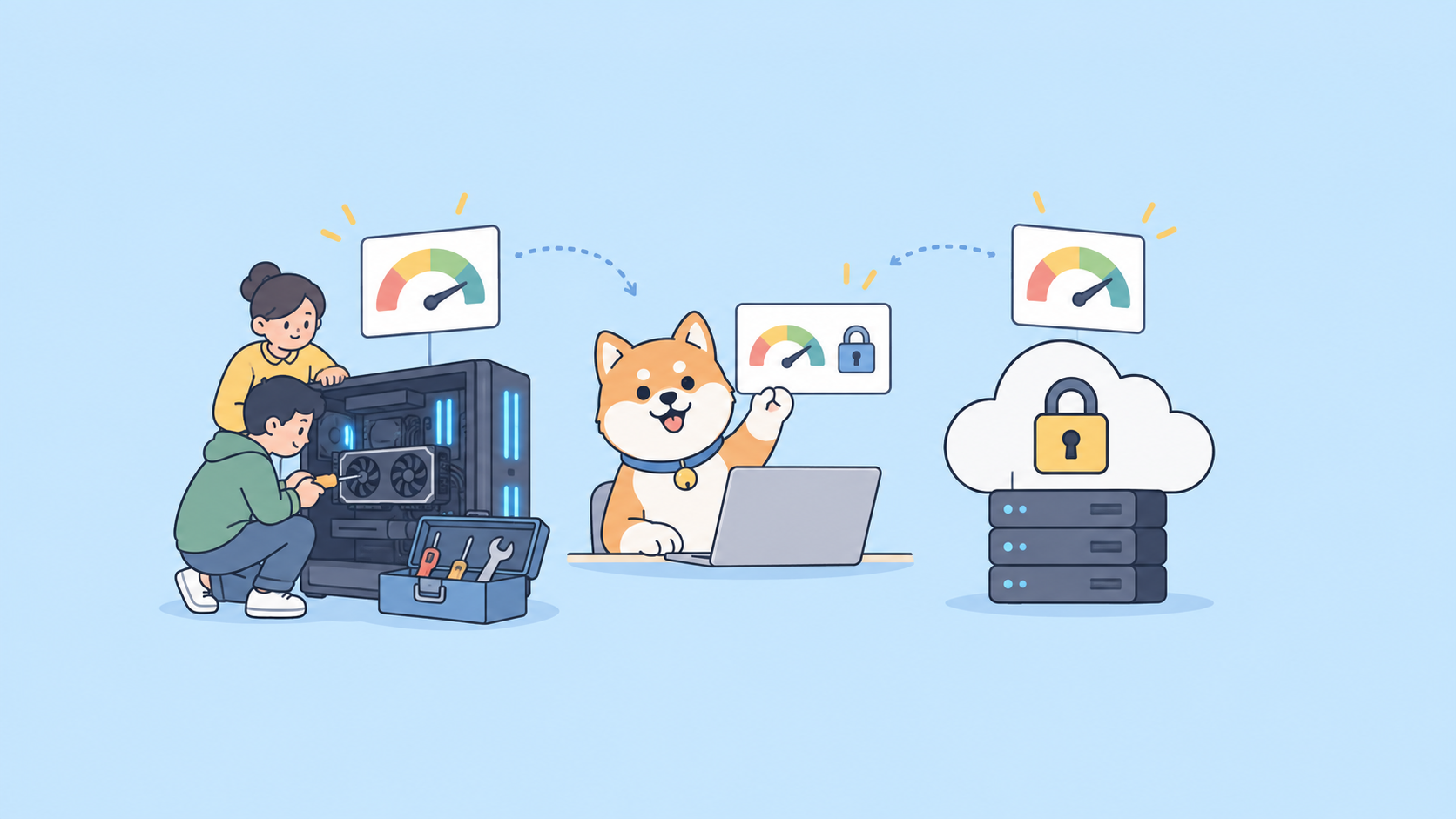
DeepSeek V4 shipped on April 23, 2026 with four checkpoints, a live API, and MIT-licensed weights on Hugging Face. That combination means there is no single “right way” to use it; the best path depends on whether you want instant access, production API calls, or on-prem deployment. This guide walks through all three, with the tradeoffs, the gotchas, and a production-ready prompt workflow you can reuse.
If you just want the product-level overview, read what is DeepSeek V4 first. For the pure API walkthrough, see the DeepSeek V4 API guide. For the zero-cost path, see how to use DeepSeek V4 for free. When you are ready to test real requests, grab Apidog and pre-build the collection.
TL;DR
- Fastest path: chat.deepseek.com. Free web chat, V4-Pro default, three reasoning modes.
- Production path:
https://api.deepseek.com/v1/chat/completionswith model IDsdeepseek-v4-proordeepseek-v4-flash. - Self-hosted path: pull weights from Hugging Face, run the
/inferencescripts in the repo. - Pick Non-Think for routing and classification, Think High for code and analysis, Think Max only when accuracy matters more than cost.
- Sampling recommendation from DeepSeek:
temperature=1.0, top_p=1.0. Do not second-guess it. - Use Apidog as the API client; the OpenAI-compatible format means one saved request replays across DeepSeek, OpenAI, and Anthropic.
Pick the right path for your workload
Four realistic paths exist. Each one wins at a different thing.
| Path | Cost | Setup time | Best for |
|---|---|---|---|
| chat.deepseek.com | Free | 30 seconds | Quick tests, ad-hoc work |
| DeepSeek API | Per-token billing | 5 minutes | Production, agents, batch jobs |
| Self-hosted V4-Flash | Hardware cost only | A few hours | On-prem compliance, offline inference |
| Self-hosted V4-Pro | Cluster cost only | A day | Research, custom fine-tunes |
| OpenRouter / aggregator | Per-token billing | 2 minutes | Multi-provider fallback |
Path 1: Use V4 in the web chat
The fastest way to form an opinion about V4 is the official chat interface.
- Go to chat.deepseek.com.
- Sign in with email, Google, or WeChat.
- V4-Pro is the default model. The toggle at the top of the composer switches between Non-Think, Think High, and Think Max.
- Start typing.
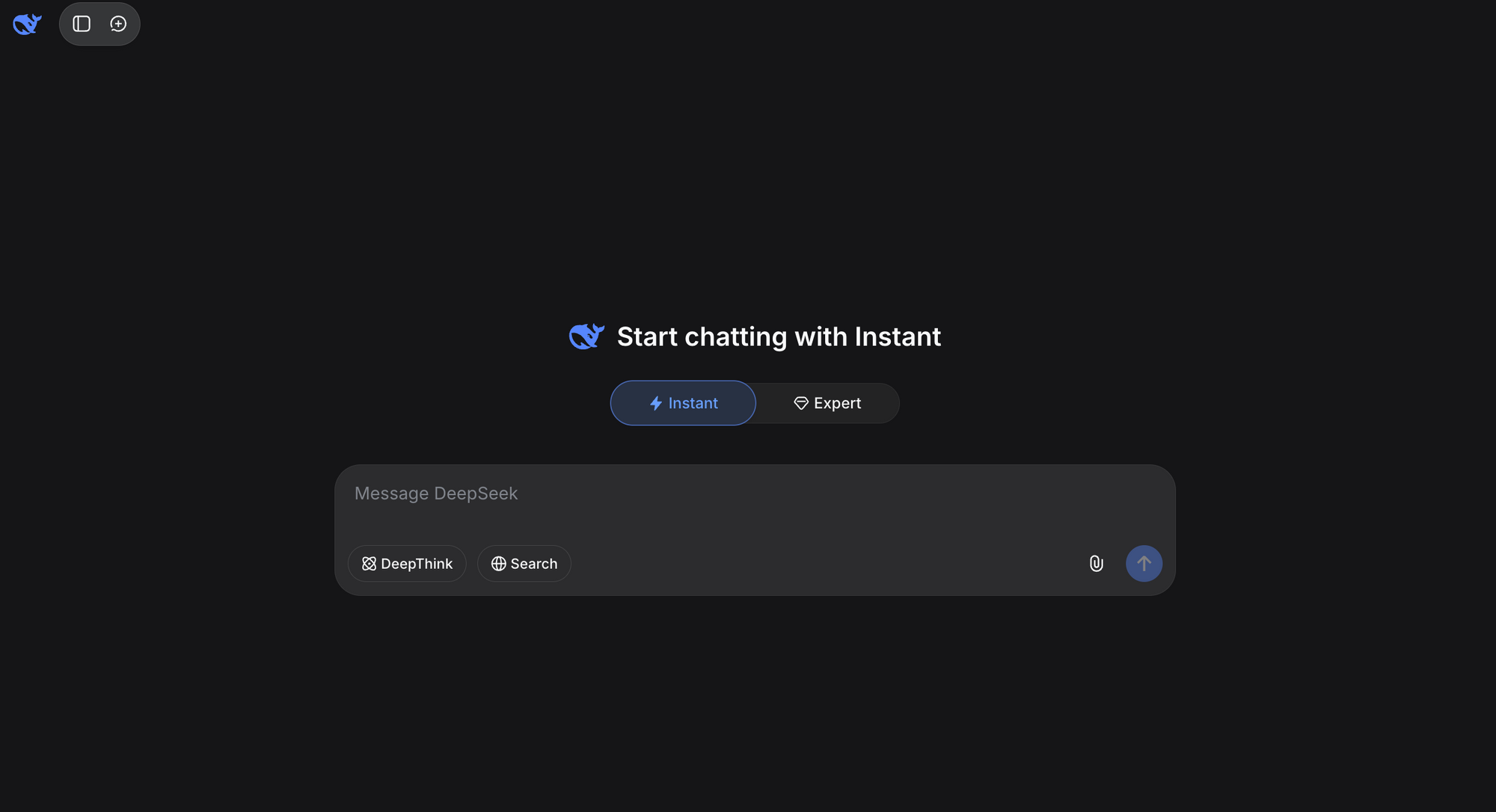
The web chat supports file uploads, web search, and the full 1M-token context. Rate limits apply at the account level; heavy use can slow responses but rarely blocks outright.
Good tasks for the web UI: pasting an error trace to diagnose, uploading a 200-page PDF for summary, benchmarking against the same prompt you run through GPT-5.5 or Claude. Bad tasks: anything you want to automate or replay.
Path 2: Use the DeepSeek API
This is the path most teams will land on. The API is live, the request shape is OpenAI-compatible, and the model IDs are the same ones DeepSeek will keep past the July 2026 deprecation of deepseek-chat.
Get a key
- Sign up at platform.deepseek.com.
- Add a payment method. Top-ups start at $2.
- Create an API key under API Keys and copy it once; you will not see the secret again.
Export the key so every client picks it up:
export DEEPSEEK_API_KEY="sk-..."
The minimum viable request
DeepSeek exposes two base URLs. The OpenAI-compatible surface is the one to default to.
curl https://api.deepseek.com/v1/chat/completions \
  -H "Authorization: Bearer $DEEPSEEK_API_KEY" \
  -H "Content-Type: application/json" \
  -d '{
    "model": "deepseek-v4-pro",
    "messages": [
      {"role": "user", "content": "Refactor this Python function to async. Reply with code only."}
    ],
    "thinking_mode": "thinking"
  }'
Swap deepseek-v4-pro for deepseek-v4-flash if you want the cheaper variant. Swap thinking for non-thinking if you want the fast path.
Python client
The official openai SDK works with a single base-URL override. That is the quiet advantage of OpenAI-compatible endpoints; every wrapper library, including LangChain, LlamaIndex, and DSPy, works untouched.
import os
from openai import OpenAI

client = OpenAI(
    api_key=os.environ["DEEPSEEK_API_KEY"],
    base_url="https://api.deepseek.com/v1",
)

response = client.chat.completions.create(
    model="deepseek-v4-pro",
    messages=[
        {"role": "system", "content": "You are a concise senior engineer."},
        {"role": "user", "content": "Explain the CSA+HCA hybrid attention stack."},
    ],
    extra_body={"thinking_mode": "thinking_max"},
    temperature=1.0,
    top_p=1.0,
)

print(response.choices[0].message.content)
Node client
Same pattern on Node:
import OpenAI from "openai";

const client = new OpenAI({
  apiKey: process.env.DEEPSEEK_API_KEY,
  baseURL: "https://api.deepseek.com/v1",
});

const response = await client.chat.completions.create({
  model: "deepseek-v4-flash",
  messages: [{ role: "user", content: "Write a fizzbuzz in Rust." }],
  temperature: 1.0,
  top_p: 1.0,
});

console.log(response.choices[0].message.content);
Full endpoint details, parameter tables, and error handling live in the DeepSeek V4 API guide.
Path 3: Iterate with Apidog
Curl is fine for one call. After that, every re-run wastes credits and clutters your terminal. Apidog solves both problems.
- Download Apidog for Mac, Windows, or Linux.
- Create a new API project, add a POST request pointed at
https://api.deepseek.com/v1/chat/completions. - Add
Authorization: Bearer {{DEEPSEEK_API_KEY}}as a header and store the key in environment variables, not the request body. - Paste your first JSON body and save. Every tweak from here is one click to replay.
- Use the built-in response viewer to diff reasoning traces between Non-Think and Think Max runs on the same prompt.
The same collection can hold an OpenAI GPT-5.5 request, a Claude request, and a DeepSeek V4 request side by side. That makes A/B testing across providers trivial and keeps your billing visible in one window. For teams already using Apidog with other AI APIs, the workflow maps one-to-one; the saved GPT-5.5 API collection becomes a V4 collection with a single base-URL change.
Path 4: Self-host V4-Flash
If compliance, air-gap requirements, or unit economics push you off hosted APIs, the MIT license means you own this path outright.
Hardware
- V4-Flash (13B active, 284B total): 2 to 4 H100 / H200 / MI300X cards at FP8. Quantized to INT4, it fits on a single 80GB card with tight batches.
- V4-Pro (49B active, 1.6T total): genuine cluster territory. 16 to 32 H100s is the realistic floor for production inference.
Get the weights
# Install the CLI once
pip install -U "huggingface_hub[cli]"

# Log in if the repo is gated (V4 is public, but the login helps with rate limits)
huggingface-cli login

# Pull V4-Flash
huggingface-cli download deepseek-ai/DeepSeek-V4-Flash \
  --local-dir ./models/deepseek-v4-flash \
  --local-dir-use-symlinks False
Expect the download to take a while. V4-Flash is roughly 500GB at FP8; V4-Pro is in the multi-terabyte range.
Run inference
The /inference folder in the model repo has reference code. For quick testing, vLLM and SGLang have published V4 support branches within a day of release.
pip install "vllm>=0.9.0"

vllm serve deepseek-ai/DeepSeek-V4-Flash \
  --tensor-parallel-size 4 \
  --max-model-len 1048576 \
  --dtype auto
Once vLLM is up, point any OpenAI-compatible client at http://localhost:8000/v1. Same Apidog collection, different base URL.
Prompting V4 effectively
V4 responds differently to prompts than GPT-5.5 or Claude. Three patterns that work.
- Ask for the reasoning mode you want explicitly. Set
thinking_modeto match the task. Do not rely on the model to pick. - Use system prompts for persona, not task shape. V4-Pro follows system prompts well for tone and constraint; it is less reliable when you try to jam the entire task spec into the system message. Put the task in the user message.
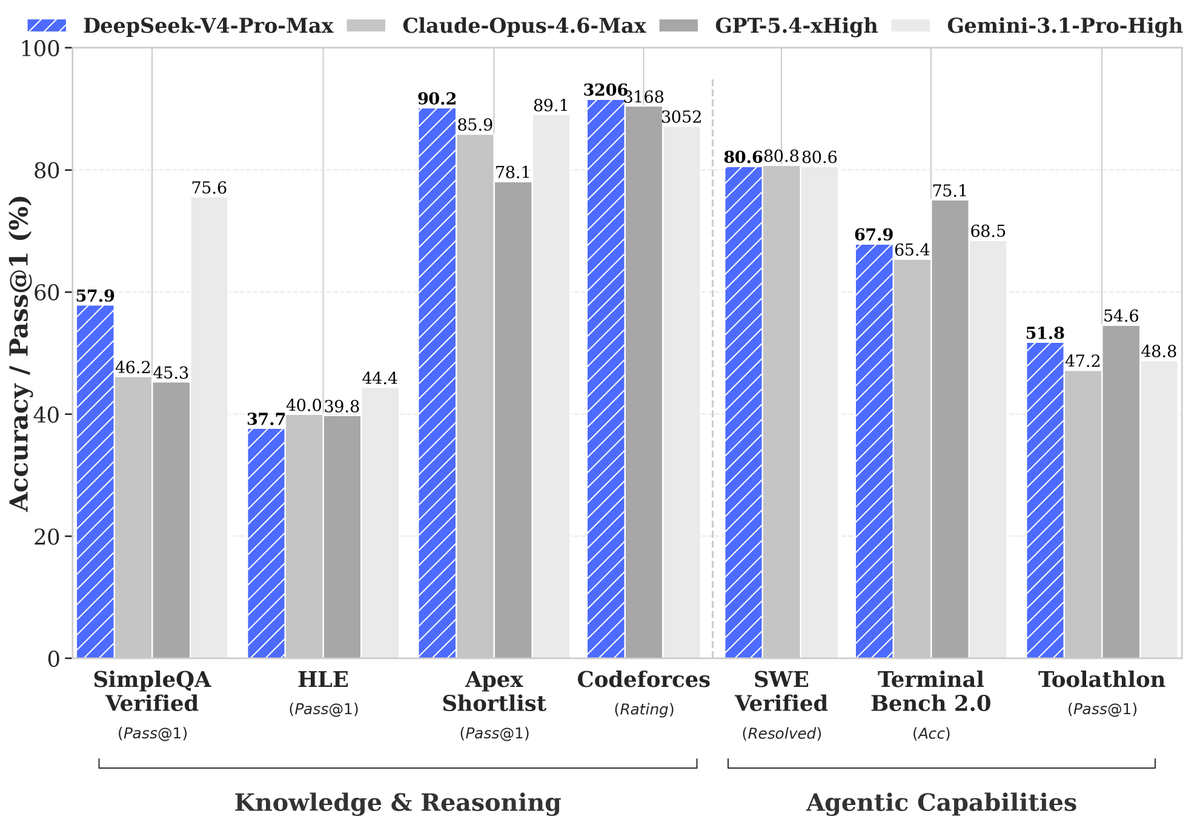
- Give code tasks a test harness. The 93.5 LiveCodeBench score came from evaluations with clear test cases. Your code tasks will benefit from the same; paste the failing test and the model will write code that makes it pass more often than if you ask for “a function that does X.”
For long-context work (hundreds of thousands of tokens), keep the most relevant material near the top and the bottom of the input window. V4’s hybrid attention is efficient, but recency and primacy bias still show up.
Cost control
Even with V4’s low token prices, a runaway agent can burn through a budget fast. Three guardrails:
- Default to V4-Flash. Use V4-Pro only when you have measured a quality gap that matters.
- Default to Non-Think. Escalate to Think High for hard tasks; reserve Think Max for correctness-critical work.
- Cap
max_tokens. The 1M context is an upper bound, not a target. Most answers fit in 2,000 output tokens.
Inside Apidog, set environment-scoped variables for DEEPSEEK_API_KEY so test runs hit a separate billing account from production. Apidog also records the token counts on every response, which is the simplest way to spot a prompt that drifted long.
Migrating from DeepSeek V3 or other models
Three migration paths cover most teams:
- From
deepseek-chat/deepseek-reasoner: swap the model ID todeepseek-v4-proordeepseek-v4-flash. The older IDs deprecate July 24, 2026. Do this migration before then. - From OpenAI GPT-5.x: change the base URL to
https://api.deepseek.com/v1, change the model ID, leave everything else alone. See the matching GPT-5.5 API guide for the parallel request shape. - From Anthropic Claude: point at
https://api.deepseek.com/anthropicto keep the Anthropic message format, or re-shape into OpenAI format and use the main endpoint.
FAQ
Do I need a paid account to use V4?The web chat is free. The API requires a top-up, but the minimum is $2. See how to use DeepSeek V4 for free for no-cost paths.
Which variant should I default to?Start with V4-Flash in Non-Think mode. Measure quality. Escalate only where it pays off.
Can I run V4 on my MacBook?V4-Flash will run on an M3 Max or M4 Max with 128GB of unified memory at heavy quantization, slowly. V4-Pro will not. For laptop-grade experimentation, stick with the API or the web chat.
Does V4 support tool use and function calling?Yes. The OpenAI-compatible endpoint accepts the standard tools array; responses carry tool_calls back in the same shape. The Anthropic-format endpoint uses the native Anthropic tool-use schema.
How do I stream responses?Set stream: true in the request body. The response is a standard OpenAI-compatible SSE stream; any library that handles OpenAI streaming works without changes.
Is there a rate limit?The hosted API publishes per-tier limits on api-docs.deepseek.com. Self-hosted V4 has no per-request limit beyond your hardware.