Give an AI agent write access to your API project and it can do real damage. Not maliciously; agents just do what the prompt implies. Ask one to “clean up the user endpoints” and it might delete a live route you still depend on. Ask it to “update the schema” and it can overwrite a data model that three other endpoints reference. The agent has no sense of what’s shipping in production. It only sees the resources it’s allowed to touch, and it touches them.
This is a new class of risk. When a human made those edits, they hesitated before deleting an endpoint. An agent running in a loop from your terminal doesn’t hesitate. It runs the command, gets a success response, and moves on. If that command hit your main branch, the change is already live in your design source.
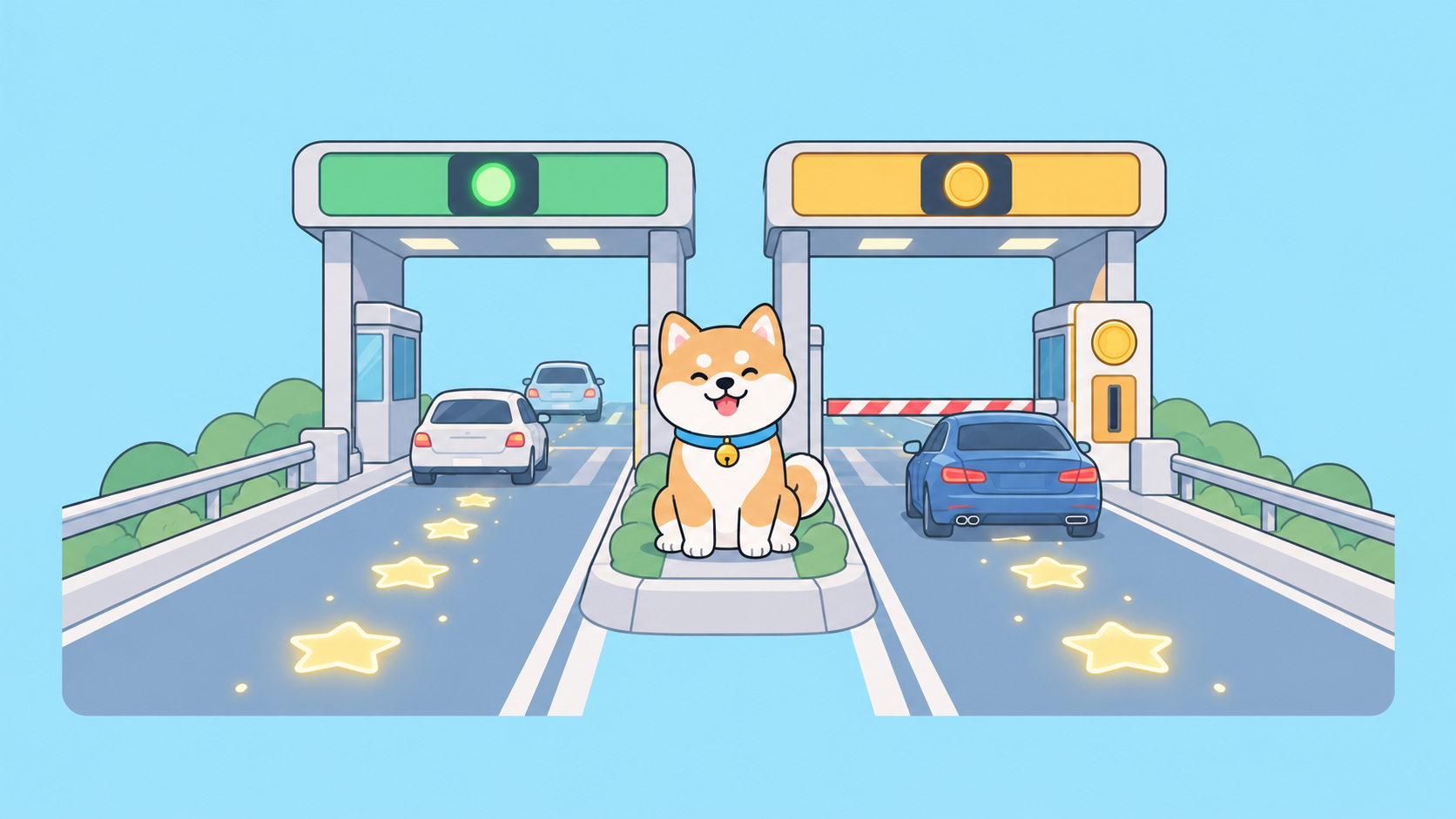
The fix isn’t to lock agents out. It’s to give them a sandbox they can’t escape. Apidog’s AI Branch does exactly that: every agent-driven edit lands in an isolated branch, your source branch stays untouched, and nothing reaches the main branch until a human reviews the diff and merges it. This post walks through the CLI flow end to end, then covers the general safe-agent hygiene that should sit around it. For the design rationale behind the feature, see the deeper writeup on AI Branch and safer agent-driven changes; this piece is the hands-on runbook.
Why agent write access is dangerous by default
Most tools give an agent one level of access: the project. If the agent can create an endpoint, it can also delete one. If it can update a schema, it can also replace it with something incompatible. There’s no gap between “the agent proposed a change” and “the change is in your source of truth.”
Three failure modes show up again and again:
- Overwrite. The agent regenerates a schema from a partial understanding of your API and drops fields other endpoints need.
- Delete. The agent “consolidates” endpoints and removes routes that are still called by live clients.
- Silent drift. The agent makes dozens of small edits across a session. No single change looks wrong, but the sum quietly diverges from what you shipped.
None of these are exotic. They’re the normal output of an agent doing its job on the wrong branch. The goal is to make the wrong branch impossible to reach.
The core fix: an isolated AI branch
An AI Branch is a special kind of sprint branch built for external AI and CLI operations. When you create one, the agent edits inside it and the changes stay there. Your source branch and your main branch are not affected until you decide to merge.
You create it from the CLI. First install and authenticate the Apidog CLI:
npm install -g apidog-cli
apidog login --with-token <YOUR_ACCESS_TOKEN>
Then create the AI branch. The docs recommend naming it with the date, source branch, and purpose so it’s easy to spot later:
apidog branch create --type ai \
  --name "ai/20260708-from-main-user-register" \
  --from main \
  --project <PROJECT_ID>
Two things matter here. The branch is created from main, but creating it doesn’t touch main. And the branch starts empty. An AI Branch does not automatically copy your whole project into itself; it holds only the resources the agent explicitly brings in. That’s a deliberate safety property. The agent can only edit what it has imported, so the blast radius is whatever you scoped, not the entire project.
To see the full set of flags for any branch command, run it with -h:
apidog branch create -h
Import the source resources before editing them
Because the AI Branch is empty, the agent’s first job is to pull in the specific resources it needs to work on. This is the step that keeps an agent from operating blind. You import the endpoint, schema, or doc you want changed, and nothing else comes along for the ride.
Point the agent (or yourself) at the exact resources by ID. Apidog CLI uses plural, comma-separated ID flags for these operations:
apidog branch pick-to \
  --type ai \
  --from main \
  --to "ai/20260708-from-main-user-register" \
  --endpoint-ids 1,2 \
  --data-schema-ids 3 \
  --project <PROJECT_ID>
Now the AI branch contains a copy of endpoints 1 and 2 and schema 3 as they exist on main. The agent works against these copies. Whatever it does to them, the originals on main are unchanged. If the agent deletes an endpoint here, it deletes the copy, not the live route. This is the difference between “the agent nuked our API” and “the agent nuked a scratch copy we can throw away.”
If you’re driving this through a coding agent, the same commands run inside the agent loop. The Apidog CLI returns structured JSON with agentHints.nextSteps, so an agent can read the result of each command and decide what to do next without you translating output for it. The apidog-cli in Cursor guide shows this pattern wired into a real editor.
Let the agent edit, then read the diff
With the resources imported, let the agent do its work. It creates, updates, or deletes endpoints, schemas, docs, and test scenarios inside the AI branch. Every one of those writes is contained.
When it’s done, you review before anything merges. Nothing in the AI Branch flow is automatic; the merge is a human decision. Inspect the changes from the CLI or the Apidog client and confirm the diff matches what you actually wanted. This is your gate. If the agent went off the rails, you see it here, and the fix is to discard the branch, not to roll back production.
Treat this review as mandatory, not optional. The point of the whole flow is that a human looks at the agent’s output before it becomes real. Skipping the review defeats the isolation.
Land changes with a merge request
How you merge depends on whether the target branch is protected. This is where a protected main branch pays off.
If the target branch is not protected, you can merge directly, naming the exact resources to bring over:
apidog branch merge \
  --type ai \
  --from "ai/20260708-from-main-user-register" \
  --to main \
  --endpoint-ids 1,2 \
  --data-schema-ids 3 \
  --project <PROJECT_ID>
If main is protected, and it should be, a direct merge is blocked. Instead you open a merge request and route the change through review:
apidog merge-request create \
  --from "ai/20260708-from-main-user-register" \
  --to main \
  --endpoint-ids 1,2 \
  --data-schema-ids 3 \
  --reviewer-ids <REVIEWER_USER_IDS> \
  --description "AI branch: user register changes" \
  --project <PROJECT_ID>
The merge request is the preferred path for anything agent-generated. It forces the change through the same review flow a human contributor would face. A teammate approves it, then it lands. The agent never writes to main on its own; it can only ask, through a merge request, for a human to accept its work. Notice the merge only carries the resource IDs you list. If the agent touched something you didn’t intend to ship, you leave that ID out of the merge and it stays behind.
This mirrors how a Git-native API workflow handles human contributors: branch, propose, review, merge. The AI Branch applies the same discipline to a non-human contributor, which is the one you least want writing directly to main.
Clean up merged and abandoned branches
Merged or abandoned AI branches should be archived promptly to keep the branch list readable. Once a branch is merged or you decide you don’t need it, archive it first, then delete it:
apidog branch archive "ai/20260708-from-main-user-register" \
  --type ai \
  --project <PROJECT_ID>
The recommended cadence is one AI branch per task. A branch maps to a single unit of agent work, gets reviewed, gets merged or discarded, then gets archived. That keeps the isolation meaningful; you’re never reviewing a branch that accumulated three unrelated sessions of edits.
Safe-agent hygiene around the branch
The AI Branch handles isolation, but it works best inside a few habits that limit what an agent can reach in the first place.
Use least-privilege access tokens. The token you pass to apidog login --with-token scopes what the agent can do. Give an automation token access to the projects it needs and nothing more. Don’t hand an agent your personal owner token because it was convenient. If a token leaks or an agent misbehaves, you want the damage bounded by the token’s scope.
Protect your main branch. This is the single setting that turns “review before merge” from a suggestion into a rule. With main protected, the direct-merge path is closed and every agent change has to go through merge-request create. The protection is what makes the merge request non-optional.
Review before merge, every time. The isolation only protects you if a human actually reads the diff. Build the review into the workflow so it can’t be skipped. An agent that’s been reliable for a week can still misread a prompt on day eight.
Delegate, then verify. This is the pattern that ties it together. You delegate a scoped task to the agent, let it run in its isolated branch, then verify the result before it merges. The agent does the work; you own the acceptance. The same split shows up when agents run tests: the agent executes the suite, you check the test harness results and the exit code before trusting them. Delegate the doing, keep the judging.
If you’re versioning your API spec in Git alongside all this, the OpenAPI version control workflow gives you a second layer of history to diff against when something looks off.
The same isolation principle applies to the code an agent touches. Sharkly gives each task its own directory, and repository-backed runs can use a separate worktree per run, so two agents working the same repo do not overwrite each other. It pairs naturally with the branch discipline above: an isolated workspace for the run, a reviewed merge for the result.
The end-to-end flow, in order
Here’s the whole thing as a sequence you can hand to an agent or run yourself:
apidog branch create --type aifrommain. The branch is empty andmainis untouched.apidog branch pick-tothe specific endpoints and schemas the agent needs. Nothing else comes in.- Let the agent edit inside the branch. Every write is contained.
- Review the diff from the CLI or client. This is the human gate.
apidog merge-request createagainst a protectedmain. A teammate approves; the agent never writes to main directly.apidog branch archiveonce merged or abandoned.
At no point does the agent have a path to overwrite or delete a live endpoint on main. The worst it can do is make a bad change to a scratch copy that you then decline to merge.
Give agents room to work without giving them the keys
Agents are useful precisely because they act without asking. That’s also what makes unrestricted write access dangerous. The answer isn’t to slow the agent down; it’s to make its fast, unhesitating writes land somewhere safe. An isolated AI branch, a protected main, least-privilege tokens, and a mandatory review turn “the agent nuked our API” into a diff you glance at and reject.
Apidog builds this in so you don’t have to assemble it from separate tools. Grab the Apidog CLI, create an AI branch, and let your agents edit against a copy instead of the real thing. Download Apidog to try the AI Branch flow, and read the AI Branch documentation for the full command reference before you wire it into a production workflow.