
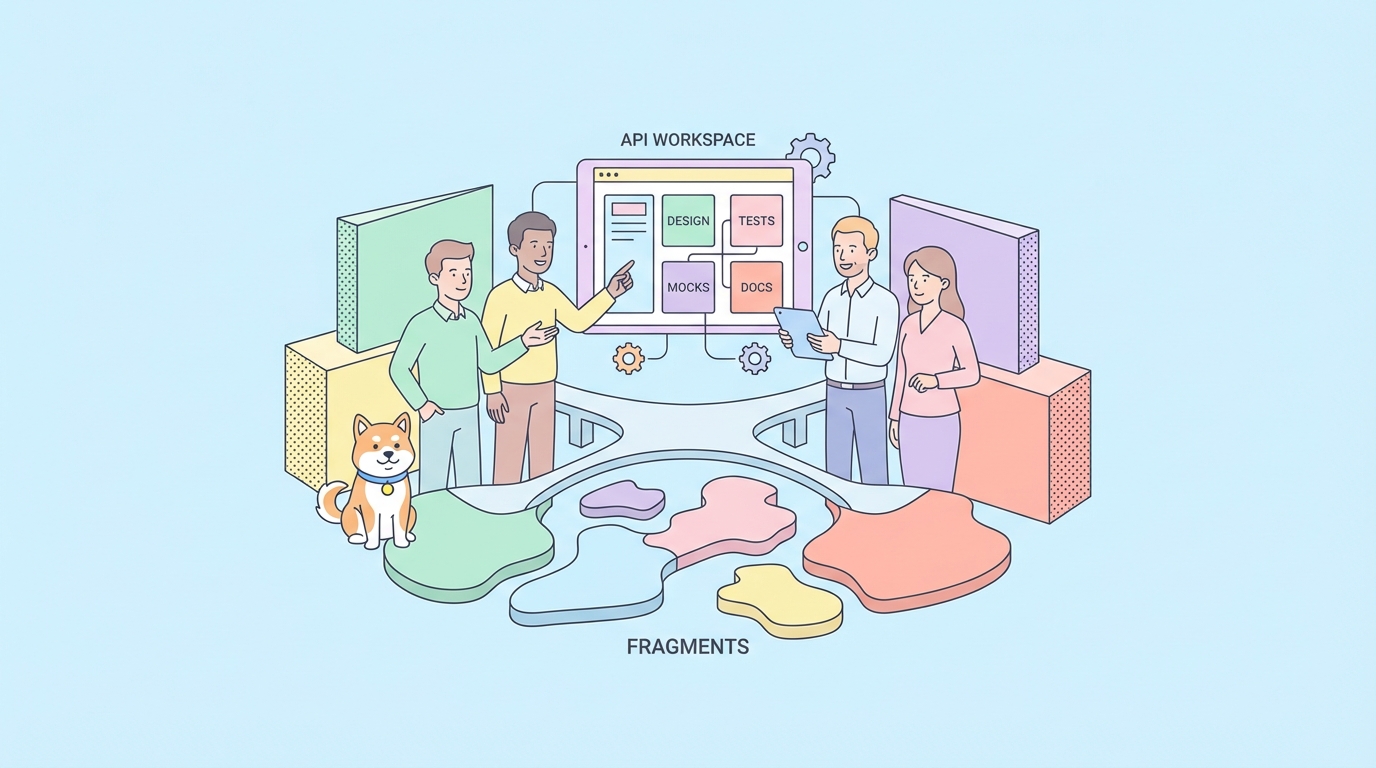
If you’re searching for the best Postman free team plan alternatives for API collaboration in 2026, you’re not alone.
Most teams don’t switch tools because of hype. They switch because collaboration starts breaking down as projects grow:
- Too many tools for one API lifecycle
- Friction in sharing collections and environments
- Limited testing depth for CI/CD workflows
- Docs drifting away from the actual API behavior
- Mocking and testing living in separate systems
For small teams, these issues look minor. For product squads shipping weekly, they become delivery risks.
That’s why your goal shouldn’t be “find a Postman clone.” Your goal should be to find a platform that supports your full API workflow with fewer handoffs.
What “good” looks like in a 2026 API collaboration platform
Before looking at tools, define the capabilities your team actually needs.
1) Design and source of truth
A strong platform should support OpenAPI-first or schema-first workflows. Your API definition must be easy to evolve and review.
Look for:
- OpenAPI support
- Visual API designer
- Branch support or version-safe changes
- Reviewable change history
2) Testing that scales with team velocity
Manual request testing is table stakes. Modern teams need repeatable quality checks.
Look for:
- Automated testing
- Visual assertions or script-based assertions n- Test scenarios across multiple endpoints
- CI/CD integration
3) Mocking for parallel development
Frontend and QA can’t wait for every backend endpoint to be finished.
Look for:
- One-click mock setup
- Dynamic or smart mock responses
- Environment-aware mock behavior
4) Documentation that stays current
Static docs go stale. Generated docs connected to API definitions reduce maintenance cost.
Look for:
- Auto-generated docs
- Interactive endpoint exploration
- Customizable publishing options
5) Real collaboration, not just sharing links
Sharing requests is not the same as team collaboration.
Look for:
- Team workspaces
- Real-time sync
- Role-based collaboration controls
- Consistent workflows for backend, frontend, QA, and technical writers
Best Postman free team plan alternatives for API collaboration in 2026
Below is a practical shortlist of tools teams compare most often.
Note: Feature depth and limits change often. Always verify current pricing and free-plan limits before rollout.
1) Apidog
Best for: Teams that want design, debugging, testing, mocking, and documentation in one workspace.
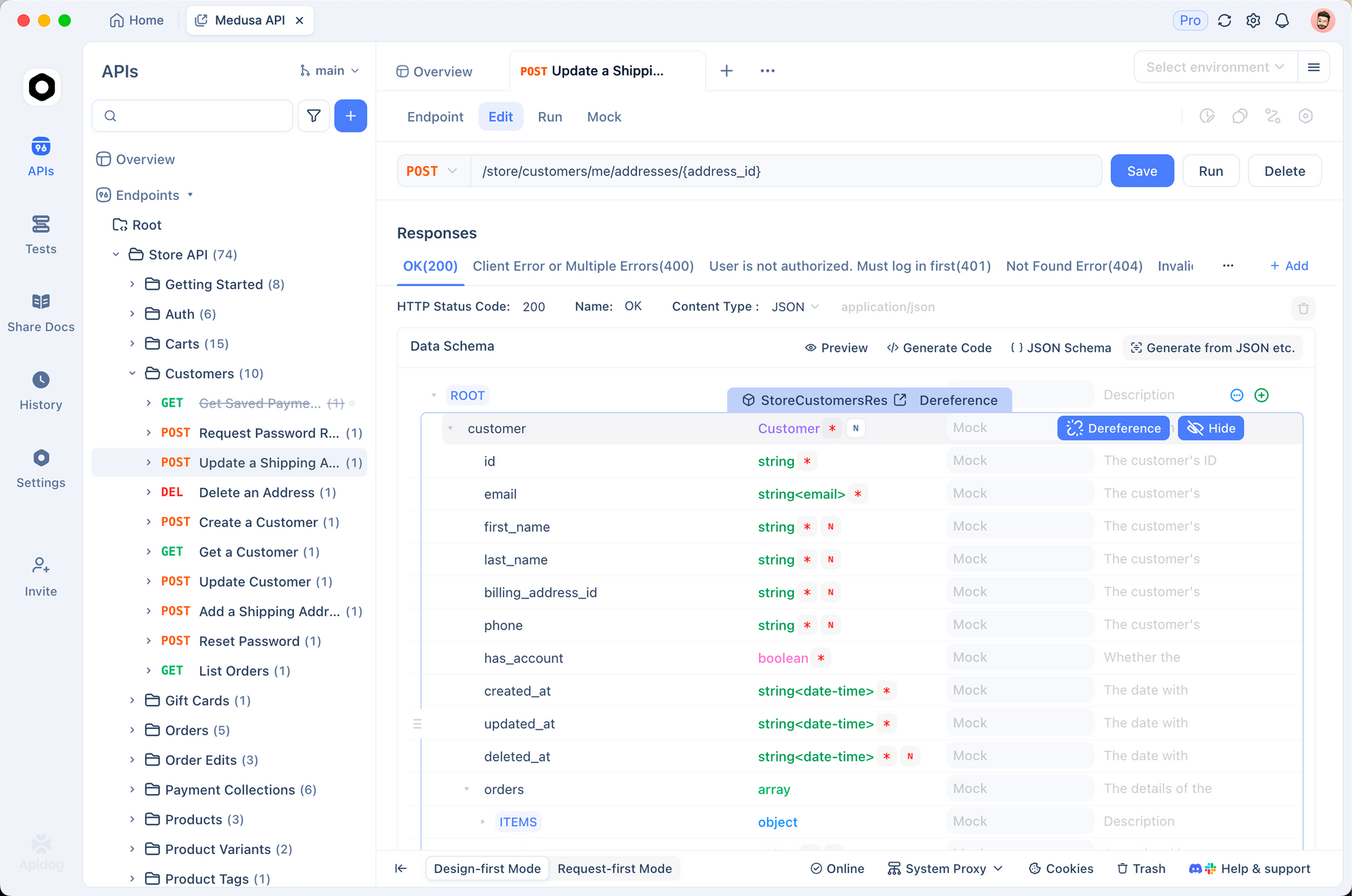
Apidog is built for end-to-end API lifecycle collaboration. Instead of stitching multiple products together, you can design APIs, debug requests, run automated tests, mock endpoints, and publish docs in one platform.
Where Apidog stands out for collaboration
- Visual API design with OpenAPI-friendly workflows for schema-first teams
- Team workspaces and real-time sync that reduce copy/paste sharing
- Automated testing with scenario coverage for regression-safe delivery
- Visual assertions that help QA and backend collaborate without heavy scripting
- Smart mock and dynamic responses for frontend parallel development
- Auto-generated interactive docs from your API definitions
Practical migration advantage
If your team already uses Postman, migration friction matters. Apidog supports quick import, so you can test with real collections instead of rebuilding everything from scratch.
Good fit if you are
- A tech lead standardizing API workflows across teams
- A backend+frontend squad tired of tool switching
- A QA-heavy team needing stronger test scenarios and CI integration
2) Insomnia
Best for: Developers who want a lightweight API client with good local workflows.
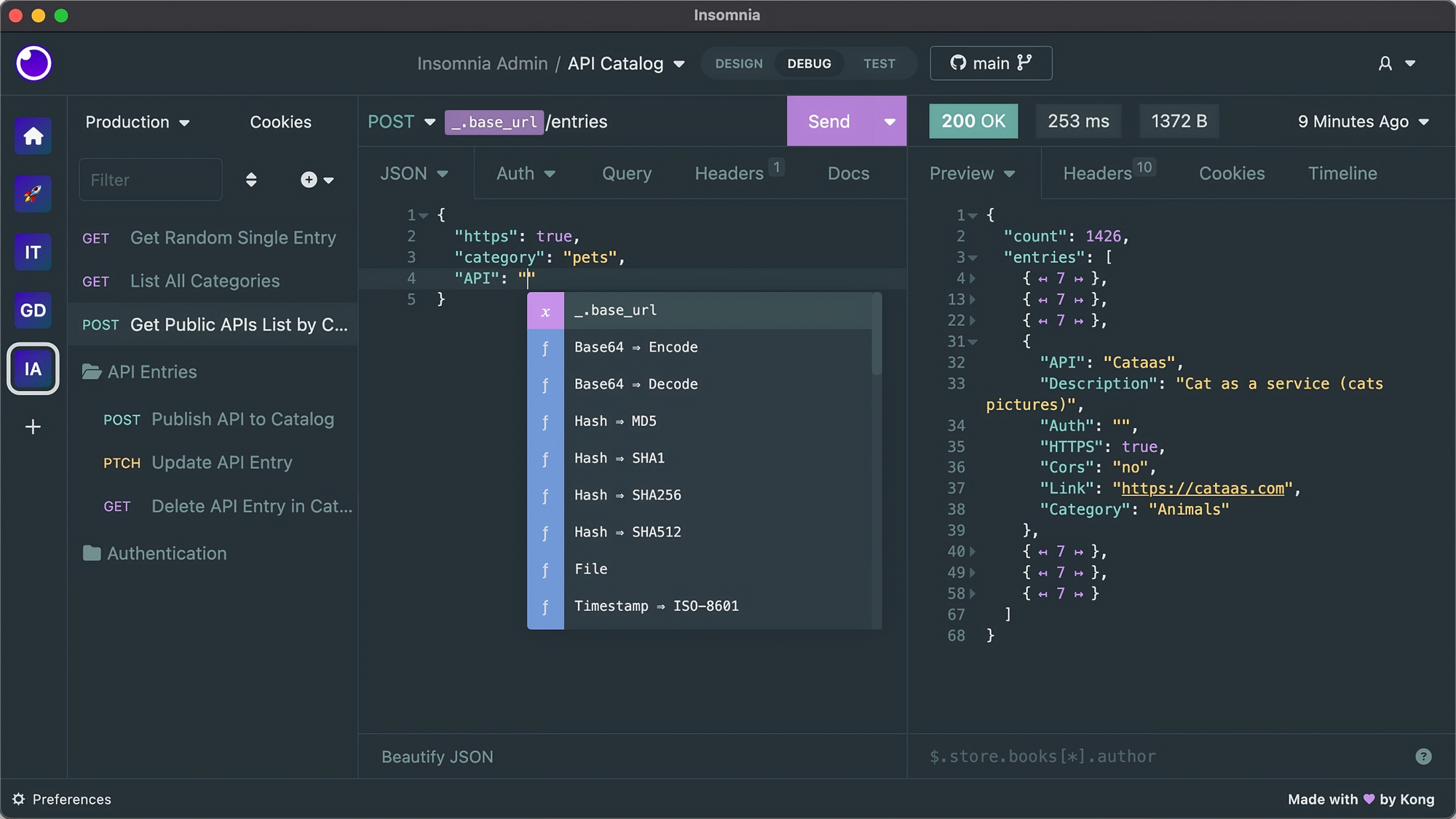
Insomnia is popular for request testing and a clean UI. It is often preferred by developers who want a focused client rather than a full lifecycle platform.
Strengths
- Developer-friendly request building
- Good support for common auth flows
- Lightweight compared to broader platforms
Trade-offs for team collaboration
- Collaboration depth can depend on workspace setup and paid tiers
- Teams may need separate tools for documentation lifecycle and advanced mocking/testing orchestration
Good fit if you are
- A small developer-centric team
- Prioritizing local request workflows over full API governance
3) Hoppscotch
Best for: Teams that want a fast, open-source-friendly API testing experience.
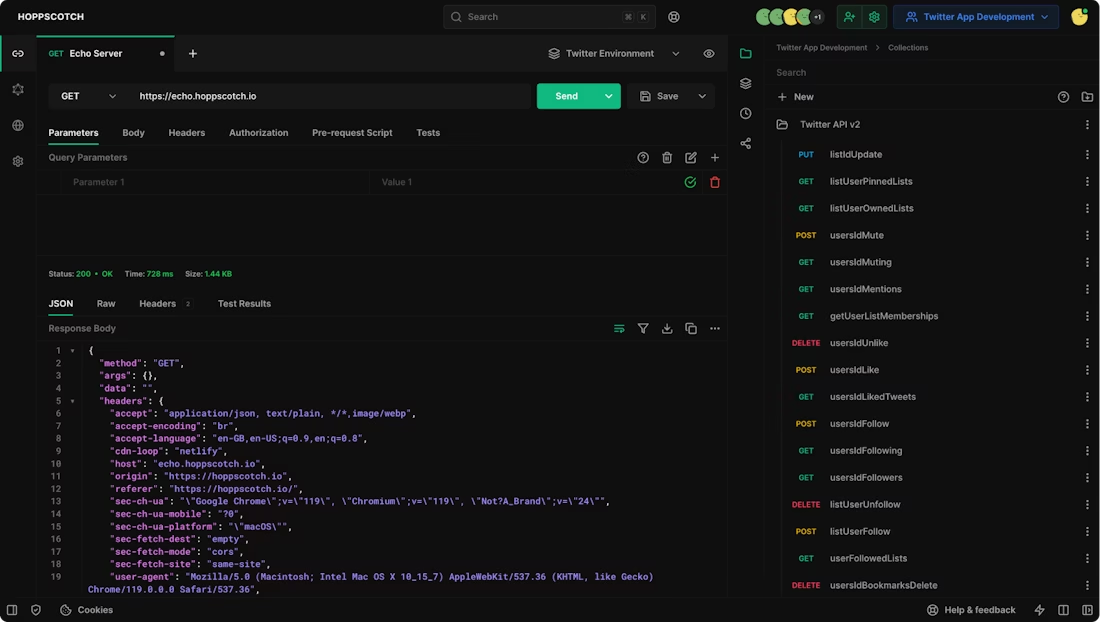
Hoppscotch is known for speed and accessibility. Many developers use it for quick request validation and lightweight collaboration.
Strengths
- Fast interface and simple setup
- Open-source ecosystem appeal
- Useful for quick API checks
Trade-offs
- Teams often add separate tools for deeper test automation, robust mocking, and advanced doc publishing
- Enterprise-level workflow consistency may require extra integration work
Good fit if you are
- Startup teams with simple collaboration needs
- Developers who value open-source tooling and flexibility
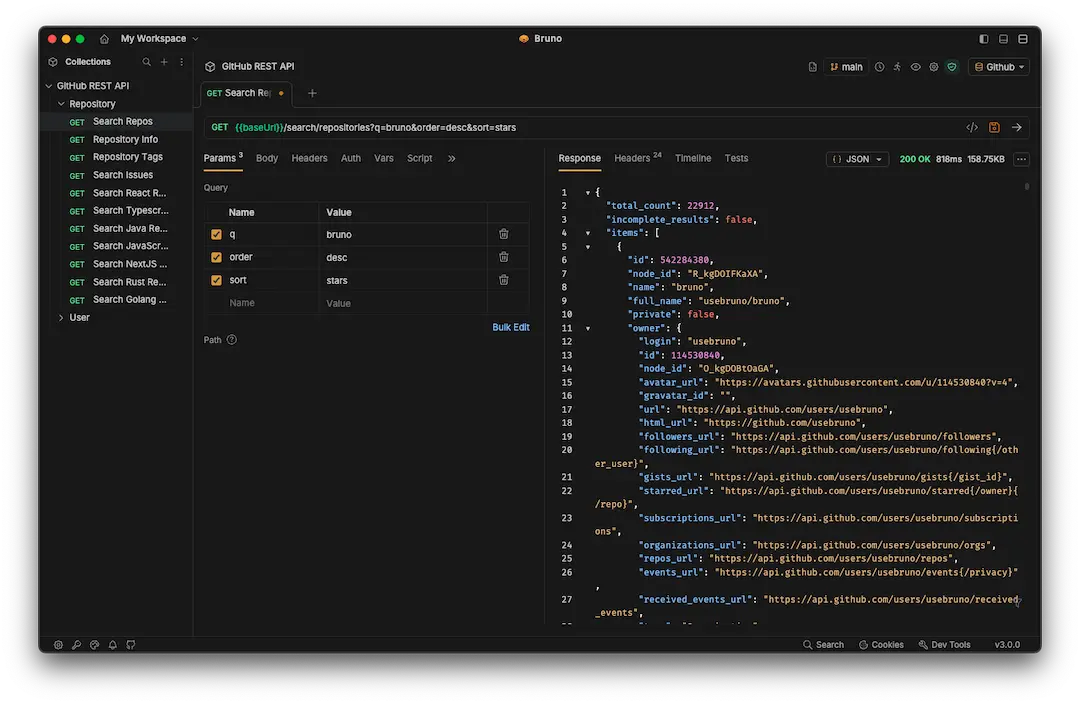
4) Bruno
Best for: Git-native API workflows and local-first teams.
Bruno has grown because it treats API collections as files you can version in Git. For teams that want everything in repos, that model is attractive.
Strengths
- Git-friendly collection management
- Local-first approach
- Good for engineering teams with strong Git processes
Trade-offs
- Non-engineering stakeholders may find workflows less approachable
- Documentation and mock/testing workflows may need companion tools depending on team needs
Good fit if you are
- Backend-heavy teams that prefer CLI/Git-centric collaboration
- Teams comfortable building custom process around core request tooling
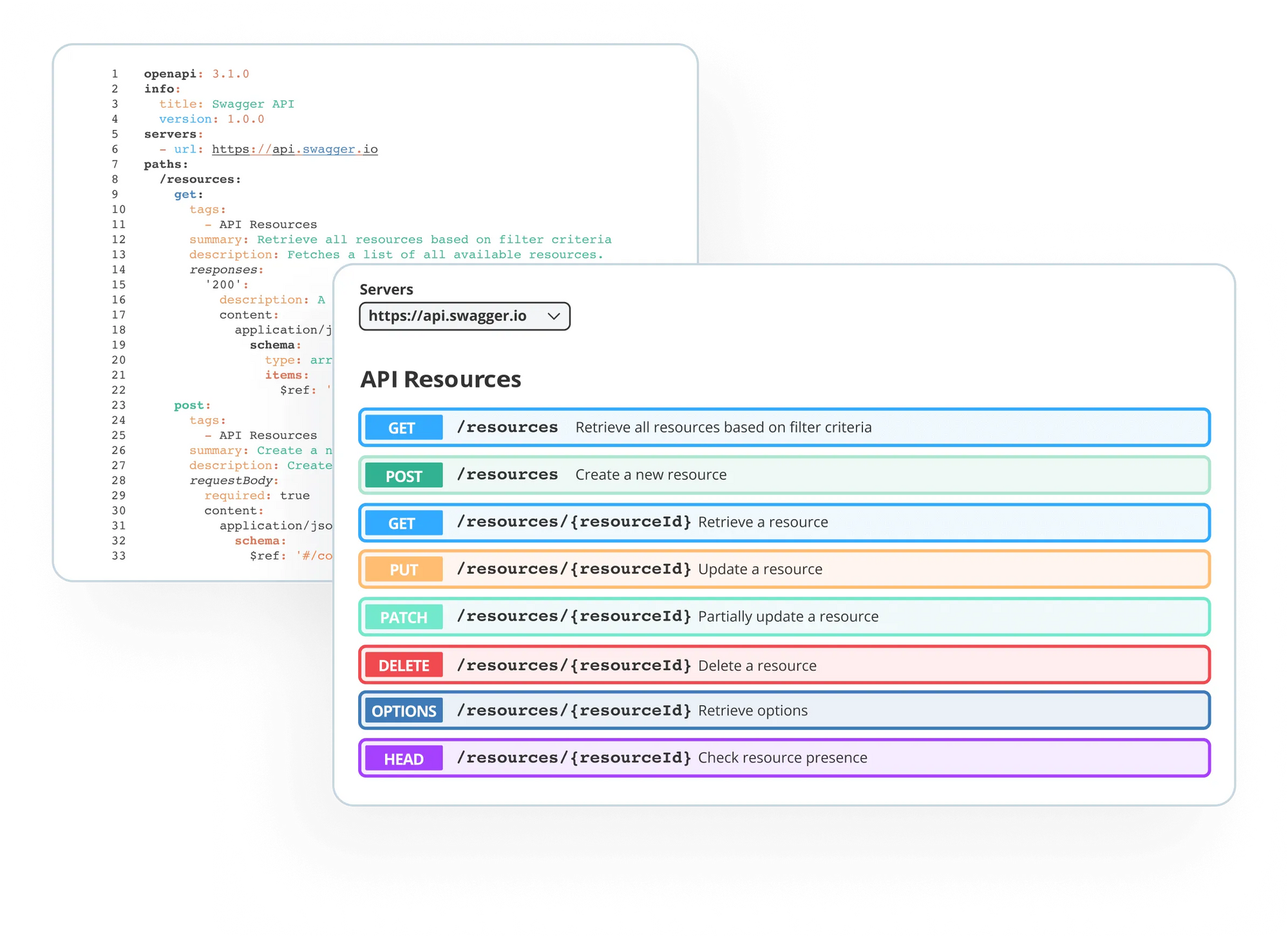
5) SwaggerHub + Swagger ecosystem
Best for: Strong API design governance and OpenAPI standardization.
Swagger tools remain a common choice for API-first organizations. SwaggerHub emphasizes design governance and API definition workflows.
Strengths
- Mature OpenAPI-centric approach
- Strong design-first patterns
- Widely recognized ecosystem
Trade-offs
- Teams may still use separate tools for runtime request debugging, mocking complexity, and test scenario automation
- Cross-functional collaboration can become fragmented if tooling is split
Good fit if you are
- Large teams prioritizing formal API design governance
- Organizations with established OpenAPI processes
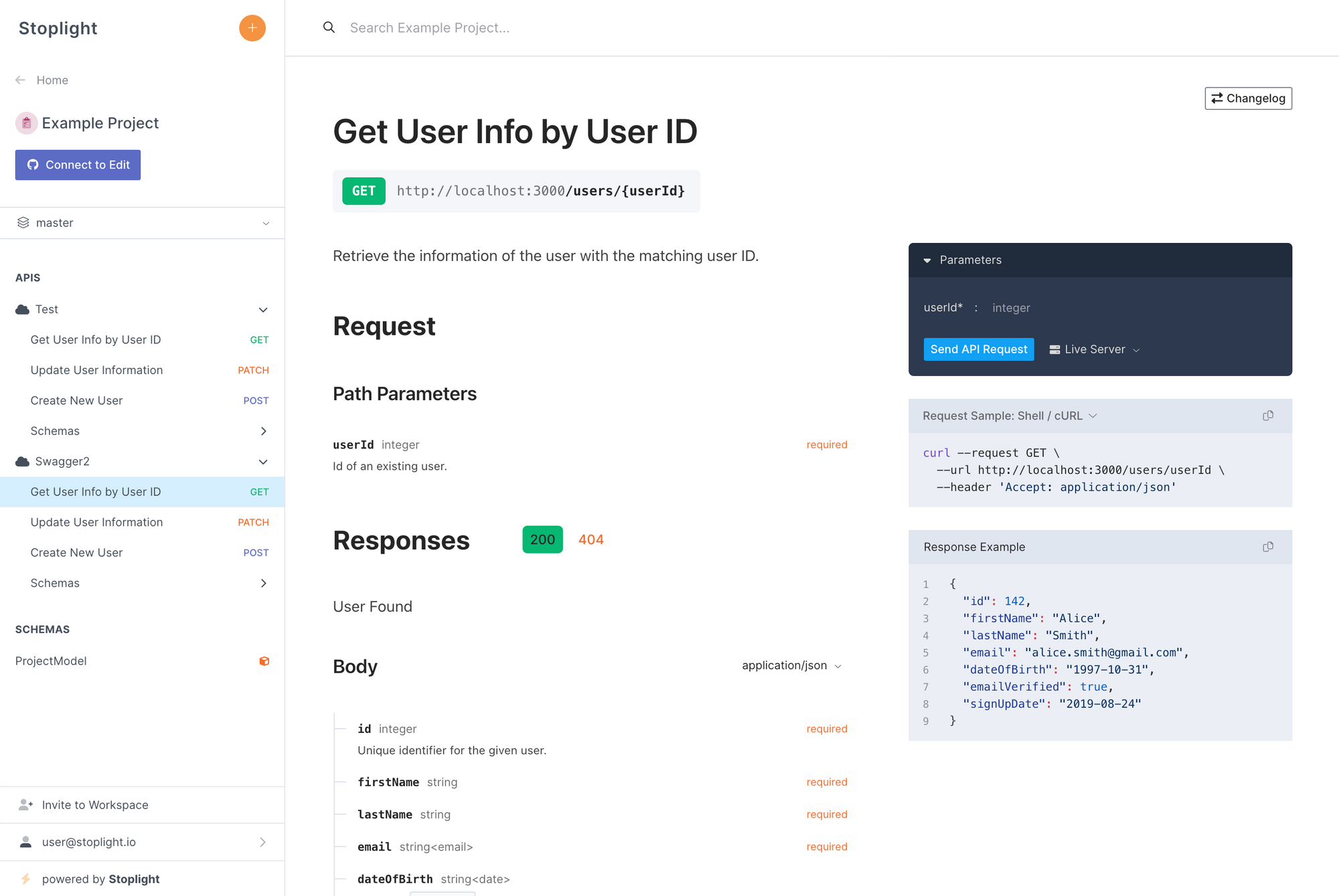
6) Stoplight (design-focused workflows)
Best for: Teams that prioritize design consistency and API style governance.
Stoplight is commonly used for design-first API workflows and governance.
Strengths
- Design workflow support
- Governance and consistency patterns
- Useful for style enforcement
Trade-offs
- Operational testing/mocking/debugging often require additional setup or companion tools
- End-to-end collaboration may span multiple systems
Good fit if you are
- Platform teams focused on API standards
- Organizations with dedicated API governance functions
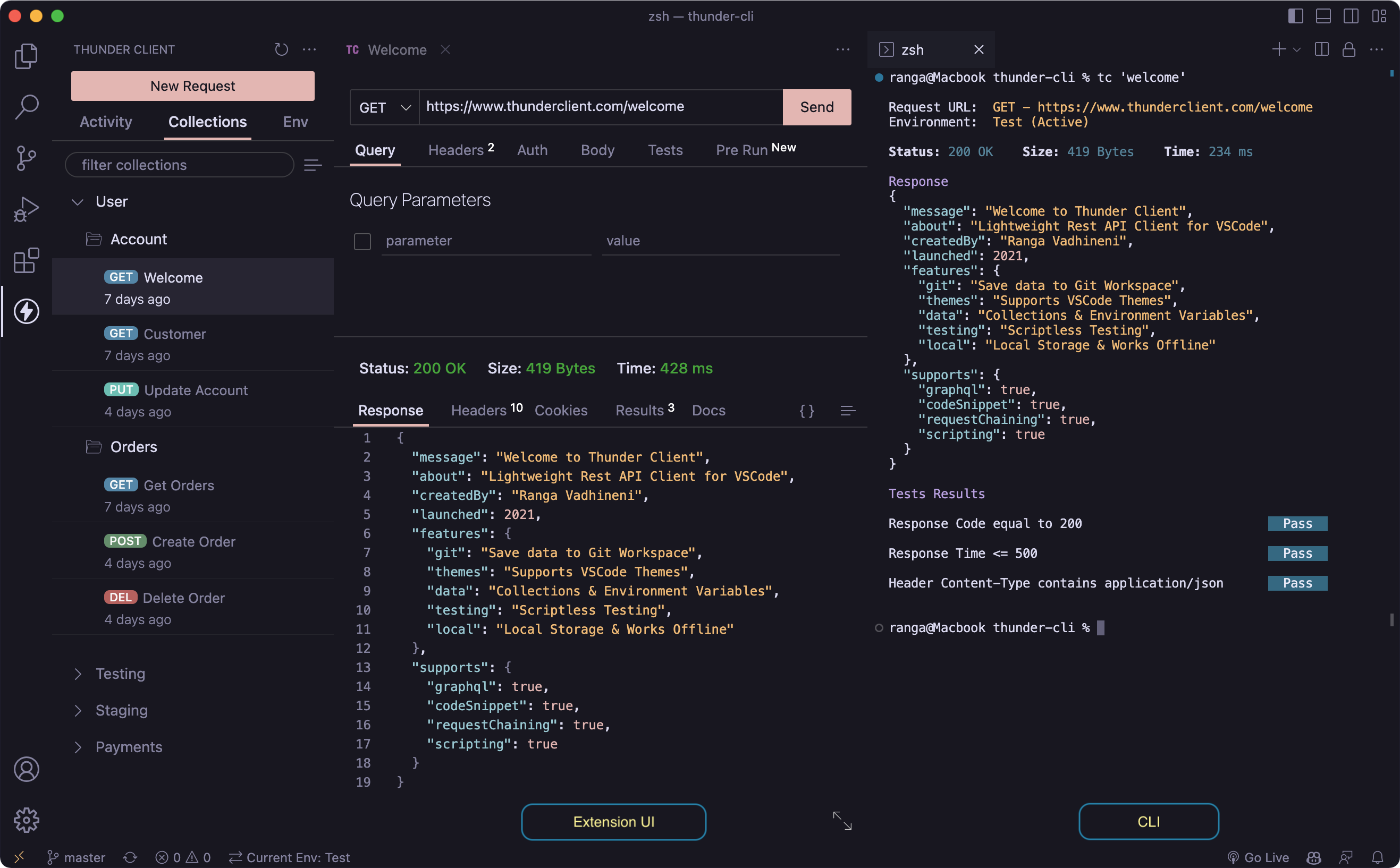
7) Thunder Client (inside VS Code)
Best for: Developers who prefer quick API checks directly in the editor.
Thunder Client is often used as a lightweight extension workflow inside VS Code.
Strengths
- Convenience inside developer environment
- Fast for ad hoc testing
- Minimal setup
Trade-offs
- Not a full API lifecycle collaboration platform
- Team documentation, advanced test automation, and cross-role workflows may require separate systems
Good fit if you are
- Individual developers or very small teams
- Looking for editor-native productivity over broad collaboration features
Decision matrix: pick the right alternative for your team
Use this fast matrix based on collaboration maturity.
| Team need | Best-fit tool profile |
|---|---|
| End-to-end lifecycle in one workspace | Apidog |
| Lightweight request client for devs | Insomnia |
| Fast/open-source-friendly quick checks | Hoppscotch |
| Git-native local-first workflows | Bruno |
| OpenAPI governance-first design process | SwaggerHub / Stoplight |
| Editor-native ad hoc testing | Thunder Client |
If your pain point is specifically “too many tools + collaboration gaps,” an all-in-one lifecycle platform will usually deliver the biggest productivity gain.
What to test during a 14-day evaluation
Don’t evaluate tools with a single happy-path request. Use a real project slice.
Step 1: Import real assets
Bring in:
- Existing collections
- Environment variables
- Auth configurations
- Representative endpoints
Step 2: Simulate cross-role collaboration
Involve:
- Backend developer
- Frontend developer
- QA engineer
- Technical writer or PM
Ask each role to complete daily tasks using the same workspace.
Step 3: Run change scenarios
Test what happens when:
- Response schema changes
- Auth token rotates
- A deprecated endpoint remains in docs
- Frontend needs mock updates before backend release
Step 4: Validate CI/CD compatibility
Run automated test scenarios in pipeline context. Check reporting clarity and failure debugging speed.
Step 5: Measure decision metrics
Track concrete signals:
- Time to create and review a new endpoint
- Time to update docs after API change
- Number of tools required for one release cycle
- Number of broken tests caused by env/config drift
Common migration mistakes (and how to avoid them)
Mistake 1: Migrating requests but not process
If you move collections but keep fragmented workflows, nothing improves.
Fix: Define a standard lifecycle: design → debug → test → mock → document.
Mistake 2: Ignoring QA and frontend requirements
Tool choices made only by backend teams often fail adoption.
Fix: Require QA and frontend sign-off during evaluation.
Mistake 3: Treating docs as a final step
Late documentation causes launch delays and stale references.
Fix: Use auto-generated docs tied directly to API definitions.
Mistake 4: Underestimating environment complexity
Dev/stage/prod differences break tests and trust.
Fix: Standardize environment strategy and variable governance early.
Mistake 5: No governance for API changes
Without branch/version discipline, collaboration regresses.
Fix: Adopt branch-aware review flows and schema change checks.
Example: what a unified workflow looks like in practice
Here’s a practical lifecycle many teams implement with Apidog:
- Design endpoint in visual designer with OpenAPI schema.
- Share in team workspace for backend and frontend review.
- Debug request/response behavior before implementation freeze.
- Generate smart mock for frontend integration in parallel.
- Create automated test scenarios with visual assertions.
- Run in CI/CD as release quality gates.
- Publish interactive auto-generated docs for internal/external consumers.
This reduces handoffs and keeps everyone working from one source of truth.
Security and compliance considerations for collaboration tools
In 2026, API collaboration tools are also security surfaces.
Evaluate:
- Secret handling and environment variable controls
- Access controls for team workspaces
- Audit visibility for changes
- Safe sharing of examples and mock data
- Documentation exposure settings
Even on free plans, your process should enforce least-privilege behavior and avoid hard-coded sensitive values.
Quick checklist: choose your Postman alternative with confidence
Use this checklist before committing:
- Supports your API design approach (OpenAPI/schema-first)
- Enables team workspaces and real-time collaboration
- Includes automated testing and CI/CD compatibility
- Provides practical mocking for frontend and QA
- Keeps docs synced automatically with API definitions
- Reduces total tool count in your delivery workflow
- Offers low-friction migration from current collections
If most boxes stay unchecked, keep evaluating.
If most are checked, run a pilot on one production-bound service.
Final recommendation
If your main goal is API collaboration at team scale, prioritize lifecycle continuity over isolated features.
Many tools can send requests. Fewer tools help your entire team design, test, mock, and document APIs in one shared flow.
That’s where Apidog is strongest. You get a unified workspace for visual API design, automated testing, smart mock responses, interactive auto-generated docs, and team collaboration with real-time sync.
If you’re currently on Postman, import your collection in one click and run a side-by-side pilot with your real sprint workload. You’ll quickly see whether your team ships faster with fewer handoffs.
Try it free—no credit card required.


