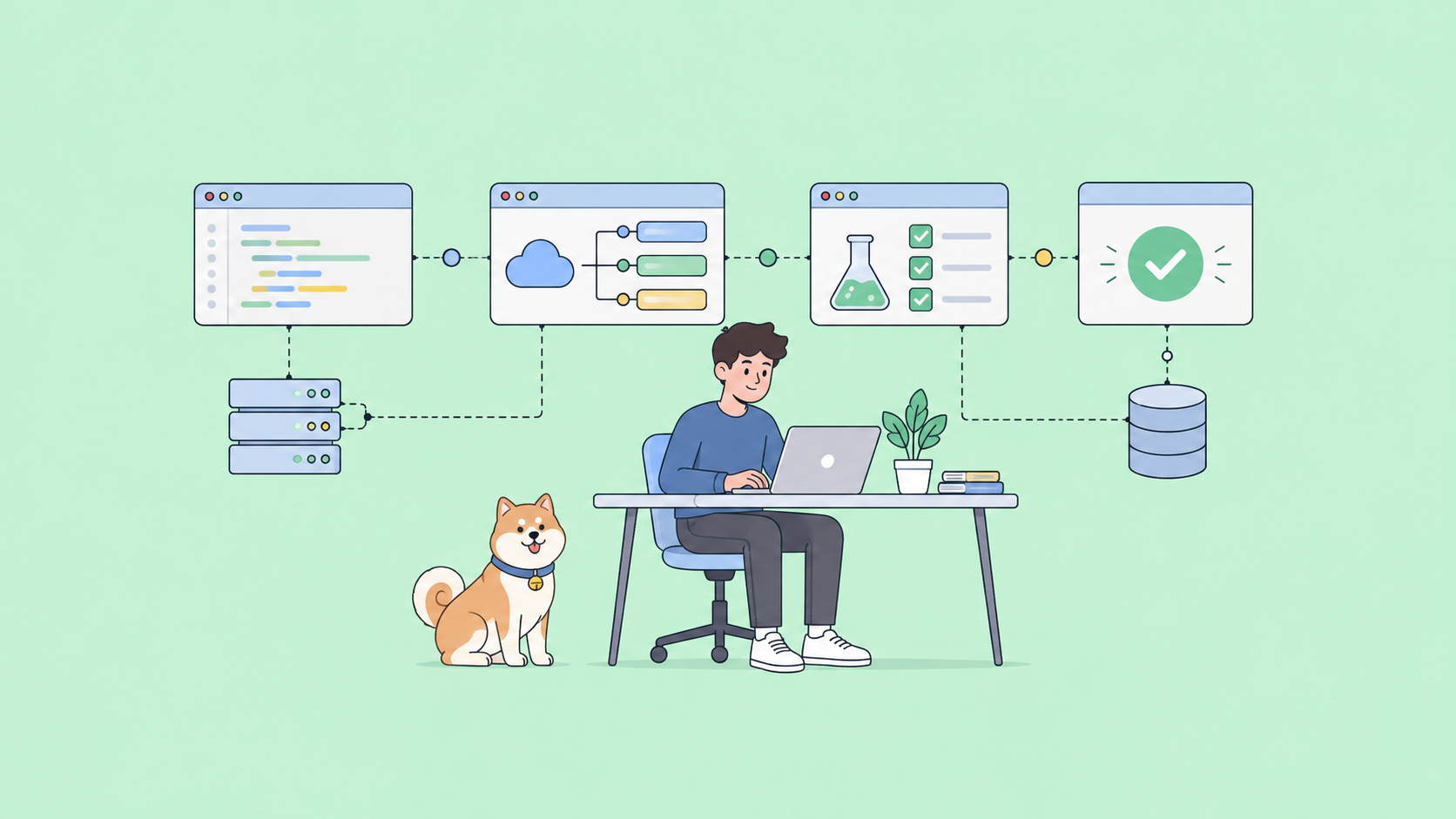
API management used to mean a GUI console and a vendor invoice. That still exists, but a lot of the real work now happens from the terminal. You define routes, plugins, and rate limits in a config file, commit it to Git, and let a CLI push it to the gateway. No clicking through a dashboard, no drift between what’s deployed and what’s reviewed.
The open-source angle matters here. If you run your own gateway, the license decides what you can self-host, fork, and ship without paying per seat. Most of the tools below are Apache 2.0 or MPL 2.0, which means the source is available, you can run it anywhere, and there’s no per-user cost baked in. That’s a different lens than picking the smallest binary; here the questions are license, self-hosting, and how alive the GitHub repo is.
This is a list of genuinely open-source gateways with a real command-line story: Kong Gateway OSS with decK, Tyk, KrakenD Community Edition, Apache APISIX, and Gravitee. For each one you’ll get the license, what the CLI actually does, and a real install-and-run command you can paste. If you want the broader field, the open-source API management tools roundup covers the platforms; this piece is the terminal-first cut of it. The official Apache 2.0 license text is worth a skim if you’ve never read the terms you’re relying on.
One honest note up front. Apidog appears at the end, but not as an open-source entry, because it isn’t one. It’s a commercial product with a free tier. I’ll explain where it fits without pretending it’s something it’s not.
What makes a CLI tool “open source” for API management
Three things separate a real open-source option from a free trial with a countdown.
License. Look for Apache 2.0, MIT, or MPL 2.0 on the core gateway, not just the client SDKs. Apache 2.0 lets you self-host and modify freely. MPL 2.0 (Tyk’s choice) is file-level copyleft; you can combine it with proprietary code as long as MPL files stay open. Anything labeled “source-available” or BSL is not the same thing, so read the actual LICENSE file in the repo.
Self-hosting. The gateway runs on your infrastructure with no license server phoning home. You control the data plane. If the “community edition” is crippled to the point of being a demo, it doesn’t count.
A maintained repo and a working CLI. Check the GitHub stars, but check the commit history more. A gateway you can configure declaratively from the command line, version in Git, and run in CI is the whole point of this list. For the general management concepts behind all of this, see what API management actually covers.
Kong Gateway OSS (with decK)
Kong Gateway OSS is the Apache 2.0-licensed build of Kong. Kong Inc. keeps shipping OSS builds for people who want only Apache 2.0 code, separate from the Enterprise edition. The gateway itself is configured through its Admin API, but the tool you actually live in is decK.
decK is Kong’s declarative configuration CLI. You dump the running gateway’s state to a YAML file, edit it, and sync it back. It diffs first, so you see exactly what will change before it changes, which makes config drift visible instead of silent.
# Export the current Kong config to a file
deck gateway dump -o kong.yaml

# Push a declarative config back to the gateway
deck gateway sync kong.yaml
Best at: infrastructure-as-code for Kong. If you already run Kong and want your routes and plugins in Git with review and CI, decK is the answer. Honest limits: it’s Kong-specific, and it manages configuration rather than doing docs or testing. You’re also running Kong’s full stack, which is heavier than a single-binary gateway.
Tyk
Tyk’s gateway is open source under Mozilla Public License 2.0. The MPL is file-level copyleft: changes to MPL-licensed files have to stay open, but you can bundle the gateway with proprietary plugins as long as those live in separate files. The core gateway, written in Go, supports REST, GraphQL, TCP, and gRPC.
The command-line piece most people hit is the bundler, shipped inside the gateway binary since v2.8. It packages your custom middleware plugins into a signed bundle the gateway can load.
# Build a plugin bundle from your manifest and middleware files
tyk bundle build -o bundle.zip
Best at: teams that want to extend the gateway with custom auth or transformation plugins and need a repeatable way to package them. Honest limits: the CLI is scoped to bundling, not full declarative config of the whole gateway; a lot of Tyk management still runs through its Dashboard (which is the paid piece) or the Gateway API directly.
KrakenD Community Edition
KrakenD is a stateless, high-performance gateway, and the Community Edition ships the full core feature set under Apache 2.0. Stateless is the interesting part: there’s no database. The gateway is defined entirely by a config file, which makes it a natural fit for Git and CI.
The krakend binary is the CLI. You validate configs with check and run the gateway with run. Because it’s a single Go binary, the install is one download.
# Validate and lint your config before deploying
krakend check -c krakend.json --lint

# Run the gateway with that config
krakend run -c krakend.json
The Flexible Configuration feature (FC_ENABLE=1) lets you split one large config into templated files with variables, so you can keep environments DRY. Best at: declarative, stateless gateways where the config file is the single source of truth. Honest limits: no built-in persistence or admin UI in CE; you compose behavior in config rather than clicking toggles, which is a feature if you like IaC and friction if you don’t.
Apache APISIX
Apache APISIX is a top-level Apache Software Foundation project, licensed Apache 2.0. That governance matters for the open-source question: it’s a foundation project, not a single vendor’s community edition, so the OSS build is the real project rather than a stripped-down teaser.
APISIX has a control CLI for lifecycle operations, and a REST Admin API (bound to 127.0.0.1 by default) for managing routes and plugins. The CLI starts, stops, and reloads the gateway; apisix reload picks up config changes without dropping connections.
# See the available control commands
apisix help

# Start the gateway, then hot-reload after a config change
apisix start
apisix reload
Best at: dynamic, high-throughput routing where you want to change routes and plugins at runtime without restarts, driven by the Admin API. Honest limits: routing config lives in the Admin API rather than a single declarative CLI push, so your “config in Git” workflow usually means scripting Admin API calls or adding a tool like APISIX’s ADC on top.
Gravitee
Gravitee’s core API Management platform is open source under Apache 2.0. It’s more than a gateway: the Community Edition includes the APIM Gateway (the runtime), the APIM API (a REST management interface), and the APIM Console. Enterprise features like the event-native async APIs sit in the paid edition, but the REST-centric core is genuine OSS you can self-host.
The command-line story needs an honest caveat. Gravitee’s day-to-day admin runs through its Management REST API and Console, and the official self-hosted install is often driven with the Docker CLI. There’s a community-maintained graviteeio-cli on GitHub that wraps the Management API to automate actions across modules, but it’s a community tool, not a first-party binary, so treat its maintenance status the way you’d treat any community project before you depend on it.
# Run the Gravitee APIM gateway container (self-hosted, OSS)
docker run --name gravitee-gateway -p 8082:8082 graviteeio/apim-gateway:latest
Best at: teams that want a full open-source management layer (gateway plus console plus a management API to script against) rather than just a proxy. Honest limits: the first-party automation surface is the REST Management API, not a polished single CLI; the community CLI fills the gap but you’re taking on its maintenance risk.
Where Apidog fits (and why it’s not on the open-source list)
Apidog isn’t open source, so it doesn’t belong as an entry above. It’s a commercial product with a free tier, and I’d be misleading you to file it under Apache 2.0.
Here’s the honest pitch anyway. The tools above are gateways; they manage traffic, routes, and plugins. They don’t design your API schema, run your endpoint tests, generate your docs, or mock responses before the backend exists. Stitching those jobs together usually means Spectral plus openapi-generator plus a mock server plus Newman, each with its own config. Apidog folds design, testing, mocking, and docs into one workspace, and apidog-cli gives you a terminal path to all of it.
# Install and authenticate the Apidog CLI
npm install -g apidog-cli
apidog login --with-token <TOKEN>

# Run a test scenario in CI (exits non-zero on failure)
apidog run
The CLI outputs structured JSON with agentHints.nextSteps, so it drops cleanly into CI and into AI-agent workflows; if you’re routing API work through Claude Code or similar, managing APIs without leaving your AI agents covers that pattern. It also supports importing and exporting OpenAPI, running scenarios, and driving mocks from the command line. The complete Apidog CLI guide walks through the command groups. Think of it as the integrated free-tier option next to a self-hosted OSS gateway, not a replacement for one.
How to choose
| Tool | Best for | License | Open source? | CLI/command |
|---|---|---|---|---|
| Kong Gateway OSS + decK | IaC config for Kong in Git | Apache 2.0 | Yes | deck gateway sync |
| Tyk | Custom plugin bundling, multi-protocol | MPL 2.0 | Yes | tyk bundle build |
| KrakenD CE | Stateless, config-as-code gateway | Apache 2.0 | Yes | krakend run |
| Apache APISIX | Dynamic high-throughput routing | Apache 2.0 | Yes (ASF project) | apisix start/reload |
| Gravitee | Full OSS management layer + console | Apache 2.0 | Yes (core) | Docker CLI / REST API |
| Apidog CLI | Design + test + mock + docs in one | Freemium | No | apidog run |
Pick on the workflow, not the star count. If you already run Kong, decK is the fastest win. If you want a stateless gateway defined entirely by a file, KrakenD fits. APISIX wins on dynamic, runtime routing changes; Gravitee gives you a whole management layer with a console. For the wider comparison including the commercial platforms, see the best API management tools for 2026 and the headless API management angle if you’re building an API-first stack.
Wrapping up
Open-source API management from the CLI is mature. Kong Gateway OSS with decK, Tyk, KrakenD CE, Apache APISIX, and Gravitee are all Apache 2.0 or MPL 2.0, all self-hostable, and all controllable from the terminal, which means Git, review, and CI instead of dashboard clicking. Choose the one whose model matches how you deploy.
For the design, testing, mocking, and docs that gateways don’t handle, an integrated tool covers the gap. Download Apidog and run apidog run in your pipeline to see the CLI path, then wire it into CI next to whichever OSS gateway you land on.