TL;DR
Nano Banana 2 (Gemini 3.1 Flash Image) offers three main pricing tiers: a free tier with limited generations, Google AI Pro at $19.99/month for higher quotas and priority processing, and Google AI Ultra at $49.99/month for maximum generations and 4K resolution. API-based pricing is also available for pay-per-generation usage, with volume discounts for enterprise customers. The free tier is suitable for learning and experimentation, while Pro and Ultra tiers target developers and businesses with production needs.
Understanding Nano Banana 2 Pricing Structure
Google's Nano Banana 2 pricing follows a tiered subscription model designed to serve different user segments, from casual experimenters to enterprise deployments. Understanding this structure helps you choose the right plan and avoid unexpected costs.
The Three Main Tiers
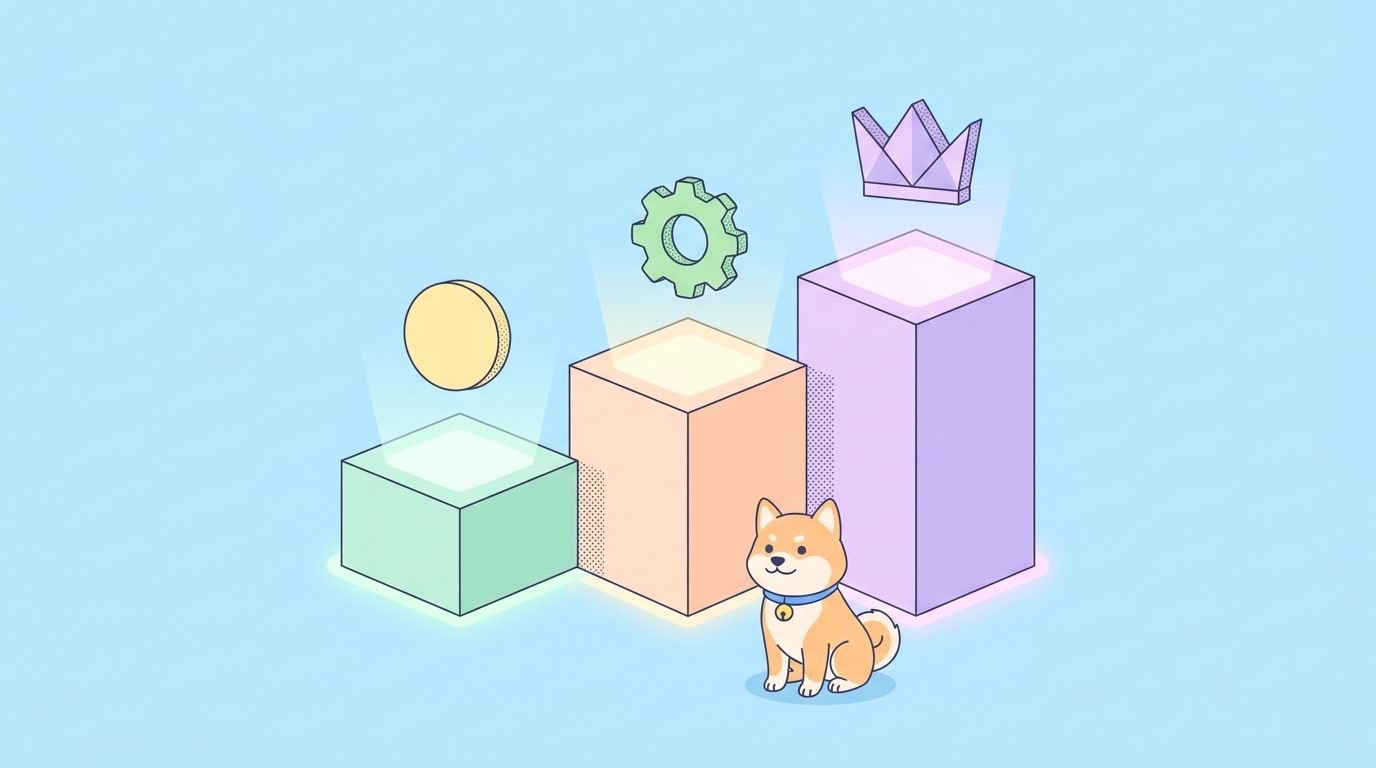
Nano Banana 2 pricing is organized into three primary categories:
- Free Tier - For learning and limited experimentation
- Google AI Pro ($19.99/month) - For developers and small projects
- Google AI Ultra ($49.99/month) - For power users and businesses
Additionally, there's API-based pricing for pay-per-generation usage beyond subscription limits, and enterprise pricing for large-scale deployments.
What Affects Your Costs
Several factors determine how much you'll pay:
- Generation quota - Number of images you can generate per month
- Processing priority - Speed of generation during peak times
- Resolution - Higher resolutions may cost more
- Model variant - Nano Banana Pro (higher quality) vs standard
- API usage - Direct API calls beyond subscription
- Additional features - Advanced features like fine-tuning
Free Tier: What You Get
The free tier lets you explore Nano Banana 2 without any financial commitment. Here's what's included:
What's Included
| Feature | Free Tier |
|---|---|
| Daily generation limit | Limited (varies) |
| Resolution options | Basic (up to 1024px) |
| Processing priority | Lower during peak times |
| Model access | Standard Nano Banana 2 |
| Commercial use | Limited |
| API access | Yes (with limits) |
| Support | Community forums |
Limitations of the Free Tier
The free tier has several constraints to be aware of:
- Daily caps - You can only generate a limited number of images per day (exact number varies)
- Peak time delays - During high-traffic periods, free tier requests may take longer
- Feature restrictions - Some advanced features like 4K resolution aren't available
- No Nano Banana Pro - You only get access to the standard model
- Commercial limitations - Using generated images in commercial products may have restrictions
Best Use Cases for Free Tier
The free tier is ideal for:
- Learning how image generation works
- Testing prompts and exploring model capabilities
- Small personal projects
- Evaluating whether Nano Banana 2 meets your needs before upgrading
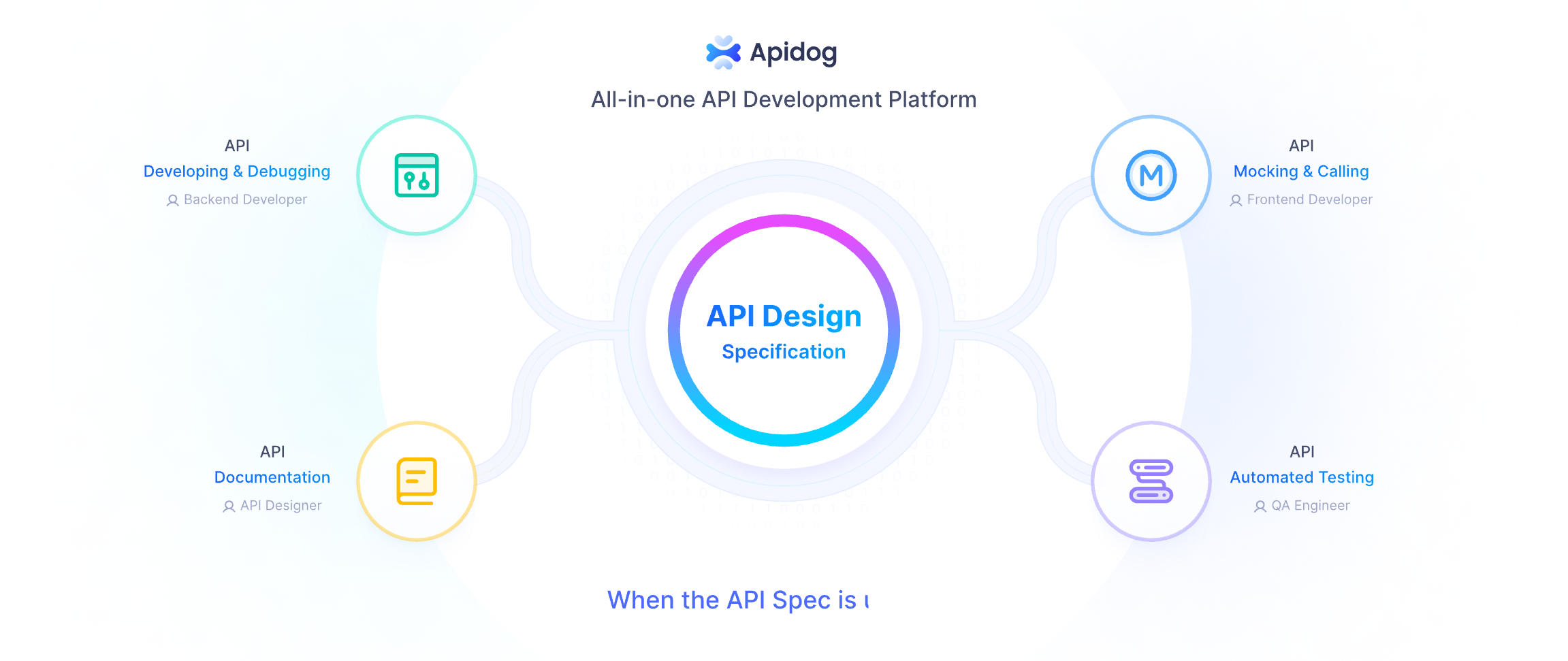
Pro Tip: Use the free tier to experiment with different prompts and understand the model's behavior before investing in a paid plan. Apidog's API testing tools help you iterate quickly during this exploration phase.
Google AI Pro ($19.99/month)
Google AI Pro is the sweet spot for most developers and small teams. At $19.99/month, it provides substantially more capacity than the free tier while remaining affordable.
What's Included
| Feature | Google AI Pro |
|---|---|
| Monthly generation quota | Substantial (100+ images) |
| Resolution options | Up to 2048px |
| Processing priority | Higher than free |
| Model access | Standard + Nano Banana Pro |
| Commercial use | Full rights |
| API access | Yes (higher limits) |
| Support | Email support |
Key Benefits
- Increased Quota - Generate hundreds of images per month instead of dozens
- Priority Processing - Your requests jump ahead of free tier during busy periods
- Higher Quality Images - Access to Nano Banana Pro for better fidelity
- Full Commercial Rights - Use generated images in your products and services
- Better API Limits - Higher rate limits for API-based applications
Who Should Choose Pro
Google AI Pro is best for:
- Freelancers working on client projects
- Small businesses with image generation needs
- Developers building applications with image features
- Content creators needing regular image generation
- Startups incorporating AI images into products
Cost Analysis
At $19.99/month, Pro breaks down to approximately:
- $0.07 per day (roughly)
- If you generate 100 images/month: $0.20 per image
- If you generate 500 images/month: $0.04 per image
The more you use it, the more cost-effective it becomes.
Google AI Ultra ($49.99/month)
Google AI Ultra is the premium tier for power users and businesses with demanding image generation requirements.
What's Included
| Feature | Google AI Ultra |
|---|---|
| Monthly generation quota | Generous or unlimited |
| Resolution options | Up to 4K |
| Processing priority | Highest |
| Model access | All variants |
| Commercial use | Full rights + extended |
| API access | Highest limits |
| Support | Priority support |
Key Benefits
- 4K Resolution - Generate professional-quality images at 3840x2160
- Maximum Quota - Generate as many images as you need (often unlimited)
- All Model Variants - Access to every Nano Banana version and experimental features
- Fastest Processing - Top priority during peak times
- Priority Support - Get help faster when issues arise
- Extended Commercial License - Broader usage rights for enterprise
Who Should Choose Ultra
Google AI Ultra is ideal for:
- Agencies handling multiple client accounts
- Businesses with high-volume image needs
- Professional content creation teams
- E-commerce platforms with product visualization needs
- Enterprises requiring 4K quality
Cost Analysis
At $49.99/month, Ultra provides the best value for heavy users:
- $1.67 per day
- If you generate 500 images/month: $0.10 per image
- If you generate 2000 images/month: $0.025 per image
- Unlimited generation: Fixed monthly cost regardless of usage
API-Based Pay-Per-Usage Pricing
For users who need flexibility or want to avoid monthly subscriptions, Google offers pay-per-generation pricing through the API.
How API Pricing Works
API-based pricing charges you based on actual usage rather than a fixed monthly fee:
- Per-image pricing - Pay for each generation
- Volume discounts - Lower rates for higher usage
- No commitments - Use what you need, when you need it
Typical API Pricing Structure
| Usage Tier | Price per Image | Example |
|---|---|---|
| Base rate | $0.01 - $0.03 | 1-1,000 images/month |
| Volume tier | $0.008 - $0.02 | 1,001 - 10,000 images/month |
| Enterprise tier | Custom pricing | 10,000+ images/month |
Note: Exact pricing varies based on resolution, model variant, and other factors. Check Google's official pricing page for current rates.
When API Pricing Makes Sense
Pay-per-usage is smart when:
- Your usage is highly variable
- You only need image generation occasionally
- You're building a SaaS product and need flexible billing
- You want to test demand before committing to a subscription
Example: API vs Subscription Cost Comparison
Scenario: 200 images per month
| Option | Cost |
|---|---|
| Free tier | Limited (may not meet needs) |
| Google AI Pro ($19.99) | $19.99/month |
| API pay-per-use | ~$2-4/month |
Verdict: For consistent monthly usage, subscriptions are more economical.
Scenario: 2,000 images per month
| Option | Cost |
|---|---|
| Google AI Pro | May exceed quota |
| Google AI Ultra ($49.99) | $49.99/month (often unlimited) |
| API pay-per-use | ~$16-40/month |
Verdict: Ultra often provides better value with unlimited or high quotas.
Enterprise Pricing and Volume Discounts
Large organizations with significant needs can negotiate custom pricing with Google.
What Enterprise Pricing Includes
- Custom quotas - Millions of generations per month
- Dedicated infrastructure - Better performance and reliability
- Advanced security - SSO, audit logs, compliance certifications
- Custom contracts - Annual agreements with negotiated rates
- Account management - Dedicated success manager
- SLA guarantees - Uptime and performance commitments
How to Qualify for Enterprise Pricing
Enterprise pricing typically requires:
- High volume usage (50,000+ images/month)
- Annual contract commitment
- Google Cloud Platform partnership
- Specific compliance requirements
Volume Discount Tiers
| Monthly Images | Typical Discount |
|---|---|
| 10,000 - 50,000 | 10-20% off |
| 50,000 - 100,000 | 20-30% off |
| 100,000+ | 30%+ off (negotiable) |
Contacting Google for Enterprise
- Visit the Google Cloud website
- Navigate to the Generative Language API section
- Click "Contact Sales" or "Talk to Sales"
- Discuss your requirements
- Negotiate terms based on your volume needs
Comparing the Plans
Here's a comprehensive side-by-side comparison:
| Feature | Free | Pro ($19.99) | Ultra ($49.99) | API Pay-Per-Use |
|---|---|---|---|---|
| Monthly Cost | $0 | $19.99 | $49.99 | Variable |
| Daily Generations | Limited | Higher | Unlimited/Very High | Unlimited |
| Max Resolution | 1024px | 2048px | 4K | Varies |
| Processing Priority | Low | Medium | High | Medium |
| Model Access | Standard | Standard + Pro | All | Standard |
| Commercial Rights | Limited | Full | Extended | Full |
| API Rate Limits | Low | Medium | High | Custom |
| Support | Community | Priority | ||
| Best For | Learning | Devs/Small Biz | Power Users | Flexible Needs |
Quick Decision Guide
Choose Free if:
- You're learning or experimenting
- You only need a few images per month
- You want to test the model before committing
Choose Pro if:
- You need 100-500 images monthly
- You want commercial usage rights
- You need decent resolution (up to 2048px)
- You're building applications with image features
Choose Ultra if:
- You need 500+ images monthly
- You require 4K resolution
- You need priority processing
- You want unlimited or very high quotas
Choose API Pay-Per-Use if:
- Your usage varies significantly month-to-month
- You want flexibility without commitments
- You're building a product with unpredictable demand
Cost Optimization Strategies
Maximize value from Nano Banana 2 with these cost-saving strategies:
1. Use Caching for Repeated Prompts
import hashlib
import redis

# Cache generated images for reuse
def get_cached_or_generate(prompt, seed=None):
    cache_key = f"nano:{hashlib.md5(f'{prompt}:{seed}'.encode()).hexdigest()}"
    cached = redis.get(cache_key)

    if cached:
        return cached  # Free from cache

    # Generate new (costs money)
    image = generate_image(prompt, seed)
    redis.setex(cache_key, 86400, image)  # Cache for 24 hours
    return image
2. Optimize Prompt Efficiency
- Write clear, specific prompts to reduce regeneration cycles
- Use negative prompts to avoid unwanted elements
- Test prompts with free tier before using paid plans
3. Choose the Right Resolution
| Resolution | Use Case | When to Use |
|---|---|---|
| 512-768px | Thumbnails, previews | Initial drafts, testing |
| 1024px | Web content, social | Most production needs |
| 2048px | Print, high-quality | Client deliverables |
| 4K | Professional, large format | Only when necessary |
4. Batch Your Requests
Instead of generating one at a time:
# Efficient: Generate multiple in one request
response = model.generate_images(
    prompt="Generate variations of this concept",
    number_of_images=4  # One API call, 4 images
)
5. Monitor Usage with Apidog
Use Apidog to track and analyze your API usage:
// Apidog test to track usage
pm.test("Track generation cost", function() {
    var jsonData = pm.response.json();
    var imagesGenerated = jsonData.predictions.length;

    // Log for analytics
    console.log(`Generated ${imagesGenerated} images`);

    // Track in your analytics
    analytics.track('image_generation', {
        count: imagesGenerated,
        model: 'nano-banana-2',
        estimatedCost: imagesGenerated * 0.02
    });
});
6. Set Up Budget Alerts
import logging
from google.api_core.exceptions import ResourceExhausted

# Monitor spend in real-time
def generate_with_budget_tracking(prompt, budget_limit=50):
    daily_cost = get_daily_cost()  # Track your spending

    if daily_cost >= budget_limit:
        raise Exception(f"Budget limit reached: ${daily_cost}/${budget_limit}")

    # Generate and track cost
    cost = generate_image(prompt)
    track_cost(cost)

    return cost
Those figures cover direct consumer access, but developers calling the model programmatically face a different pricing structure —Nano Banana 2 API costsbreak down the per-token rates and context window pricing relevant to production integrations.
Conclusion
Understanding Nano Banana 2 pricing helps you make informed decisions and optimize costs. Here's what to remember:
- Free tier is perfect for learning and occasional experimentation
- Google AI Pro ($19.99/month) offers the best value for most developers and small businesses
- Google AI Ultra ($49.99/month) is ideal for power users needing 4K and unlimited generation
- API pay-per-use provides flexibility for variable workloads
- Enterprise pricing offers custom solutions for large organizations
Start with the free tier to explore capabilities, then upgrade based on your actual needs. Track your usage and optimize with caching, batch processing, and right-sized resolution to get the most value from your subscription.
Next Step: Ready to start testing Nano Banana 2? Use Apidog to set up API monitoring and track your usage as you explore different plans. Start with the free tier and upgrade when your needs grow.