TL;DR
Google Genie 3 is a sketch-to-video model in limited research access as of early 2026. Access is through experimental demos and select partner pilots, not a public API. The interface centers on a canvas where you upload sketches or reference images alongside text prompts to generate short interactive video clips. Pricing, API access, and commercial use policies are not yet defined. This guide covers what’s known and how to prepare for when access opens.
Introduction
Google Genie 3 sits in a different category from most AI video generators. Rather than text-to-video in the style of Sora or Kling, Genie 3 is designed for sketch-first, interactive video generation: you draw a rough scene, add a text prompt, and the model generates playable motion.
The use cases are game prototyping, interactive content, and motion design rather than polished marketing video. Think of it as turning rough ideas into testable motion quickly.
This guide covers the interface structure, generation approach, best practices from available demos, and what remains unknown about access and pricing.
Current access status
As of early 2026, Genie 3 is in limited research environments. Most people don’t have open access. What exists:
- Internal Google tools: Used by researchers and select partners
- Experimental demos: Shown at events and in technical papers
- Partner pilots: Selected developers in specific verticals
If you want early access, monitor Google DeepMind’s announcements. Sign up for any waitlist or developer preview program when one becomes available.
For production video generation now, API-accessible models like Kling 2.0, Seedance 2.0, and WAN 2.5 are the current options. These are available through WaveSpeedAI’s API today.
Interface structure
Based on documented demo environments, Genie 3’s interface has three main areas:
Canvas/Preview: The central workspace. This is where you upload sketches, place reference images, and view generated video output.
Prompt and context panel: A text input (typically on the right side or below the canvas) with helper fields for style notes and camera direction. The model reads both the sketch and this text context together.
Timeline/runs list: A bottom scrubber or thumbnail row for comparing multiple generation attempts side by side. You run multiple generations from the same input and compare motion quality.
The basic workflow is: upload a sketch or reference image → add a text prompt describing motion and context → generate → review → adjust → regenerate.
How to write effective prompts
Genie 3 interprets prompts differently from purely text-based video generators. The sketch is the primary input; the text provides context and clarification.
Treat text as stage directions, not narrative:
Works well: “overhead orthographic camera, character runs left to right, smooth side-scrolling”
Works less well: “a brave hero embarks on an epic quest through dangerous terrain”
Use specific visual language:
- “flat 2D pixel art, NES-style” rather than “retro game style”
- “smooth side-scrolling platformer camera, tracking player” rather than “game camera”
- “locked-off perspective, single character jump” rather than “jumping animation”
Keep sketches simple and clear:
- Single characters or objects work better than complex multi-element scenes for initial testing
- Clear outlines; avoid detail you don’t intend to show in the final output
- The sketch is the “main source of truth” — what you draw is what you’ll get
Generation parameters
From demo documentation:
Duration and resolution:
Short clips (2-8 seconds) are recommended for prototyping. Longer clips and higher resolution generate more artifacts. The recommended workflow is to iterate at low resolution, then upscale the successful output.
Style guidance:
Specific cinematic or game-art language works better than vague descriptors. Examples:
- “smooth side-scrolling platformer camera, tracking player” (game)
- “overhead orthographic camera, top-down RPG” (game)
- “handheld documentary feel, slight shake” (live action)
- “2D cutout animation, limited frame rate” (animation)
Randomness/variability:
Lower randomness produces more consistent iterations of the same input. Higher randomness allows more creative reinterpretation but produces less predictable results.
Best practices from demos
Start simple, add complexity:
Begin with a single character performing one action. Once that looks right, add secondary motion, multiple characters, or environmental detail. Complexity compounds problems; identify issues at the simplest level first.
Reference without over-relying:
One strong visual reference anchors the generation. Too many references create conflicts. Once you’ve achieved the style you want with a reference, try removing it for the next iteration to see if the model has learned the style.
Sketch control:
The sketch takes priority over text. If your sketch shows a character facing left but your text says “character faces right,” the sketch usually wins. Use text to describe what the model can’t see in the sketch: motion, style, atmosphere.
Remaining unknowns
As of early 2026, Genie 3 has not published:
- Pricing model: Per clip, token-based, or subscription — undefined
- API access: No public API endpoints documented
- Usage limits and quotas: Unknown
- Commercial use permissions: Policies around generated content, likenesses, and IP unclear
- Regional availability: No information on geographic access
- Long-form capabilities: Multi-scene and extended character consistency unexplored
Before building any production workflow around Genie 3, these questions need answers.
Using current API-accessible alternatives
While Genie 3 isn’t publicly available, several production-ready video generation models are.
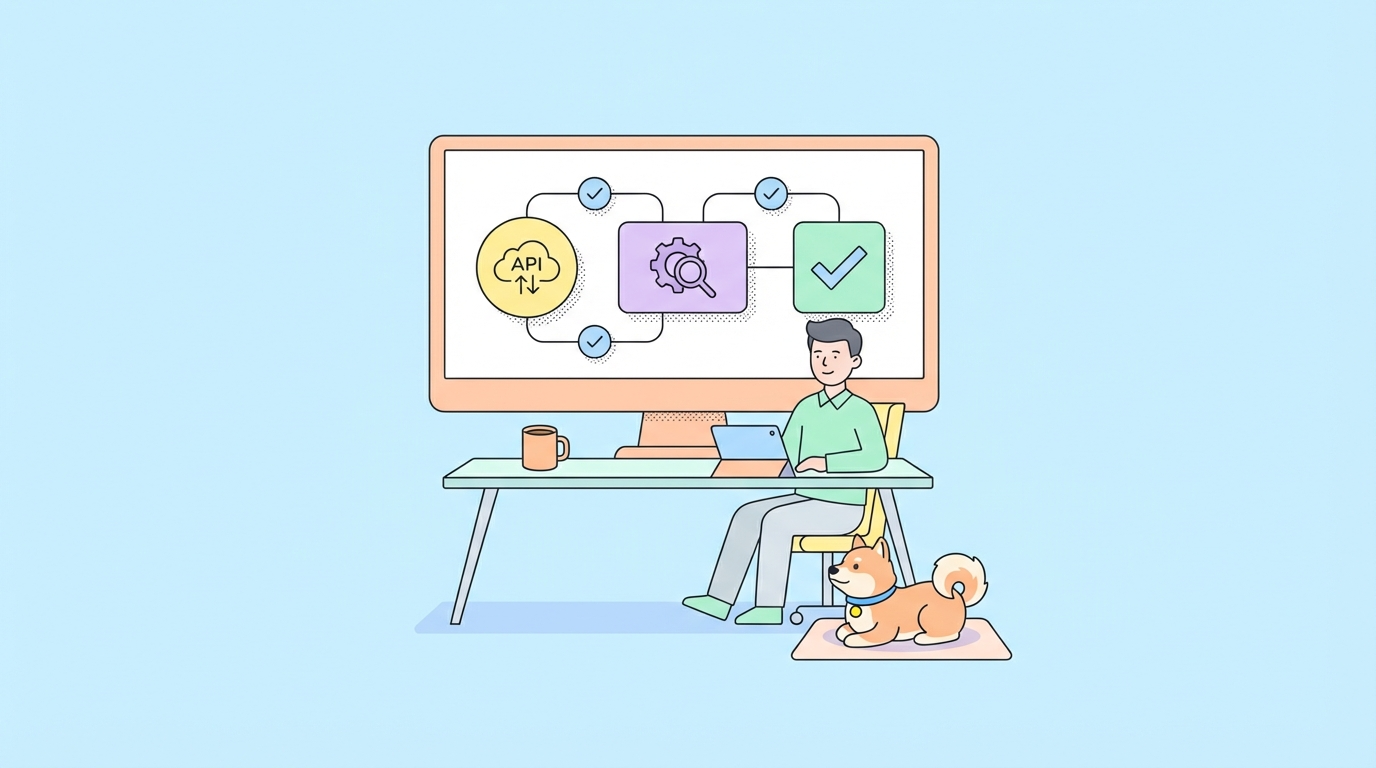
Test Kling 2.0 with Apidog:
POST https://api.wavespeed.ai/api/v2/kling/v2/standard/text-to-video
Authorization: Bearer {{WAVESPEED_API_KEY}}
Content-Type: application/json

{
  "prompt": "A small character runs across a flat 2D platformer level, side-scrolling camera, pixel art style",
  "duration": 5,
  "aspect_ratio": "16:9"
}
Environment setup in Apidog:
Create an environment with WAVESPEED_API_KEY as a Secret variable. Add assertions:
Status code is 200
Response body has field id
Response body, field status equals "processing"
For game-style prototyping content, WAN 2.5 and Kling handle stylized motion well. They don’t offer Genie 3’s sketch-first input, but text-based generation with detailed prompts produces comparable starting points for motion prototyping.
FAQ
Is Genie 3 publicly available?
No, as of early 2026. Access is restricted to research environments and selected partners.
What’s the difference between Genie 3 and other AI video generators?
Genie 3 emphasizes interactive and game-like video generation from sketches, not polished cinematic video. It’s designed for prototyping interactive experiences, not marketing content.
When will Genie 3 have a public API?
No timeline is published. Google typically moves from research preview to limited developer access to public availability over 6-18 months. Monitor Google DeepMind announcements.
What should I build on while waiting for Genie 3?
Kling 2.0 and Seedance 2.0 are available through WaveSpeedAI’s API today and handle most AI video generation use cases. They’re the practical choice for production.
Does Genie 3 compete with Unity or Unreal for game development?
Not directly. Genie 3 generates short video clips, not interactive game assets. It’s a prototyping tool for visualizing motion concepts, not a game engine replacement.