
)
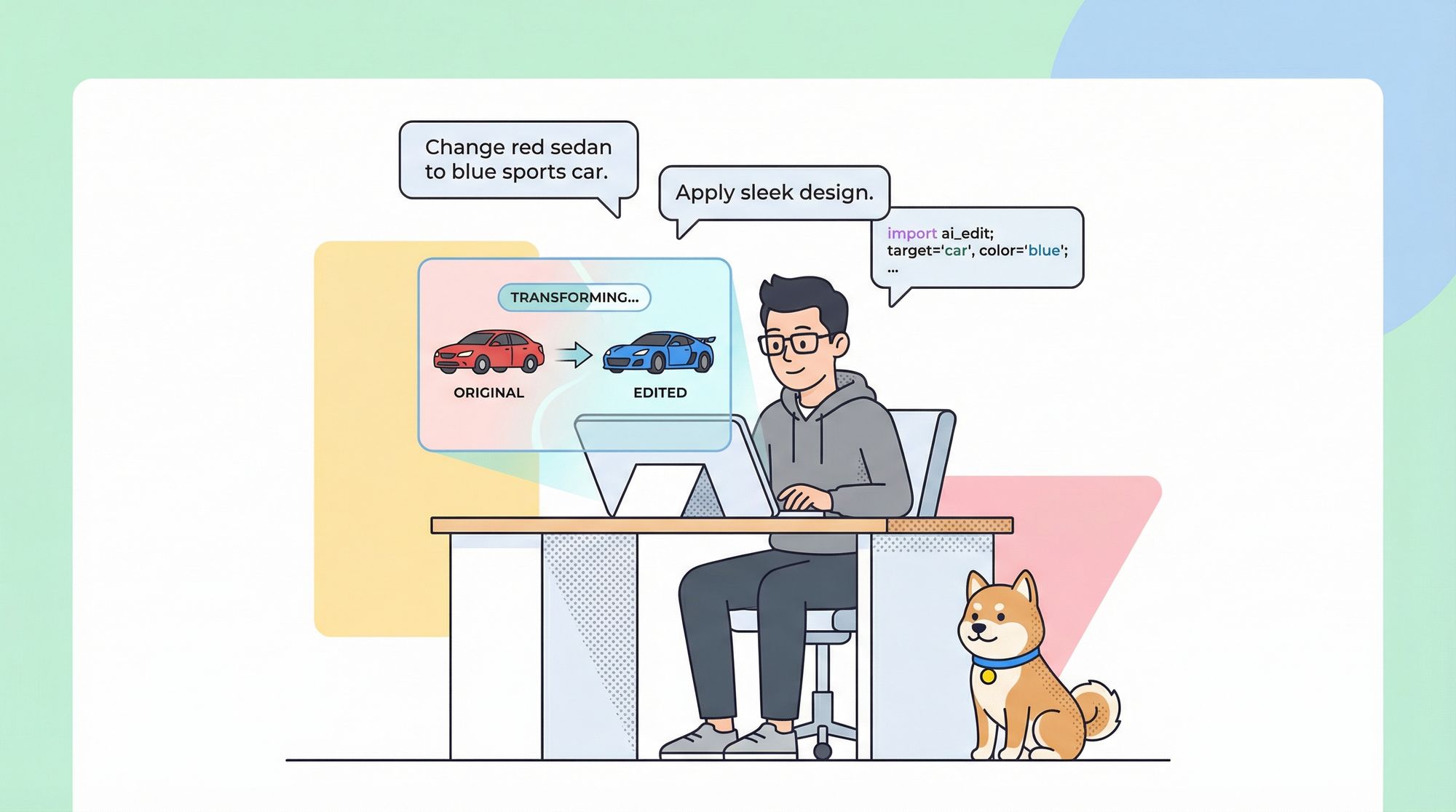
Unlocking advanced, text-driven image editing in your applications is now possible thanks to Flux Kontext by Black Forest Labs. This specialized AI suite stands out from generic image generators by enabling precise, localized image manipulation through natural language prompts—ideal for developers aiming to automate or enhance creative workflows.
This comprehensive guide covers the most effective ways to integrate Flux Kontext into your projects, with practical code examples, best practices, and essential security tips. If you're building or testing API-driven workflows, Apidog can help you validate endpoints, manage authentication, and streamline asynchronous testing—making integration smoother and more reliable. Try Apidog for free.
What is Flux Kontext?
)
Flux Kontext is a suite of AI models designed for text-guided, targeted image editing. Unlike traditional image generators, it allows you to:
- Modify specific elements within images using natural language
- Apply style transfers (e.g., watercolor, oil painting, sketches)
- Edit objects, clothing, text, and backgrounds
- Achieve highly localized changes without affecting non-target areas
This empowers developers and teams to build dynamic, user-driven image editing directly into applications.
How to Access Flux Kontext
Currently, Flux Kontext is available via leading third-party machine learning platforms:
- Replicate: Offers API and SDK support for Python, JavaScript, Go, and Swift
- Fal.ai: Focused on JavaScript/Node.js, with robust job queuing and real-time logs
- ComfyUI: Provides a visual, node-based interface for rapid prototyping and visual workflows
Note: An open-weight version (FLUX.1 Kontext [dev]) may be released in the future, enabling self-hosted deployments.
Method 1: Integrate via Replicate API
)
Replicate offers a developer-friendly MLOps platform supporting multiple languages, scalable infrastructure, and robust webhook management.
Prerequisites
- Replicate account and API token
- Language SDK (e.g., Python:
pip install replicate)
Python Example
import replicate
import os

os.environ["REPLICATE_API_TOKEN"] = "YOUR_API_TOKEN"  # Use environment variables in production

input_data = {
    "prompt": "Transform the red car into a blue sports car",
    "image_url": "https://example.com/car.jpg",
    "seed": 42  # Optional for reproducibility
}

# Asynchronous processing (recommended)
prediction = replicate.predictions.create(
    version="black-forest-labs/flux-kontext-pro:0f1178f5a27e9aa2d2d39c8a43c110f7fa7cbf64062ff04a04cd40899e546065",
    input=input_data,
    webhook="https://your-app.com/webhooks/replicate",
    webhook_events_filter=["completed"]
)

print(f"Prediction started with ID: {prediction.id}")
Flask Webhook Handler Example
from flask import Flask, request, jsonify

app = Flask(__name__)

@app.route('/webhooks/replicate', methods=['POST'])
def handle_replicate_webhook():
    data = request.json

    if data['status'] == 'succeeded':
        output_url = data['output']
        # Update app state, notify user, etc.
        return jsonify({"status": "processed"}), 200
    elif data['status'] in ['failed', 'canceled']:
        return jsonify({"status": "error_handled"}), 200

    return jsonify({"status": "unhandled_status"}), 200
JavaScript Example
import Replicate from "replicate";

const replicate = new Replicate({
  auth: process.env.REPLICATE_API_TOKEN,
});

async function editImageWithFluxKontext(imageUrl, prompt) {
  const prediction = await replicate.predictions.create({
    version: "black-forest-labs/flux-kontext-pro:0f1178f5a27e9aa2d2d39c8a43c110f7fa7cbf64062ff04a04cd40899e546065",
    input: { prompt, image_url: imageUrl },
    webhook: "https://your-app.com/webhooks/replicate",
    webhook_events_filter: ["completed"]
  });
  return { status: "processing", predictionId: prediction.id };
}
Key Benefits of Replicate
- Supports Python, JavaScript, Go, Swift
- Access to multiple Flux Kontext models
- Handles scaling and infrastructure
- Powerful webhook support for async pipelines
Method 2: Integrate via Fal.ai API
)
Fal.ai is ideal for JavaScript/Node.js teams, offering asynchronous job queues and easy file uploads.
Prerequisites
- Fal.ai account and API key (
FAL_KEY) - Client SDK:
npm install @fal-ai/client
JavaScript Implementation
import { fal } from "@fal-ai/client";

fal.config({ credentials: process.env.FAL_KEY });

const input = {
  prompt: "Transform this portrait into an oil painting style",
  image_url: "https://example.com/portrait.jpg",
  guidance_scale: 7.5
};

// Queue-based async job
async function processImageWithFluxKontext(input) {
  const { request_id } = await fal.queue.submit("fal-ai/flux-pro/kontext", {
    input,
    webhookUrl: "https://your-app.com/webhooks/falai"
  });
  return { status: "processing", requestId: request_id };
}

// Subscribe for direct results
async function editImageWithFluxKontext(input) {
  const result = await fal.subscribe("fal-ai/flux-pro/kontext", {
    input,
    logs: true,
    onQueueUpdate: (update) => {
      if (update.status === "IN_PROGRESS") {
        console.log("Processing:", update.logs.at(-1)?.message);
      }
    }
  });
  return { status: "completed", outputUrl: result.data.image_url };
}
File Upload Example
async function processLocalImageWithFluxKontext(imageFile, prompt) {
  const { url: imageUrl } = await fal.storage.upload(imageFile);
  const result = await fal.subscribe("fal-ai/flux-pro/kontext", {
    input: { prompt, image_url: imageUrl }
  });
  return { status: "completed", outputUrl: result.data.image_url };
}
Key Benefits of Fal.ai
- Optimized for JavaScript/Node.js backends
- Powerful async job and queue management
- Integrated file storage for local uploads
- Real-time logs and progress reporting
Method 3: Integrate via ComfyUI Nodes
)
ComfyUI is the go-to for visual prototyping, allowing teams to design and test image editing flows without code.
Workflow Steps
- Install ComfyUI and configure backend API credentials (e.g., Replicate)
- Add a Flux Kontext Node to your ComfyUI workflow
- Connect input and output nodes, set prompt parameters visually
- Run the workflow to execute Flux Kontext edits and review results in real-time
Best for:
- Rapid prototype iterations
- Designers/artists who prefer visual tools
- Testing prompt ideas before coding API integration
Best Practices for Secure and Reliable API Integration
1. Secure Your API Credentials
- Never hardcode keys in codebases or frontends
Example (avoid):const apiKey = "your_api_key_here"; // Unsafe! - Use environment variables and server-side proxies
Recommended:const apiKey = process.env.API_KEY; - For browser apps, route API calls through your backend to keep secrets safe.
2. Manage Asynchronous Operations
- Use webhooks: Set up webhook URLs to receive processing completion notifications
- Track job status: Store job IDs and progress in your database for robust state management
- Inform users: Implement status polling or push updates to improve UX
Example server-side route:
app.post('/api/edit-image', async (req, res) => {
  const { imageUrl, prompt } = req.body;
  // Store job, submit to API with webhook, return jobId
});
3. Robust Error Handling
- Implement retries for transient errors (rate limits, timeouts)
- Backoff strategies help avoid hammering APIs
- Distinguish retryable and non-retryable errors for smarter handling
Example:
function isTransientError(error) {
  return error.status === 429 || error.status >= 500;
}
4. Effective Prompt Engineering
- Be specific: Name the target object and describe the desired change
- Preserve context: Add instructions to keep non-target elements unchanged
- For text edits: Use clear, direct prompts (e.g.,
Replace text "old" with "new")
Example:
function enhancePrompt(base, target, action) {
  return `${base}, focusing on the ${target}. ${action} the ${target} while preserving all other elements.`;
}
5. Performance and Cost Optimization
- Cache frequent edits using Redis or similar to avoid duplicate API calls
Example:
const cacheKey = `flux:${hash(imageUrl)}:${hash(prompt)}`;
const cached = await redis.getAsync(cacheKey);
if (cached) return JSON.parse(cached);
// ...process and store to cache
Integration Method Comparison
| Factor | Replicate API | Fal.ai API | ComfyUI Nodes |
|---|---|---|---|
| Language | Python, JS, Go, Swift | Primarily JavaScript | Visual (no code) |
| Use Case | General backend applications | Node.js/JS-centric apps | Prototyping, artists |
| Async | Webhooks, status polling | Queue system, webhooks | Managed visually |
| Strength | Broad model support | JS-optimized, robust queue | No-code, visual flows |
Solving Common API Integration Challenges
1. Cold Starts & Latency
- Warm up models periodically by sending minimal requests during off-peak hours.
Example:
cron.schedule('0 */3 * * *', () => { warmupFluxKontextModel(); });
2. API Rate Limits
- Add client-side rate limiters to control request bursts.
Example:
const apiLimiter = new RateLimiter(10, 60000); // 10 requests/minute
await apiLimiter.getToken();
Developers who need a second image-generation API to benchmark alongside Flux Kontext will find Seedream 4.0's API access and model capabilities worth evaluating, particularly if latency or per-image cost is a deciding factor.
Conclusion
Integrating Flux Kontext brings advanced, controllable AI image editing into your apps. Replicate and Fal.ai APIs support robust, asynchronous, and secure workflows, while ComfyUI simplifies visual prototyping. Choose your method based on language preference and use case, and follow best practices for security, error handling, and performance.
For API developers, platforms like Apidog can be invaluable—offering endpoint testing, secure credential management, and async workflow support to accelerate reliable integration. Try Apidog free today.