
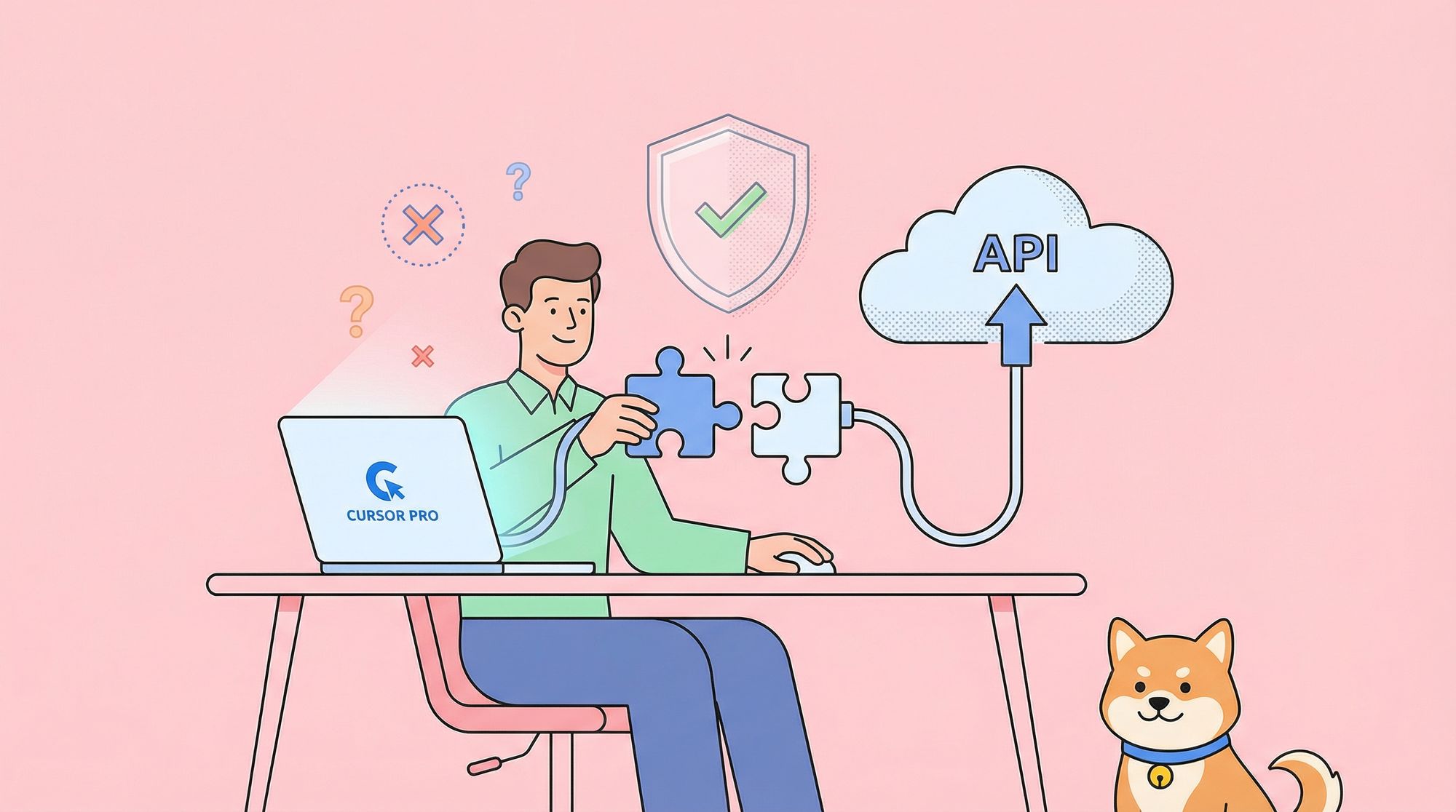
Are you a student eager to leverage advanced AI coding tools like Cursor Pro, but running into verification issues? Many developers worldwide are facing similar hurdles. This guide explains how to navigate Cursor’s student verification process, troubleshoot common problems, and—once verified—take your workflow further by integrating Apidog MCP Server for seamless, API-driven development.
Common Cursor Student Verification Issues (and How to Fix Them)
Cursor recently launched a free 1-year Pro Plan for students, offering premium AI coding features. However, the SheerID-powered verification process can present challenges, especially for international students and institutions outside the US.
Frequent Verification Errors
- "We are unable to verify you at this time"
SheerID cannot confirm your student status in its database. - "Verification Limit Exceeded"
Multiple unsuccessful attempts have been made. - "You must be logged in to verify"
Session expired or email mismatch between Cursor account and verification. - "Page cannot be found"
Technical glitch during verification.
Underlying Causes
- Limited Country Support:
Some countries (like Singapore, Vietnam, Hong Kong) are not listed. - Non-Standard Email Domains:
Many global universities use domains other than ".edu" (e.g., ".ac.bd" in Bangladesh). - Incomplete Database Coverage:
SheerID doesn’t include all educational institutions. - Technical Issues:
System errors, especially during high-traffic periods.
Solutions for Students
- Use Consistent Emails:
Ensure the same email is used for both Cursor and verification. - Contact SheerID Support:
If your institution uses a non-.edu domain, provide proof of enrollment. - Alternative Verification:
Some students succeed by submitting documents directly to support. - Check Eligibility First:
Confirm your country and institution are supported before multiple attempts. - Browser Troubleshooting:
Clear cache or try a different browser to resolve technical errors.
Cursor is actively working to expand student eligibility. For updates and Q&A, visit the Cursor Community Forum.
Take Your Cursor Pro Experience Further: Integrate Apidog MCP Server
Once your Cursor Pro access is unlocked, you can dramatically boost productivity—especially on API-driven projects—by integrating Apidog MCP Server.
Why Apidog MCP Server?
Apidog MCP Server bridges your API specifications (OpenAPI/Swagger) directly into Cursor’s AI environment. This connection gives Cursor AI deep, real-time understanding of your APIs, resulting in:
- Contextual Code Generation:
Cursor generates code precisely matching your API endpoints and data structures. - Intelligent Autocomplete:
AI suggestions are informed by your live API specs. - Automated Documentation:
Generate accurate comments and docs reflecting your API design. - Immediate Error Detection:
Validate code against the API spec to prevent integration issues.
Apidog’s free tier is ideal for students and small teams, allowing you to build professional, API-first workflows without extra cost.
Step-by-Step: Set Up Apidog MCP Server with Cursor
Prerequisites
- Node.js (v18+ recommended)
- Cursor IDE installed
- OpenAPI/Swagger Spec (JSON or YAML; local file or URL)
1. Prepare Your OpenAPI Specification
Have your API spec ready:
- Remote URL example:
https://petstore.swagger.io/v2/swagger.json - Local file example:
C:\path\to\your\swagger.jsonor~/path/to/your/swagger.yaml
Both JSON and YAML are supported.
2. Configure MCP Server in Cursor
- Open Cursor IDE.
- Click the settings icon (⚙️) in the top-right.
- Go to “MCP” in the left menu.
- Click “+ Add new global MCP server.”
- In the
mcp.jsonfile that opens, add the configuration below (edit the OpenAPI path as needed):
For Windows:
{
  "mcpServers": {
    "API specification": {
      "command": "cmd",
      "args": [
        "/c",
        "npx",
        "-y",
        "apidog-mcp-server@latest",
        "--oas=https://petstore.swagger.io/v2/swagger.json"
      ]
    }
  }
}
For macOS/Linux:
{
  "mcpServers": {
    "API specification": {
      "command": "npx",
      "args": [
        "-y",
        "apidog-mcp-server@latest",
        "--oas=https://petstore.swagger.io/v2/swagger.json"
      ]
    }
  }
}
Replace the sample OpenAPI URL with your own API spec path or link.
Save the configuration.

3. Test the Connection
- Open a new chat with Cursor’s AI assistant (Agent mode).
- Ask:
"Please fetch API documentation via MCP and tell me how many endpoints exist in the project." - If the AI returns information about your API, the connection is active.

How Cursor & Apidog MCP Elevate Student API Development
By combining Cursor Pro’s AI with Apidog MCP Server’s API-awareness, student developers can:
- Accelerate project delivery with code that matches API specs.
- Reduce integration bugs by validating code against live API definitions.
- Deepen understanding of modern API-first workflows.
- Gain experience with tools and practices used by professional teams.
This workflow bridges classroom learning with real-world development, building skills in API modeling, integration, and documentation.
Final Tips for Students
- Stay Persistent:
If you encounter verification issues, use the support channels and workarounds above. - Leverage Free Tools:
Both Cursor and Apidog offer free student tiers, making this workflow accessible. - Focus on API Skills:
Mastering API-driven development will set you apart as a developer.



