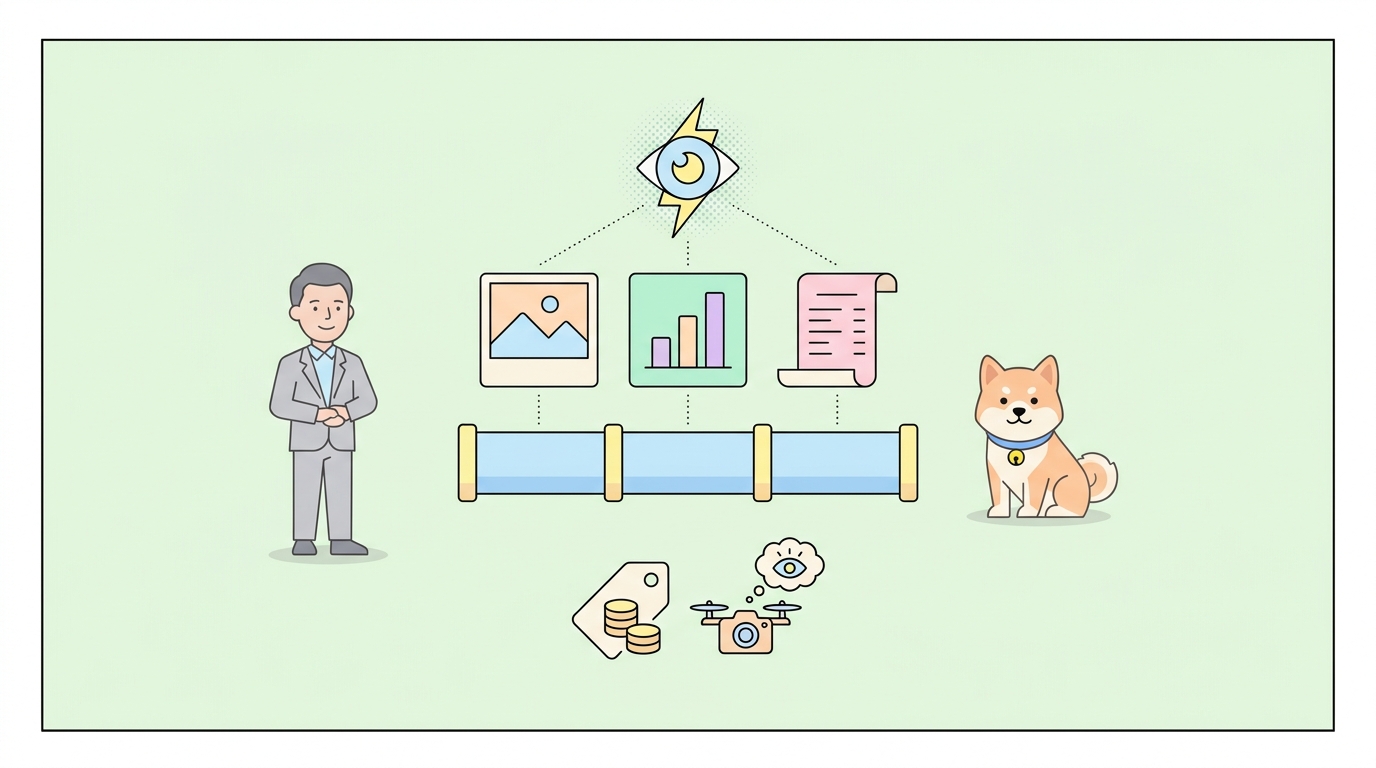
DeepSeek’s cheapest model can now see. On August 21, 2026, DeepSeek released deepseek-v4-flash-vision-exp, a vision-enabled build of V4-Flash that accepts images through the same production API, at the same price as the text-only model, with each image billed at no more than 384 input tokens. The official release note positions it plainly: same text capability as V4-Flash, plus image understanding that DeepSeek says brings its multimodal agent performance close to Opus 4.8.
This guide covers what the model is, what “Exp” in the name means for production use, the three ways to send images, the limits that will bite you, and how to test multimodal requests properly. Because vision requests mix content types and get large fast, they’re exactly the kind of API call worth building in Apidog rather than hand-editing JSON in a terminal.
What deepseek-v4-flash-vision-exp is
The model is V4-Flash-0731 with an image encoder attached. According to DeepSeek, it matches the base model on text tasks, including agent workloads, reasoning, and world knowledge, so you can swap it in without losing what V4-Flash already did. The OpenRouter listing describes it as a sparse mixture-of-experts model with 13B active parameters out of 284B total.
The important context: V4-Flash is DeepSeek’s budget line. We covered the text model when it launched in our DeepSeek V4-Flash API guide, and the economics haven’t changed. Vision at flash pricing undercuts nearly every multimodal API on the market, which is why the “close to Opus 4.8 on multimodal agent benchmarks” claim, DeepSeek’s own framing, drew attention. Treat vendor benchmark claims as claims; run your own evals on your own documents before you migrate anything.
Despite the experimental label, this isn’t a sandbox toy. The model runs on production API endpoints with the same rate limits and SLA as the other V4 models, and there’s no waitlist or special access request.
Pricing: flash rates, images included
The rate card is identical to text-only deepseek-v4-flash, per DeepSeek’s pricing page:
| Off-peak | Peak | |
|---|---|---|
| Input, cache hit (per 1M tokens) | $0.007 | $0.014 |
| Input, cache miss (per 1M tokens) | $0.22 | $0.44 |
| Output (per 1M tokens) | $0.66 | $1.32 |
Images are tokenized for billing at up to 384 tokens each and charged at the input rate. At peak cache-miss pricing, a full-cost image runs about $0.00017. A thousand images cost less than a coffee.
Two pricing behaviors carry over from the text model. Off-peak rates are half of peak, with peak hours running 01:00 to 04:00 and 06:00 to 10:00 UTC on weekdays, so batch vision jobs scheduled outside that window cost half as much. And context caching applies to repeated input, which matters when you’re re-sending the same system prompt around varying images. The pricing page lists a 1M-token context window for the V4 line, with output capped far below that in practice.
Three ways to send an image
The model works through DeepSeek’s standard Chat Completions endpoint at https://api.deepseek.com/chat/completions (Messages-style and Responses-style calls are supported too, as the V4-Flash Responses API rollout established). Images ride in the content array of a user message, and you have three delivery options.
1. Base64 inline. Encode the image as a data URL. Simple, self-contained, and capped at 32 MiB per image:
import base64
from openai import OpenAI

client = OpenAI(api_key="YOUR_DEEPSEEK_KEY", base_url="https://api.deepseek.com")

with open("invoice.png", "rb") as f:
    b64 = base64.b64encode(f.read()).decode()

response = client.chat.completions.create(
    model="deepseek-v4-flash-vision-exp",
    messages=[{
        "role": "user",
        "content": [
            {"type": "text", "text": "Extract the line items and totals as JSON."},
            {"type": "image_url", "image_url": {"url": f"data:image/png;base64,{b64}"}}
        ]
    }]
)
print(response.choices[0].message.content)
2. External URL. Pass a publicly reachable link (up to 8,192 characters) instead of encoding:
{"type": "image_url", "image_url": {"url": "https://example.com/chart.png"}}
3. Files API reference. Upload once, reuse by ID. DeepSeek’s Files API now accepts image uploads free of charge, and a file_id reference skips re-uploading the same image across requests, with a higher 64 MiB per-image ceiling:
{"type": "file", "file": {"file_id": "file-api-xxxxxxxxxxxxxxxx"}}
Use base64 for one-shot calls, URLs when your images already live on a CDN, and file IDs for any workflow that touches the same image more than once.
The detail parameter
An optional detail field on each image controls preprocessing:
"low": downscales to 512x512. Cheapest and fastest, fine for classification-grade questions."high"/"original": keeps the original dimensions, for dense documents and small text."auto": lets the API decide.
Internally, images are normalized toward roughly 800x800 for token counting, which is how the 384-token ceiling per image holds. If you’re doing OCR-adjacent work on receipts or dashboards, test "low" against "high" on your real corpus; the cost difference is small at these prices, but the accuracy difference can be large.
Limits worth knowing before production
| Constraint | Value |
|---|---|
| Max images per request | 600 |
| Inline (base64) image size | 32 MiB |
| Files API image size | 64 MiB |
| Total request body | 48 MiB |
| Image dimensions | 8,192 px per side (4,096 px when a request carries 15+ images) |
| External URL length | 8,192 characters |
| Image placement | user messages only |
That last row is a real 400-error generator: images in system or assistant messages are rejected. Multi-image requests are supported and interleave freely with text, which is what makes the model usable for agent loops that screenshot, reason, and act. If you’re orchestrating those loops, DeepSeek shipped native support for this model in DeepSeek Harness 0.1.1 the same day; our DeepSeek Harness overview covers that stack. Note also that tool calling works alongside vision, same as the text model’s flow described in our function calling guide.
What “Exp” means for you
The suffix is honest labeling, not a paywall. Expect the model to be revised or replaced on short notice, the way experimental DeepSeek endpoints have been before. Practical hedges:
- Don’t hardcode the model ID in twelve places. Put
deepseek-v4-flash-vision-expin one config value or environment variable. - Keep a text-only fallback. Since the model matches
deepseek-v4-flashon text, routing non-image traffic to the stable ID costs you nothing. - Snapshot your evals. When a non-experimental successor lands, you’ll want a before/after on your own tasks, not the vendor’s.
Worked example: what a document pipeline costs
Numbers make the pricing concrete. Suppose you process 50,000 scanned invoices a month, one image each, with a 200-token instruction prompt and roughly 400 tokens of JSON output per call:
- Image input: 50,000 x 384 tokens = 19.2M tokens. At peak cache-miss rates ($0.44/1M), that’s $8.45.
- Text input: 50,000 x 200 = 10M tokens, about $4.40 peak. With context caching on the repeated instruction block, most of that drops to the cache-hit rate ($0.014/1M), or about $0.14.
- Output: 50,000 x 400 = 20M tokens at $1.32/1M, so $26.40.
Total: roughly $35 to $40 a month at peak rates, and about half that if the batch runs outside the 01:00 to 10:00 UTC weekday windows. The output tokens dominate, which is the useful lesson: with images this cheap, you optimize a vision pipeline by tightening the response format, not by downscaling images. Prompting for compact JSON instead of prose descriptions cuts the bill more than any image preprocessing will.
That cost profile is also why the model changes the calculus for agent loops. A screenshot-reason-act cycle that was too expensive to run continuously on flagship multimodal models becomes viable at 384 tokens per frame.
Testing multimodal requests in Apidog
Vision requests are annoying to iterate on by hand: base64 blobs make raw JSON unreadable, and comparing detail settings means juggling near-identical payloads. A cleaner loop:
- Save the request once in an Apidog project, with
{{model_id}},{{detail}}, and the image payload as variables. Swapping test images or detail levels becomes a dropdown change. - Script the encoding. A pre-request script reads the image and injects the base64 string, so the visible request body stays readable.
- Assert on structure, not vibes. If you prompt for JSON output (line items, bounding descriptions, chart values), add assertions that parse the response and check fields. That turns “the model seems fine” into a pass/fail you can rerun after every Exp-model revision.
- Mock the response shape for your frontend while the prompt is still being tuned; Apidog’s smart mock serves the schema without burning API calls.
Download Apidog free and the whole rig takes minutes; rerunning it when DeepSeek revises the experimental model is one click.
FAQ
Is deepseek-v4-flash-vision-exp free? No, but it’s close. It bills at exactly the text-model’s flash rates, with images capped at 384 input tokens each. DeepSeek’s Files API image storage is free; you pay only when images enter a request.
Does it replace deepseek-v4-flash? No. The text model remains the stable ID. The vision build matches it on text tasks, so you can consolidate on the vision ID if you accept experimental churn, but the conservative pattern is routing only image-bearing traffic to it.
Can I use it through the Anthropic-style API format? Yes. DeepSeek’s V4 endpoints accept Chat Completions, Messages-format, and Responses-format calls, so existing clients on any of the three styles can add image blocks without switching request dialects. Our V4 Pro API walkthrough shows the endpoint mechanics shared across the family.
How does pricing compare to GPT or Claude vision? At $0.22 to $0.44 per million input tokens with 384-token images, it’s an order of magnitude below flagship multimodal rates. The open question is accuracy on your workload, which is what the eval scenario above is for.
Wrapping up
DeepSeek keeps executing the same playbook: take the capability everyone charges premium rates for, ship it at flash pricing, and label it honestly while it stabilizes. deepseek-v4-flash-vision-exp gives you image understanding on production endpoints for fractions of a cent per image, with three input paths and real limits you can design around. Build the request once in Apidog, pin your assertions, and you’ll be ready both to use the Exp model today and to judge its successor the day it lands.