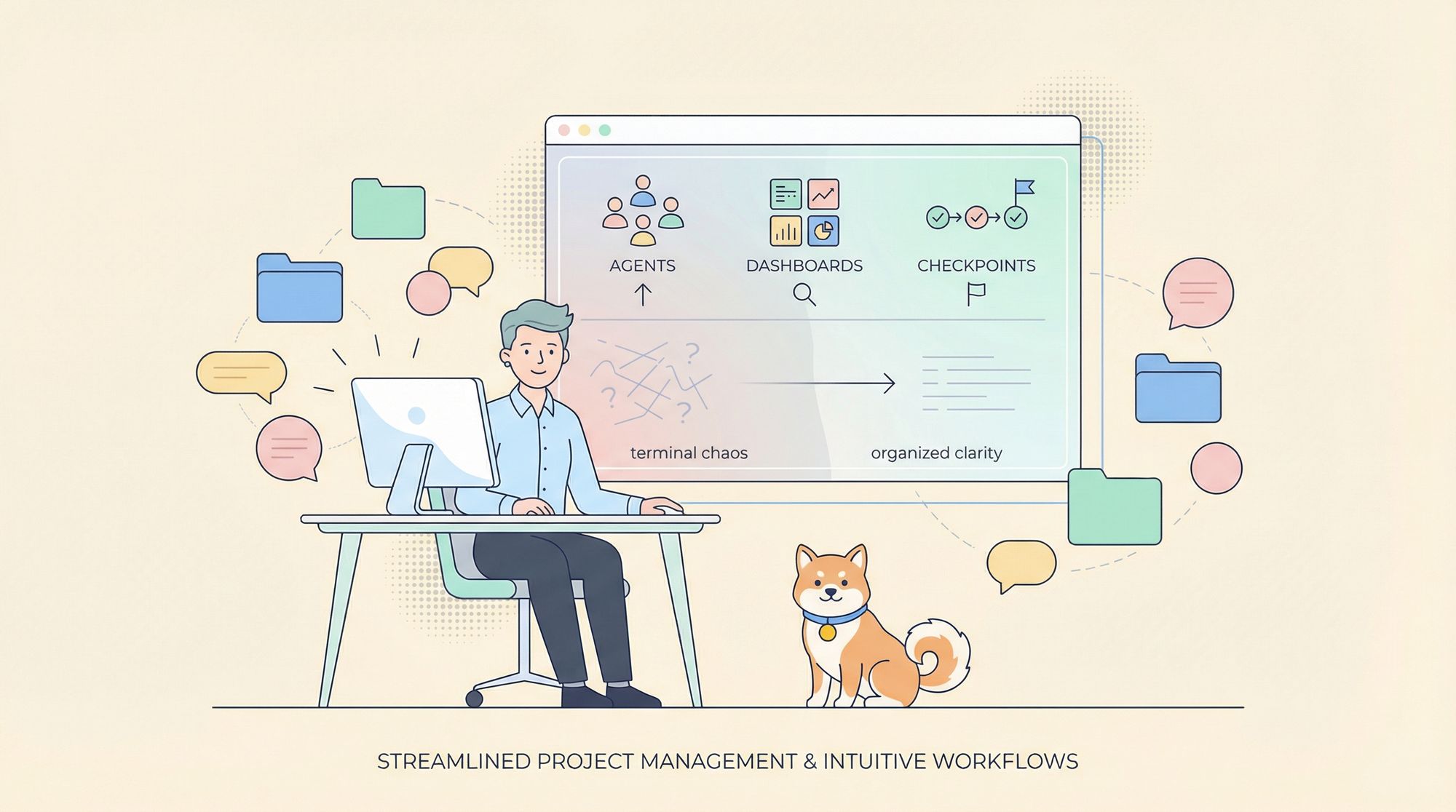
Looking to simplify your workflow with Anthropic's Claude Code but struggling with the limitations of a CLI-only environment? Meet Claudia—a new open-source desktop GUI that transforms Claude Code into a powerful, intuitive workspace for API developers and engineering teams.
Whether you build custom AI agents or manage multiple projects, Claudia streamlines your Claude Code experience with session history, dashboards, and advanced project controls. This guide walks you through setup, core features, and practical tips for using Claudia to maximize productivity.
💡 Need seamless API testing and beautiful documentation? Apidog is trusted by developer teams for integrated API design, testing, and collaborative workflows—explore how it can replace Postman and boost your team's productivity at a lower cost!
What Is Claudia? Why Use a GUI for Claude Code?
For many developers, Claude Code's CLI-first design offers power and flexibility—but also brings complexity: no visual dashboards, session history, or intuitive project management. This "terminal chaos" can slow down development and make tracking progress harder, especially for teams.
Claudia (from YC-backed Asterisk) bridges this gap with a modern graphical interface. It lets you:
- Launch and manage interactive Claude Code sessions visually
- Build custom AI agents for repetitive tasks
- Track version history with checkpoints and timelines
- Monitor API usage and costs in real time
See Claudia in action on Twitter.
Getting Started: Installation & First Launch
As Claudia is a new open-source project, the current setup requires building from source. Native installers for macOS, Windows, and Linux are planned.
Prerequisites
Before installation, make sure your system has:
- Bun: High-performance JavaScript runtime (Get started at bun.sh)
- Rust: Systems programming language (Install from rust-lang.org)
Step-by-Step Installation
-
Clone the Claudia repository:
git clone https://github.com/getAsterisk/claudia.git -
Navigate to the project directory:
cd claudia -
Install dependencies with Bun:
bun install -
Run Claudia in development mode (hot reload):
bun run tauri devOr build a production installer:
bun run tauri buildThe final installer appears in
src-tauri/target/release/bundle/.
First-Time Setup
When you launch Claudia, it auto-detects your ~/.claude directory (where Claude Code projects/settings are stored). You'll see two primary options:
- CC Agents: Build and manage custom AI agents.
- CC Projects: Organize and access your Claude Code projects.
Core Features: How Claudia Empowers Developers
Claudia is designed to streamline every phase of Claude Code development. Here's a deeper look at its most useful capabilities for API engineers and technical leads.
Visual Project & Session Management
Claudia replaces directory navigation with a clean, organized GUI:
- Project View: See all Claude Code projects at a glance, with key info.
- Session View: Click a project to view all sessions (with first message and timestamp).
- Quick Resume/New Session: Instantly continue past work or start fresh.
This structure is especially helpful for teams or developers juggling multiple projects.
Custom Agents: Automate Repetitive Tasks
The CC Agents feature lets you design reusable AI agents—perfect for automating common coding patterns or enforcing standards across projects.
How to Create a Custom Agent:
- Go to "CC Agents" and choose "Create new agent."
- Configure:
- Name & Icon: For easy identification.
- System Prompt: Define agent purpose, role, and instructions.
- Claude Model: Choose the appropriate Claude version (e.g., Claude 3.5 Sonnet).
- Sandbox Profile: Restrict filesystem/network access for security.
Example:
Create a "React Component Generator" agent with a prompt to scaffold components and Storybook files—ideal for frontend teams.
Timeline & Checkpoints: Visual Session Versioning
Claudia brings Git-style version control to your Claude sessions:
- Create Checkpoints: Save session states anytime.
- Visual Timeline: See a branching history of your work.
- Restore/Fork: Jump to or branch from any checkpoint—experiment safely.
- Diff Viewer: Instantly compare changes between checkpoints.
This feature is invaluable for teams needing audit trails or individual developers exploring different solutions.
Usage Analytics Dashboard: Track API Costs & Tokens
For heavy Claude API users, cost management is critical. Claudia’s dashboard provides:
- Real-Time Cost Tracking: See expenses by project/model.
- Token Analytics: Optimize prompts and manage rate limits.
- Visual Charts: Spot trends and adjust usage proactively.
Advanced Server & Documentation Features
- MCP Server Management: Easily register, configure, and test Model Context Protocol servers via GUI—no manual config files.
- CLAUDE.md Editor: Built-in markdown editor for project instructions, notes, or context. Includes live preview and syntax highlighting.
Security by Design
Security is core to Claudia’s architecture:
- Process Isolation: Each agent runs in a separate, sandboxed process.
- Filesystem Controls: Whitelist file access for agents.
- Network Restrictions: Control allowed network connections.
- Local-First: No data leaves your machine—Claudia collects nothing.
Contribute to Claudia
Claudia is open source and welcomes contributions—from bug fixes and new features to improved documentation. Find the project on GitHub and help shape its future.
Conclusion: Why Claudia & Apidog Belong in Your AI Developer Toolkit
Claudia turns Claude Code into a developer-friendly, visual powerhouse—giving you control, automation, and security that a terminal alone can't deliver. Custom agents and session versioning are game changers for API and backend engineers.
And if you’re looking to further streamline your API workflow, consider integrating Apidog—a unified platform for API design, testing, and collaboration, built for developer productivity.