
هذه سلسلة من 10 أجزاء تشارك كيف طورت Apidog Apidog CLI، أداة سطر الأوامر لاختبار API وإدارة دورة حياة API. اقرع بالترتيب أو انتقل إلى أي مقال يهمك:
| العنوان | التركيز | |
|---|---|---|
| 1 | بنينا 126 MCP Tools. لكنها ليست الحل الأفضل للـ Agent | اكتشاف المشكلة |
| 2 | لماذا طورنا Apidog CLI جديد تماما | تطوير البنية |
| 3 | القاعدة الذهبية: CLI ينتج الحقائق، Model يعمل على الحقائق | الفلسفة الأساسية |
| 4 | agentHints: تعليم CLI للتواصل مع Agents |
مخرجات منظمة |
| 5 | SKILL: شحن التجربة التشغيلية كـ Code | التجربة التشغيلية |
| 6 | الأرقام لا تكذب: 30% أقل Tool Calls، 25% أقل Tokens | نتائج رقمية |
| 7 | من PRD إلى Testing Loop: سير عمل Agent كامل مع Apidog CLI | دليل تطبيقي |
| 8 | لماذا توافق CI/CD غير قابل للتفاوض لأدوات Agent | منظور DevOps |
| 9 | AI Branch: تغييرات Project أكثر أمانا مع AI Agents | طبقة الأمان |
| 10 | Spec-First كان في الماضي. مرحبا بك في Skill-First | الرؤية والمستقبل |
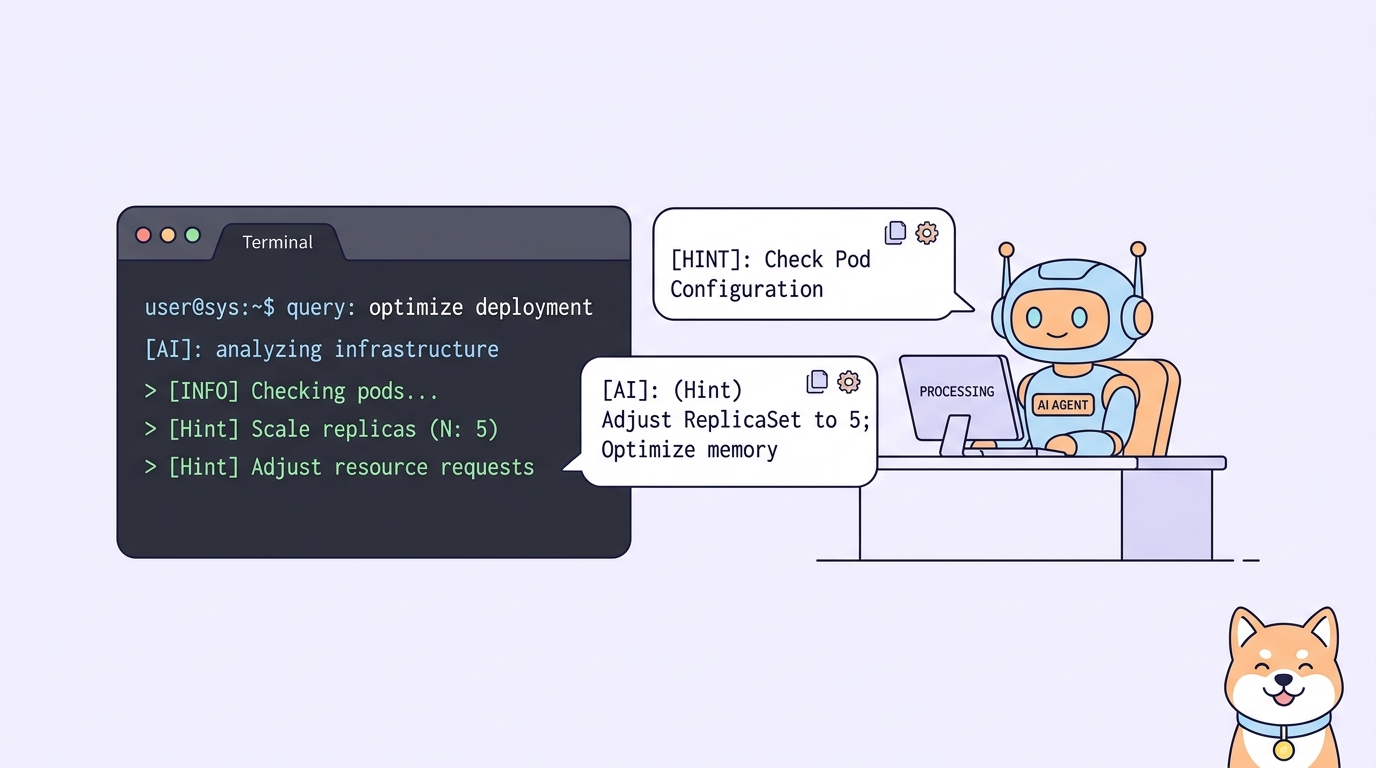
مخرجات CLI التقليدية موجهة للبشر. Agents بحاجة إلى نتائج منظمة، أسباب الفشل، واقتراحات الخطوة التالية. agentHints يحول تجربة المنتج إلى توجيه قابل للقراءة الآلية.
فجوة مخرجات CLI
مخرجات CLI التقليدية مصممة لالبشر.
| النجاح | الفشل |
|---|---|
| طباعة "Success" أو "Done" | طباعة رسالة الخطأ |
| ربما عرض المورد المُنشأ | ربما عرض stack trace |
| الإنسان يقرر الخطوة التالية | الإنسان يقرأ ويفحص |
هذا يعمل للبشر. البشر يمكنهم:
- تفسير رسائل غامضة
- تحديد ما يجب فعله بعد
- تذكر السياق من الأوامر السابقة
- تطبيق المعرفة المجالية للمتابعة
لكن Agents تعمل بشكل مختلف.
ما يحتاجه Agents فعلاً
Agents لا تقرأ النتائج فقط. يحتاجون ربط النتائج بسلسلة المهمة التالية.
| حاجة Agent | السبب |
|---|---|
| نتائج منظمة | يجب تحليل المخرجات برمجياً |
| أسباب الفشل | بحاجة لتفاصيل محددة، لا رسائل عامة |
| اقتراحات الخطوة التالية | بحاجة لتوجيه ما يجب فعله بعد |
الإنسان يرى "Resource created successfully" ويعرف: "يجب أن أتحقق مما تم إنشاؤه، ثم أجرب بعض الاختبارات."
Agent يرى "Resource created successfully" و... لا يعرف ما يجب فعله بعد.
agentHints: الحل
Apidog CLI يضيف agentHints لمخرجاته.
هذا ما تبدو عليه الاستجابة النموذجية:
{
  "success": true,
  "data": {
    "id": "12345",
    "name": "Health Check Test Case"
  },
  "agentHints": {
    "summary": "Test case created successfully.",
    "nextSteps": [
      "Read the created test case back to confirm structure.",
      "Add assertions if the test case needs response validation.",
      "Add the test case to a test scenario for integration testing.",
      "Run related tests after adding to scenario."
    ]
  }
}
ثلاث مكونات:
| المكون | الهدف |
|---|---|
success + data |
النتيجة الفعلية |
summary |
ملخص قابل للقراءة البشرية |
nextSteps |
اقتراحات الخطوة التالية قابلة للقراءة الآلية |
مشكلة Execution Inertia
هذه مشكلة حقيقية لاحظناها:
بعد إنشاء مورد بنجاح، النموذج غالباً يستمر مباشرة لإنشاء الكتابة التالية.
مثال:
Agent: ينشئ test case
CLI: يعيد النجاح
Agent: فوراً ينشئ test scenario (بدون قراءة المخرجات)
Agent: فوراً يجرب الاختبارات
النتيجة: Scenario له بنية خاطئة، الاختبارات تفشل
في العمليات التجارية المعقدة، التنفيذ المستمر الميكانيكي غير مناسب.
النهج الأكثر صحة غالباً:
- إنشاء المورد
- قراءة المخرجات أولاً
- تأكيد البنية
- ثم المتابعة
لماذا قراءة المخرجات مهمة
تخطي قراءة المخرجات يسبب مشاكل حقيقية:
| المشكلة | السبب |
|---|---|
| قيم افتراضية خاطئة | الخادم يملأ افتراضيات لم يحددها Agent |
| IDs مرتبطة مفقودة | الاستيراد قد يولد IDs داخلية جديدة |
| تباينات بنائية | الواجهة الأمامية قد تعتمد على تحليل محدد |
| افتراضات خاطئة | Agent يستمر بناءً على "الخيال" لا البيانات الفعلية |
إذا لم تقرأ البنية الفعلية، Agent يستمر الكتابة بناءً على تخميناته—not على البيانات الفعلية.
agentHints كموجه
agentHints يحول تجربة المنتج إلى اقتراحات الخطوة التالية قابلة للقراءة الآلية.
يظهر تحديداً حيث Agent بحاجة لاتخاذ قرارات.
مثال بعد إنشاء test case:
{
  "agentHints": {
    "nextSteps": [
      "Read back the created test case with --with-case-detail flag.",
      "Validate any updates with cli-schema before writing.",
      "Run tests after completing test scenario."
    ]
  }
}
Agent:
- يقرأ المخرجات
- يحلل
agentHints - يتبع
nextSteps[0]: يقرأ test case - يؤكد البنية الفعلية
- ثم يتابع بمعلومات دقيقة
تحول دور CLI
هذا يغير ما يعنيه CLI في سير عمل Agent.
| الدور القديم | الدور الجديد |
|---|---|
| منفذ أوامر | موجه سير عمل |
| طباعة النتيجة | توجيه الخطوة التالية |
| مخرجات للبشر | بنية للـ Agents |
| استجابة لمرة واحدة | توجيه مستمر |
CLI يصبح موجه حالة خفيف.
أشجار سير عمل مدمجة
Apidog CLI لديه مدمج آلاف أشجار سير العمل المنظمة.
ليست فقط اقتراحات مبرمجة. هي:
| الميزة | الوصف |
|---|---|
| واعية بالسياق | اقتراحات تطابق العملية المحددة |
| محددة للمورد | اقتراحات مختلفة للـ endpoints، test cases، scenarios |
| واعية بالسير | اقتراحات تعكس التتابعات النموذجية |
| مستنيرة بالخطأ | اقتراحات مختلفة عند النجاح vs الفشل |
مثال بعد تحديث test scenario بنجاح:
{
  "agentHints": {
    "summary": "Test scenario updated successfully.",
    "nextSteps": [
      "Run the test scenario to verify changes.",
      "Check the test report for any failures.",
      "If failures occur, read back scenario steps for debugging."
    ]
  }
}
مثال بعد فشل validation:
{
  "success": false,
  "error": {
    "code": "VALIDATION_ERROR",
    "message": "Field 'comparator' has invalid value",
    "details": [...]
  },
  "agentHints": {
    "summary": "Validation failed. Fix the errors and re-validate.",
    "nextSteps": [
      "Review the error details in the output.",
      "Adjust the JSON file based on error suggestions.",
      "Re-run cli-schema validate before writing."
    ]
  }
}
حتى الفشل يصبح قابلاً للملاحة.
الحلقة الأكثر أمانا مع agentHints
لنتتبع سير عمل كامل مع agentHints:
الخطوة 1: Agent ينشئ test case
        ↓
مخرجات CLI: success + agentHints
        ↓
agentHints.nextSteps[0]: "Read back the created test case"
        ↓
الخطوة 2: Agent يقرأ المخرجات (مع البنية الفعلية)
        ↓
مخرجات CLI: بنية test case + agentHints
        ↓
agentHints.nextSteps[0]: "Add assertions if needed"
        ↓
الخطوة 3: Agent يضيف assertions (بناءً على البنية الفعلية)
        ↓
مخرجات CLI: success + agentHints
        ↓
agentHints.nextSteps[0]: "Run tests"
        ↓
الخطوة 4: Agent يجرب الاختبارات
        ↓
مخرجات CLI: تقرير الاختبار
كل خطوة موجهة. لا قفزات عمياء. لا افتراضات.
المقارنة: مع وبدون agentHints
| السيناريو | بدون agentHints | مع agentHints |
|---|---|---|
| بعد الإنشاء | Agent يتابع للكتابة التالية | Agent يقرأ المخرجات أولاً |
| بعد التحديث | Agent يفترض النجاح | Agent يتحقق من البنية |
| بعد نجاح validation | Agent يكتب فوراً | Agent يكتب، ثم يقرأ المخرجات |
| بعد فشل validation | Agent مرتبك من الخطأ | Agent يحصل على اقتراحات تصحيح محددة |
| بعد تشغيل الاختبار | Agent يرى نجاح/فشل | Agent يحصل على توجيه فحص |
ما التالي
الآن CLI يمكن توجيه Agents خلال الخطوات التالية، السؤال المتبقي:
كيف Agents يعرفون أي سير عمل يتبعون في المقام الأول؟
في الجزء 5، SKILL: شحن التجربة التشغيلية كـ Code، سنتعلم كيف SKILL يحزم معرفة سير العمل—عند استخدام الأوامر، ما التتابع للاتباع، وما المجالات لا يجب تخمينها.
النقاط الرئيسية
- مخرجات CLI التقليدية موجهة للبشر؛ Agents بحاجة لتوجيه منظم
- agentHints يقدم ملخص + اقتراحات الخطوة التالية في مخرجات JSON
- Execution inertia يسبب Agents لتخطي قراءة المخرجات؛ agentHints يمنع هذا
- CLI يتحول من منفذ إلى موجه
- أشجار سير العمل المدمجة تجعل كل خطوة قابلة للملاحة
- حتى الفشل يصبح actionable مع agentHints
حمّل Apidog لـ تصميم، mock، اختبار، و توثيق APIs في مساحة عمل واحدة. تعلم أكثر عن Apidog CLI لاختبار API من سطر الأوامر، CI automation، وسير عمل AI Agent.