

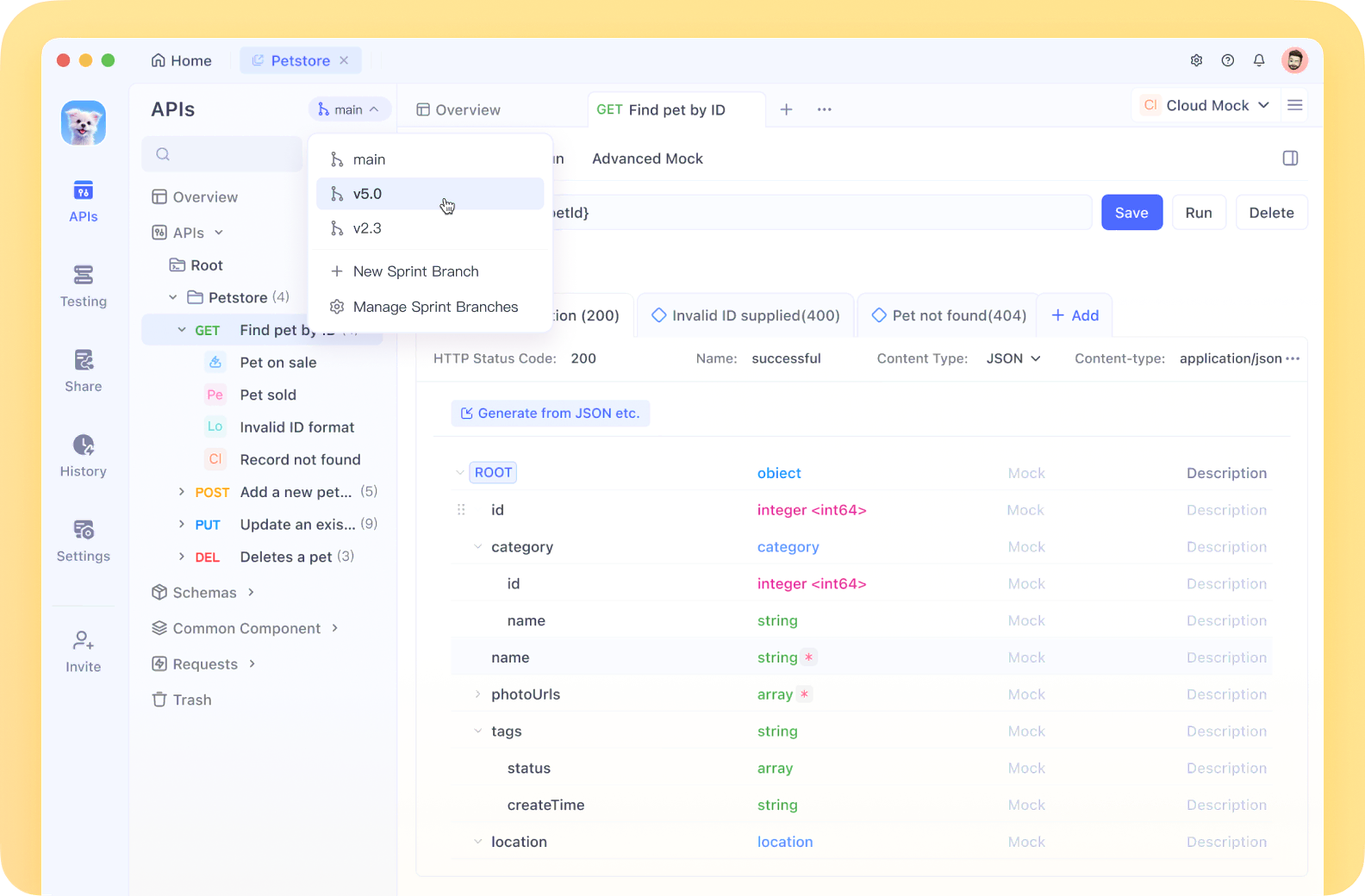
Selenium WebDriver'ı düşündüğümüzde, genellikle onu tarayıcı otomasyonu ve UI testi ile ilişkilendiririz. Ancak, Selenium doğru kullanıldığında API testi için de güçlü bir araç olabilir. Bu eğitim, size pratik örnekler ve en iyi uygulamalar sunarak, API testi yapmak için Selenium WebDriver'ın yeteneklerinden yararlanma sürecinde size rehberlik edecektir.
API (Uygulama Programlama Arayüzü) testi, uygulamanın API'lerini doğrudan test etmeyi, işlevselliğini, güvenilirliğini, performansını ve güvenliğini doğrulamayı içerir. Postman, REST Assured veya SoapUI gibi API testi için özel araçlar olsa da, Selenium WebDriver, özellikle UI ve API testini aynı çerçevede birleştirmek istediğinizde, API test araç setinize değerli bir katkı olabilir.
Önkoşullar
Selenium WebDriver ile API testine dalmadan önce, şunlara sahip olduğunuzdan emin olun:
- Selenium WebDriver hakkında temel bilgi
- Seçtiğiniz bir programlama dili (Java, Python, C#, JavaScript)
- Geliştirme ortamınızda kurulmuş Selenium WebDriver
- REST/SOAP API'leri hakkında bilgi
- HTTP yöntemleri hakkında temel bilgi (GET, POST, PUT, DELETE)
Mimariyi Anlamak
Selenium WebDriver'ın mimarisi, onu aşağıdakileri yapabilme yeteneği sayesinde API testi için uygun hale getirir:
- Yerleşik veya harici kitaplıkları kullanarak doğrudan HTTP istekleri gönderme
- Yanıtları işleme ve verileri doğrulama
- Mevcut test çerçeveleriyle entegre olma
- Test verilerini ve ortamları yönetme
Ortamınızı Kurmak
Selenium WebDriver ile API testi için temel bir ortam kuralım:
Java Örneği
import org.openqa.selenium.WebDriver;
import org.openqa.selenium.chrome.ChromeDriver;
import org.openqa.selenium.chrome.ChromeOptions;

import java.io.BufferedReader;
import java.io.IOException;
import java.io.InputStreamReader;
import java.net.HttpURLConnection;
import java.net.URL;

public class SeleniumApiTesting {
    private WebDriver driver;

    public void setUp() {
        System.setProperty("webdriver.chrome.driver", "path/to/chromedriver");
        ChromeOptions options = new ChromeOptions();
        options.addArguments("--headless"); // Headless mode for API testing
        driver = new ChromeDriver(options);
    }

    public void tearDown() {
        if (driver != null) {
            driver.quit();
        }
    }
}
Python Örneği
from selenium import webdriver
from selenium.webdriver.chrome.options import Options
import requests
import json

def setup_driver():
    chrome_options = Options()
    chrome_options.add_argument("--headless")  # Headless mode for API testing
    driver = webdriver.Chrome(options=chrome_options)
    return driver

def teardown_driver(driver):
    if driver is not None:
        driver.quit()
Selenium WebDriver ile API Test Yaklaşımları
1. Yerel HTTP Kütüphanelerini Kullanma
En basit yaklaşım, programlama dilinizin yerel HTTP kütüphanelerini Selenium WebDriver ile birlikte kullanmaktır.
Java Örneği - GET İsteği
public String performGetRequest(String endpoint) throws IOException {
    URL url = new URL(endpoint);
    HttpURLConnection connection = (HttpURLConnection) url.openConnection();
    connection.setRequestMethod("GET");

    int responseCode = connection.getResponseCode();
    System.out.println("GET Response Code: " + responseCode);

    if (responseCode == HttpURLConnection.HTTP_OK) {
        BufferedReader in = new BufferedReader(new InputStreamReader(connection.getInputStream()));
        String inputLine;
        StringBuilder response = new StringBuilder();

        while ((inputLine = in.readLine()) != null) {
            response.append(inputLine);
        }
        in.close();

        return response.toString();
    } else {
        return "GET request failed with response code: " + responseCode;
    }
}
Python Örneği - POST İsteği
def perform_post_request(endpoint, payload):
    headers = {'Content-Type': 'application/json'}
    response = requests.post(endpoint, data=json.dumps(payload), headers=headers)

    print(f"POST Response Code: {response.status_code}")

    if response.status_code == 200:
        return response.json()
    else:
        return f"POST request failed with response code: {response.status_code}"
2. AJAX Çağrıları İçin JavaScriptExecutor Kullanma
Başka bir yaklaşım, tarayıcıdan doğrudan AJAX çağrıları yapmak için Selenium'un JavaScriptExecutor'ını kullanmaktır.
Java Örneği
import org.openqa.selenium.JavascriptExecutor;

public String performApiCallWithJsExecutor(String endpoint, String method, String payload) {
    String script = String.format(
        "var xhr = new XMLHttpRequest();" +
        "xhr.open('%s', '%s', false);" +
        "xhr.setRequestHeader('Content-Type', 'application/json');" +
        "xhr.send('%s');" +
        "return xhr.responseText;",
        method, endpoint, payload
    );

    return (String) ((JavascriptExecutor) driver).executeScript(script);
}
Python Örneği
def perform_api_call_with_js_executor(driver, endpoint, method, payload):
    script = f"""
        var xhr = new XMLHttpRequest();
        xhr.open('{method}', '{endpoint}', false);
        xhr.setRequestHeader('Content-Type', 'application/json');
        xhr.send('{payload}');
        return xhr.responseText;
    """

    return driver.execute_script(script)
3. API Çağrılarını Yakalama ve Değiştirme
Selenium WebDriver, özellikle BrowserMob Proxy gibi proxy araçlarıyla birlikte kullanıldığında, uygulama tarafından yapılan API çağrılarını yakalamak ve değiştirmek için kullanılabilir.
BrowserMob Proxy ile Java Örneği
import net.lightbody.bmp.BrowserMobProxy;
import net.lightbody.bmp.BrowserMobProxyServer;
import net.lightbody.bmp.client.ClientUtil;
import org.openqa.selenium.Proxy;

public void setupProxyForApiInterception() {
    // Start the proxy
    BrowserMobProxy proxy = new BrowserMobProxyServer();
    proxy.start(0);

    // Get the Selenium proxy object
    Proxy seleniumProxy = ClientUtil.createSeleniumProxy(proxy);

    // Configure Chrome to use the proxy
    ChromeOptions options = new ChromeOptions();
    options.setCapability("proxy", seleniumProxy);

    // Create the WebDriver instance
    driver = new ChromeDriver(options);

    // Add a request filter to intercept API calls
    proxy.addRequestFilter((request, contents, messageInfo) -> {
        if (request.getUri().contains("/api/")) {
            System.out.println("Intercepted API call: " + request.getUri());
            // Modify headers, parameters, or the request body if needed
        }
        return null;
    });

    // Add a response filter to inspect and modify API responses
    proxy.addResponseFilter((response, contents, messageInfo) -> {
        if (messageInfo.getOriginalRequest().getUri().contains("/api/")) {
            String responseBody = contents.getTextContents();
            System.out.println("API Response: " + responseBody);
            // Modify the response if needed
        }
    });
}
Tam Bir API Test Çerçevesi Oluşturma
Selenium WebDriver kullanarak daha yapılandırılmış bir API test çerçevesi oluşturalım:
Java Örneği
import org.json.JSONObject;
import org.testng.Assert;
import org.testng.annotations.AfterClass;
import org.testng.annotations.BeforeClass;
import org.testng.annotations.Test;

import java.io.IOException;

public class ApiTestFramework {
    private WebDriver driver;
    private final String BASE_URL = "<https://api.example.com>";

    @BeforeClass
    public void setUp() {
        System.setProperty("webdriver.chrome.driver", "path/to/chromedriver");
        ChromeOptions options = new ChromeOptions();
        options.addArguments("--headless");
        driver = new ChromeDriver(options);
    }

    @Test
    public void testGetUserEndpoint() throws IOException {
        String endpoint = BASE_URL + "/api/users/1";
        String response = performGetRequest(endpoint);

        JSONObject jsonResponse = new JSONObject(response);

        Assert.assertEquals(jsonResponse.getString("name"), "John Doe");
        Assert.assertEquals(jsonResponse.getInt("id"), 1);
        Assert.assertTrue(jsonResponse.has("email"));
    }

    @Test
    public void testCreateUserEndpoint() throws IOException {
        String endpoint = BASE_URL + "/api/users";
        JSONObject payload = new JSONObject();
        payload.put("name", "Jane Smith");
        payload.put("email", "jane.smith@example.com");

        String response = performPostRequest(endpoint, payload.toString());
        JSONObject jsonResponse = new JSONObject(response);

        Assert.assertTrue(jsonResponse.has("id"));
        Assert.assertEquals(jsonResponse.getString("name"), "Jane Smith");
    }

    private String performGetRequest(String endpoint) throws IOException {
        // Implementation from previous example
    }

    private String performPostRequest(String endpoint, String payload) throws IOException {
        URL url = new URL(endpoint);
        HttpURLConnection connection = (HttpURLConnection) url.openConnection();
        connection.setRequestMethod("POST");
        connection.setRequestProperty("Content-Type", "application/json");
        connection.setDoOutput(true);

        // Write payload to connection
        try (java.io.OutputStream os = connection.getOutputStream()) {
            byte[] input = payload.getBytes("utf-8");
            os.write(input, 0, input.length);
        }

        int responseCode = connection.getResponseCode();
        System.out.println("POST Response Code: " + responseCode);

        try (BufferedReader br = new BufferedReader(
                new InputStreamReader(connection.getInputStream(), "utf-8"))) {
            StringBuilder response = new StringBuilder();
            String responseLine;
            while ((responseLine = br.readLine()) != null) {
                response.append(responseLine.trim());
            }
            return response.toString();
        }
    }

    @AfterClass
    public void tearDown() {
        if (driver != null) {
            driver.quit();
        }
    }
}
Python Örneği
import unittest
import json
from selenium import webdriver
from selenium.webdriver.chrome.options import Options
import requests

class ApiTestFramework(unittest.TestCase):
    BASE_URL = "<https://api.example.com>"

    def setUp(self):
        chrome_options = Options()
        chrome_options.add_argument("--headless")
        self.driver = webdriver.Chrome(options=chrome_options)

    def test_get_user_endpoint(self):
        endpoint = self.BASE_URL + "/api/users/1"
        response = self.perform_get_request(endpoint)

        self.assertEqual(response['name'], "John Doe")
        self.assertEqual(response['id'], 1)
        self.assertIn('email', response)

    def test_create_user_endpoint(self):
        endpoint = self.BASE_URL + "/api/users"
        payload = {
            "name": "Jane Smith",
            "email": "jane.smith@example.com"
        }

        response = self.perform_post_request(endpoint, payload)

        self.assertIn('id', response)
        self.assertEqual(response['name'], "Jane Smith")

    def perform_get_request(self, endpoint):
        response = requests.get(endpoint)
        return response.json() if response.status_code == 200 else None

    def perform_post_request(self, endpoint, payload):
        headers = {'Content-Type': 'application/json'}
        response = requests.post(endpoint, data=json.dumps(payload), headers=headers)
        return response.json() if response.status_code in [200, 201] else None

    def tearDown(self):
        if self.driver:
            self.driver.quit()

if __name__ == '__main__':
    unittest.main()
UI ve API Testini Birleştirme
Selenium WebDriver'ı API testi için kullanmanın en büyük avantajlarından biri, UI ve API testlerini aynı çerçevede birleştirme yeteneğidir:
@Test
public void testLoginAndVerifyUserDataAPI() throws IOException {
    // UI part: Login through the UI
    driver.get("<https://example.com/login>");
    driver.findElement(By.id("username")).sendKeys("testuser");
    driver.findElement(By.id("password")).sendKeys("password");
    driver.findElement(By.id("loginButton")).click();

    // Wait for login to complete
    WebDriverWait wait = new WebDriverWait(driver, Duration.ofSeconds(10));
    wait.until(ExpectedConditions.urlContains("/dashboard"));

    // Extract authentication token from cookies or local storage
    String authToken = (String) ((JavascriptExecutor) driver)
        .executeScript("return localStorage.getItem('authToken');");

    // API part: Use the token to make an authenticated API call
    String endpoint = BASE_URL + "/api/user/profile";
    URL url = new URL(endpoint);
    HttpURLConnection connection = (HttpURLConnection) url.openConnection();
    connection.setRequestMethod("GET");
    connection.setRequestProperty("Authorization", "Bearer " + authToken);

    // Process and verify the API response
    int responseCode = connection.getResponseCode();
    Assert.assertEquals(responseCode, 200);

    // Read and parse the response
    BufferedReader in = new BufferedReader(new InputStreamReader(connection.getInputStream()));
    String response = in.lines().collect(Collectors.joining());
    in.close();

    JSONObject jsonResponse = new JSONObject(response);

    // Verify that the API data matches what's displayed in the UI
    String uiUsername = driver.findElement(By.id("profileUsername")).getText();
    Assert.assertEquals(jsonResponse.getString("username"), uiUsername);
}
Selenium WebDriver ile API Testi İçin En İyi Uygulamalar
- Headless Modu Kullanın: Saf API testleri yaparken, kaynaklardan tasarruf etmek için Selenium'u headless modda çalıştırın.
- API ve UI Testlerini Ayırın: Bunları birleştirebilmenize rağmen, API ve UI testlerini mantıksal olarak ayrı tutun.
- Assertion Kütüphanelerinden Yararlanın: API yanıtlarını doğrulamak için kapsamlı assertion kütüphaneleri kullanın.
- Hata İşleme Uygulayın: API hataları için uygun hata işleme ekleyin.
- API İsteklerini ve Yanıtlarını Günlüğe Kaydedin: Hata ayıklama amacıyla, tüm API etkileşimlerini günlüğe kaydedin.
- Testleri Parametrelendirin: Çeşitli senaryoları test etmek için veri sağlayıcıları veya parametrelendirilmiş testler kullanın.
- Kimlik Doğrulama İşlemini Uygulayın: Kimlik doğrulamasını işlemek için yeniden kullanılabilir yöntemler oluşturun.
- Performansı Göz Önünde Bulundurun: Selenium'un özel API test araçlarına kıyasla ek yük getirebileceğinin farkında olun.
API Testi İçin Selenium WebDriver Kullanmanın Sınırlamaları
- Performans Yükü: Selenium öncelikle tarayıcı otomasyonu için tasarlanmıştır, bu nedenle saf API testi için ek yük getirir.
- Sınırlı API'ye Özgü Özellikler: Özel API test araçları, API testi için daha özel özellikler sunar.
- Tarayıcı Bağımlılığı: Headless modda bile, Selenium API testi için gereksiz olabilecek bir tarayıcı gerektirir.
- Karmaşıklık: API testi için Selenium'u kurmak, özel API test araçlarını kullanmaktan daha karmaşık olabilir.
API Testi İçin Selenium WebDriver Ne Zaman Kullanılır
Selenium WebDriver, aşağıdaki senaryolarda API testi için en uygun olanıdır:
- Zaten Selenium tabanlı bir UI test çerçevesine sahipseniz ve bunu genişletmek istiyorsanız.
- Hem UI hem de API etkileşimlerini içeren senaryoları test etmeniz gerektiğinde.
- Tarayıcı bağlamında API'leri test etmeniz gerektiğinde (JavaScript API çağrılarını test etmek gibi).
- Uygulama tarafından yapılan API çağrılarını yakalamanız ve değiştirmeniz gerektiğinde.
Sonuç
Selenium WebDriver, özellikle mevcut UI test çerçeveleriyle entegre edildiğinde, API testi için çok yönlü bir araç olabilir. Karmaşık API testi ihtiyaçları için özel API test araçlarının yerini almayabilir, ancak UI ve API testini tek bir çerçevede birleştirmenin esnek bir yolunu sunar.
Bu eğitimde sağlanan yaklaşımlardan ve örneklerden yararlanarak, API testi gereksinimleriniz için Selenium WebDriver'ı etkili bir şekilde kullanabilirsiniz. Ticari avantajları göz önünde bulundurmayı ve özel test ihtiyaçlarınız için doğru aracı seçmeyi unutmayın.
REST API'lerini, SOAP hizmetlerini veya GraphQL uç noktalarını test ediyor olmanız fark etmeksizin, Selenium WebDriver, uygulamanızın hem UI'sını hem de temel API işlevselliğini doğrulayan kapsamlı testler oluşturmanıza yardımcı olabilir.
Daha gelişmiş API testi ihtiyaçları için, her iki dünyanın da en iyisini elde etmek için Selenium WebDriver'ı REST Assured (Java için) veya Requests (Python için) gibi özel API test kütüphaneleri veya çerçeveleriyle birleştirmeyi düşünebilirsiniz.
İyi testler!


