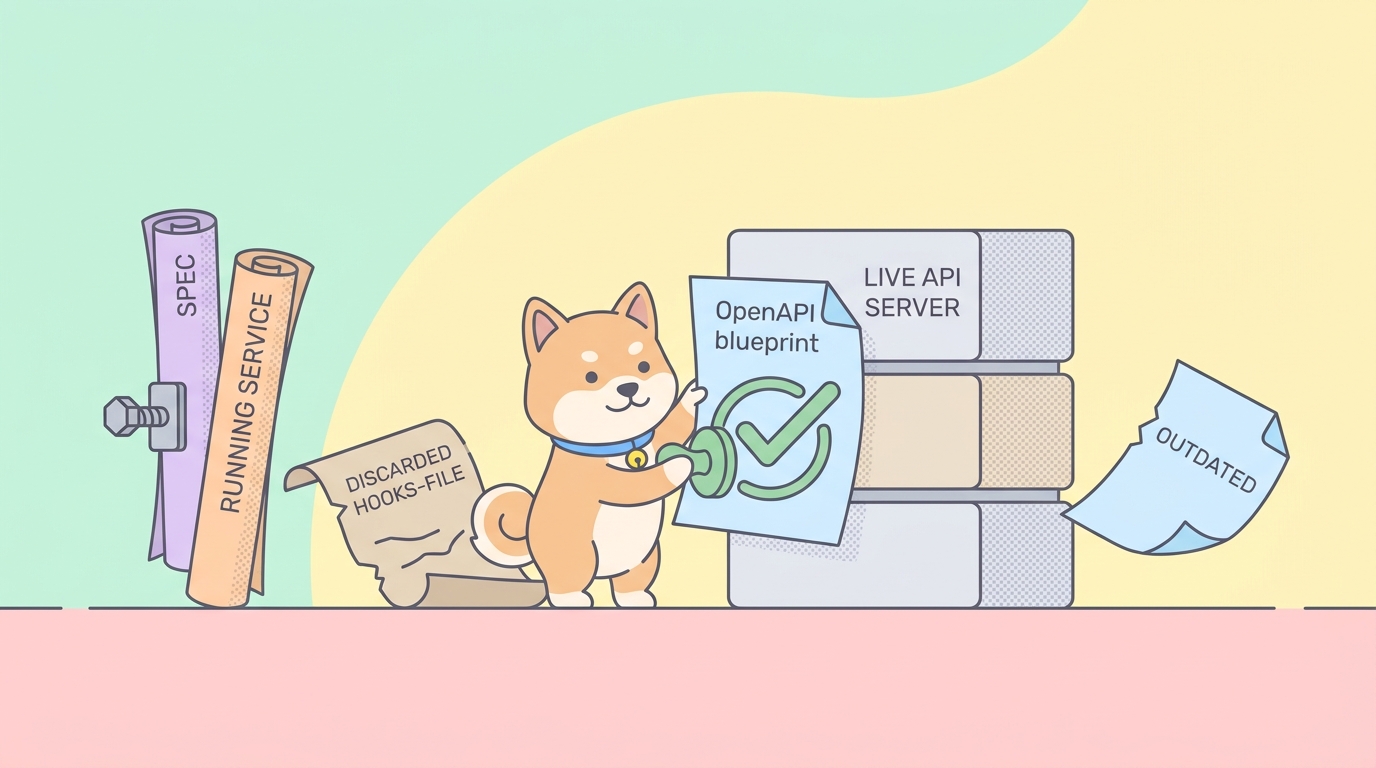
Dredd solves a real problem, and it solves it cleanly. You point it at an API description, an OpenAPI document or an API Blueprint file, and at a running server. It reads every example in the description, fires the matching request at the live backend, and checks that the real response matches what the spec promised. If your spec says GET /orders/{id} returns a 200 with an id and a status field, Dredd confirms the running service actually does that. The spec stops being documentation that quietly rots and becomes a test that fails loudly.
That idea, validating the implementation against the API description, is the right idea. The drift between what a spec says and what a service does is one of the most expensive silent bugs in API work. A frontend team codes against the documented contract, the backend ships a field rename, nobody updates the doc, and the break surfaces in production. Dredd catches exactly that class of failure, and for years it has been the go-to open-source tool for doing it from the command line.
The friction is in the setup and the upkeep, not the concept. Dredd is a Node.js CLI that needs its own config file, a hooks file in your language of choice for anything beyond trivial cases, and a separate spec artifact that you maintain by hand alongside everything else. If you want the same outcome Dredd gives you, a CI gate that fails when your implementation no longer matches its OpenAPI contract, without standing up a hooks toolchain and without keeping the spec as a third disconnected file, Apidog is built for that workflow. It keeps the spec, the tests, and the validation in one project, and runs the whole thing headlessly from an npm CLI. This guide is fair about what Dredd does well, and clear about where the integrated path wins.
What Dredd does well
Give Dredd its due first, because it earned the reputation.
It tests the implementation, not a mock. This is the heart of it. Plenty of tools validate that your OpenAPI file is well-formed, or that a mock server behaves. Dredd does something harder: it hits the actual running backend and checks the real bytes that come back against the documented examples. A passing Dredd run means your deployed service and your spec agree right now, not in theory.
It speaks both API Blueprint and OpenAPI. Dredd grew up alongside API Blueprint, the markdown-based description format, and later added OpenAPI 2 and 3 support. If you have a legacy Blueprint file or a Swagger document, Dredd can read it without a conversion step.
Language-agnostic hooks. When the default request-and-compare loop is not enough, you need authentication tokens, you need to seed a database before a test, you need to skip a transaction, Dredd lets you write hooks. The hook handler runs in Node by default, but Dredd ships protocol support for hooks in Python, Ruby, Go, PHP, Rust, and more. Your team writes setup logic in a language it already knows.
It is open source and CI-friendly. Dredd installs with npm install -g dredd, runs as a single command, and exits non-zero when a validation fails, so any CI system can gate a build on it. There is no SaaS account, no seat pricing, nothing to sign. For a team that wants a self-hosted, scriptable contract check, that matters.
None of that is filler. Dredd is a solid tool with a clear job. The question is whether its model, three separate artifacts and a hooks file, matches how you actually want to work.
Where the friction lives
Three costs come bundled with the Dredd model, and how much they hurt depends on your setup.
The spec is a third artifact you maintain by hand. Dredd validates the implementation against a description file, which is exactly right, but that description usually lives apart from where you design and test the API. You hand-edit an openapi.yaml, you keep your test scenarios somewhere else, and you keep the running service somewhere else again. Dredd checks two of those three against each other. Keeping the spec itself accurate is still a manual chore, and a spec that has quietly drifted from reality produces a Dredd run that is green and wrong.
Hooks are code you write and maintain. The moment your API needs auth, ordering, or test data, the example-driven loop stops being enough. You write a hooks.js (or a Python or Ruby equivalent), wire it through dredd.yml, and now you own a second codebase whose only job is to make the first one testable. For a simple read-only API, Dredd is nearly config-free. For a real one with logins and stateful endpoints, the hooks file grows, and it is glue code by another name.
Example-driven coverage has gaps. Dredd tests the examples present in your description. If an endpoint has one documented example response, that is what gets checked. Edge cases, error paths, and validation rules that are not spelled out as examples in the spec do not get exercised unless you add them, by expanding the spec or by writing more hooks. The coverage is exactly as good as the examples you maintain, no better.
The integrated path: spec and tests in one project
Here is the different bet Apidog makes. The API definition is not a third file you sync by hand; it is the source of truth that lives in the same project as the tests that exercise it and the validation that gates your build. Change the schema, and the tests see the new shape. There is no separate openapi.yaml drifting in a corner of the repo, and no hooks file standing between the spec and a working test.
You design or import the API once. Apidog reads OpenAPI 2 and 3, imports a Swagger document, and pulls in Postman collections in a click. The endpoints, the request schemas, the response schemas, and the example responses all sit in one project. If you already think spec-first, this is the same discipline Dredd encourages, just without the spec being a loose file. The deeper version of that workflow lives in spec-first API development, and if you want to validate the spec document itself before any test runs, validating OpenAPI specs covers that step.
You build the validation against those real schemas. When a test scenario calls GET /orders/{id}, you assert the response against the schema Apidog already holds for that endpoint, not against a hand-copied example. That is the spec-versus-implementation check Dredd performs, with one difference: the spec being checked is the same object you designed the API from, so it cannot silently fall out of step with your test suite. This is contract testing without a third artifact, and if you want the broader picture of that discipline, API contract testing and bidirectional contract testing both go deeper.
Setup that Dredd handles with a hooks file, auth tokens, ordering, seeding, you handle with pre- and post-request scripts in JavaScript, which most web developers already write. No separate hooks codebase wired through a config file. The logic lives next to the test it supports.
Installing and running the Apidog CLI
The runner is published to npm as apidog-cli. If you have Node.js, you have everything you need:
npm install -g apidog-cli
The binary is apidog, so every run starts with apidog run. To run a test scenario, you pass an access token, the scenario ID, and the environment ID:
apidog run --access-token $APIDOG_ACCESS_TOKEN -t 605067 -e 1629989 -r cli
You do not type those IDs by hand. Open the test scenario in Apidog, go to its CI/CD tab, choose the command-line option, and generate an access token. Apidog builds the full apidog run command for you with the scenario and environment IDs already filled in. Copy it once and parameterize the token from there. Treat the access token like a password: store it as a secret in your CI system and reference it as $APIDOG_ACCESS_TOKEN, the way every example here does.
To run more than one scenario, point the runner at a folder or a test suite instead of a single ID, and pick your reporters:
apidog run --access-token $APIDOG_ACCESS_TOKEN -f <folderId> -e 1629989 -r html,junit --out-dir ./test-reports
That -r flag selects reporters. Apidog supports cli for readable terminal output, html for a self-contained report you archive as a build artifact, junit for the XML that nearly every CI dashboard parses into a pass/fail tree, and json for raw structured results. If you want a deeper tour of the runner, run apidog run --help for the full flag list.
Side by side
| Dredd | Apidog | |
|---|---|---|
| Core idea | Validate implementation against an API description | Validate implementation against the spec it was designed from |
| Runtime | Node.js (npm install -g dredd) |
Node.js (npm install -g apidog-cli) |
| Spec format | API Blueprint, OpenAPI 2/3 | OpenAPI 2/3, Swagger import, Postman import |
| Spec location | Separate file, maintained by hand | The same project the tests run against |
| Setup logic | Hooks file (hooks.js, plus Python/Ruby/Go/etc.) |
Pre/post-request JavaScript, in-test |
| Test authoring | Examples in the description | Visual editor against real schemas |
| Coverage | As good as the examples in the spec | Schema assertions plus custom scenarios |
| Reporters | Built-in plus add-ons | cli, html, json, junit |
| Hosting | Self-hosted, open source | Hosted project, CLI runs anywhere |
Read that table honestly. If you want a fully self-hosted, open-source, no-account tool and your team is comfortable maintaining a hooks file, Dredd’s model is a clean fit and switching for its own sake buys you nothing. The case for the integrated path is specific: you are tired of the spec being a third file that drifts, you do not want to own a hooks codebase, or you want the same project to handle design, testing, and the contract check together.
Wiring it into CI
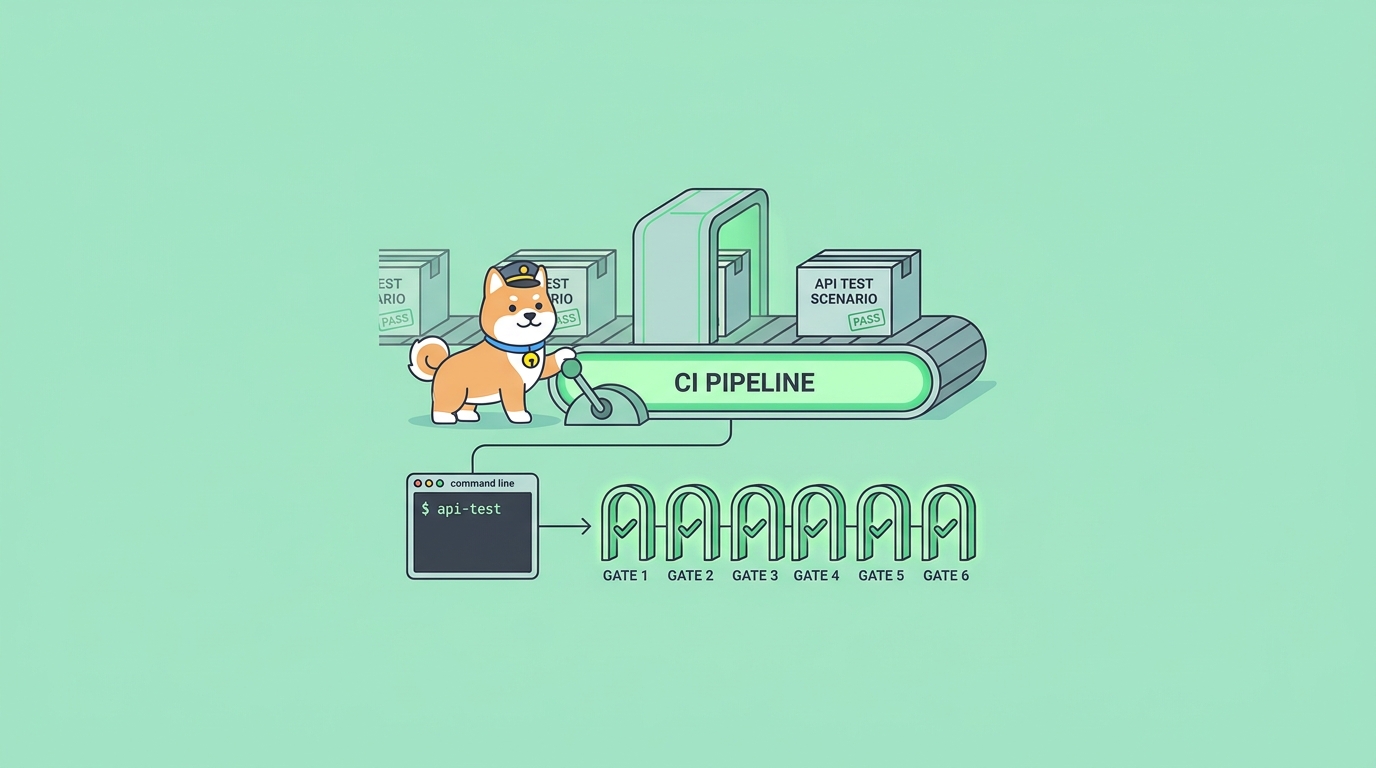
The Apidog CLI exits zero on pass and non-zero on failure, so any CI system can gate a build on it, exactly like Dredd. A minimal GitHub Actions job needs Node and one run step:
name: api-contract-check
on: [push]
jobs:
  test:
    runs-on: ubuntu-latest
    steps:
      - uses: actions/checkout@v4
      - uses: actions/setup-node@v4
        with:
          node-version: '20'
      - run: npm install -g apidog-cli
      - run: apidog run --access-token $APIDOG_ACCESS_TOKEN -t 605067 -e 1629989 -r cli,junit
        env:
          APIDOG_ACCESS_TOKEN: ${{ secrets.APIDOG_ACCESS_TOKEN }}
That is the whole pipeline. A Dredd job looks similar, install the CLI, run one command, but you also point it at your spec file and your hooks file, and you keep both current. The validation runs the same way; the difference is how many artifacts you maintain to get there.
If your reason for reaching for Dredd was really about keeping a spec and a service honest with each other, the same logic shows up in other tools. Teams hit it with Swagger and Postman drifting apart, which OpenAPI-driven testing against Swagger and Postman drift covers, and Java shops hit it with Rest Assured, where the alternatives story rhymes: a strong tool whose model adds a layer you may not want. You can also drive Apidog from your editor with the VS Code extension if you would rather not leave your IDE.
FAQ
Is Apidog a drop-in replacement for a Dredd setup? No, and it does not pretend to be. There is no converter that reads your dredd.yml and hooks.js and emits Apidog scenarios. You import your OpenAPI spec and rebuild the validation in the visual editor. The upside is you stop maintaining a hooks file and a loose spec; the cost is a one-time rebuild. If you have a large mature Dredd suite that works, that rebuild is a real decision, not a free lunch.
Does Apidog validate the live implementation, like Dredd does? Yes. The CLI fires real requests at your running service and asserts the actual responses against the schemas in your project. That is the same spec-versus-implementation check Dredd performs. The difference is that the schema being checked is the one you designed the API from, so it does not drift away from your tests.
Can I still handle auth and test setup the way Dredd hooks let me? Yes. Apidog supports pre-request and post-request scripts in JavaScript, so you can fetch auth tokens, seed data, transform payloads, or build dynamic assertions in code. The logic lives in the scenario it supports, rather than in a separate hooks file wired through config.
Does Dredd do anything Apidog does not? A couple of things. Dredd is fully self-hosted and open source with no account, and it reads API Blueprint, the older markdown description format, natively. If a no-account, fully local tool or a legacy Blueprint file is central to your setup, weigh that carefully before switching.
What format does Apidog read? OpenAPI 2 and 3, Swagger documents, and Postman collections, all importable into one project. If you want to understand the format differences first, Swagger versus OpenAPI and the OpenAPI specification overview both lay them out.
The bottom line
Dredd got the core idea right: your API description should be something you test the running service against, not a document that drifts. If you want a self-hosted, open-source CLI and you are happy maintaining a spec file and a hooks file, Dredd is a sound choice and you should keep using it.
The integrated path is for the case where that maintenance is the part you want gone. Apidog keeps the spec, the tests, and the validation in one project, so the contract you check is the same one you designed from, and it runs the whole thing from apidog run with no hooks codebase to own. Download Apidog and import your existing OpenAPI file to see the spec-versus-implementation check run from a single command.