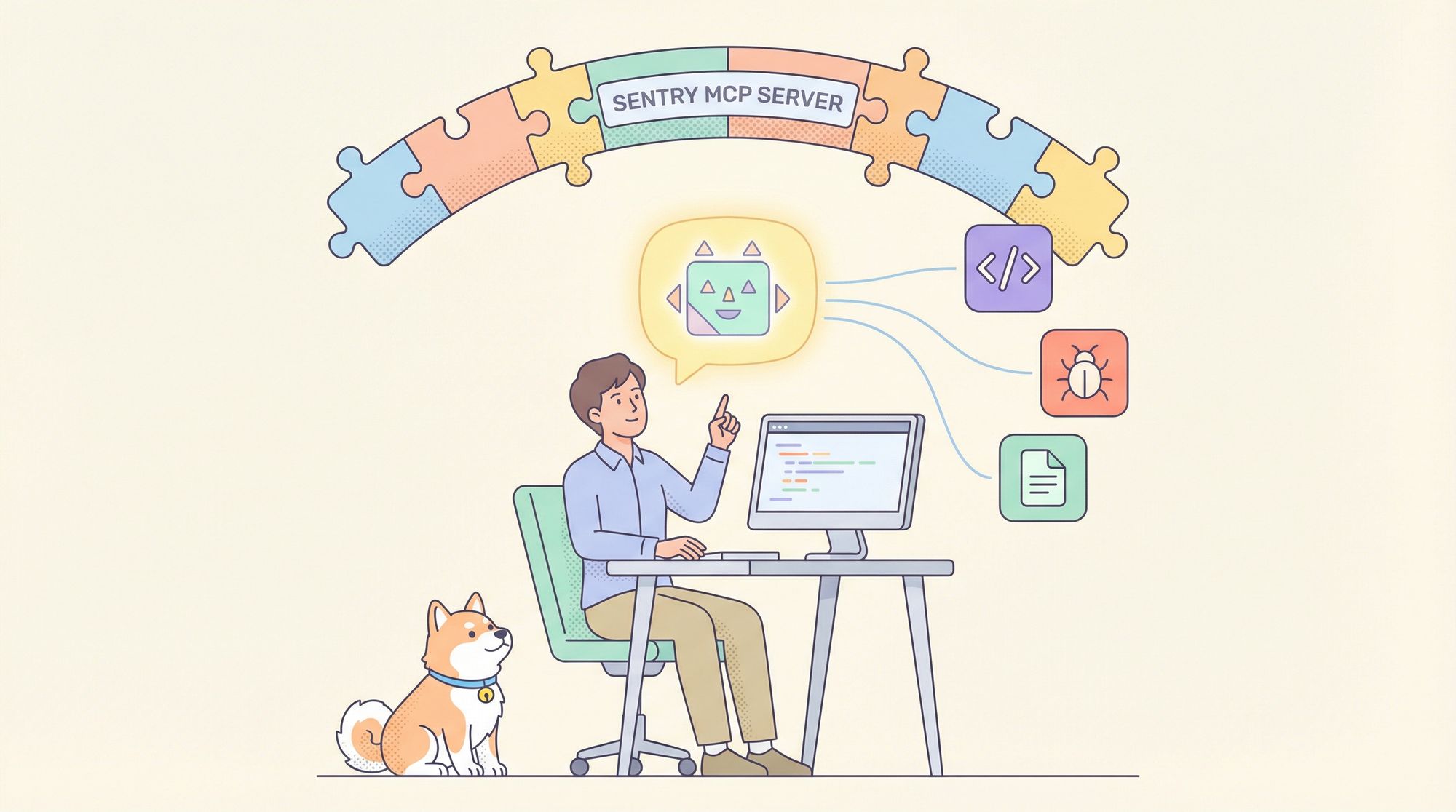
Developers face constant pressure to deliver robust software, minimize bugs, and maintain rapid release cycles. Traditional error monitoring tools like Sentry provide invaluable insights, but troubleshooting complex issues can still drain time and resources. Enter the Sentry MCP Server—a powerful bridge connecting Sentry’s detailed error and performance data to the growing world of AI assistants and smart development tools.
In this guide, you’ll learn how the Sentry MCP Server leverages the Model Context Protocol (MCP) to elevate debugging with AI, streamline workflows, and enable real-time, intelligent insights directly within your development environment.
💡 Looking for an API platform that streamlines testing and produces beautiful API documentation? Need an all-in-one workspace for your team to maximize productivity? Apidog brings together collaborative API development and testing—an affordable Postman alternative.
What Is the Model Context Protocol (MCP)?
Before diving into the Sentry MCP Server, it’s important to understand the underlying Model Context Protocol (MCP). MCP is an open standard that allows AI models to securely interact with external developer tools—think of it as a universal translator for your software stack.
Why Does MCP Matter?
- Unified Communication: Without MCP, every AI integration with tools like Sentry, Jira, or GitHub would require custom, repetitive work. MCP provides a consistent language, saving hours of manual integration.
- AI-Ready Development: MCP opens the door for AI assistants to automate debugging, code suggestions, and more—directly using your real project data.
Core MCP Components
- Host: The AI app or assistant seeking data.
- Client: Embedded within the host, it speaks MCP and manages server communication.
- Server: Exposes data from tools like Sentry in the MCP-standard format.
With this architecture, MCP powers seamless data flow between your tools and AI-powered features—whether for code completion, bug triage, or smart project queries.
Sentry MCP Server: Unlocking AI Access to Sentry Data
The Sentry MCP Server is Sentry’s official implementation of the MCP standard. It acts as a secure gateway that allows AI assistants and compatible developer tools to query and retrieve key data from your Sentry projects.
What Can You Access with Sentry MCP Server?
- Issues & Errors: Instantly fetch detailed info on issues—status, stack traces, frequency, and more.
- Project Health: Pull high-level metrics on projects and organizations to monitor application status.
- DSN Management: List or create Data Source Names (DSNs) for easy app configuration.
You can run the Sentry MCP Server locally for full control, or use Sentry’s hosted service for convenience—flexible for individual developers or teams.
Getting Started: Installing and Configuring Sentry MCP Server
Integrating Sentry MCP Server into your workflow is straightforward. Here’s how to set it up:
Installation Options
- Using uvx (Recommended): Python users can run the Sentry MCP Server directly with uvx—no separate install required, always up-to-date.
- With pip: Install as a Python package for version and dependency control.
- Via Docker: Use the official Docker image for a containerized, reproducible setup—ideal for teams or CI/CD pipelines.
Configuration Steps
- Install the Server using your preferred method.
- Connect Your MCP Client: Add a server configuration (typically in a
mcp.jsonfile), specifying the command to start the server and your Sentry authentication token. - Authenticate Securely: Generate a Sentry auth token from your organization’s settings and keep it safe—this token controls access to your Sentry data.
Real-World Debugging with Sentry MCP Server
Let’s look at how MCP and Sentry MCP Server can make a real impact on your debugging workflow.
1. Instantly Query Issues with AI
Suppose a critical bug is reported. Instead of combing through Sentry’s UI, you can prompt your AI assistant:
“Show me the Sentry issue with ID ‘PROJECT-NAME-123’.”
The assistant queries Sentry MCP Server, fetching a concise report—title, status, stack trace, and more—helping you quickly pinpoint the root cause.
2. Analyze Stack Traces Efficiently
Stack traces are vital but often overwhelming. Sentry MCP Server provides structured, readable traces. You can even ask your AI assistant to summarize or explain errors, identifying the problematic code faster.
3. Seamless Integration with Editors and Tools
Configure your IDE (like VS Code or Cursor) to use Sentry MCP Server. As you code, your editor can highlight errors, suggest fixes, or surface relevant Sentry data—right where you work.
Future-Proofing Debugging: AI Meets Observability
The Sentry MCP Server isn’t just a debugging tool—it signals a shift toward AI-driven software development. Imagine AI not only finding bugs but proposing fixes, generating pull requests, or even automating deployment. With the MCP standard and tools like Sentry MCP Server, this AI-powered future is within reach.
If you're building out a broader MCP-powered workflow beyond error monitoring,the Mobile Next MCP Serverextends that same approach to mobile test automation.
The same MCP protocol powering this Sentry integration extends to knowledge-management tools as well—the Obsidian MCP server lets AI assistants query your personal notes and documentation directly alongside live error data.
If your workflow spans error monitoring and analytics data,connecting a BigQuery MCP server gives your AI assistant direct read access to your data warehouse in that same context.
Conclusion: Smarter Debugging Starts Here
The Sentry MCP Server bridges error monitoring and AI, giving developers the power to resolve issues faster and smarter. Whether you’re a backend engineer, QA professional, or technical lead, adding the Sentry MCP Server to your toolkit can elevate both individual and team productivity.
And if you’re building or testing APIs, Apidog offers seamless documentation, collaborative tools for teams, and all-in-one productivity—replacing Postman at a lower cost—making it a natural fit alongside your error monitoring stack.