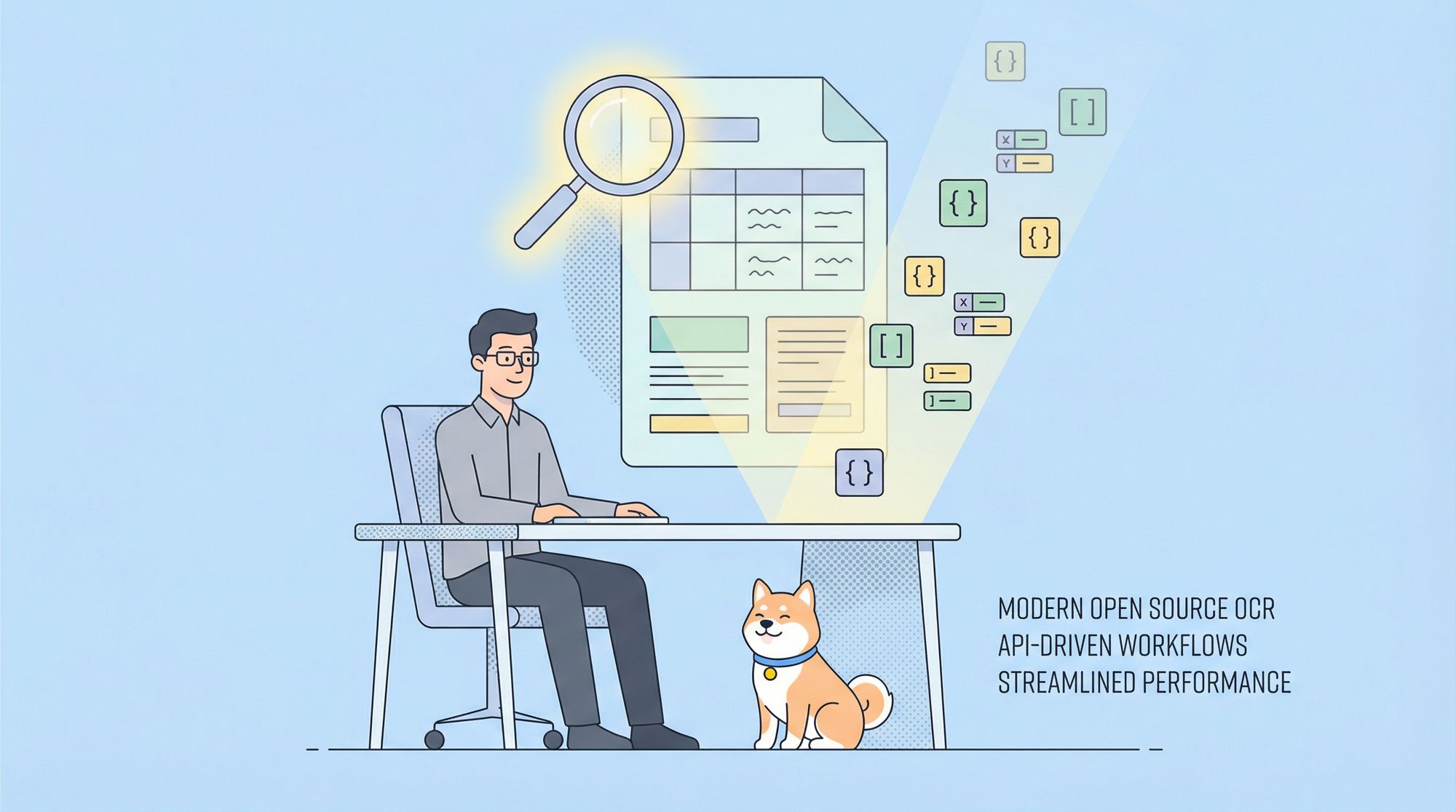
For API developers, backend engineers, and technical teams handling document automation, reliable Optical Character Recognition (OCR) is critical. Modern document pipelines need accurate data extraction from invoices, forms, and multi-language files—making advanced OCR capabilities a must-have for workflow automation, QA, and backend integrations.
Today, open source vision language models (VLMs) are rapidly closing the gap with proprietary solutions. Among these, Qwen-2.5-72B stands out as a leading choice for robust, scalable OCR, rivaling even GPT-4o in performance.
In this guide, you'll learn why Qwen-2.5-72B is emerging as the top open source OCR model, how it compares to other models, and how to run it locally with Ollama for secure, high-performance document extraction.
💡 Want to streamline your API development, testing, and documentation?
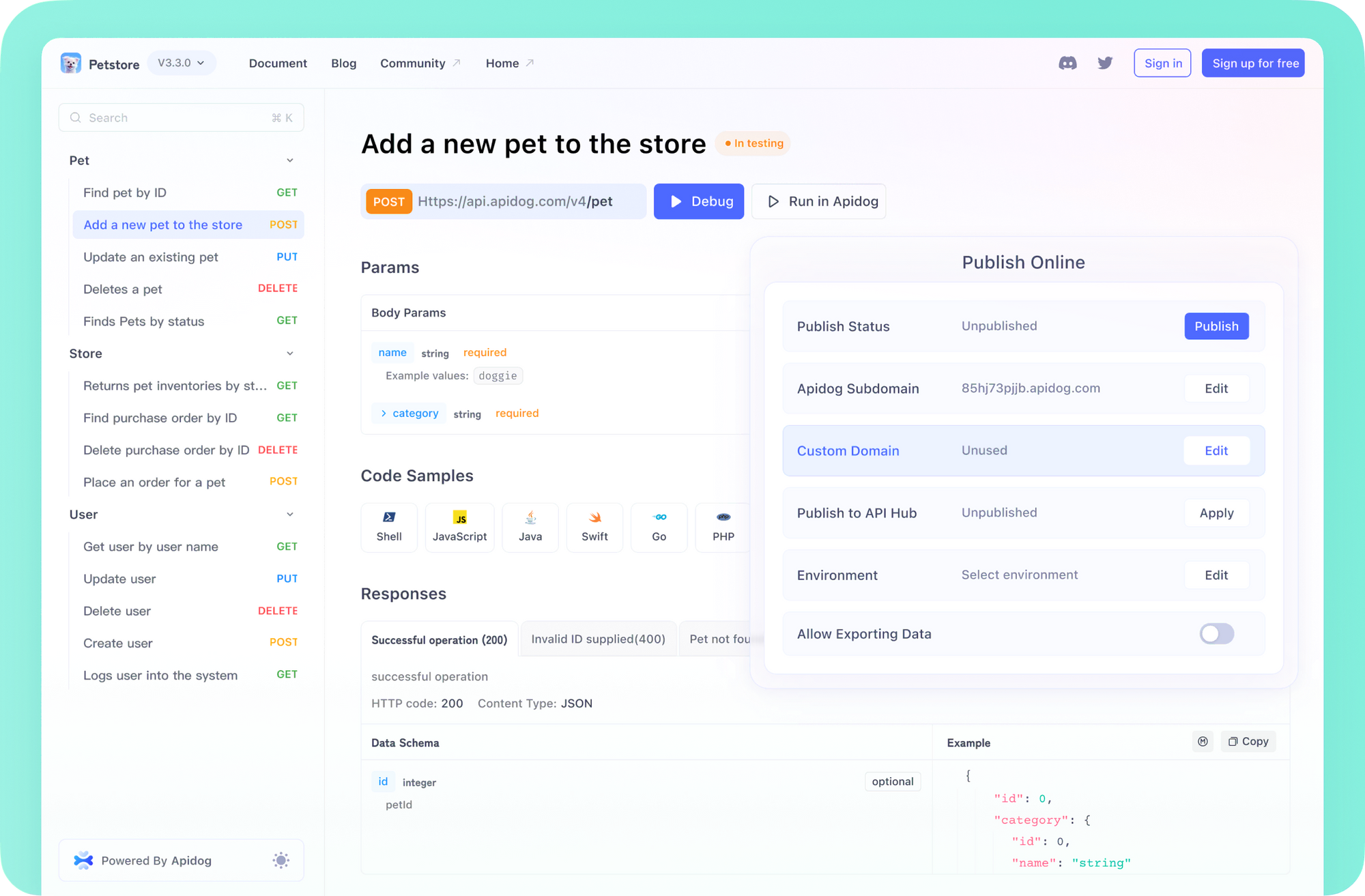
Apidog offers an intuitive, all-in-one alternative to Postman—combining API design, debugging, mocking, testing, and documentation in a single platform.
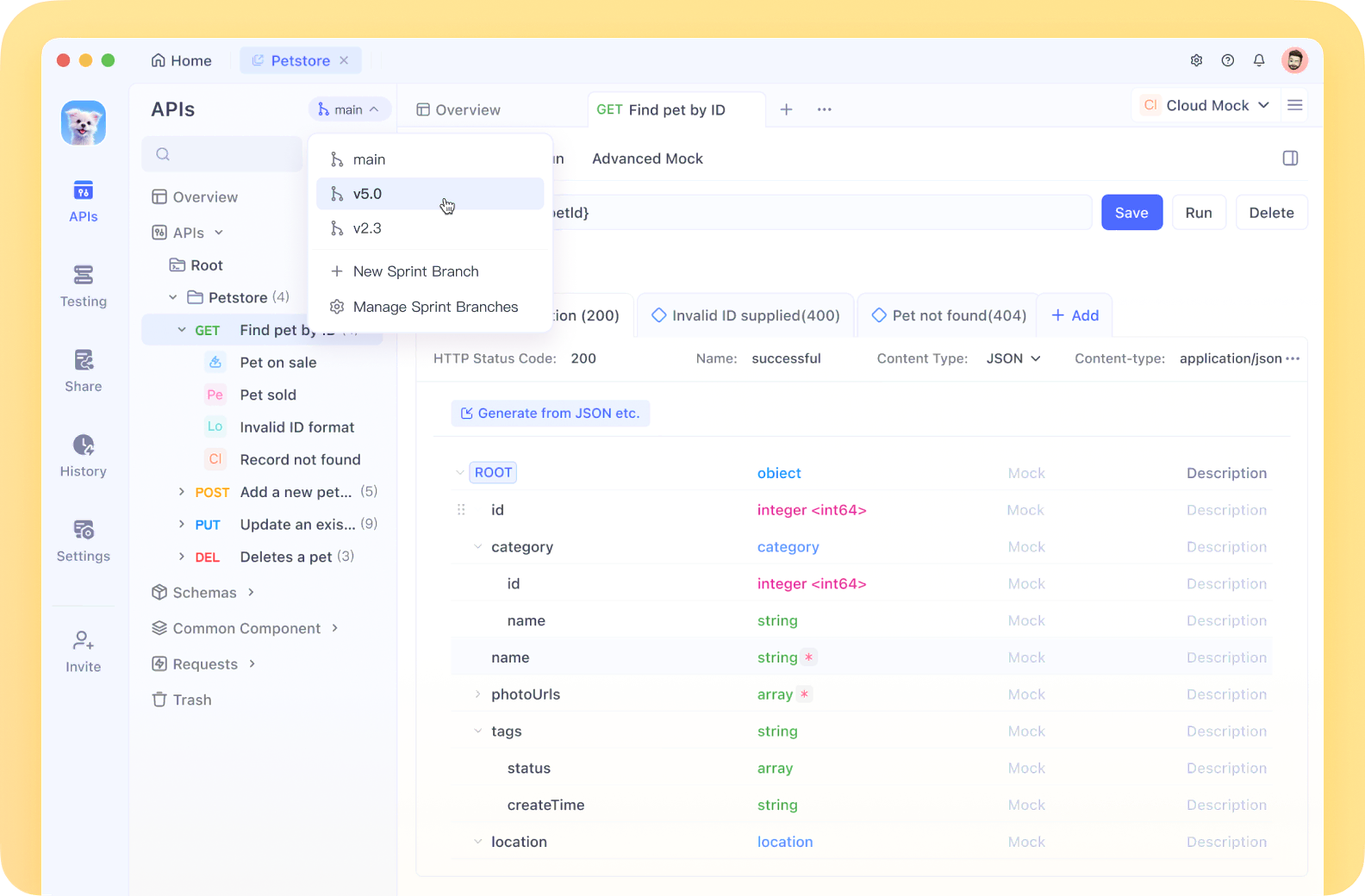
Apidog's collaborative workflows and clear interface help teams accelerate API delivery and maintain consistency across projects, whether you're working solo or at scale.
Why Qwen-2.5-72B Is Leading for OCR Tasks
Qwen-2.5 is Alibaba Cloud's latest vision language model series, built for complex document understanding and extraction. The flagship 72B-parameter version brings significant advancements for OCR in real-world developer scenarios.
Key Features That Matter for Engineers
- 18 Trillion Token Pretraining: Enhanced knowledge and deep domain understanding.
- Context Window Up to 128K Tokens: Process entire documents, large tables, or multi-page forms at once.
- Multilingual Support: Handles 29 languages for international use cases.
- Structured Data Handling: Improved at reading tables, forms, and generating precise JSON outputs.
- Robust Long-Text Generation: Supports up to 8K token output, critical for extracting detailed records.
Benchmark Results: Outperforming Specialized OCR Models
Recent benchmarks by OmniAI compared top open source OCR models. Qwen-2.5-72B and its 32B sibling achieved:
- ~75% accuracy on JSON extraction from documents (matching GPT-4o)
- Outperformed mistral-ocr (72.2% accuracy), a model specifically trained for OCR
- Significantly better than Gemma-3 (27B) and Llama models (e.g., Gemma-3 achieved only 42.9%)
What makes this remarkable:
Qwen-2.5-VL models excelled at OCR despite not being built solely for it, highlighting their versatile vision-text integration.

Practical Advantages for API & Backend Developers
Qwen-2.5-72B brings several strengths to real-world OCR workflows:
- Structured Extraction: Excels at parsing tables, forms, and outputting clean JSON—key for downstream API consumption.
- Large Document Support: Handles long or multi-page documents seamlessly, reducing manual splitting.
- Consistent Results Across Formats: Performs reliably on invoices, forms, receipts, contracts, and more.
- Multilingual Processing: One model for global teams—no need to switch for different languages.
- Resilient to Varying Quality: Maintains extraction accuracy even with imperfect scans or varied layouts.
How to Run Qwen-2.5-72B Locally with Ollama
Deploying Qwen-2.5-72B on-premises means full control over data privacy and the ability to integrate OCR directly into your infrastructure or CI/CD pipelines.
System Requirements
- RAM: 64GB+ recommended (model size ~47GB)
- GPU: NVIDIA with 48GB VRAM for FP16, or 24GB+ with quantization
- Disk: 50GB+ free
- OS: Linux, macOS, or Windows (with WSL2)
Step 1: Install Ollama
Download and install the latest release from Ollama's official site.
Follow platform-specific setup instructions.
Step 2: Download Qwen-2.5-72B
Open your terminal and run:
ollama pull qwen2.5:72b
This fetches the quantized model (~47GB).
Step 3: Start the Model
Launch Qwen-2.5-72B:
ollama run qwen2.5:72b
Using Qwen-2.5-72B for OCR via the Ollama API
You can leverage the Ollama API to integrate OCR directly into your backend or automation scripts.
Sample Python API Call
Here's how to send an image and get structured JSON output:
import requests
import base64

def encode_image(image_path):
    with open(image_path, "rb") as image_file:
        return base64.b64encode(image_file.read()).decode('utf-8')

image_path = "path/to/your/document.jpg"
base64_image = encode_image(image_path)

api_url = "http://localhost:11434/api/generate"
payload = {
    "model": "qwen2.5:72b",
    "prompt": "Extract text from this document and format it as JSON.",
    "images": [base64_image],
    "stream": False
}

response = requests.post(api_url, json=payload)
result = response.json()
print(result['response'])
Prompt tips for better results:
- For invoices:
"Extract all invoice details including invoice number, date, vendor, line items and total amounts as structured JSON." - For forms:
"Extract all fields and their values from this form and format them as JSON." - For tables:
"Extract this table data and convert it to a JSON array structure."
Advanced OCR Workflows: Boosting Accuracy
For production-grade OCR, consider these enhancements:
- Image Preprocessing: Use OpenCV for deskewing, denoising, and contrast enhancement.
- Page Segmentation: Split multi-page files, batch process, and use context window for document coherence.
- Post-processing: Validate and clean results with regex or a secondary LLM pass.
- Prompt Engineering: Be explicit about output structure (e.g., “Return valid JSON with these fields: ...”).
- Temperature Tuning: Set temperature to 0.0–0.3 for deterministic, accurate extraction.
- Image Quality: Use high-resolution images within model limits for best results.
Why Qwen-2.5-72B Is a Strong Choice for Developer Workflows
- Open Source: No vendor lock-in, full control for backend and API integration.
- Versatile: Handles a wide variety of document types and languages.
- Scalable: Suited for both ad-hoc extractions and production pipelines.
- On-Premises Ready: Maintain data privacy and compliance by running locally.
Integrate Seamless Document Processing with Modern API Tools
As your OCR and automation projects grow, consider pairing powerful models like Qwen-2.5-72B with tools that simplify API development and testing. Platforms like Apidog help teams prototype, document, and automate API-driven document processing—ensuring that extracted data flows smoothly into your business logic and databases.
Conclusion
Qwen-2.5-72B raises the bar for open source OCR, matching or exceeding the accuracy of specialized and commercial models. Its structured data handling, multilingual support, and large-context processing make it ideal for API developers and technical teams building document-driven solutions.
Deploying Qwen-2.5-72B locally with Ollama gives you enterprise-level OCR capabilities—without sacrificing privacy or flexibility. By combining it with structured API workflows and modern tools like Apidog, you’ll build robust, automated document pipelines that scale with your organization’s needs.