Your OpenAPI spec is a contract. When it drifts, clients break, mocks go stale, and tests pass against an API that no longer exists. So treat the spec like the rest of your code: put it in Git, branch it, review it, and validate it on every change.
This guide walks through OpenAPI version control with Git from the ground up. Where the file lives, how to branch, what reviewers actually look for in a spec diff, and how to push changes straight from Apidog. By the end you’ll have a workflow your whole team can trust.
Why version-control your OpenAPI spec
A spec sitting in a wiki or a shared drive has no history. You can’t see who changed the POST /orders payload last Tuesday, or why. Git fixes that.
Put openapi.yaml under version control and you get four things for free:
- History. Every change is a commit with an author, a timestamp, and a message.
- Blame.
git blame openapi.yamltells you who added that required field and when. - Rollback. A bad merge that broke the contract? Revert the commit and you’re back to a working spec.
- Review. Spec changes go through pull requests, so a second person sees the diff before it ships.
This is the foundation of a Git-native API workflow: the spec is source code, and source code lives in Git.
Where the spec file lives in the repo
Keep it simple and predictable. Most teams put a single openapi.yaml at the repo root or in an api/ folder:
my-service/
├── api/
│ └── openapi.yaml
├── src/
└── README.md
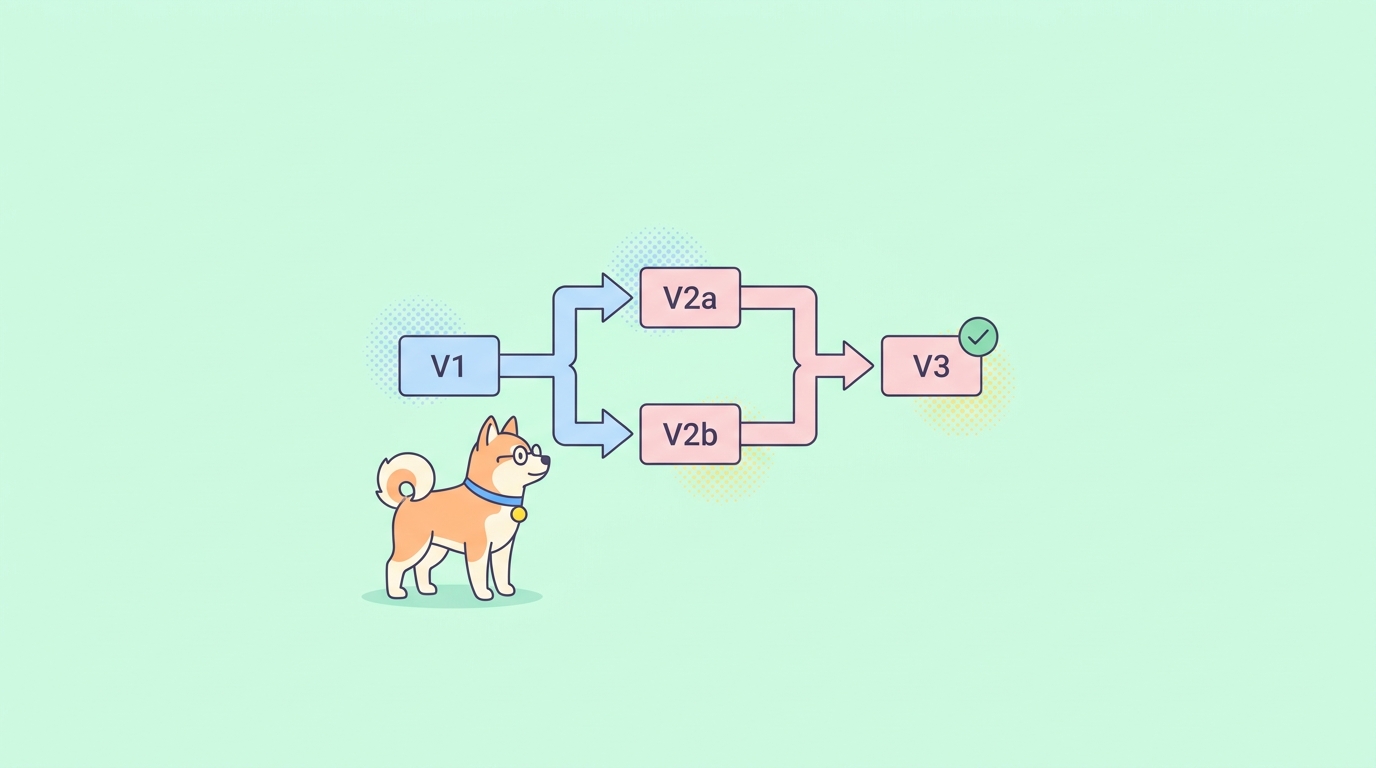
When you maintain multiple major versions in parallel, split by version with one file per major:
api/
├── api-v1.yaml
└── api-v2.yaml
This keeps breaking changes isolated. api-v1.yaml stays frozen for existing clients while api-v2.yaml evolves. It also makes diffs smaller and review faster, because each file changes for one reason. Treating the spec this way is the core idea behind API spec as code.
Pick one convention and document it. The worst outcome is two files claiming to be “the” spec.
Branching strategies for spec changes
You don’t need a special branching model for specs. Reuse what your code already does. Branch off main, make the change, open a PR.
naming convention that keeps spec branches easy to scan:
| Branch type | Pattern | Example |
|---|---|---|
| New endpoint | api/add-<resource> |
api/add-refunds |
| Field change | api/change-<resource>-<field> |
api/change-order-status |
| Breaking change | api/breaking-<description> |
api/breaking-v2-auth |
| Fix / cleanup | api/fix-<description> |
api/fix-pagination-schema |
The api/ prefix signals “this PR touches the contract” at a glance. Reviewers and CI can filter on it. For breaking changes, the explicit breaking- prefix is a flag that this needs extra eyes and probably a version bump.
Keep branches short-lived. A spec branch that lives for two weeks will collide with everyone else’s changes. Small, focused branches merge cleanly.
Reviewing spec changes in a pull request
This is where version control earns its keep. A spec PR is a contract change, and contract changes deserve real review.
Write YAML in a diff-friendly way so reviewers can read the change, not fight the formatting:
paths:
 /orders/{orderId}:
 get:
 summary: Get an order
 parameters:
 - name: orderId
 in: path
 required: true
 schema:
 type: string
 responses:
 "200":
 description: Order found
 content:
 application/json:
 schema:
 $ref: "#/components/schemas/Order"
Consistent indentation and one property per line mean a single-field addition shows up as a single-line diff. That’s the goal.
What reviewers should check:
- Breaking changes. Did a required field get added to a request? Was a response field removed or renamed? Did an enum lose a value? Each one can break existing clients.
- Backward compatibility. New optional fields and new endpoints are safe. Changes to existing shapes are not.
- Naming and consistency. Does the new endpoint match the casing and pluralization of the rest of the API?
- Completeness. Every new operation needs a
summary, response schemas, and error responses. - Examples. Realistic examples make the docs and mocks useful.
For breaking-change detection, lean on tooling rather than eyeballs. A CI step (covered below) can compare the PR’s spec against main and fail the build if it spots an incompatible change. Humans miss these; diff tools don’t.
Commit & push from Apidog
Editing raw YAML by hand works, but a visual editor with live validation is faster and catches mistakes earlier. Apidog’s Spec-First Mode gives you two-way Git sync: edit the spec in the UI, commit, and push to your repo without leaving the tool. Pull a teammate’s changes back the same way.
The flow looks like this:
- Connect your Git repo and point Apidog at the spec file.
- Edit endpoints, schemas, and examples in the visual editor.
- Apidog writes clean, diff-friendly YAML back to the file.
- Commit on a branch and push, then open your PR as usual.
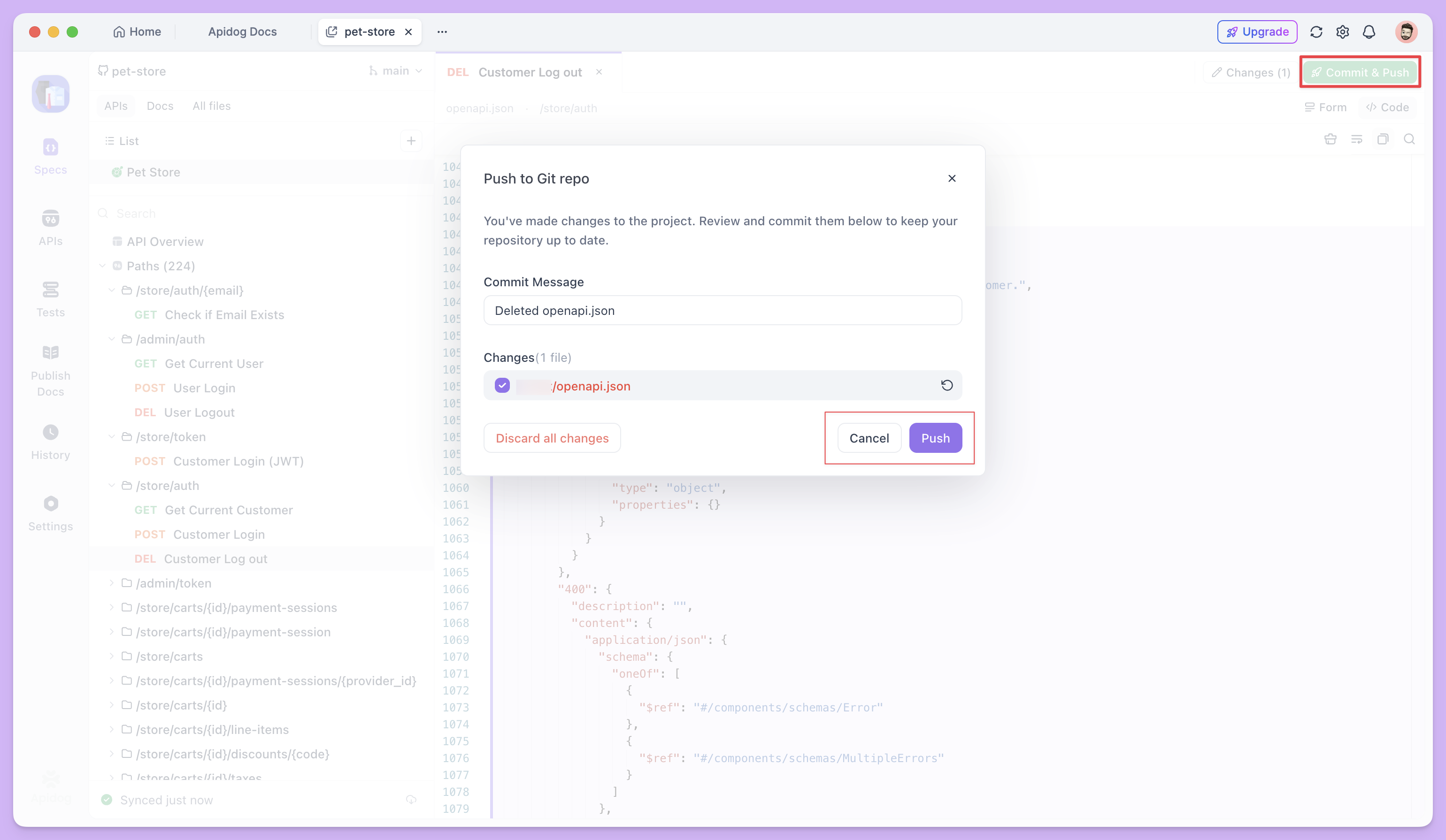
Because Apidog serializes YAML consistently, your diffs stay small and reviewable, no noisy reordering or reformatting. You can read the full setup in the Apidog Spec-First Mode docs. If you want the file to land in a specific provider, see syncing your OpenAPI spec to GitHub.
CI validation hooks
Never let an invalid spec reach main. Wire validation into your pull-request checks so a broken contract fails the build automatically.
A minimal GitHub Actions step:
name: Validate OpenAPI
on: [pull_request]
jobs:
 lint:
 runs-on: ubuntu-latest
 steps:
 - uses: actions/checkout@v4
 - name: Lint spec
 run: npx @redocly/cli lint api/openapi.yaml
Layer in more checks as you grow:
- Lint the spec for structural and style issues.
- Validate it parses as legal OpenAPI 3.x.
- Diff against
mainto detect breaking changes and flag them on the PR.
These checks run in seconds and catch the errors a human reviewer skims past.
Best practices
A few habits keep spec version control healthy over time:
- Use semantic versioning. Bump the
info.versionfield. Breaking change means a new major; backward-compatible additions bump the minor. - Keep a changelog. A short
CHANGELOG.mdnext to the spec tells consumers what moved between versions. - Ship small diffs. One logical change per PR. Big spec PRs hide breaking changes in the noise.
- Write descriptive commit messages. “Add
refundReasonto refund request” beats “update spec.” - Never edit the merged spec directly on
main. Always branch, even for a typo.
FAQ
How do I detect breaking changes in an OpenAPI spec?
Run a spec-diff tool in CI that compares the pull request against the version on main. Tools like oasdiff classify each change as breaking, non-breaking, or unclassified, and can fail the build on a breaking one. This catches removed fields, new required parameters, and changed types that a manual review might miss.
Should I keep one OpenAPI file or split it across many?
Start with a single openapi.yaml. It’s the easiest to review and version. When the file gets large or you maintain multiple major versions in parallel, split by major version (api-v1.yaml, api-v2.yaml) or use $ref to break schemas into separate files. Don’t split prematurely; one readable file beats five fragmented ones.
Can I version-control my spec without writing YAML by hand?
Yes. Apidog’s Spec-First Mode lets you edit the spec in a visual editor and sync the changes to Git in both directions. It writes consistent YAML, so your diffs stay clean and your pull requests stay readable, while you still get full Git history and review.