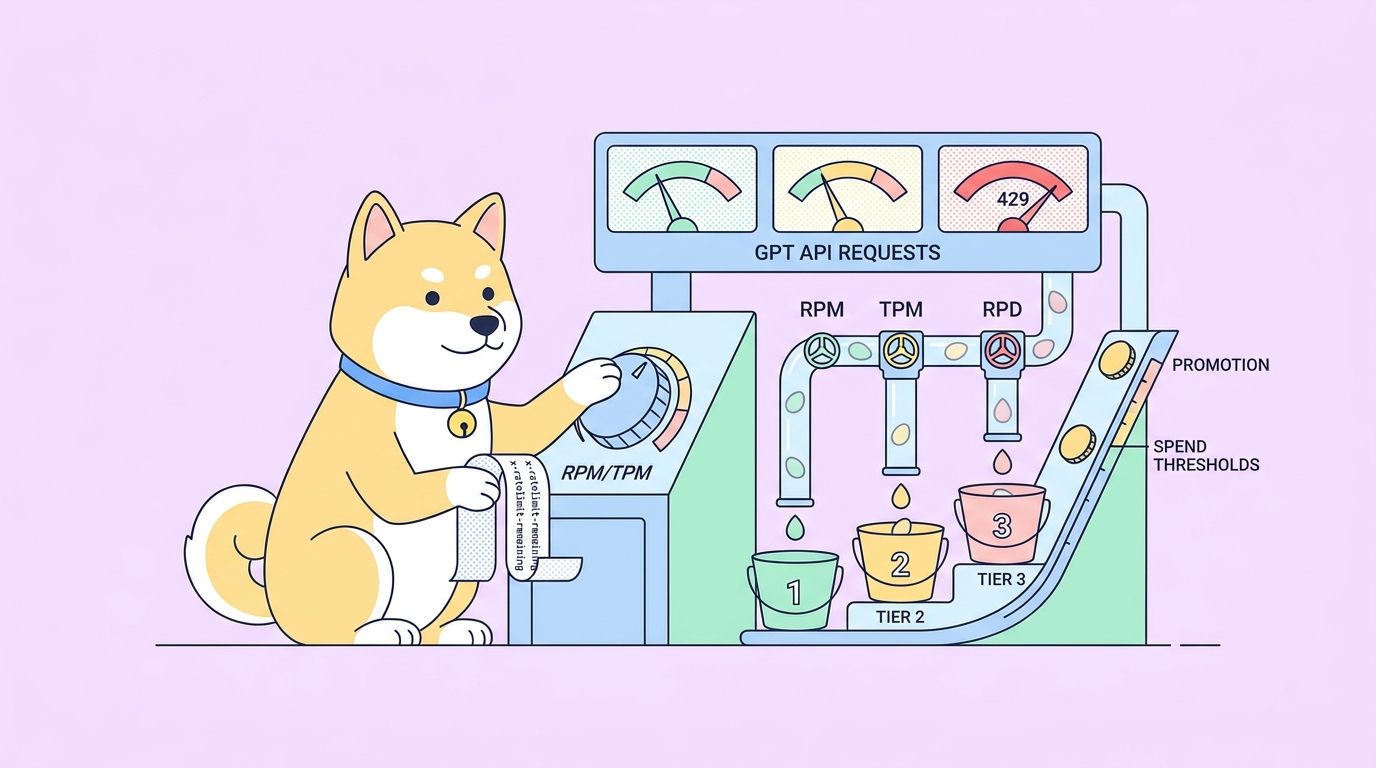
You ship a function that calls the GPT API. It works fine in staging. The first hundred users hit it in production, and your logs fill with 429 Too Many Requests. Now you’re guessing: is it requests per minute, tokens per minute, or daily caps? Are you on tier 1 still? Did the model you switched to last week have stricter limits than the old one?
If you’ve worked with OpenAI before, you know the rate-limit story has gotten more complicated with every new model. GPT-5.5 has different caps from GPT-4.1, image models count differently from text models, and your usage tier silently shifts as your spend grows. Apidog gives you a single workspace to inspect each request’s response headers, simulate concurrent traffic, and confirm exactly which limit you’re hitting before you ship code against it. Download Apidog if you don’t have it yet; the workflow below works on the free plan.
The four limits that actually matter
OpenAI applies several rate limits to every GPT API key. You’ll see all four enforced for any production application:
- RPM (requests per minute): the number of API calls you can send per minute. The lowest cap on most tiers.
- TPM (tokens per minute): the combined input and output tokens you can process per minute. The cap most people forget about.
- RPD (requests per day): a daily ceiling on free and tier-1 keys. Disappears at higher tiers for most text models.
- IPM / TPD / batch queue limits: model-specific caps for image generation, audio, embeddings, and batch endpoints. Each endpoint family has its own ceiling.
When your request gets refused, the API returns HTTP 429 and a JSON body like this:
{
 "error": {
 "message": "Rate limit reached for gpt-5.5 in organization org-abc on tokens per min (TPM): Limit 30000, Used 28432, Requested 3120.",
 "type": "tokens",
 "param": null,
 "code": "rate_limit_exceeded"
 }
}
Notice the body tells you which dimension you blew through: tokens, requests, or sometimes tokens_usage_based. That’s the first thing you read when something breaks. The error from a TPM trip looks different from an RPM trip, and the fix is different too. A 429 is not a 429 is not a 429.
For an end-to-end reference on what 429 means at the HTTP level, see the MDN 429 documentation and the RFC 6585 specification. For the OpenAI-specific behaviour around retry headers and tier movement, OpenAI maintains an official rate-limits page you should bookmark.
How tiers work, and why you keep getting promoted (or stuck)
Your GPT API key sits inside an OpenAI usage tier. Tiers determine the actual numbers behind your RPM and TPM caps. You move up tiers based on two things: total spend on your account, and how long ago you first paid. There are six tiers, free through tier 5, and the rough shape looks like this for text models:
| Tier | Spend gate | Wait gate | Text RPM | Text TPM |
|---|---|---|---|---|
| Free | none | none | 3 | 40k |
| 1 | $5 paid | none | 500 | 30k–200k by model |
| 2 | $50 paid | 7 days | 5,000 | 450k |
| 3 | $100 paid | 7 days | 5,000 | 1M |
| 4 | $250 paid | 14 days | 10,000 | 2M |
| 5 | $1,000 paid | 30 days | 10,000 | 2M+ |
The numbers above are illustrative; the exact caps shift over time and vary per model. Read your live limits straight from the dashboard or, better, from your own API response headers (covered below) before you size a workload.
Two practical implications:
- You auto-promote when you pay. Tiers are not opt-in. The moment your spend crosses a tier gate and the wait gate has passed, the next request you make runs against the new caps. No notification, no migration step.
- You can demote. If your account becomes inactive for a long stretch or your payment method fails, you can fall back down. Test in production after any billing change.
For a side-by-side with other model providers’ tier systems, see our OpenAI API user rate limits explainer, the Claude API rate limits guide, and the Grok-3 API rate limits guide. The mental model is the same across providers; the specific numbers and dimensions are not.
Read your live limits from the response headers
You don’t have to dig through dashboards to find your current limits. Every GPT API response carries them in the headers. Look for these four:
x-ratelimit-limit-requests: your RPM cap for this endpoint.x-ratelimit-remaining-requests: how many you’ve got left this minute.x-ratelimit-limit-tokens: your TPM cap.x-ratelimit-remaining-tokens: how many tokens you’ve got left this minute.
There’s usually also x-ratelimit-reset-requests and x-ratelimit-reset-tokens, both giving you a human-readable duration until the bucket refills (for example 6s, 1m30s).
The cleanest way to read these is to fire a single chat-completion request, watch the headers come back, and confirm you’re on the tier you think you’re on. Apidog makes that one click.
Step 1: configure the GPT request in Apidog
Open Apidog, create a new project, and add a new request inside it.
Method: POST URL: https://api.openai.com/v1/chat/completions
In the Headers tab:
| Key | Value |
|---|---|
Authorization |
Bearer {{OPENAI_API_KEY}} |
Content-Type |
application/json |
The double-brace syntax pulls from an Apidog environment variable, which means your key never lives inside the request itself. Set the variable once under Environments, switch environments to flip between personal and team keys, and the rest of the collection picks up automatically. The same trick works for the org and project IDs OpenAI lets you include for billing attribution.
In the Body tab, choose JSON and paste:
{
 "model": "gpt-5.5",
 "messages": [
 {"role": "user", "content": "ping"}
 ],
 "max_tokens": 10
}
Hit Send. You should get a normal completion back. Now click the Headers tab in the response panel and scroll to the x-ratelimit-* rows. Those four numbers are your current truth. Screenshot them. They’re the baseline you’ll test against.
If you’d rather walk through chat-completion request setup in more detail, our how to test the ChatGPT API with Apidog guide covers auth, streaming, and tool calls end-to-end.
Step 2: confirm the limits with a deliberate burst
Reading the headers tells you the cap. Sending one request doesn’t prove anything about behaviour at the cap. To verify the throttle actually kicks in where the headers say it does, you want a small burst test.
Apidog ships with a Tests runner that can fire the same request N times concurrently. Open your saved request, click the dropdown next to Send, and choose Run in Test Scenario. Set:
- Iterations: 50 (or whatever sits comfortably above your stated RPM)
- Concurrency: 10
- Delay between iterations: 0 ms
Run it. Two outcomes are useful:
- Some requests return 429 before the burst finishes. Good. That confirms the cap from the response header and your account state are in sync.
- All 50 succeed and the headers show
remaining-requestsdecrementing as expected. Your RPM is higher than you thought; check the response panel for the exact value.
Apidog’s test runner records each response, so you can sort by status code and pull every 429 into one view. Click into a 429 row and read its body. The message field tells you whether you tripped RPM, TPM, or a daily cap. That’s the dimension you size against in your production code.
For a primer on what to do once you’ve hit the limit, the rate limit exceeded guide walks through every 429 surface you’re likely to see.
Step 3: separate RPM trips from TPM trips
The first burst above measures RPM, because each request is tiny. To probe TPM, you need to fire fewer requests but each one bigger. Edit your request body so messages carries a much larger payload:
{
 "model": "gpt-5.5",
 "messages": [
 {"role": "system", "content": "<3,000 tokens of context here>"},
 {"role": "user", "content": "Summarise the above in one sentence."}
 ],
 "max_tokens": 200
}
Run another scenario, this time with maybe 20 iterations at concurrency 5. If you’re tier 1 with a 30k TPM cap, you’ll trip token limits long before you trip request limits.
This separation matters because the fix is different. If your real workload sends many tiny requests, fix RPM: queue, batch, or stagger. If it sends fewer big ones, fix TPM: trim system prompts, cache contexts with the prompt_cache mechanism, or split the request.
Step 4: simulate concurrent users
Burst tests measure your own ceiling. Production traffic looks different: many users, varying request sizes, bursts on top of a steady baseline.
In Apidog, create a test scenario that loops through three or four variations of the request (small, medium, large) with random sleeps between iterations. The runner supports JavaScript pre- and post-request scripts, so you can:
- Pick a random message length per iteration.
- Read
x-ratelimit-remaining-tokensafter each response and abort the scenario when it dips below a threshold. - Record latency separately for 200s versus 429s so you can see how throttling drags the p95.
When the scenario finishes, the report gives you a histogram of status codes. That histogram is the most useful artefact you can pin in a runbook. The moment a coworker says “are we rate-limited?”, you re-run it and compare.
What to do when you get throttled
Once you’ve measured where the wall is, you have three honest options.
Back off. Wrap every GPT call in an exponential-backoff retry. Read the x-ratelimit-reset-tokens header off the 429 response and use it as your first retry delay; that header is OpenAI’s literal answer to “wait this long.” A naive time.sleep(2 ** attempt) works too, but it wastes seconds you didn’t have to wait.
Queue. If your traffic is bursty, put requests on a queue and drain it at a rate just under your cap. A token-bucket limiter pinned to slightly below your TPM is the standard pattern. We dig into the implementation tradeoffs in how to implement API rate limiting and implementing rate limiting in APIs.
Batch. OpenAI’s Batch API runs at higher caps and at half the price of synchronous calls. If your workload tolerates 24-hour turnaround (overnight enrichment, document classification, embedding rebuilds), move it to Batch and free up your synchronous quota for user-facing traffic.
If you want a deeper read on the distinction between throttling and rate-limiting before you pick one, throttle vs. rate limit is the shortest path through the terminology.
Common GPT 429 errors and what they mean
Three flavours of 429 cover roughly 90% of real-world cases.
Rate limit reached … on requests per min (RPM) means your code is firing too many calls per minute regardless of size. Add concurrency control. Don’t fire every record in a parallel map; cap your worker pool at your RPM divided by a safety factor of two.
Rate limit reached … on tokens per min (TPM) means your calls are too large. Audit the prompt. Most TPM trips come from system prompts that grew over time or from RAG pipelines stuffing entire documents into context. Trim, cache, or split.
You exceeded your current quota, please check your plan and billing details looks like a 429 but it’s actually a billing wall, not a rate limit. Your account has hit a hard monthly spend cap, the card on file failed, or the prepaid balance hit zero. The fix is in the billing dashboard, not in your code.
FAQ
Does Apidog cost anything to test GPT rate limits? No. The free plan covers single-request testing and small concurrent test runs. You only need a paid plan if you want bigger test loads, team workspaces, or scheduled runs. See Apidog pricing for details.
Can I test rate limits without burning real tokens? Partially. The cheapest baseline check is a one-shot request with max_tokens: 1 and a one-character message; it costs fractions of a cent and the headers come back complete. For burst tests, you do spend real tokens, but you can keep each call tiny. If you want a fully offline rehearsal, use Apidog’s mock server to simulate the 429 response shape and prove your retry logic works without calling OpenAI at all.
Why does my tier 1 key feel slower than a tier 1 colleague’s? Tier caps are per-organisation, not per-key. If your key is on a shared org with other heavy users, you’re competing with their traffic. Apidog can show this clearly: run the same request from both keys side by side and compare x-ratelimit-remaining-tokens decay.
How do I know which model has which limit? Read the response headers. Don’t trust generic tables in blog posts (including this one). Hit each model with one cheap request from Apidog and record the headers. Models with the same name but different snapshot versions (for example gpt-5.5 vs gpt-5.5-0901) can have different caps.
Do streaming requests count differently? Yes for TPM. A streaming request reserves tokens up front based on max_tokens, so a long max_tokens value can consume your TPM budget even if the real completion was short. Lower max_tokens to the tightest realistic ceiling. We cover streaming behaviour in how to test the ChatGPT API with Apidog.
Can I share my Apidog rate-limit test with my team? Yes. Save the request and test scenario in a shared project. Anyone in your workspace can run the same burst against their own key by switching environments. That makes “is my key throttled or theirs?” a 10-second question.