💡 Looking for an API testing platform that creates beautiful API Documentation? Want your developer team to collaborate at maximum productivity? Apidog streamlines API workflows and offers more value than Postman at a lower price!
What Is “Docs as Code”? Why It Matters for API Teams
Strong, up-to-date documentation is essential for high-performing development teams—especially those working on APIs and backend systems. Yet, many teams still struggle with docs that are outdated, scattered, or hard to maintain. This is where the “Docs as Code” approach comes in.
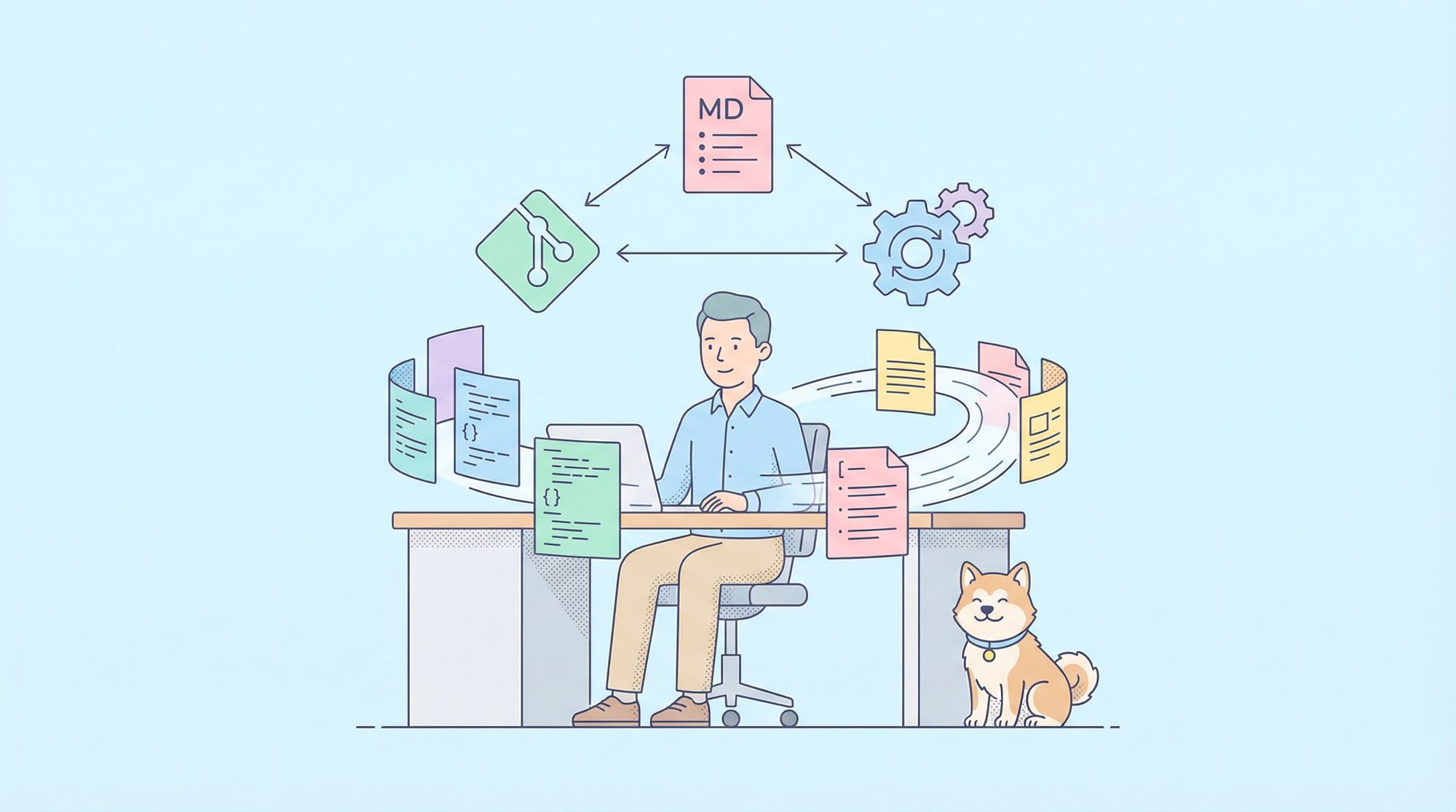
Docs as Code means treating documentation just like your source code—using the same tools, processes, and collaborative workflows. By bringing docs into your development lifecycle, you ensure they stay accurate, discoverable, and easy to update as your codebase evolves.
In this guide, you’ll learn what Docs as Code really is, its core benefits for API and backend teams, and actionable steps to write and manage high-quality code documentation that scales.
Docs as Code: Core Principles
Docs as Code applies proven software engineering practices to documentation:
- Plain Text Markup: Write docs in Markdown, reStructuredText, or AsciiDoc—easy to read, edit, and convert to HTML, PDF, etc.
- Version Control: Store docs in Git alongside your code. Every change is tracked, reviewable, and easy to roll back.
- Collaboration: Use platforms like GitHub or GitLab for pull/merge requests, peer reviews, and team contributions.
- Automation: Automate building, testing, and deploying docs with CI/CD pipelines. Run checks for style, broken links, and more.
- Single Source of Truth: Keep docs close to your code—ideally in the same repository—so updates happen together.
- Test and Review: Treat docs as a first-class deliverable. Use the same review rigor as you do for code.
Why API and Backend Teams Should Adopt Docs as Code
Adopting Docs as Code offers concrete advantages for technical teams:
- Always Up-to-Date: Docs change with code, reducing the risk of stale or misleading information.
- Seamless Collaboration: Developers and technical writers contribute using familiar tools and workflows.
- Clear History & Accountability: Every doc edit is tracked—great for audits and troubleshooting regressions.
- Automated Quality Control: CI/CD ensures docs are built, linted, and deployed automatically.
- Consistent Formatting: Linters and style guides enforce standards.
- Faster Onboarding: New team members can trust the docs and ramp up quickly.
- Lower Costs: No need for expensive, siloed documentation platforms.
- Docs Become Part of “Done”: Features aren’t finished until their docs are, raising the team’s documentation standards.
Apidog’s all-in-one platform embraces the Docs as Code mindset, letting API teams generate, edit, and collaborate on docs right alongside their API tests and specifications.
Typical Docs as Code Workflow (Step-by-Step)
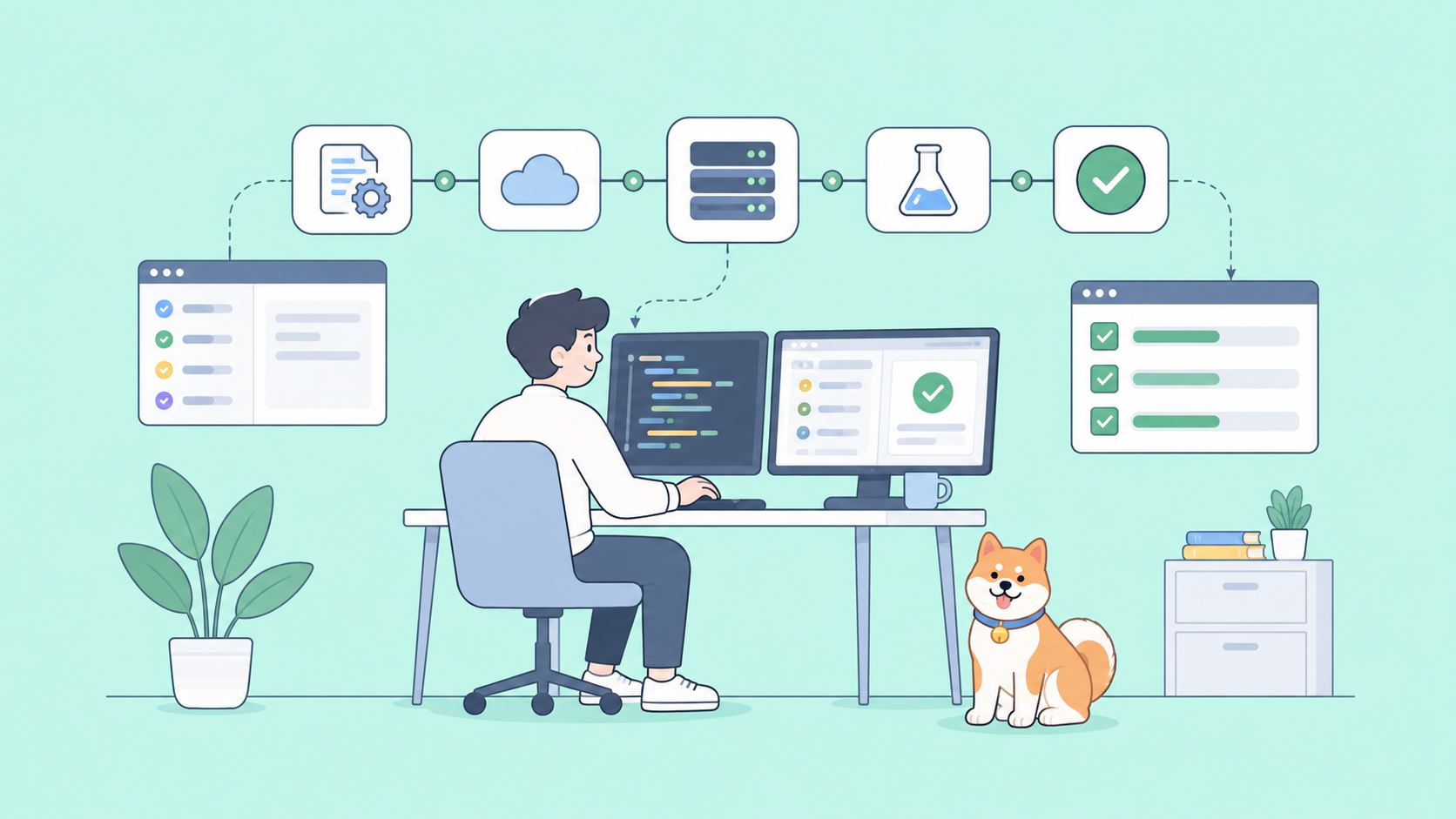
Here’s how a Docs as Code workflow looks for a modern API project:
- Write or Edit Docs: Use Markdown or similar in your favorite code editor.
- Commit Changes: Save with a clear commit message.
- Push to Git: Upload to your team’s remote repository.
- Open a Pull Request: Submit changes for review, just like with code.
- Peer Review & Iterate: Team members review and suggest improvements.
- Automated Checks: CI tools lint, check links, and build docs automatically.
- Merge & Deploy: After approval, docs are merged and published via CI/CD.
- Docs Available Instantly: Stakeholders always access the latest, accurate documentation.
Essential Docs as Code Tools for Developers
Here are some popular tools API and backend teams rely on:
-
Markup Languages:
- Markdown: Simple, widely used.
- AsciiDoc/reStructuredText: More advanced features for complex docs.
-
Version Control:
- Git: Industry-standard for code and docs.
-
Hosting & Collaboration:
- GitHub, GitLab, Bitbucket: Pull requests, reviews, discussions.
-
Static Site Generators:
- MkDocs: Fast, Markdown-based, easy for API docs.
- Sphinx: Great for Python projects.
- Hugo, Jekyll, Docusaurus: Various ecosystems and strengths.
- GitBook: User-friendly, supports both CLI and cloud.
-
Linters & Style Checkers:
- Vale, markdownlint, textlint: Enforce writing and style rules.
-
CI/CD Tools:
- GitHub Actions, GitLab CI, Jenkins, CircleCI: Automate builds, checks, and deployment.
-
Editors:
- VS Code, Sublime Text, Vim: All support Markdown and Git workflows.
Writing Effective Code Documentation: Best Practices
Great docs aren’t just about workflow—they require clarity, structure, and usefulness. Here’s how to write documentation that your peers will actually use.
1. Know Your Audience
Tailor docs for specific readers:
- New team members: Onboarding guides, high-level overviews, setup steps.
- Experienced developers: Detailed API references, architecture diagrams.
- API consumers: Usage examples, authentication guides, endpoint details.
- Testers/QA: Expected inputs/outputs, edge cases, validation logic.
- Your future self: Rationale for non-obvious decisions.
2. Choose the Right Doc Types
- In-Code Comments: Explain “why,” not just “what.” Keep them focused and updated.
- README Files: Project summaries, setup instructions, quick links.
- API Reference Docs: Detailed parameter, return type, and error code documentation. Tools like OpenAPI/Swagger can auto-generate REST API docs.
- Tutorials & How-Tos: Step-by-step guides for common tasks, complete with runnable examples.
- Conceptual Docs: System architecture, data models, design rationale. Use diagrams where possible.
- Troubleshooting Guides: List common problems and solutions.
- Changelogs: Track what changed in each release.
3. Write Clearly and Concisely
- Use simple, direct language.
- Prefer active voice (“This function returns...”) over passive.
- Break text into short paragraphs and lists.
- Use clear headings and consistent formatting.
- Avoid jargon unless you define it.
4. Document as You Go
- Write docs during development, not at the end.
- Make documentation part of your “definition of done.”
- Update docs whenever code changes.
5. Provide Realistic Examples
- Include copy-pastable code samples.
- Ensure all examples are tested and up-to-date.
- Explain what the example does and why it’s useful.
6. Use Visual Aids
- Architecture diagrams show system structure.
- Sequence and flow diagrams clarify processes.
- Screenshots help explain UIs.
- Keep visuals simple, well-labeled, and version-controlled.
7. Make Docs Easy to Find
- Centralize all docs (e.g., in a docs/ folder or a static site).
- Add search functionality for larger doc sets.
- Use intuitive navigation and cross-link related topics.
8. Review and Iterate Regularly
- Peer review docs via pull requests.
- Solicit user feedback and address gaps.
- Schedule periodic reviews for core docs.
9. Automate Where Possible
- Auto-generate API reference docs (e.g., from OpenAPI or Javadoc).
- Use linters and spellcheckers in CI.
- Automate doc builds and deployments for every merge.
10. Document Design Decisions
- Use Architectural Decision Records (ADRs) for major choices.
- Explain trade-offs and reasoning for future maintainers.
11. Avoid Redundancy (DRY Principle)
- Define key info in one place.
- Link or transclude instead of duplicating content.
12. Write for a Global Audience
- Use clear, neutral English.
- Avoid idioms, slang, and culturally specific references.
- Structure docs for easy translation if needed.
💡 Want an API testing suite that generates beautiful, always up-to-date docs and boosts team productivity? Apidog brings Docs as Code best practices to your workflow and offers more value than Postman.
Conclusion: Make Documentation a First-Class Citizen
Docs as Code isn’t just about better tools—it’s about developing a culture where documentation is as important as code. By using the same workflows, automation, and collaborative processes, API and backend teams can ensure their docs drive onboarding, collaboration, and faster delivery.
Apidog helps teams adopt Docs as Code by integrating documentation, API testing, and collaboration in one place—so your docs are always current, discoverable, and actionable.
As your projects grow and your team becomes more distributed, investing in Docs as Code will set you up for long-term success. Make documentation a core part of your development lifecycle—and watch your team’s productivity and code quality soar.