TL;DR / Quick Answer
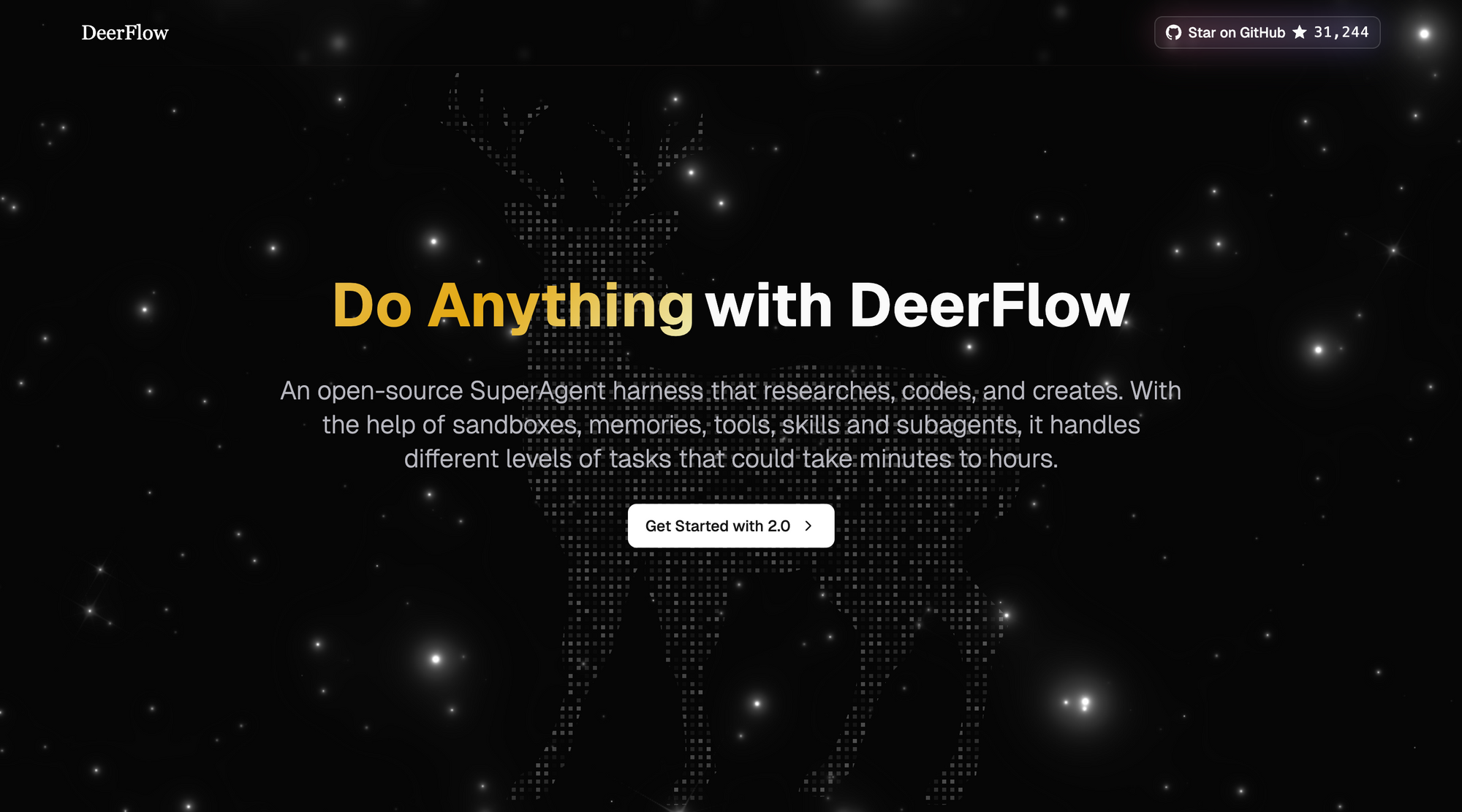
DeerFlow 2.0 is an open-source super-agent harness from ByteDance designed for long-horizon tasks, multi-agent delegation, sandboxed execution, and skills-based extensibility. It is not just a coding copilot. It is an execution runtime for complex workflows.
If your team needs end-to-end autonomous task handling, DeerFlow is strong. If your team also ships APIs, add Apidog as your API quality layer for contract design, test governance, mock environments, and docs.
Why DeerFlow Is Getting Attention
Many AI tools help with one step: code generation, chat automation, or research assistance. DeerFlow aims at a broader target: orchestration across steps.
From the official project description, DeerFlow is a long-horizon super-agent harness that combines:
- sub-agents
- memory
- sandbox execution
- tools and skills
- message gateway channels
That combination matters for engineering teams because real work rarely fits in one prompt. Most workflows require decomposition, file operations, command execution, and iterative review.
What DeerFlow 2.0 Actually Changed
DeerFlow 2.0 is a full rewrite. The maintainers explicitly state it shares no code with the 1.x branch.
Practical implication:
- Use
mainwhen you want the current super-agent harness architecture. - Use
main-1.xonly if you intentionally need legacy behavior.
If you are evaluating DeerFlow now, treat 2.0 as the product baseline.
Core Capability Breakdown
1. Skills and Tools
DeerFlow loads skills progressively so it does not inject every capability into context at once. This is helpful for token-sensitive models and long sessions.
It also supports built-in and custom tools, plus MCP server integration. For teams already using MCP-based integrations, this lowers adoption friction.
2. Sub-Agents
The lead agent can delegate to sub-agents with isolated contexts. This is one of DeerFlow's biggest differentiators versus single-thread assistants.
When used well, it improves throughput on multi-part tasks like:
- repo analysis + test planning + refactor proposal
- research + implementation + documentation handoff
- content pipeline tasks with separate validation steps
3. Sandbox and Filesystem
DeerFlow is designed to run execution inside a sandboxed environment with auditable file operations and command execution.
This is not a cosmetic feature. It is what separates a generic chatbot from an agent runtime that can produce artifacts and work through real tasks.
4. Context Engineering and Summarization
The project emphasizes context compression and isolated sub-agent context. This helps long workflows avoid context bloat and improves quality stability over extended runs.
5. Long-Term Memory
Memory persists across sessions and is stored locally under user control. DeerFlow also documents duplicate-memory handling improvements to avoid repeated fact accumulation.
6. Channel Connectivity
DeerFlow supports messaging-channel task intake (for example Telegram, Slack, Feishu/Lark), with channel configuration in config.yaml.
This makes DeerFlow useful for ops and team workflows where agent access is not only terminal-first.
Setup Tutorial: Fastest Safe Path
The official install docs prioritize Docker when available. That is a good default.
Step 1: Clone and initialize config
git clone https://github.com/bytedance/deer-flow.git
cd deer-flow
make config
Step 2: Configure model providers
Edit config.yaml and define at least one model. DeerFlow supports OpenAI-compatible APIs and CLI-backed providers.
Minimal example:
models:
 - name: gpt-5-responses
 display_name: GPT-5 (Responses API)
 use: langchain_openai:ChatOpenAI
 model: gpt-5
 api_key: $OPENAI_API_KEY
 use_responses_api: true
 output_version: responses/v1
Step 3: Set environment variables
At minimum, set values referenced by your configured model entries.
OPENAI_API_KEY=your-key
TAVILY_API_KEY=your-key
Step 4: Start with Docker (recommended)
make docker-init
make docker-start
Default access URL:
http://localhost:2026Step 5: Use local mode only if needed
make check
make install
make dev
Security: The Part Most Teams Skip
DeerFlow's own docs include a strong warning: high-privilege capabilities (command execution, file operations, business logic invocation) can be risky when exposed without controls.
That warning should not be ignored.
Safe baseline
- Keep deployment local/trusted by default.
- If cross-network access is required, add IP allowlists.
- Put a reverse proxy with strong authentication in front.
- Isolate network segments where possible.
- Keep DeerFlow updated.
Common mistake
Treating DeerFlow like a normal web app and exposing it publicly without strict controls. The project explicitly warns against this pattern.
DeerFlow vs Typical Coding Agent
A lot of teams ask: "Should I replace my coding agent with DeerFlow?"
Better framing: use each tool at its strength.
| Workflow need | Typical coding agent | DeerFlow 2.0 |
|---|---|---|
| IDE-centric coding loop | Strong | Good |
| Multi-agent task decomposition | Limited to moderate | Strong |
| Channel-driven operations | Usually limited | Strong |
| Runtime orchestration | Limited | Strong |
| Local trusted deployment focus | Varies | Explicitly documented |
If your work is mostly PR coding loops, a coding agent alone may be enough.
If your work spans orchestration, channels, research, artifact pipelines, and multi-step automation, DeerFlow is more aligned.
Where Apidog Fits in a DeerFlow Stack
This is where many teams get architecture wrong.
DeerFlow can orchestrate and execute, but API lifecycle quality still needs a dedicated system.
What DeerFlow does well for API teams
- scaffolding services and scripts
- running iterative implementation loops
- handling multi-step engineering automation
- coordinating sub-task execution
What API teams still need beyond DeerFlow
- API contract-first design and review
- stable regression test suites per endpoint
- reusable mock environments
- team-friendly API debugging workflows
- publishable API documentation with governance
That is where Apidog belongs.
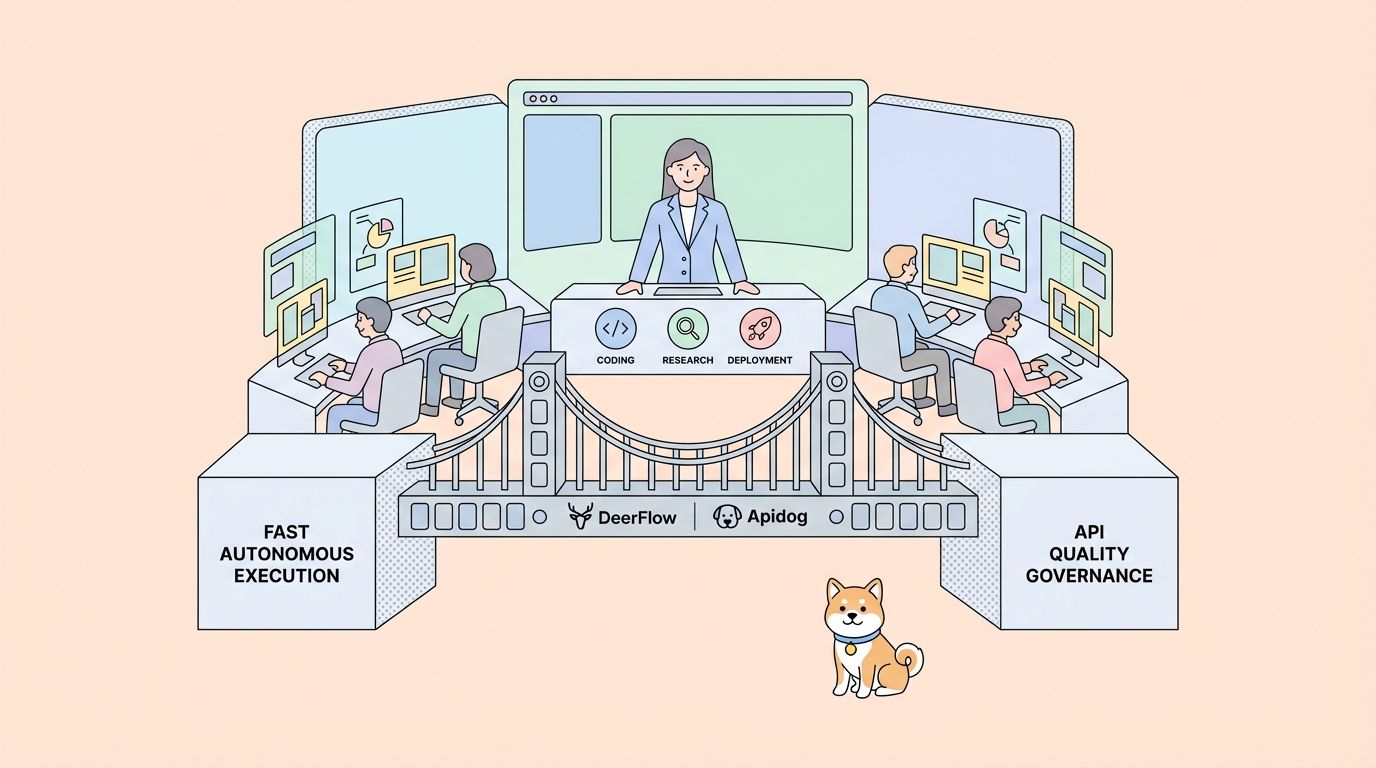
Practical architecture
- Use DeerFlow to automate engineering execution.
- Use Apidog to define and govern API behavior.
- Connect the two through workflow boundaries: DeerFlow can generate implementation and test candidates, while Apidog remains the source of truth for contract and API validation.
This split gives speed without losing control.
Example Adoption Blueprint (Week 1 to Week 4)
Week 1: Local pilot
- Run DeerFlow locally with Docker.
- Configure one model provider.
- Test one internal workflow end to end (for example API endpoint implementation + docs stub generation).
Week 2: Add task decomposition
- Enable sub-agent workflows for research/implementation/review split.
- Track failure modes in prompt templates and tool permissions.
Week 3: Introduce API governance guardrails
- Define OpenAPI contracts and test collections in Apidog.
- Make API tests the gate for DeerFlow-generated changes.
Week 4: Controlled scaling
- Add messaging channels only if operations need them.
- Keep strict network/security boundaries.
- Document runbooks for approvals, retries, and rollback.
Strengths and Tradeoffs
DeerFlow strengths
- strong long-horizon orchestration model
- practical sub-agent decomposition
- sandbox/filesystem execution model
- broad extension surface (skills + MCP)
- active open-source momentum
DeerFlow tradeoffs
- more operational complexity than simple coding assistants
- higher security responsibility when moving beyond local environments
- requires disciplined configuration and governance for production-grade usage
Hands-On Workflow: DeerFlow + Apidog for an API Delivery Loop
Below is a practical pattern that many engineering teams can adopt quickly.
Scenario
You need to ship a new internal REST API endpoint with:
- strict request/response contract
- automated regression tests
- deploy-safe change checks
- fast iteration from idea to implementation
Step A: Define the API contract in Apidog first
Start from OpenAPI in Apidog:
- endpoint path and methods
- request and response schemas
- error objects and status codes
- auth requirements
This becomes your API source of truth before any autonomous generation begins.
Step B: Ask DeerFlow to generate implementation candidates
Use DeerFlow for execution-heavy tasks:
- scaffold route handlers
- implement service layer
- generate migration scripts
- draft unit and integration test templates
Important: feed DeerFlow the contract constraints explicitly, not just a broad feature request.
Step C: Run contract and regression tests in Apidog
Take the generated implementation and validate against your Apidog test suite:
- contract conformance
- negative-path behavior
- auth edge cases
- backward compatibility checks
If tests fail, send concrete failure traces back into DeerFlow for targeted fixes.
Step D: Keep governance boundaries clear
Use this rule:
- DeerFlow owns execution velocity.
- Apidog owns API correctness and collaboration governance.
That boundary prevents "agent drift," where implementation starts diverging from intended API behavior.
Configuration Patterns That Work Well
Teams usually succeed faster when they define explicit operating profiles.
Profile 1: Local trusted development
Best for early adoption:
- run DeerFlow on loopback only
- keep sandbox local or Docker
- disable external channel ingress until runbooks exist
Profile 2: Internal team environment
For cross-device use inside a company network:
- place DeerFlow behind authenticated reverse proxy
- apply IP allowlists
- enforce audit logging for tool actions
Profile 3: Controlled automation cell
For higher-volume workflows:
- dedicate a network segment
- use strict capability limits per agent role
- rotate provider credentials and monitor usage
These patterns map directly to DeerFlow's own security recommendations and reduce incident risk.
Common Failure Modes and Fixes
Failure mode 1: "One giant prompt" architecture
Teams try to solve everything in one lead-agent pass and hit context instability.
Fix:
- split work into sub-agent stages
- define concrete completion criteria per stage
- summarize intermediate results to files
Failure mode 2: Unclear model routing strategy
Multi-provider setups become hard to debug when every task can hit any model.
Fix:
- define task-to-model mapping in
config.yaml - reserve high-reasoning models for planning/decomposition
- use faster models for deterministic transform tasks
Failure mode 3: Security added too late
Teams expose services to broader networks before auth and network policy are ready.
Fix:
- keep local-first default
- introduce reverse proxy auth before any external exposure
- review command/file permissions before enabling channels
Failure mode 4: No API quality gate
Agent-generated changes pass code review but break integration contracts.
Fix:
- enforce Apidog contract tests in CI
- require green API test suite before merge
- keep docs and mock behavior synchronized with contract updates
What to Measure After Adoption
To decide if DeerFlow is delivering real value, track operational metrics:
- cycle time from task intake to validated output
- defect rate on agent-assisted changes
- rework ratio after API contract validation
- incident count tied to permission/sandbox misconfiguration
Then compare against your baseline before DeerFlow rollout.
If metrics improve but governance risk rises, tighten boundaries. If governance is strong but velocity stalls, optimize sub-agent decomposition and model routing.
FAQ
Is DeerFlow open source?
Yes. DeerFlow is released under the MIT License.
Is DeerFlow 2.0 the same as DeerFlow 1.x?
No. The maintainers describe DeerFlow 2.0 as a ground-up rewrite. The 1.x line remains in a separate branch.
What runtime requirements should I expect?
The project documents Python 3.12+ and Node.js 22+ in current materials, with Docker recommended for setup.
Can DeerFlow be used only through terminal/UI?
No. It also supports messaging-channel integrations and an embedded Python client path.
Can DeerFlow replace Apidog for API teams?
No. DeerFlow can automate implementation workflows, but it is not a replacement for API lifecycle governance. Apidog is the better layer for schema-first API design, testing, mocks, and docs.
Final Verdict
DeerFlow 2.0 is one of the most complete open-source agent harnesses available in 2026 for teams that need more than chatbot-style assistance.
The best production posture is pragmatic:
- use DeerFlow for orchestration and execution
- use Apidog for API quality governance
- keep security boundaries strict from day one
That architecture gives you both velocity and reliability.