

Node installs have been slow for years. You run npm install, walk to the coffee machine, come back, and CI is still resolving @types/node. Aube changes that equation. It finishes a warm CI install of a real 1,400-package project in 139 milliseconds, which is about 7.3x faster than pnpm and 3x faster than Bun on the same fixture. The really interesting part: it reads and writes your existing lockfile, so you can try it on Monday without asking anyone to migrate.
This guide covers what Aube is, how it hits those numbers, how to install it, how it compares to pnpm, npm, yarn, and Bun, and where it fits if you build APIs with tools like Apidog every day.
What is Aube?
Aube is a fast Node.js package manager built by en.dev and released under the MIT license. The name means “dawn” in French and is pronounced “ohb”. The project is in beta (v1.0.0-beta.10 at the time of writing) and targets compatibility with pnpm v11 as its north star.
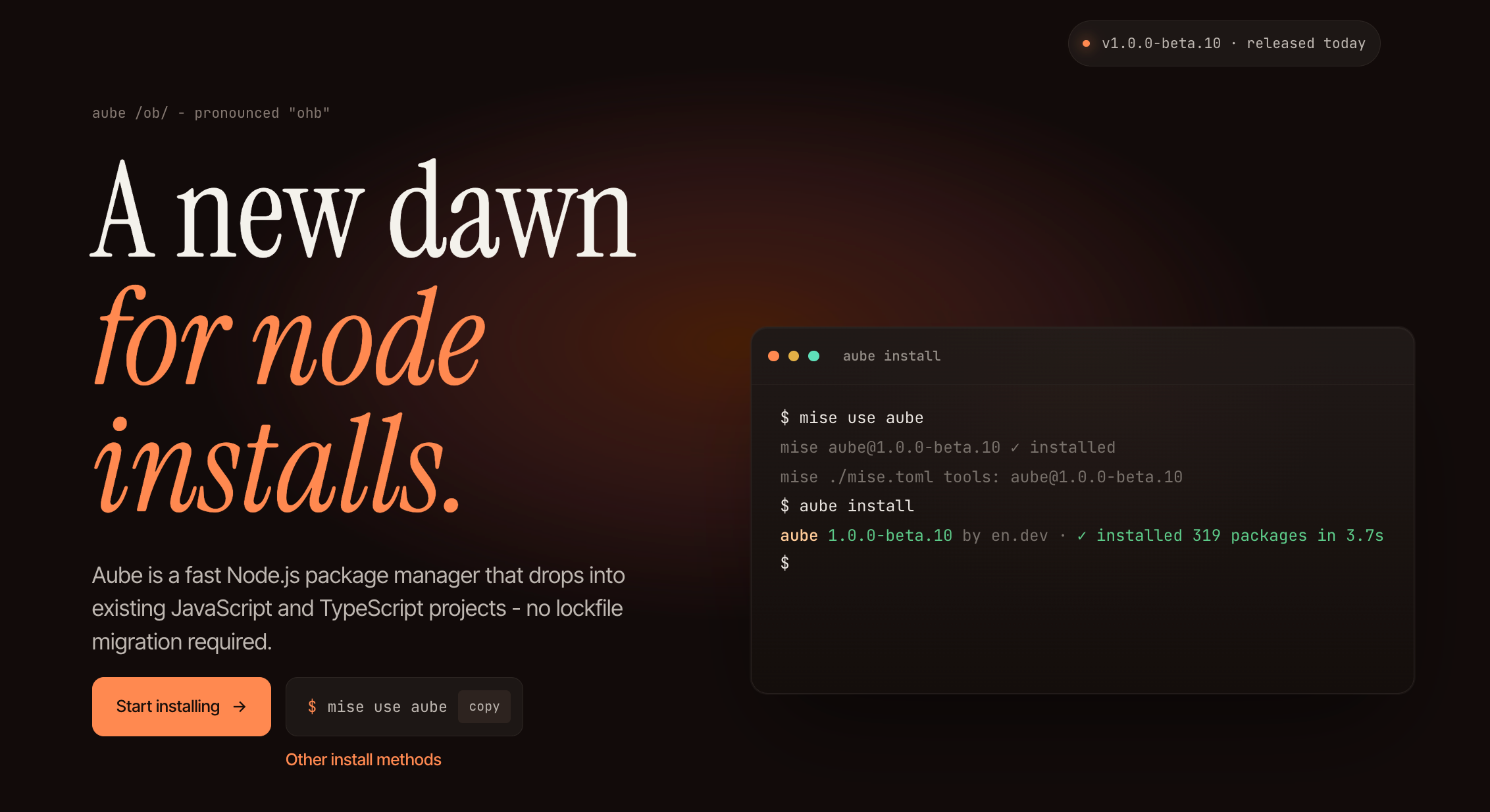
The pitch is straightforward. Aube uses the same on-disk model as pnpm, a global content-addressable store plus an isolated symlink layout, but the install pipeline is written in a natively-threaded language instead of JavaScript. Same layout, faster engine. That single design choice is what lets it sit above Bun on several benchmark scenarios while still writing pnpm-lock.yaml back in place.
If you have already migrated between package managers once, you know the real cost is not the tool; it’s the social cost of making everyone on your team change how they run install. Aube sidesteps that by reading pnpm-lock.yaml, package-lock.json, npm-shrinkwrap.json, yarn.lock, and bun.lock directly. You can run it locally while your CI still uses pnpm, and nothing changes for teammates.
Aube benchmarks: how fast is “fastest”?
The benchmark fixture is a ~1,400-package real-world project timed with hyperfine. Every scenario assumes a committed lockfile. The axis that varies is cache warmth: warm clears node_modules but keeps the global store and packument cache, cold wipes everything.
Numbers from the official benchmarks (aube 1.0.0-beta.3, bun 1.3.12, pnpm 10.33.0, npm 11.12.1, yarn 1.22.22, node 24.15.0):
| Scenario | aube | bun | pnpm | yarn | npm |
|---|---|---|---|---|---|
| CI install (warm cache, no node_modules) | 139ms | 416ms | 1.01s | 2.43s | 2.78s |
| CI install (cold cache, no node_modules) | 1.12s | 935ms | 1.57s | 6.60s | 4.21s |
install && run test (already installed) |
21ms | 42ms | 453ms | 351ms | 615ms |
Add dependency (add is-odd) |
209ms | 414ms | 1.33s | 2.55s | 2.89s |
A few things stand out. The warm CI install is the headline number because it mirrors the most common case in real pipelines, where the runner restores a cache and your global store still has every tarball hashed into it. In that scenario Aube is about 7.3x faster than pnpm and 3x faster than Bun.
The install && run test scenario measures the day-to-day developer loop. Every tool has to decide “do I need to install first, then run the script?” Aube can skip the install work entirely when its install-state file is fresh, so the whole install && test loop comes back in 21ms. Other tools still revalidate the lockfile before dispatching the script, which is where the 400ms-600ms overhead comes from.
On a cold cache, Bun edges out Aube (935ms vs 1.12s) because Bun’s tarball fetch path is extremely well-tuned and cold installs are dominated by I/O. Warm is the scenario that runs thousands of times a day on a typical dev team; cold runs once a month when you nuke a runner.
Across the full fixture set, the docs call out peaks of up to 22x faster than pnpm and up to 3x faster than Bun depending on the scenario. You can reproduce all of this locally with mise run bench from the Aube repo.
Why Aube is faster than pnpm and Bun
Three design choices do the heavy lifting.
Native, threaded install pipeline. npm, pnpm, and yarn all run the install engine in Node.js. That means every hash, every tarball extract, every symlink call pays the JavaScript dispatch tax. Aube moves the hot path out of V8 and into a natively compiled, natively-threaded runtime. Bun does something similar but ships a full JavaScript runtime alongside its package manager; Aube is purpose-built for the install path, which is part of why it beats Bun on warm installs.
Global virtual store is the default. pnpm v11 added enableGlobalVirtualStore, but it is not the default for project installs. Aube defaults to a global virtual store, so repeat projects with overlapping dependencies mostly link to package trees that already exist on disk. If you have three services that all use React, Vite, TypeScript, and Playwright, the heavy files live in one place and every project symlinks into it. The docs estimate ~90% less disk space than npm in typical mono-repo setups.
Install short-circuiting with a fresh-state file. aube run test first checks a compact install-state file. If your package.json and lockfile hash match the state file, the install phase is a single stat call and the test dispatches immediately. This is what pulls the install && test number down to 21ms.
None of this is magic. It’s what you get when you take the pnpm layout, strip the JavaScript bootstrap, and design the CLI around the assumption that 99 percent of installs are “nothing actually changed.”
How to install Aube
The recommended path is mise, the polyglot tool manager:
mise use -g aube
Check it landed on your PATH:
aube --version
If you prefer npm:
npm install -g @endevco/aube
On macOS or Linux with Homebrew, the Endev tap has it:
brew install endevco/tap/aube
Inside a project, you can pin the Aube version locally:
mise use aube
That writes aube as a tool in your mise.toml, which means every shell that enters the project folder gets the same version. No more “works on my machine because I installed pnpm 10 last year.” The installation docs cover the tarball and per-OS options too.
Daily commands you will actually use
The command surface mirrors pnpm closely, so muscle memory transfers:
aube install              # install dependencies
aube add react            # add a dependency
aube add -D vitest        # add a dev dependency
aube remove react         # remove a dependency
aube update               # update within package.json ranges
aube run build            # run a package.json script
aube test                 # run test script, installing first if stale
aube exec vitest          # run a local binary
aube dlx cowsay hi        # run a package in a throwaway env
aube ci                   # clean, frozen install for CI
You can shorten most of those. If the script exists in package.json, aube dev is the same as aube run dev. There are also two multicall shims shipped in the same binary:
aubr build       # aube run build
aubx cowsay hi   # aube dlx cowsay hi
Use aube ci in pipelines. It removes node_modules, confirms the lockfile is fresh for the current package.json, and then installs. If the lockfile drifted, it fails loudly, which is what you want in CI.
Lockfile compatibility
This is the feature that makes Aube a low-risk adoption. You do not have to commit to switching the whole team.
| Lockfile | Reads | Writes in place |
|---|---|---|
aube-lock.yaml |
yes | yes |
pnpm-lock.yaml v9 |
yes | yes |
package-lock.json v2/v3 |
yes | yes |
npm-shrinkwrap.json |
yes | yes |
yarn.lock (v1 classic + v2+ berry) |
yes | yes |
bun.lock |
yes | yes |
The practical pattern looks like this. Your team uses pnpm. CI still runs pnpm install --frozen-lockfile. You run aube install locally on your machine. It reads pnpm-lock.yaml, produces the same node_modules layout, and writes any resolution updates back to the same pnpm-lock.yaml. A teammate pulls your branch, runs pnpm install, and nothing is off. Over time, if Aube proves itself, you migrate CI. If it doesn’t, you rip it out and nothing downstream knows.
Two caveats. Old pnpm v5 or v6 lockfiles need to be upgraded with pnpm first. And yarn PnP projects (the .pnp.cjs style) need to move back to a node_modules linker because Aube writes node_modules, not PnP artifacts.
Secure defaults matter more than you think
If you have been anywhere near a JavaScript codebase in the last 18 months, you have watched supply-chain incidents pile up. The npm supply chain security guide covers the pattern; the Axios npm compromise was one of the clearest real-world cases of how a single popular dependency can ship a cross-platform RAT to thousands of developer machines.
Aube takes three opinionated defaults that treat installs as a security boundary, not a convenience:
- Minimum release age. New releases wait out a configurable minimum age before Aube will install them. A freshly compromised package that gets yanked in two hours never touches your
node_modules. - Exotic dependency blocking. Aube blocks transitive dependencies whose shapes look suspicious (unusual URLs, patch-like entries, Git refs in places that normally carry semver). If you explicitly want one, you approve it.
- Lifecycle script approval. Dependency
postinstallscripts are skipped by default. You runaube approve-buildsto allow specific packages (esbuild, node-sass, whatever you actually need to build locally). Packages whose scripts were skipped show up inaube ignored-builds.
Those three behaviors do not make you invulnerable, but they convert “I didn’t know that package even ran code” into “I chose to let that package run code.” That is the security posture you want before your next production incident.
Node modules layout
Aube uses an isolated node_modules layout. Top-level node_modules/ contains the dependencies your package.json declared. Transitive dependencies live behind node_modules/.aube/. Package files themselves are stored exactly once at $XDG_DATA_HOME/aube/store/, which defaults to ~/.local/share/aube/store/.
Three consequences:
- Several projects with overlapping dependencies share package files on disk. No more “I have 12 copies of lodash across my monorepo and side projects.”
- Phantom dependencies are harder. If a package is not in your
package.json, you cannotrequireit from the top level, because it is not innode_modules/. This is the same guarantee pnpm gives you. - Repeat installs reuse files already on disk. The only work left is hard-linking from the store into the new
node_modules/.aube/.
If you previously lived on a flat node_modules layout (classic npm or yarn v1), expect to find one or two broken packages that were relying on phantom imports. The fix is always “add it to your package.json.”
Workspaces and monorepos
Aube supports workspaces and the workspace: protocol:
aube install -r
aube run test -r
aube add zod --filter @acme/api
If your repo already has pnpm-workspace.yaml, Aube reads and writes it. New Aube-first workspaces use aube-workspace.yaml. The -r (recursive) and --filter flags map to the same semantics you expect from pnpm, so turborepo and nx setups keep working without changes.
For API monorepos, the warm-cache CI number matters the most. If your pipeline does install, build, test, publish contract on every merge, cutting install from pnpm’s 1 second to Aube’s 139 milliseconds across ten packages compounds to real minutes per day.
Where Aube fits in an API development workflow
If you build and test APIs, installs sit on the hot path of every refactor. You touch a request schema, regenerate the TypeScript client, re-install, run contract tests against your mock server, repeat. A fast install is not a vanity metric; it is the interval between “I changed this” and “I know if it broke.”
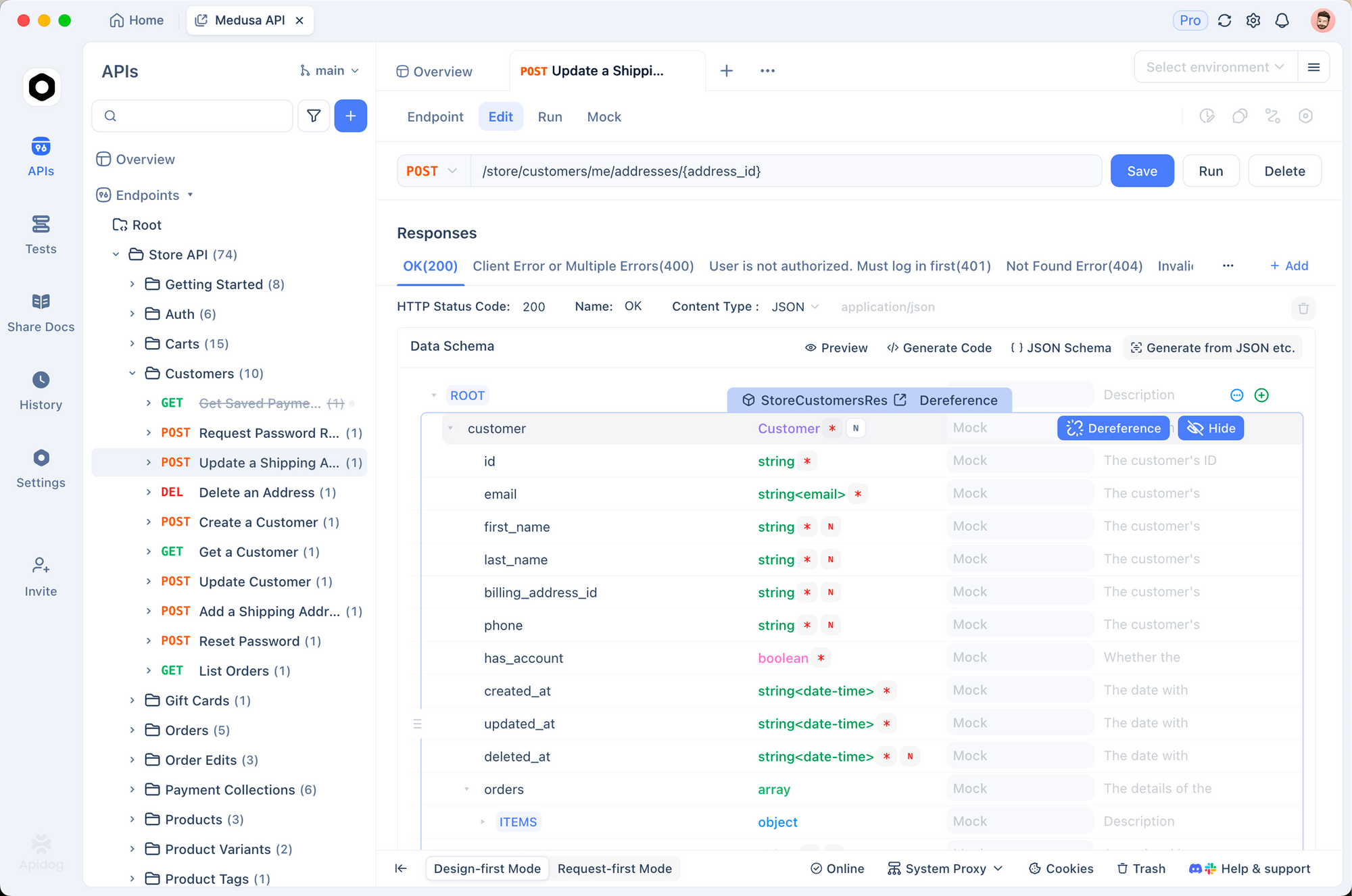
A practical loop that works well:
- Design and mock the API in Apidog. Schema-first beats code-first for anything that talks to another team.
- Generate a typed client (or run contract tests against the Apidog mock) inside your Node project.
- Use Aube locally to keep installs in the milliseconds range while you iterate on the client.
- Wire the same test suite into CI with
aube ci.
The tooling shift away from Postman over the last year is part of a larger pattern: developers want tools that are fast, local-first, and secure by default. Aube is the same story applied to the install step. If you already run Apidog inside VS Code, dropping Aube in next to it costs you one mise use line and saves seconds on every hot reload.
Migration from each package manager
From npm. Run aube install in the project. Aube reads package-lock.json and writes it back. You get isolated node_modules instead of flat, so watch for phantom imports. If one breaks, add the missing package to package.json and move on. Full workflow in the npm-users guide.
From pnpm. This is the lowest-friction migration because the on-disk layout is the same. Aube reads pnpm-lock.yaml v9 directly. workspace: protocol works. Filters work. The pnpm-users page lists the handful of flags that behave differently.
From yarn. Aube reads both v1 classic and v2+ berry lockfiles. Yarn PnP users need to switch back to the nodeLinker: node-modules mode before trying Aube, because Aube writes node_modules and not .pnp.cjs.
From Bun. Aube reads bun.lock. The main delta is that Bun’s package manager is tightly coupled with Bun’s JS runtime; Aube is a standalone install tool that runs against any Node.js version. If you already use mise for Node version management, Aube slots in the same way.
Real-world considerations
Beta status. As of April 2026, Aube is v1.0.0-beta.10. The docs are explicit: it aims for pnpm v11 compatibility, but it has not been tested across many projects yet. Treat it like you would any pre-1.0 tool. Run it locally first, keep your existing lockfile, don’t bet your production release pipeline on it until you see it work for a month.
What’s out of scope. Aube intentionally does not duplicate what mise already does. Runtime management (env, runtime, setup, self-update) belongs there. Some registry account helpers (whoami, token, owner, search, pkg, set-script) are compatibility stubs that point you to the npm command instead. If your CI script calls any of those, keep npm around as a fallback.
Platform support. The recommended installer is mise, which supports macOS, Linux, and Windows via WSL. Native Windows support via the tarball exists but is earlier-stage; check the installation page for the current matrix.
Community. The project has a Discord (linked from the homepage) and 325 stars on GitHub at time of writing. Small but active. Buildkite provides CI for the project, which you can see in the repo root.
FAQ
What does “aube” mean?Dawn, in French. Pronounced “ohb”. The project’s tagline is “a new dawn for Node installs.”
Is Aube a drop-in replacement for pnpm?Close. It targets pnpm v11 compatibility and reads pnpm’s lockfile format. Most pnpm-flavored workflows move over without changes. Some pnpm commands (runtime management, a few registry helpers) are intentionally out of scope because they belong in other tools.
Can I use Aube in CI while keeping pnpm locally?Yes, either direction works. Aube reads and writes pnpm-lock.yaml in place, so the two tools can share a lockfile. Teams commonly start the other way round: Aube locally, pnpm in CI, until everyone is comfortable.
How does Aube compare to Bun?On warm installs Aube is about 3x faster than Bun because Bun re-validates more state before installing. On cold installs Bun is slightly ahead because its fetch path is extremely tight. Bun also ships a JS runtime; Aube is install-only. If you already use Node, you don’t need Bun’s runtime to use Aube. The pnpm-style isolated layout comparison gives context on why layout choices matter.
Does Aube work on Windows?Via WSL, yes. Native Windows works but is earlier-stage. mise is the easiest way to install and update on all three OSes.
Is Aube open source?Yes, MIT licensed, source on GitHub.
What happens to my existing pnpm-lock.yaml?Aube reads it, does the install, and writes the same file back with any resolution changes. Your teammates running pnpm see a normal lockfile diff.
The bottom line
For most Node projects in 2026, the install step is slower than it needs to be. Aube is the fastest Node.js package manager on the warm-install and repeat-command paths that dominate real developer workflows: 139ms for a 1,400-package CI install, 21ms for install && test when nothing changed, 90% less disk space across a machine with several projects. It reads your existing lockfile, takes security defaults seriously, and costs one mise use aube to try.
If you already test APIs with a fast, local-first client like Apidog, Aube is the matching piece on the install side. Download Apidog if you haven’t, pair it with Aube for your next Node service, and see how much tighter the feedback loop gets.


