API development is the critical backbone of modern software—powering everything from mobile apps to enterprise systems. But building robust, secure, and maintainable APIs isn't just about writing code. It requires thoughtful planning, the right environments, and the best tools. In this guide, we'll demystify the process, share practical tips, and show how platforms like Apidog can streamline your workflow.
Why API Development Matters
APIs (Application Programming Interfaces) connect software systems, enabling them to share data and functionality. Whether you're integrating third-party services, building microservices, or enabling partners to connect with your product, APIs are the glue that makes modern applications possible.
But with great power comes great responsibility. Poorly designed APIs can lead to:
- Security vulnerabilities
- Maintenance headaches
- Frustrated developer users
- Hard-to-debug integration issues
That's why mastering API development—beyond the basics—is essential for every backend engineer and API designer.
Understanding API Development Environments
Before diving into code, it's crucial to get clear about your development environments. Using the right environment at the right stage prevents bugs, data leaks, and catastrophic production issues.
The Main API Development Environments
- Local Development: Your personal machine, where you experiment and build features.
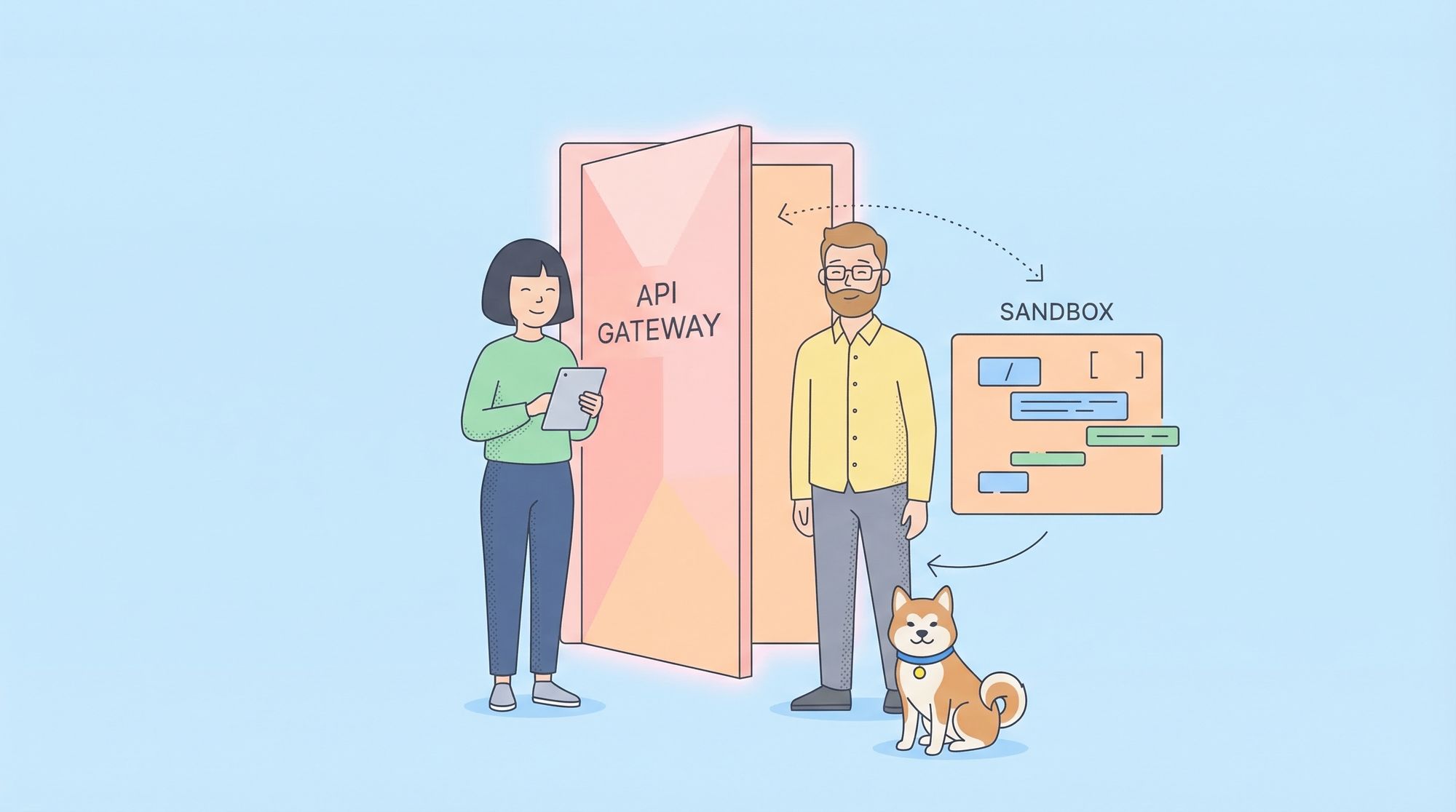
- Sandbox Environment: An isolated space for safe testing of untrusted or experimental code, without risking live data or production systems.
- Developer Environment: A shared space for developers to integrate and test code collaboratively.
- Staging Environment: Mirrors production as closely as possible for final integration and QA testing.
- Production: The live system serving real users.
Let’s dig deeper into the environments most relevant to API development—sandbox and developer environments.
What Is a Sandbox Environment?
A sandbox is an isolated "playground" for running code and APIs without affecting anything outside its boundaries. Think of it as a digital sandbox where you can build, break, and experiment—without consequences for the real world.
Key characteristics:
- Highly isolated (no access to production data or services)
- Used for testing new features, running untrusted code, or security research
- Can be spun up and destroyed quickly
- Often used for API mocking and early integration with frontend teams
Example Use Case:
Suppose you're building a payments API. You want to test how your API handles edge cases—like invalid credit cards or network errors—without risking real transactions. The sandbox lets you simulate these scenarios safely.
How Sandboxes Work:
A sandbox environment typically uses virtualization or containerization (like Docker, microVMs, or specialized runtime sandboxes) to isolate the code. You can control resources, network access, and data persistence to create a safe, repeatable testing ground.
# Example: Running a Flask API in a Docker-based sandbox for testing
FROM python:3.11-slim
WORKDIR /app
COPY . .
RUN pip install flask
CMD ["flask", "run", "--host=0.0.0.0"]
This Dockerfile ensures anything you do inside the container won’t leak into your system or production.
What Is a Developer Environment?
A developer environment is a shared space—often cloud-hosted—where multiple developers work on API code collaboratively. It allows for:
- Testing integrations between different microservices or components
- Sharing mock data and API endpoints with team members
- Early detection of merge conflicts or incompatible changes
Unlike a sandbox, the developer environment is usually less isolated and more persistent. It might connect to shared dev databases or other services.
Best Practices:
- Regularly reset or refresh dev databases to avoid stale or corrupted data
- Use environment variables and configuration files to prevent accidental connections to production systems
- Implement access controls to limit who can deploy or modify services
Why Sandboxes Are Essential for Modern API Development
Sandboxes are a critical part of a professional API workflow.
Benefits of Sandboxing:
- Security: Test untrusted code or third-party integrations without endangering core systems.
- Experimentation: Try new features, libraries, or API versions with minimal risk.
- Faster Feedback: Reduce the “fear factor” for developers, encouraging more frequent, smaller changes.
- Better Collaboration: Frontend teams can use mock APIs in sandboxes while backend APIs are still under development.
Real-World Scenario:
A fintech startup wants to let partners integrate with its API. By providing a sandbox environment (with mock accounts and fake money), they let partners build and test safely—without ever touching real user data or funds.
API Development Workflow: From Design to Production
Let’s walk through a robust, modern API development workflow—emphasizing environments and best practices.
1. Design the API
Start with clear, human-readable API specifications. OpenAPI (Swagger), RAML, or API Blueprint are common standards.
Best Practices:
- Define endpoints, request/response schemas, error formats, and authentication up front.
- Involve both backend and frontend teams early to avoid mismatches.
Example OpenAPI Spec (YAML):
openapi: 3.0.0
info:
  title: Pet Store API
  version: 1.0.0
paths:
  /pets:
    get:
      summary: List all pets
      responses:
        '200':
          description: An array of pets
          content:
            application/json:
              schema:
                type: array
                items:
                  $ref: '#/components/schemas/Pet'
components:
  schemas:
    Pet:
      type: object
      properties:
        id:
          type: integer
        name:
          type: string
2. Mock and Test Early
Before writing the backend, generate mock endpoints so frontend teams can start integration. This is where sandboxes and platforms like Apidog shine.
With Apidog:
- Instantly create mock APIs from your OpenAPI schema
- Generate realistic fake data for every endpoint
- Share interactive docs and mock URLs with other teams
# Example: Using Apidog to generate an online mock endpoint
curl https://api.apidog.com/mock/petstore/pets
3. Implement and Debug
Work in a sandbox or developer environment. Write the API logic, connect with dev/staging databases, and test with both automated and manual tools.
Key Tips:
- Use containers (Docker) or VMs to ensure repeatable environments
- Automate tests for every endpoint and edge case
- Log requests and responses, but avoid logging sensitive information
4. Integration and Staging
Merge your changes to a shared developer environment for integration testing. Once stable, promote to staging for QA and user acceptance testing (UAT).
- Mirror production as closely as possible in staging
- Use feature flags for incremental rollouts
- Test authentication, rate limiting, and error scenarios
5. Go Live in Production
After passing all tests, deploy to production. Monitor closely for errors or performance issues.
Pro Tip: Use versioning (e.g., /v1/, /v2/) in your API paths to manage breaking changes gracefully.
Common Pitfalls in API Development
Even experienced teams can run into trouble. Watch out for these traps:
- Tight coupling between frontend and backend: Avoid by mocking APIs and using clear contracts.
- No clear separation of environments: Never test experimental code against production databases.
- Inadequate documentation: Use tools like Apidog to generate up-to-date, interactive docs for every API version.
- Testing only “happy paths”: Always test error cases, edge inputs, and rate limiting.
How Apidog Supports Every Stage of API Development
Apidog is a spec-driven API development platform designed to simplify and professionalize your workflow—from design to deployment.
Key Features:
- Design & Mock APIs: Create and mock endpoints in minutes, even before backend code exists.
- Import & Export: Bring in specs from Postman, Swagger, or other tools with a few clicks.
- Generate Online Documentation: Instantly publish interactive, searchable API docs for your team or partners.
- Use Mock Data: Simulate complex API responses to speed up frontend-backend integration.
- Collaborate: Share workspaces, track changes, and keep everyone aligned.
Example: Generating and Sharing API Docs
With Apidog, you can design your API, generate online docs, and share a live link with your team. Any updates to the API spec are reflected instantly—no more outdated PDFs or wikis.
Best Practices for Secure and Scalable API Development
1. Version Your APIs
Always provide clear versioning (e.g., /v1/, /v2/) so you can evolve your API without breaking existing clients.
2. Use Sandbox and Dev Environments Religiously
Never skip isolated environments. Sandboxes protect your production systems from accidental (or malicious) changes.
3. Automate Testing and CI/CD
Write automated tests for every endpoint, including success, failure, and security cases. Integrate with CI/CD pipelines to deploy safely.
4. Document Everything—Continuously
Use tools (like Apidog) that generate live, interactive docs from your spec. This keeps docs accurate and developers happy.
5. Monitor, Log, and Limit
Implement logging, rate limiting, and monitoring from day one. Protect your API—and your users—from abuse or performance bottlenecks.
Practical Example: From Spec to Mock to Live API
Let’s walk through a hands-on example using the Pet Store API.
Step 1: Design the API
Create an OpenAPI specification for your endpoints.
# openapi.yaml
openapi: 3.0.0
info:
  title: Pet Store
  version: 1.0.0
paths:
  /pets:
    get:
      summary: List all pets
      responses:
        '200':
          description: Success
Step 2: Mock the API with Apidog
- Import
openapi.yamlinto Apidog - Instantly generate mock endpoints (e.g.,
https://mock.apidog.com/petstore/pets) - Share with frontend developers for rapid integration
Step 3: Implement in Sandbox
- Use Docker or a cloud sandbox to deploy your API code
- Test with both automated (
pytest,jest) and manual requests - Iterate based on feedback
Step 4: Integrate and Deploy
- Merge into the developer environment for team-level integration
- Promote to staging for final validation
- Deploy to production, with versioning and monitoring enabled
Frequently Asked Questions
What’s the difference between sandbox and developer environments?
- Sandbox: Isolated, ephemeral, ideal for testing untrusted code or early experiments
- Developer: Shared, persistent, for collaborative integration and shared testing
When should I use API mocking?
- During early development to enable frontend-backend parallelization
- For testing error cases or third-party integrations without real data
Why is environment isolation so important?
- Prevents accidental data leaks or production outages
- Enables safe experimentation and rapid iteration
Conclusion: Building APIs with Confidence
API development is more than just writing endpoints—it's about building reliable, secure, and easy-to-use interfaces for your users and partners. By leveraging proper environments (sandboxes, developer, staging), sticking to best practices, and using the right tools, you can ship APIs with confidence.
Platforms like Apidog streamline the journey—helping you move from spec to mock to live API, all while keeping your team in sync and your workflows professional.