Developers face the challenge of implementing robust enterprise features without reinventing the wheel. The WorkOS API emerges as a powerful solution, offering a unified interface for authentication, user provisioning, and compliance tools that scale with your application. Whether you manage single sign-on (SSO) flows or synchronize directory data, this API simplifies complex integrations.
What Is the WorkOS API? Core Components and Enterprise Value
The WorkOS API stands as a RESTful interface designed specifically for developers who need to embed enterprise-grade features into their applications. Engineers at companies like GitHub and Vercel rely on it to handle authentication, user lifecycle management, and security compliance without managing disparate third-party services. At its heart, the API abstracts complexities from protocols like SAML, OAuth 2.0, and SCIM, allowing teams to focus on core product logic.
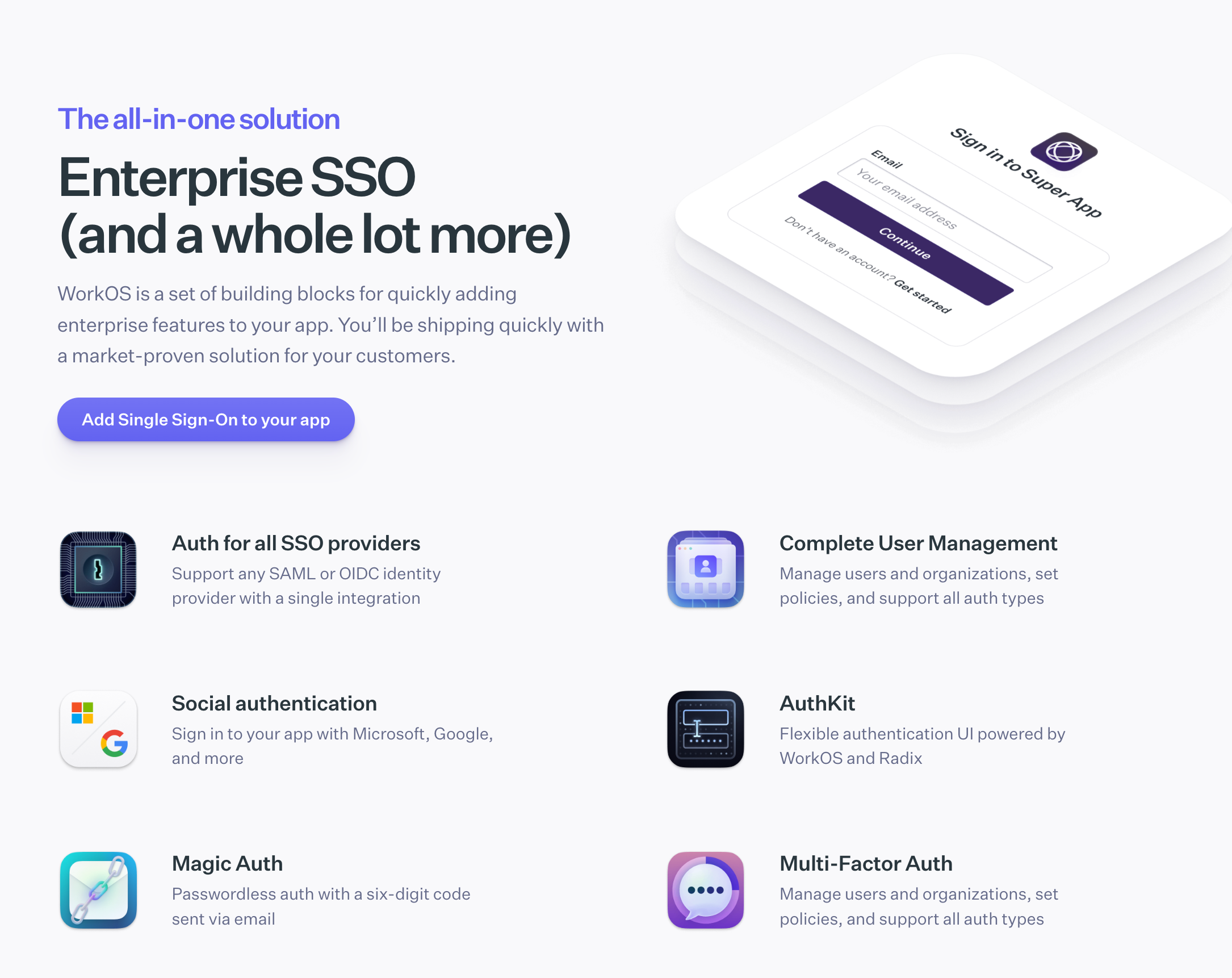
Consider the primary products it supports. AuthKit delivers a complete user management suite, where developers create, authenticate, and manage users through password-based logins, magic links, or multi-factor authentication (MFA). For instance, you initiate a user signup via a simple POST request to the /user_management/users endpoint, and WorkOS handles email verification and session tokens in return. This eliminates the need for custom backend logic, reducing development time by up to 50% according to user testimonials.
Moreover, Single Sign-On (SSO) integration shines through dedicated endpoints like /sso/authorize. Developers generate authorization URLs that redirect users to identity providers such as Okta or Microsoft Entra ID. Once authenticated, the API returns a profile object with claims, enabling seamless access control. Transitioning to data synchronization, Directory Sync provisions users and groups from sources like Google Workspace via SCIM-compliant APIs. You list directory users with a GET to /directory_users, and WorkOS emits events for real-time updates through webhooks—ensuring your app stays in sync without polling.
Organizations form another pillar. The API lets you model multi-tenant structures, assigning roles and memberships via /organizations and /organization_memberships. Audit Logs capture every action, from user creations to SSO assertions, with exports to CSV or SIEM tools for compliance audits like SOC 2. Events API further enhances this by streaming changes, such as user.created or dsync.group.updated, filtered by timestamps or IDs.
What sets the WorkOS API apart? It prioritizes security and scalability. All requests enforce HTTPS, and rate limits—ranging from 500 writes per 10 seconds for AuthKit to 6,000 general requests per minute—prevent abuse while maintaining performance. Vault adds encrypted storage for sensitive data, using context-aware keys to mitigate breaches. Radar, meanwhile, analyzes sign-in attempts for fraud, returning risk scores to block anomalous behavior proactively.
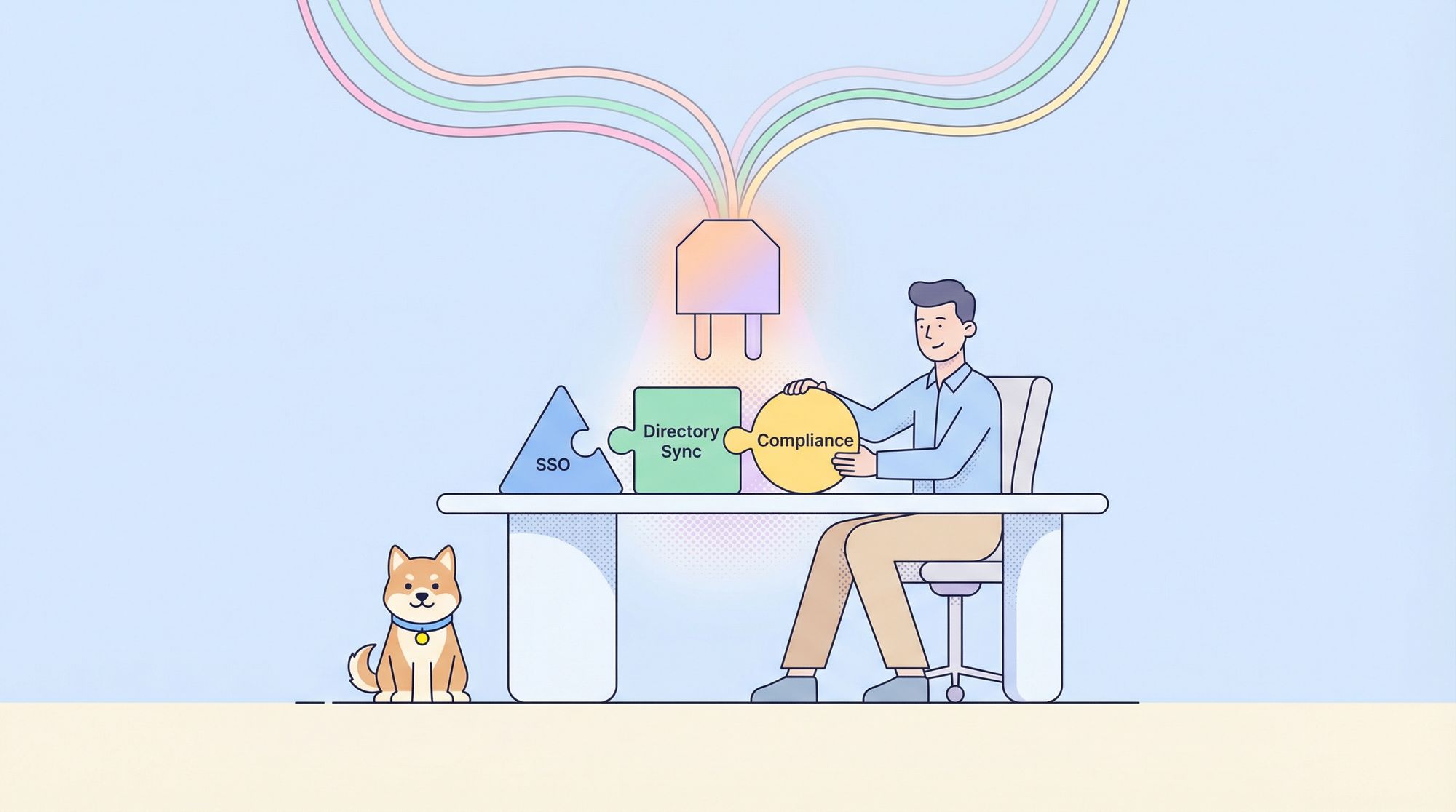
In practice, these components address real-world needs. A SaaS platform onboarding enterprise clients uses SSO to federate identities, Directory Sync to provision access, and Audit Logs to demonstrate compliance. Developers appreciate the consistency: every endpoint follows REST conventions, with JSON payloads and standard HTTP status codes. Errors, like 401 for invalid keys, include descriptive messages for quick debugging.
Furthermore, the API evolves with developer feedback. Recent updates in 2025 introduced enhanced Pipes for third-party OAuth integrations and improved Feature Flags for gradual rollouts. These additions ensure the WorkOS API remains relevant amid shifting regulations like GDPR and emerging threats in zero-trust architectures.
To quantify its value, consider integration speed. Teams report deploying SSO in hours rather than weeks, thanks to pre-built SDKs and dashboard tools. However, success hinges on understanding access protocols, which we cover next.
Accessing the WorkOS API: Authentication, SDKs, and Endpoint Essentials
Developers access the WorkOS API through a straightforward process that emphasizes security and ease. Begin by creating a WorkOS account. Once logged in, navigate to the Dashboard's API Keys section.
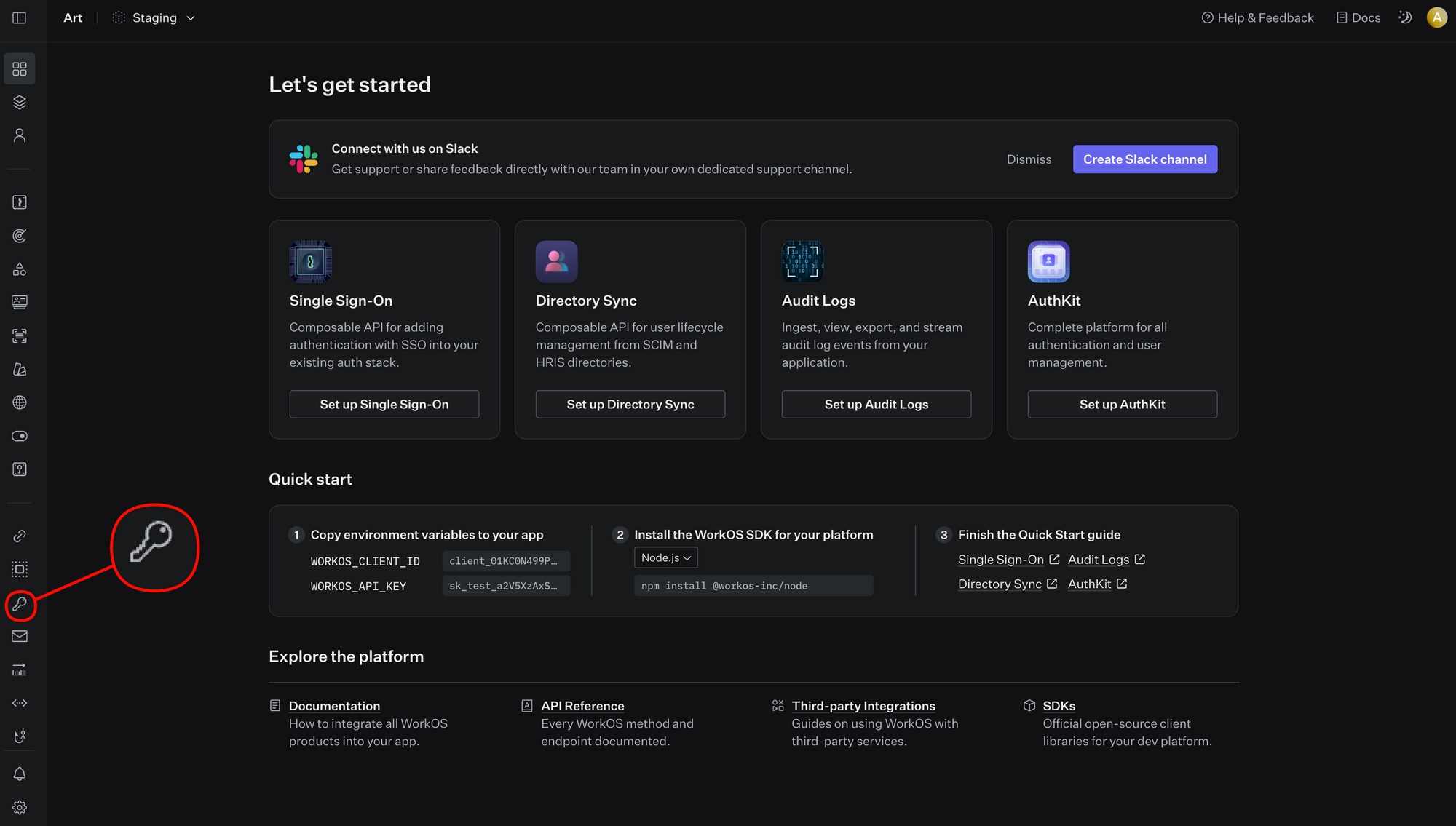
Generate a secret key prefixed with sk_—this serves as your Bearer token for all requests. Production keys display only once, so store them securely in environment variables or secret managers like AWS Secrets Manager.
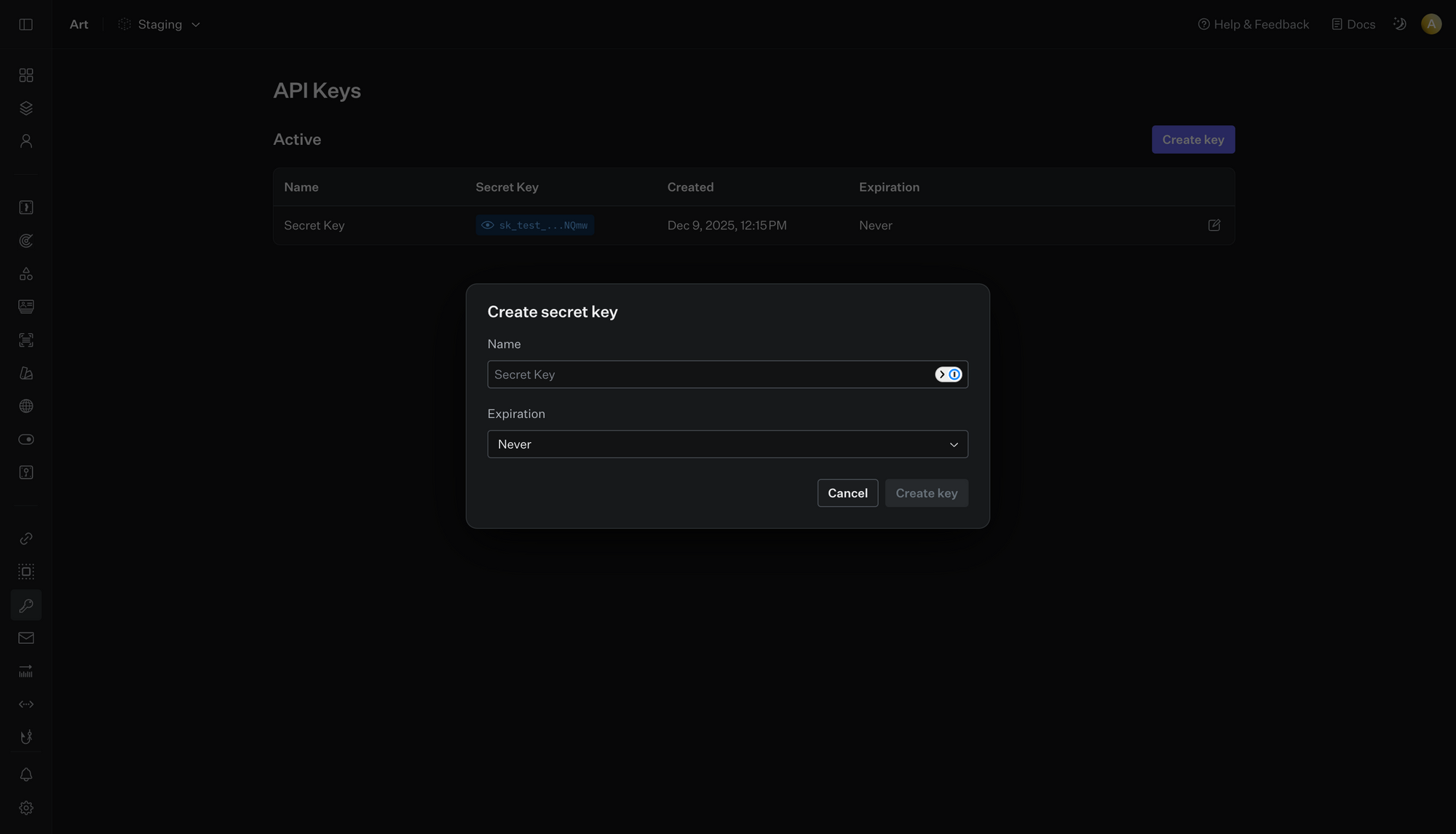
Authentication requires including the key in the Authorization header: Bearer sk_example_123456789. The base URL is https://api.workos.com, with all traffic over HTTPS to encrypt payloads. Staging environments use separate keys for testing, allowing safe experimentation without affecting live data. If a request lacks permissions, expect a 403 Forbidden response; invalid keys trigger 401 Unauthorized.
WorkOS provides native SDKs for popular languages, streamlining calls. For Node.js, install via npm: npm install @workos-inc/node. Initialize with const workos = new WorkOS('sk_example_123456789');. Python users run pip install workos, then from workos import Client; client = Client(api_key='sk_example_123456789'). Similar wrappers exist for Ruby, Go, Java, .NET, and Elixir, each handling serialization, retries, and idempotency keys automatically.
Endpoints organize by resource. For Organizations, POST to /organizations creates a new entity:
{
  "name": "Acme Corp",
  "domains": ["acme.com"]
}
The response includes an id for subsequent operations, like adding members via /organization_memberships. AuthKit endpoints, under /user_management, support CRUD on users. Create a user with:
{
  "email": "user@acme.com",
  "password": "securepass123"
}
Sessions generate via /user_management/sessions, returning a token for frontend storage. SSO flows start with /sso/authorize?client_id=client_123&redirect_uri=https://yourapp.com/callback&state=xyz. After provider redirect, exchange the code at /sso/token for a profile.
Directory Sync requires configuring a directory in the Dashboard, providing provider credentials like Google API keys. Then, query /directories/{id}/users to fetch synced data. Events pull via /events?event_types[]=user.created&after=2025-01-01T00:00:00Z, paginated with limit and after cursors.
Rate limits apply per IP or key, so implement exponential backoff for 429 responses. The Dashboard offers usage analytics to monitor quotas. For testing, use the provided Postman collection or cURL examples from the docs. Import these into Apidog to visualize requests, auto-generate docs, and simulate responses—saving hours in validation.
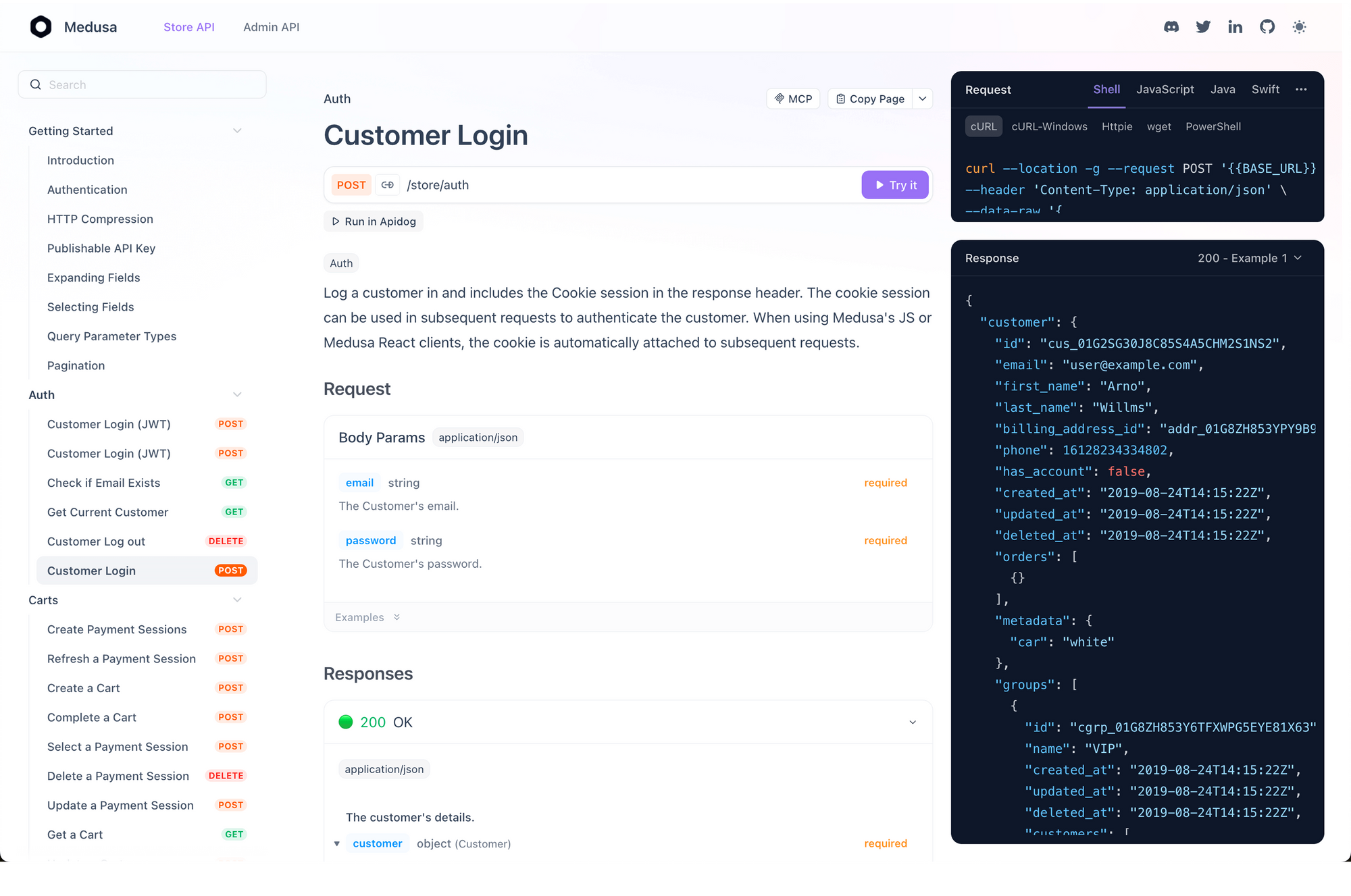
Prerequisites include verifying organization domains via DNS TXT records for /organization_domains/verify. Redirect URIs must match exactly, configured in the Dashboard. Once set, your app handles edge cases like MFA challenges or email verifications through dedicated flows.
This access model ensures developers integrate quickly while maintaining control. With foundations in place, pricing decisions follow logically.
WorkOS API Pricing: Flexible Models for Startups to Enterprises
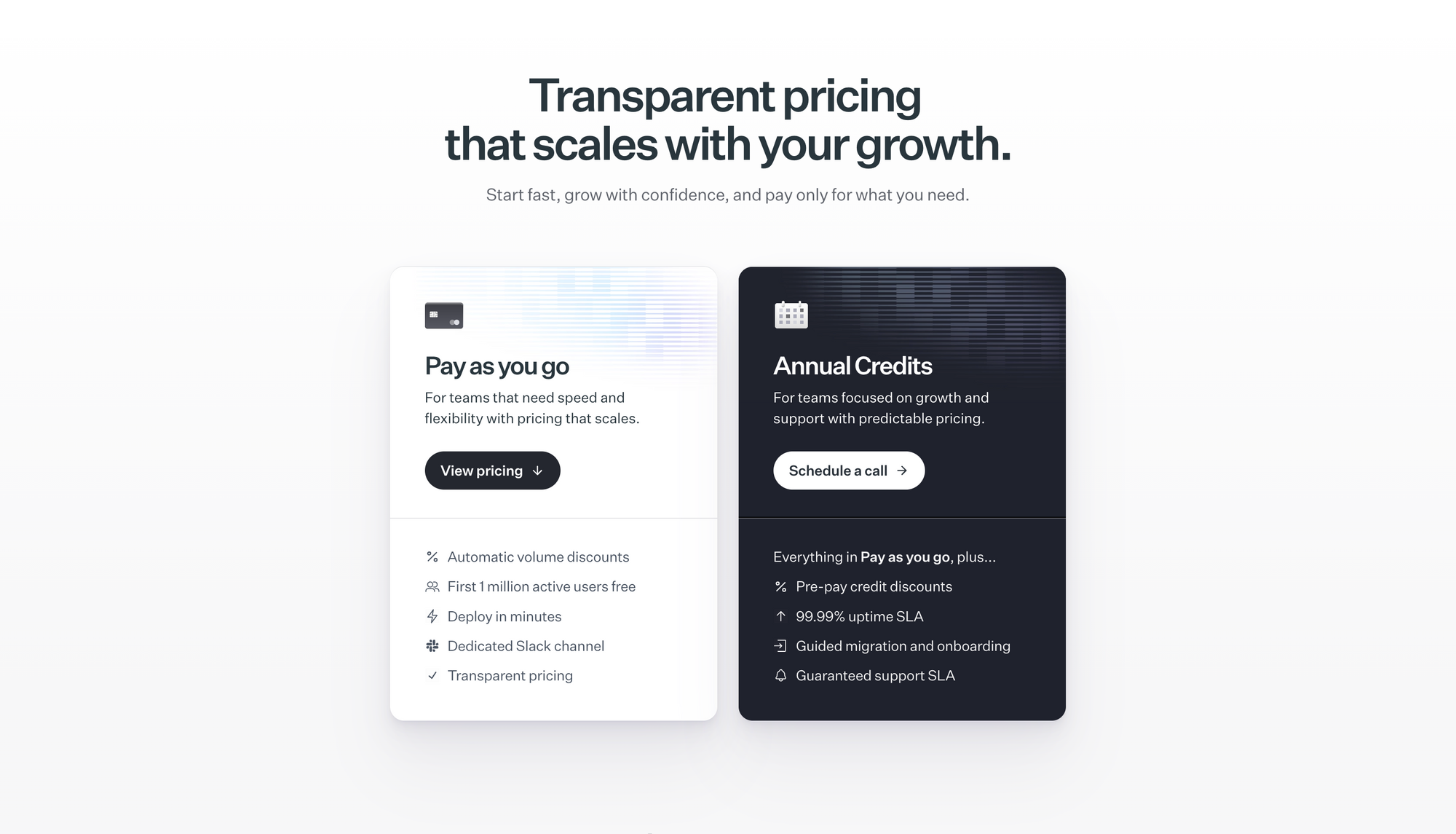
WorkOS structures pricing around active users and connections, promoting accessibility for growing teams. The pay-as-you-go model charges nothing for the first 1 million monthly active users—defined as those signing up, logging in, or updating profiles in a calendar month. Beyond that, costs scale with usage, applying automatic volume discounts to reward efficiency.
Connections, representing ties to end-users via SSO or Directory Sync, incur flat fees regardless of the provider (e.g., Okta or Azure AD) or total users synced. This uniformity simplifies forecasting. Developers provision unlimited test connections in staging at no cost, ideal for CI/CD pipelines.
For committed growth, the annual credits plan bundles pre-paid credits with perks like 99.99% uptime SLAs, guided onboarding sessions, and priority support. Teams prepay for discounted credits, locking in rates for 12 months. A custom domain option—$99 monthly—brands AuthKit pages, Admin Portals, and emails with your domain, enhancing user trust.
Enterprise plans customize further, including dedicated Slack channels, quarterly architecture reviews, and 24/7 response SLAs. All tiers provide email support, API status alerts, and comprehensive docs. No long-term commitments bind you; scale up or down as needs evolve.
Integrating the WorkOS API: Step-by-Step Examples and Best Practices
Integration begins with SDK selection, but execution demands structured approaches. Start with SSO as a gateway feature. In Node.js, fetch a profile:
const profile = await workos.sso.getProfileAndToken({
  code: req.query.code,
  clientID: process.env.CLIENT_ID
});
Store the token securely, then authorize routes based on claims. For Directory Sync, set up webhooks to ingest events. POST to your endpoint with:
{
  "event": "dsync.user.created",
  "data": { "id": "user_123", "email": "user@acme.com" }
}
Parse and upsert to your database, ensuring eventual consistency. AuthKit shines in user flows. Enroll MFA with /auth/factors/enroll, verifying TOTP codes at /auth/challenges/verify. Magic Auth sends codes via /magic_auth/send_code, confirming at /magic_auth/verify_code.
Handle organizations multi-tenant style. Invite users via /invitations, tracking status in /organization_memberships. Audit Logs integrate via /audit_logs/events, filtering for compliance reports.
Best practices include idempotency for retries—use unique keys in headers. Monitor via Dashboard analytics, alerting on rate limit hits. For Vault, encrypt PII before storage: POST to /vault/v1/kv with ciphertext.
Apidog enhances this workflow. Import WorkOS schemas, run collections against staging, and collaborate on API specs. It mocks Directory Sync payloads for offline testing, bridging gaps in provider access.
Common pitfalls? Mismatching redirect URIs cause silent failures; validate early. Overlooking domain verification blocks SSO assertions. Scale by sharding requests across keys if multi-org.
In 2025, pair WorkOS with serverless architectures like Vercel for edge auth. This combo deploys globally, leveraging WorkOS's low-latency endpoints.
Advanced WorkOS API Use Cases: From Fraud Detection to Feature Management
Beyond basics, the API unlocks sophisticated scenarios. Radar assesses sign-in risks: POST attempts to /radar/attempts, receiving verdicts like "allow" or "block." Integrate with allowlists via /radar/lists for whitelisting trusted IPs.
Feature Flags toggle via /feature_flags/{slug}/targets, evaluating per user or org. Pipes manage OAuth to GitHub: generate tokens at /data_integrations/github/token.
Admin Portal links, from /portal/generate_link, embed self-service configs. Events sync keeps apps current, querying up to 30 days back.
These cases demonstrate extensibility. A fintech app uses Radar plus Audit Logs for anomaly detection and reporting. E-commerce platforms flag features by org size.
Conclusion
The WorkOS API empowers developers to deliver enterprise features efficiently. From core access to advanced integrations, it streamlines workflows while controlling costs. Download Apidog for free to test these endpoints hands-on—transform your API interactions today.
Implement these strategies, and watch your application scale securely. Future-proof your stack; the API's roadmap promises continued innovation.