OpenClaw (formerly Moltbot/Clawdbot) is moving fast. That velocity is great for features, but it also means frequent changes in:
- agent orchestration behavior
- heartbeat logic (cheap checks first, model calls only when needed)
- environment variable names
- persistence schema and migration flow
- plugin and tool contract assumptions
If you update casually (git pull && restart), you risk silent breakage: workers appear healthy but stop completing tasks, tool adapters fail due to schema drift, or cost spikes appear because heartbeat/model thresholds changed.
This guide gives you a production-safe update strategy with concrete commands and verification steps.
Before you update: identify your installation topology
Most real OpenClaw deployments fit one of these patterns:
- Single-node Docker run (quick self-host)
- Docker Compose stack (OpenClaw + DB + Redis + sidecars)
- Systemd + venv (source install on VPS)
- Hybrid edge setup (EC2 + Tailscale + private control plane)
Your update plan must match your topology because rollback mechanics differ.
- Docker/Compose: rollback via image tag re-pin.
- Source install: rollback via git tag + dependency lock.
- Managed DB: schema rollback may not be trivial.
If you haven’t documented your current topology, do that first.
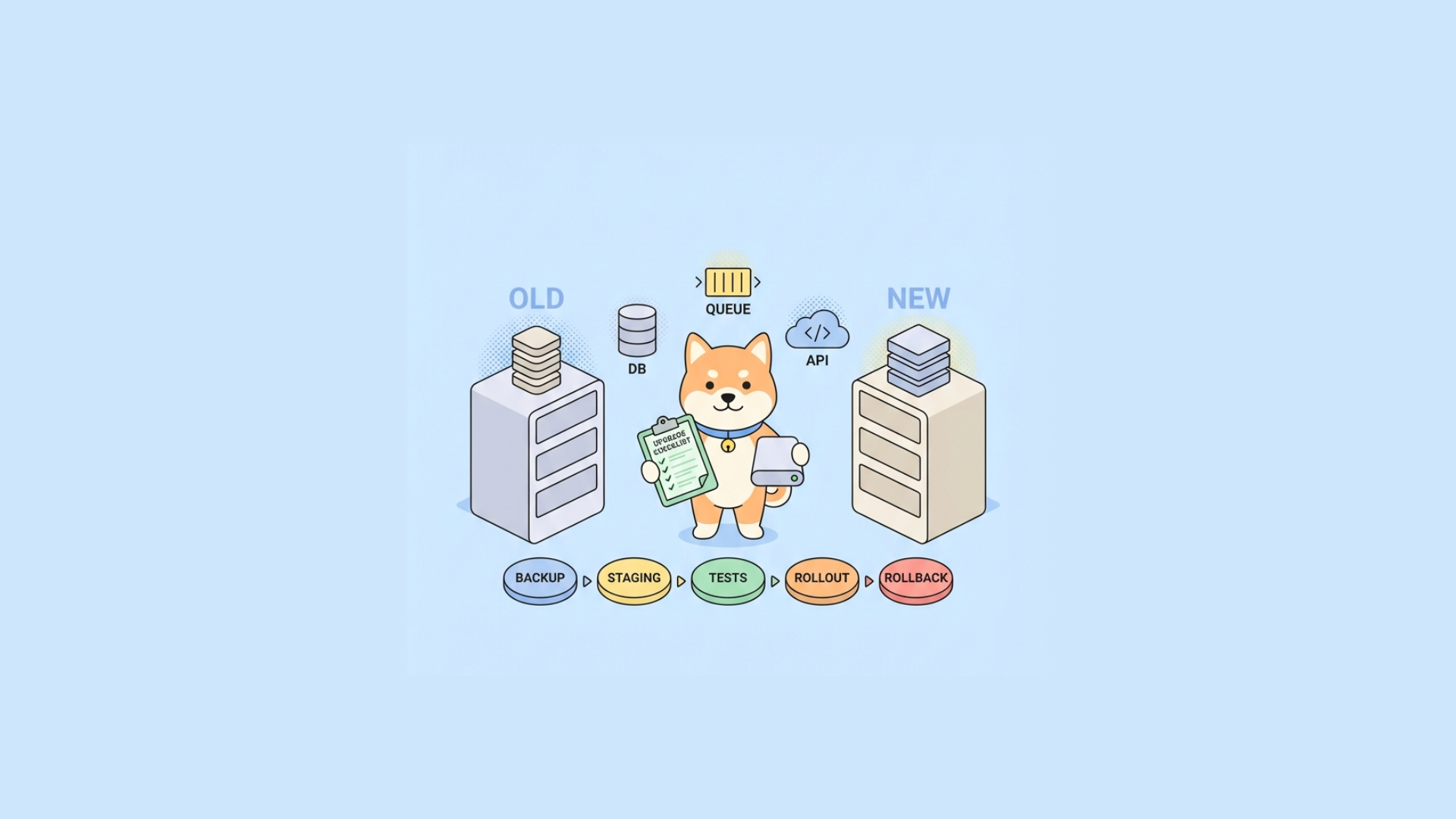
Step 1: pin your current version and capture runtime state
Treat this as your restore point.
A. Record version/build metadata
Container image
docker ps --format 'table {{.Names}}\t{{.Image}}'If OpenClaw exposes version endpoint
curl -s http://localhost:8080/version | jqGit-based install
cd /opt/openclaw git rev-parse --short HEAD git describe --tags --alwaysB. Snapshot environment and config
cp /etc/openclaw/.env /backups/openclaw-env-$(date +%F).bak cp -r /etc/openclaw/config /backups/openclaw-config-$(date +%F)Also export secrets references (not raw secrets) and confirm token providers, model routing settings, and heartbeat thresholds.
C. Backup persistent data
For Postgres:
bash pg_dump -Fc -h  -U   > /backups/openclaw-$(date +%F).dump
For Redis (if stateful queues/checkpoints matter):
bash redis-cli -h  BGSAVE
If you skip this step, you don’t have a rollback plan.
Step 2: read release notes for migration flags and behavior changes
Given recent OpenClaw evolution (including rename-era refactors), release notes often include one-time requirements like:
- env var rename (
CLAW_*toOPENCLAW_*patterns) - migration command changes
- heartbeat scheduler defaults
- tool/plugin manifest format updates
- deprecations of older model adapter interfaces
Build a short checklist from release notes:
- required config renames
- migration command
- queue/topic changes
- new health endpoint semantics
- default timeout/cost guard changes
Step 3: stage the update in a pre-production environment
Never first-test in prod. Clone your deployment shape.
Minimum staging fidelity:
- same OpenClaw version gap (current -> target)
- same DB engine major version
- same queue backend
- same model provider adapters
- representative real workflows (at least 5–10)
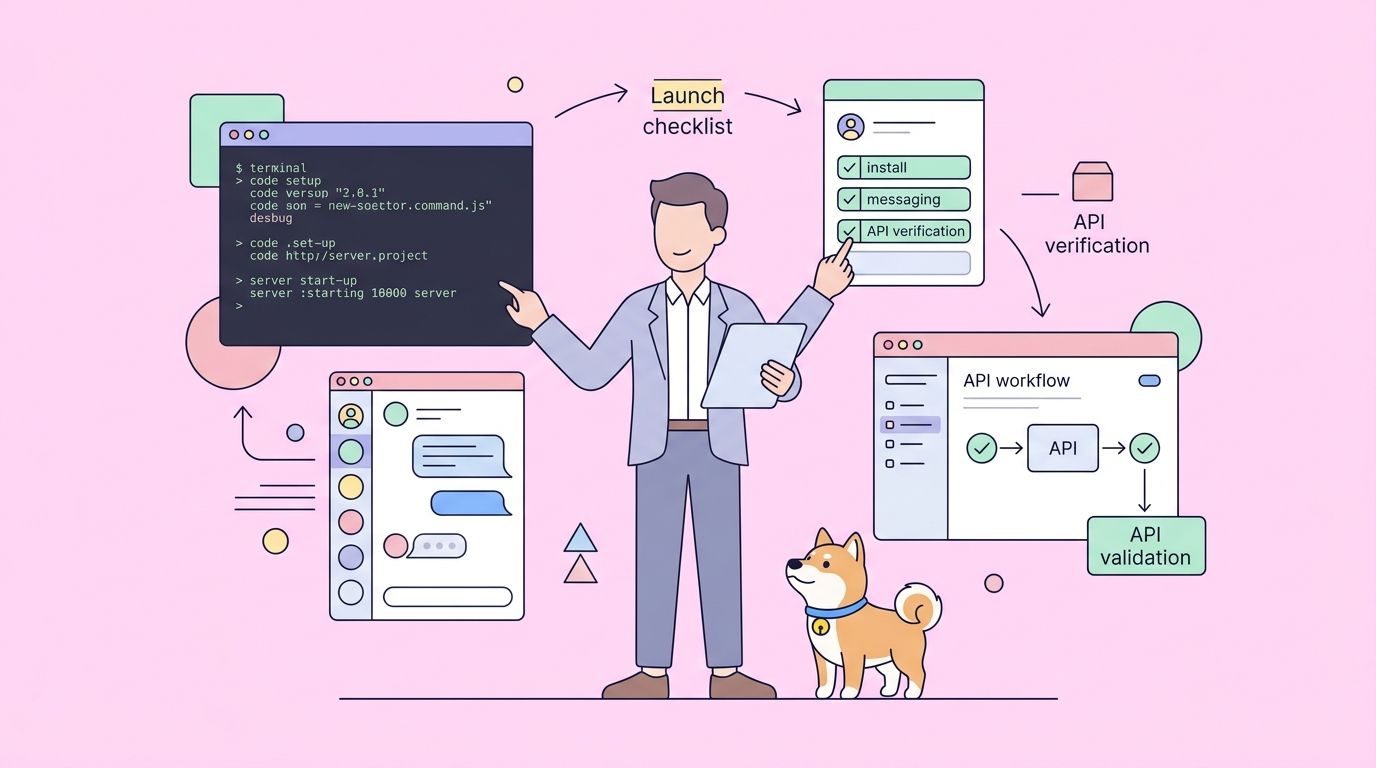
If your team has APIs around OpenClaw (custom tools, webhooks, job control), this is where Apidog helps immediately.
Use Apidog to:
- import/update your OpenAPI definitions
- validate request/response contracts for your tool endpoints
- run scenario-based regression tests before the rollout
- publish interactive docs for changed endpoints so frontend/QA teams align quickly
That prevents “OpenClaw upgraded fine, but integrations broke” incidents.
Step 4: update by deployment type
Option A: Docker Compose
Pin explicit tags in docker-compose.yml (avoid latest in production).
yaml services: openclaw: image: ghcr.io/openclaw/openclaw:v1.14.2 env_file: - .env depends_on: - postgres - redis
Update process:
bash docker compose pull openclaw docker compose up -d openclaw
If migrations are separate:
bash docker compose run --rm openclaw openclaw migrate
Then restart workers:
bash docker compose up -d worker scheduler
Option B: Plain Docker
bash docker pull ghcr.io/openclaw/openclaw:v1.14.2 docker stop openclaw docker rm openclaw
docker run -d
--name openclaw
--env-file /etc/openclaw/.env
-p 8080:8080
ghcr.io/openclaw/openclaw:v1.14.2
Run migration command if required.
Option C: Source + systemd
bash cd /opt/openclaw git fetch --tags git checkout v1.14.2
Rebuild env
source .venv/bin/activate pip install -r requirements.txt
Migrate
openclaw migrate
Restart
sudo systemctl restart openclaw-api openclaw-worker openclaw-scheduler
Verify systemd unit overrides still match new CLI arguments.
Step 5: validate health beyond “process is up”
A running process is not a healthy agent system.
Health checks to run immediately
API liveness/readinessbash curl -f http://localhost:8080/health/livecurl -f http://localhost:8080/health/ready
Queue throughput
- enqueue test job
- confirm worker claim
- confirm completion latency
- Heartbeat behaviorGiven recent heartbeat design trends (cheap checks first), ensure:
- cheap probes run on schedule
- model-backed checks only trigger at expected thresholds
- no accidental always-on LLM calls
Cost and latency guardrailsCheck token/cost telemetry pre/post update for same test workload.
Plugin/tool invocationRun at least one call per critical tool adapter.
Step 6: run API contract and regression tests with Apidog
This is where many OpenClaw operators can raise reliability quickly.
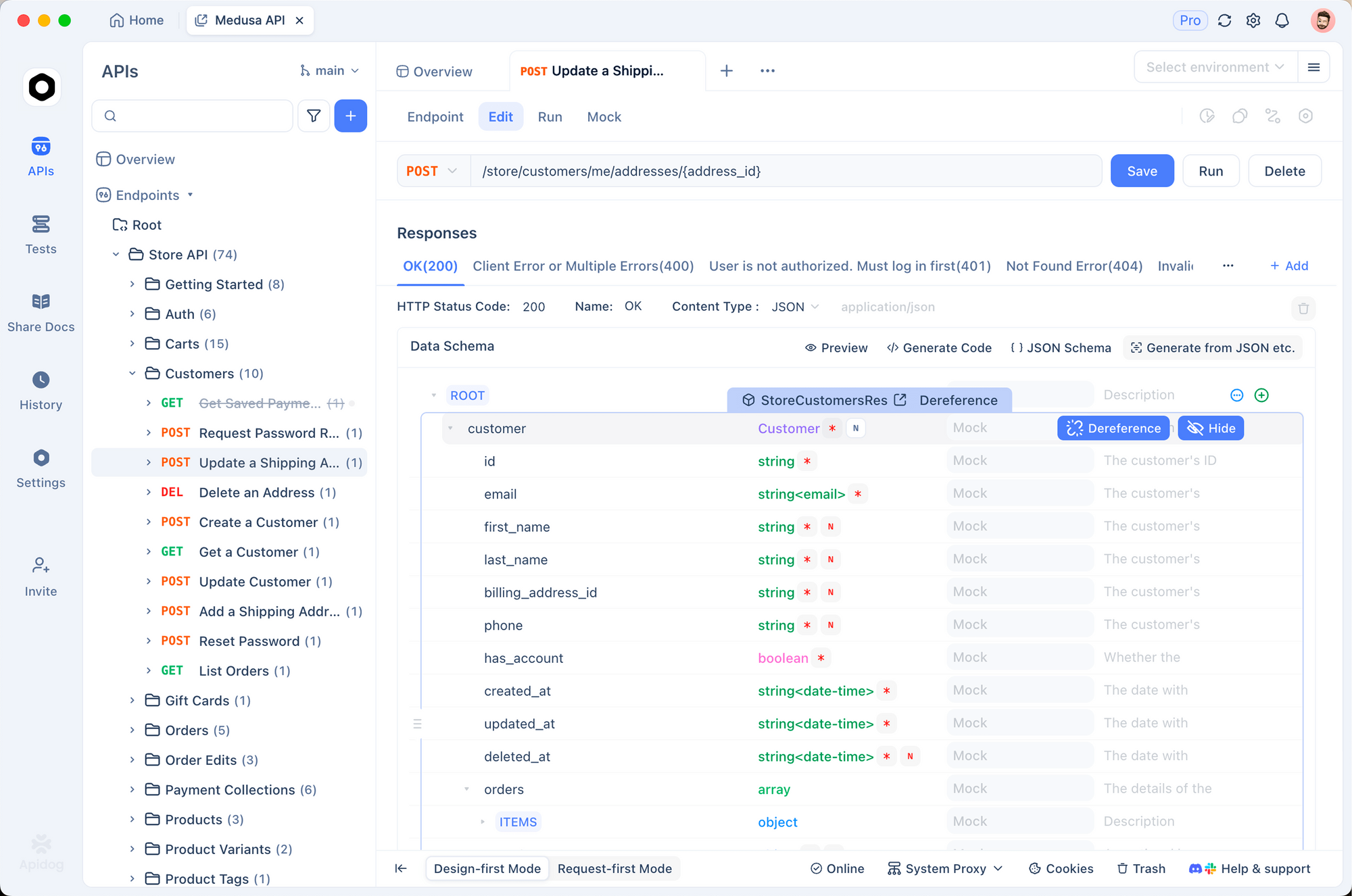
If OpenClaw interacts with internal APIs (task APIs, tool APIs, callback endpoints), use Apidog as a quality gate:
- Design: keep endpoint schemas aligned in an OpenAPI-first workflow.
- Testing: build automated test scenarios for success, timeout, retry, and malformed payloads.
- Mocking: use smart mock endpoints to test OpenClaw behavior even when downstream tools are offline.
- Documentation: auto-generate docs for changed contracts so teams stop using stale examples.
- CI/CD: run regression suite on every version bump before deployment promotion.
Practical pattern:
- Import current collection/spec into Apidog.
- Add assertions for fields OpenClaw depends on (
task_id,status,tool_result,correlation_id). - Add negative cases (429, 500, timeout).
- Run in CI on upgrade branch.
- Block release if contract-breaking diffs appear.
This is much safer than manually testing two endpoints after restart.
Step 7: rollout strategy for production
For single-node setups, plan a short maintenance window.
For multi-instance setups, do rolling/canary rollout:
- update one API instance
- update one worker pool segment
- observe error rate, queue lag, token spend for 15–30 minutes
- continue rollout if stable
Watch these metrics:
- task success rate
- retry volume
- dead-letter queue growth
- p95 task completion time
- LLM request rate/token usage
A subtle config change can pass health checks but degrade throughput.
Common upgrade issues and fixes
1) Workers idle after successful API startup
Cause: queue namespace/topic changed or env var rename missed.
Fix: diff old/new env files and verify queue prefix settings.
2) Heartbeats trigger excessive model calls
Cause: defaults changed; cheap-check threshold not set.
Fix: explicitly set heartbeat tiers and model escalation limits in config.
3) Tool/plugin failures with schema errors
Cause: payload contract drift after upgrade.
Fix: run Apidog contract tests; update tool adapters to new required fields.
4) Token cost spikes post-upgrade
Cause: retry policy + heartbeat changes + longer context windows.
Fix: cap retries, enforce budget policy, compare request traces against previous version.
5) Rename confusion (Moltbot/Clawdbot/OpenClaw)
Cause: mixed package names, container tags, old docs.
Fix: standardize internal runbooks on one canonical artifact source and tag convention.
Security and networking notes for self-hosters
Many developers deploy OpenClaw on EC2/VPS with private mesh access (e.g., Tailscale-like topology). During updates:
- verify firewall rules didn’t regress
- ensure admin endpoints remain private
- rotate API keys if update involved secret handling changes
- validate TLS termination after container/image swaps
Also confirm webhook callback allowlists still match egress IP or tunnel identity.
Recommended production update checklist
Use this every time:
- Identify current version/tag/commit
- Backup DB + config + env references
- Read release notes and extract mandatory migration actions
- Stage update in realistic pre-prod
- Run Apidog regression and contract tests
- Perform controlled production rollout (canary/rolling)
- Validate queue, heartbeat, tool execution, and cost metrics
- Keep tested rollback command sequence ready
- Document final version and config diffs in runbook
Consistency matters more than speed.
Final thoughts
Updating OpenClaw safely is an engineering discipline, not a single command. The rename journey from Moltbot/Clawdbot to OpenClaw reflects a project evolving quickly, and your operational process has to keep pace.
If you pair a solid rollout/rollback method with API contract testing, you’ll avoid most upgrade pain. Apidog fits naturally here: design and version API contracts, run automated regression checks, mock dependencies during staging, and publish accurate docs for every interface OpenClaw touches.
If your current update workflow is mostly manual, start small: add one staging gate and one automated Apidog test suite this week. That single change usually pays off by the next release.