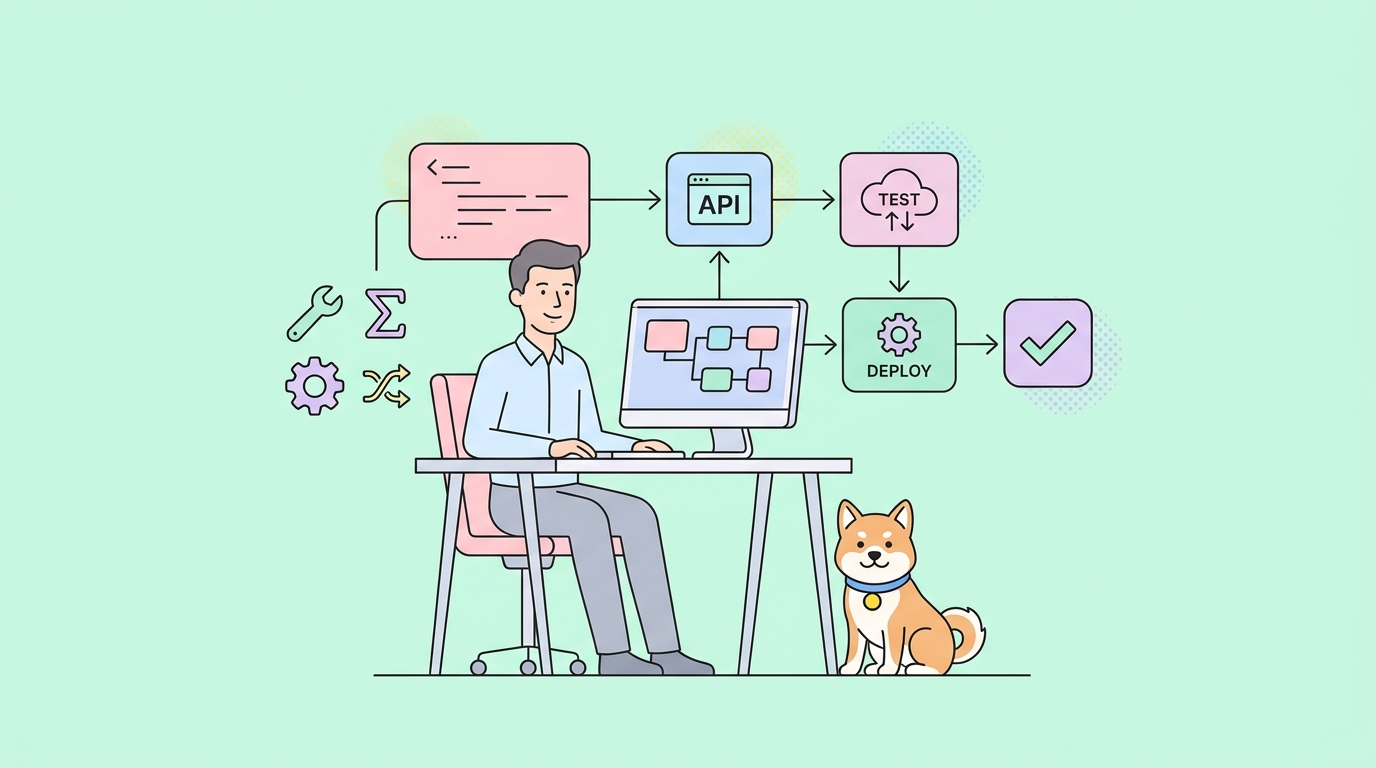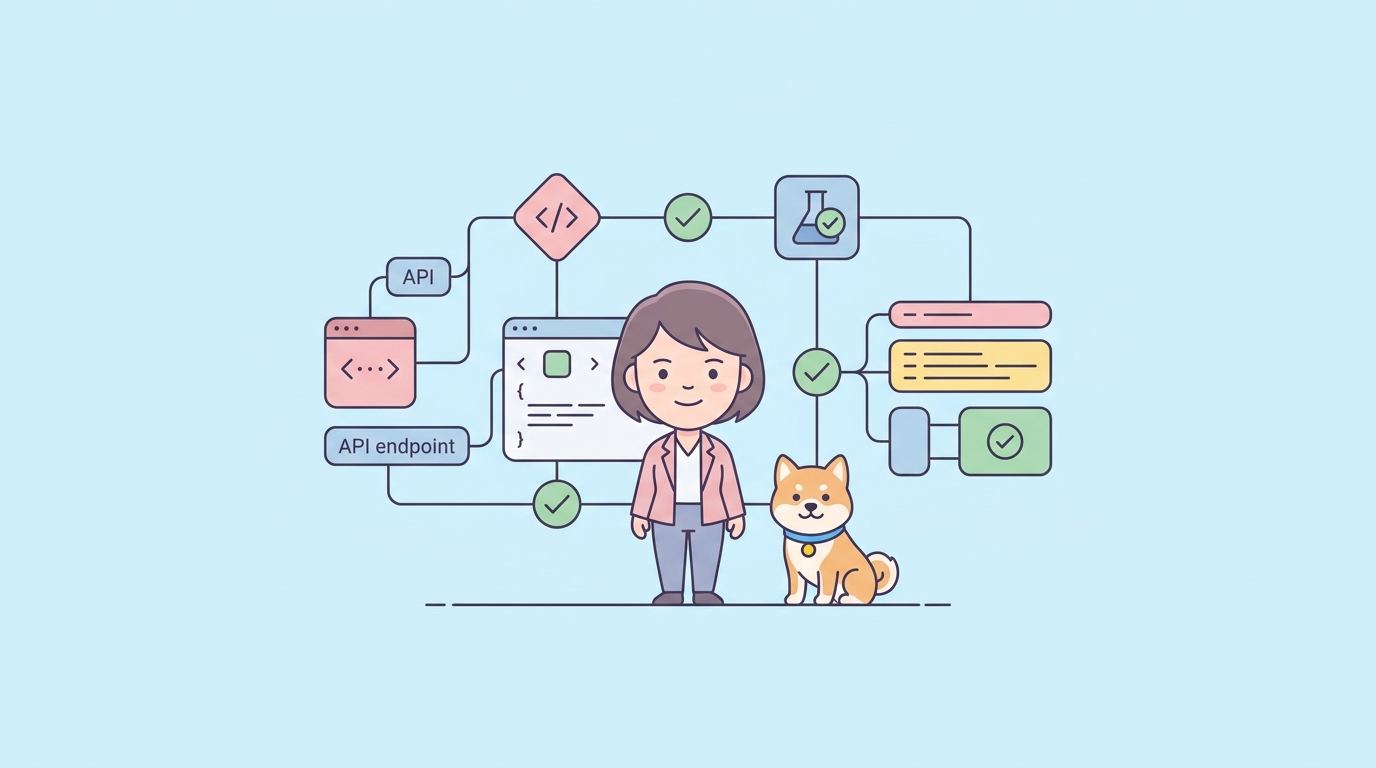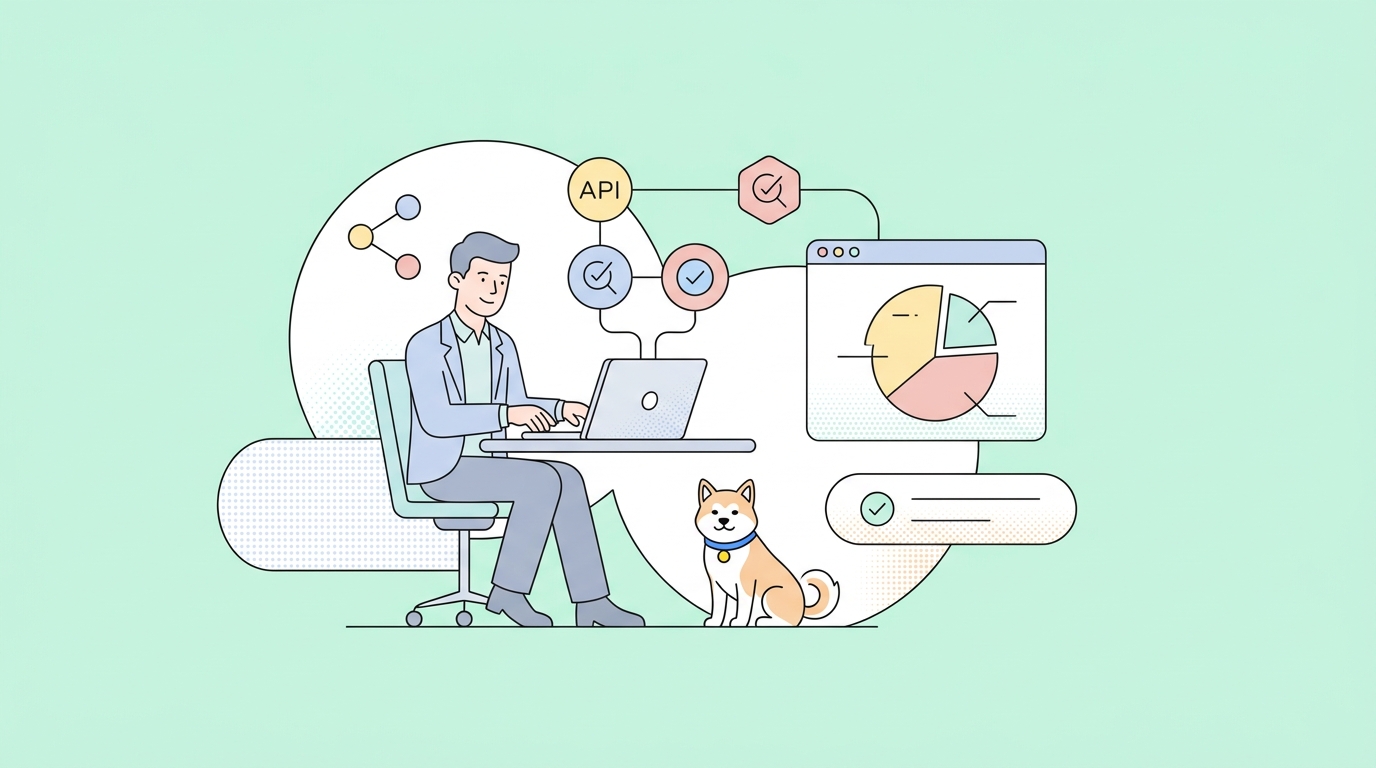
Ready to build powerful AI agents that can reason, automate, and interact with real tools—right on your own hardware? This hands-on guide shows API developers and engineers how to run Alibaba’s Qwen 3 (30B-A3B) LLM locally using Ollama, integrate it with Model Context Protocol (MCP), and create agents that perform real-world tasks like reading PDFs and querying live data. Whether you’re optimizing workflows or building robust automation, you’ll see how Qwen 3’s tool-calling and reasoning can transform your development process.
💡 Designing or testing APIs in your projects? Try Apidog for seamless API design, testing, and documentation—ideal for teams working with LLM-powered agents and tool integrations.
What is Qwen 3? Why Devs Love It for MCP and Agentic Workflows
Qwen 3 is Alibaba’s open large language model series, purpose-built for efficiency and advanced agentic tasks. The 30B-A3B "Mixture-of-Experts" variant stands out for:
- Efficient Inference: 30B parameters total, but only 3B active per request—so you get great performance on a single RTX 3090/4090.
- MCP & Tool Support: Seamless tool-calling through JSON interfaces for file, database, or web operations.
- Hybrid Reasoning: Special “... blocks” enable multi-step thinking for complex logic, coding, and automation.
The developer community (e.g., r/LocalLLama) reports Qwen 3 excels at tool-calling accuracy—handling real tasks like file I/O and database queries with speed and reliability. In practical tests, Qwen 3 can summarize PDFs, automate file operations, and fetch real-time data on demand.
Step 1: Setting Up Qwen 3 with Ollama (Local Deployment Guide)
Before leveraging Qwen 3’s agentic capabilities, you’ll need to set up a local environment. Here’s how to do it, step by step.
System Requirements
- OS: macOS, Linux (Ubuntu 20.04+), or Windows (via WSL2)
- Hardware:
- For 30B: 16GB+ RAM, 24GB+ VRAM GPU (RTX 3090/4090), 20GB+ storage
- For smaller models: 4GB+ VRAM, 8GB+ RAM (models: 0.6B, 1.7B, 8B)
- Software:
- Python 3.10+ (
python3 --version) - Git (
git --version) - Ollama
- Python 3.10+ (
1. Install Ollama
Go to the official Ollama website and download the installer for your OS.
Or install via terminal:
curl -fsSL https://ollama.com/install.sh | sh
Check installation:
ollama --version
You should see something like 0.3.12 or newer. If not, ensure Ollama is in your PATH.
2. Download a Qwen 3 Model
For maximum capability (desktop with a strong GPU):
ollama pull qwen3:30b
This is an 18GB download—ensure you have space and time.
For lighter hardware, try:
ollama pull qwen3:0.6b  # (~0.4GB)
ollama pull qwen3:1.7b  # (~1GB)
ollama pull qwen3:8b    # (~5GB)

List available models:
ollama list
Look for your selected Qwen model (e.g., qwen3:30b, qwen3:8b).
3. Test the Model
Run the model:
ollama run qwen3:30b
Or for smaller models:
ollama run qwen3:0.6b
At the prompt (>>>), try:
Tell me a joke about computers.
Qwen 3 should respond quickly. Exit with /bye.

Need more help with Ollama? See this beginner-friendly tutorial for step-by-step setup.

Step 2: Build a Qwen 3 Agent with MCP & Tool-Calling
Now, let’s create a real agent that reads a PDF and answers questions—using Qwen 3, MCP, and the Qwen-Agent GitHub repo.
1. Create a Project Folder
mkdir qwen-agent-test
cd qwen-agent-test
2. Set Up a Python Virtual Environment
python3 -m venv venv
source venv/bin/activate    # macOS/Linux
venv\Scripts\activate       # Windows
3. Install Qwen-Agent with MCP & Tools
pip install -U "qwen-agent[gui,rag,code_interpreter,mcp]"
4. Configure Your Agent Script
Create testagent.py. Copy example code from Qwen-Agent’s GitHub, but update the LLM config for Ollama:
llm_cfg = {
    'model': 'qwen3:0.6b',  # or your chosen model
    'model_server': 'http://localhost:11434/v1',
    'api_key': 'ollama',
    'generate_cfg': {'top_p': 0.8}
}
Save a PDF (e.g., a research paper or recipe) as AI-paper.pdf in your project directory.
5. Start the Ollama API Server
In a new terminal:
ollama serve
This launches the API at http://localhost:11434.
6. Run the Agent
In your project folder:
python testagent.py

Ask questions about your PDF—Qwen 3 will summarize or extract key info. For a technical paper, you might see:
"The paper discusses CNN-based vision systems for real-time object recognition in robotics, with 95% accuracy."

7. Test MCP Functions (Time, Weather, More)
Enhance testagent.py by configuring MCP servers:
tools = [
    'my_image_gen',
    'code_interpreter',
    {
        'mcpServers': {
            'time': {
                'type': 'python',
                'module': 'mcp.server.time',
                'port': 8080
            },
            'fetch': {
                'type': 'python',
                'module': 'mcp.server.fetch',
                'port': 8081
            }
        }
    }
]
files = ['./AI-paper.pdf']
Ask:
- “What is the time in New York?”
- “What’s the weather in Sydney?”
Qwen 3 will select the right MCP server to fetch live data or system info. For details and more tool examples, see the Qwen-Agent GitHub repo.
Advanced Tips: Maximizing Qwen 3 for Agentic Automation
- Expand Tools: Add custom tools for APIs, databases, or web scraping via Qwen-Agent modules.
- Reasoning Modes: Use
/thinkin prompts for multi-step planning, or/no_thinkfor quick answers. - Model Selection: For laptops,
qwen3:8boffers a great balance of speed and capability. - Performance Tuning: For even faster inference, explore quantization methods like Unsloth’s Q8_XL.
In practical tests, Qwen 3 (even on 8B) handled recipe PDFs and file operations smoothly—ideal for local agents that interact with your real data and systems.
Once you're comfortable running Qwen 3, the newer generation is just as easy to host — here is how to set up Qwen 3.5 with Ollama.
Conclusion: Accelerate Your Agentic Projects with Qwen 3, MCP, and Apidog
You’ve now seen how to run Qwen 3 locally, configure MCP and tool-calling, and build agents that can read documents and fetch real-time data. This workflow unlocks robust automation for API projects, coding tasks, and more—without cloud dependencies.
For API-focused teams, Apidog streamlines API design, testing, and documentation—making it easy to integrate, test, and document the endpoints your AI agents will use.
💡 Need beautiful API documentation, a collaborative platform for your developer team (maximum productivity), or a more affordable alternative to Postman? Apidog fits seamlessly into your LLM-agent pipelines.