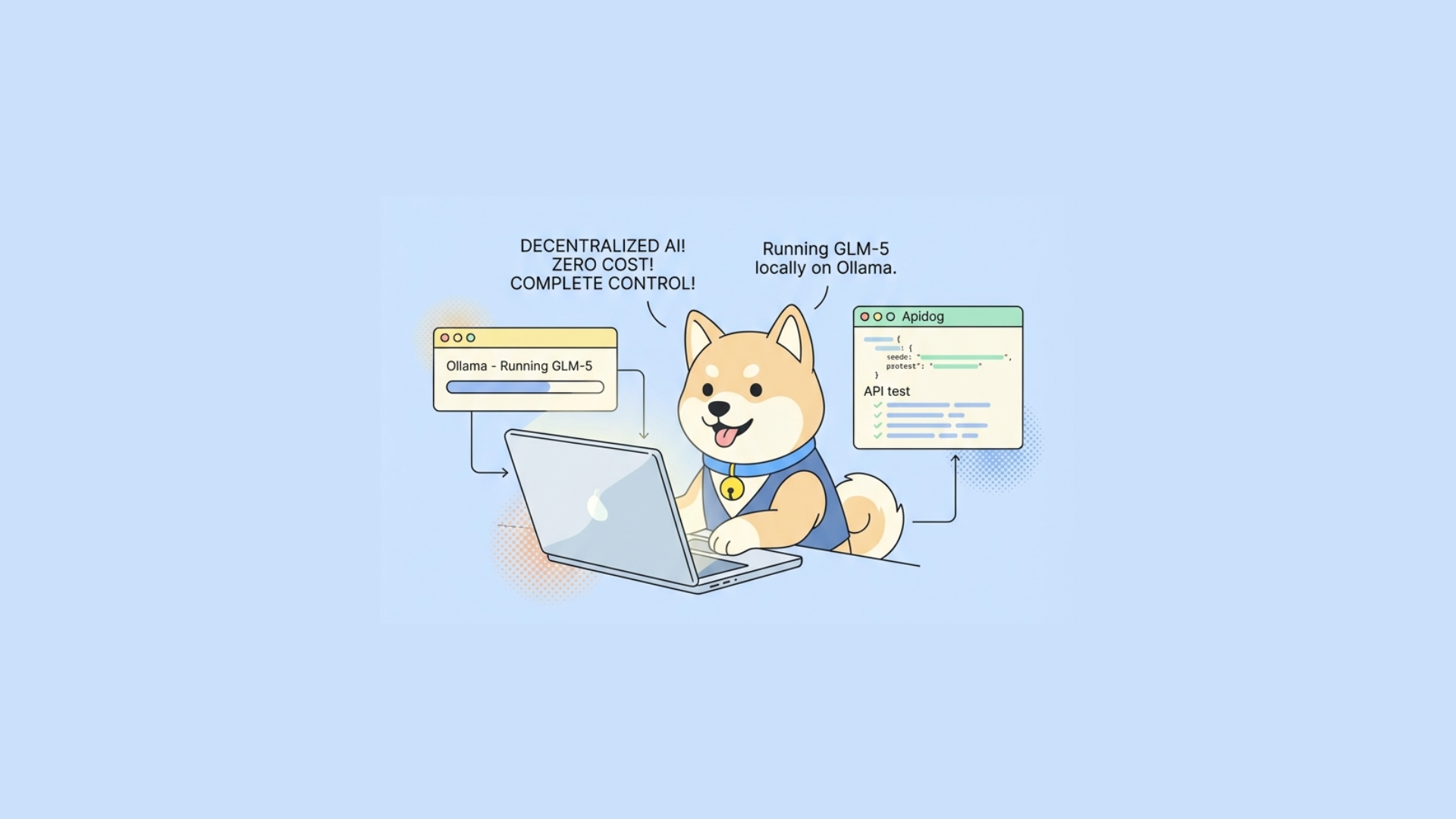
Short answer: yes. OpenClaw is provider-agnostic enough that you can run it with local LLMs served by Ollama, as long as you configure model routing, tool safety, and API contracts correctly.
Long answer: if you want this setup to be stable in real workflows (not only toy demos), you need to treat it as an engineering system with explicit tradeoffs:
- Latency vs quality (small local model for routing, larger model for planning)
- Cost vs reliability (cheap checks first, expensive inference only when needed)
- Security vs capability (sandboxed tool execution and strict permissions)
- Developer speed vs governance (versioned APIs, tests, and docs)
That framing matches what the OpenClaw community has converged on recently: practical orchestration patterns, heartbeat checks, and tighter control around agent runtime behavior.
Why developers are pairing OpenClaw with Ollama
The momentum around OpenClaw after the Moltbot/Clawdbot rename wave is not just hype. Teams are using it because it can sit in front of tools and workflows you already have.
Ollama is a natural pair for three reasons:
- Data locality: prompts and context stay on your machine or private network.
- Predictable cost: no per-token bill shock for internal automation.
- Provider flexibility: you can swap models by changing config, not architecture.
But “local” is not automatically “easy.” Local models have constraints:
- Lower reasoning quality for some tasks
- More variability across quantizations
- Resource pressure (VRAM/RAM/CPU)
- Throughput limits in concurrent agent workloads
So your goal should be: design OpenClaw flows that degrade gracefully when local inference is imperfect.
Reference architecture: OpenClaw + Ollama + tool sandbox
A practical architecture looks like this:
- OpenClaw Orchestrator
- Handles task decomposition, memory, and tool invocation.
- Model Gateway Layer
- Routes prompts to local Ollama model(s), optional fallback to cloud model.
- Tool Runtime
- Executes shell, HTTP, DB, or filesystem actions.
- Sandbox Boundary
- Isolates tool execution (container, seccomp, restricted filesystem, or dedicated sandbox runtime).
- Observability + API Contract Layer
- Tracks requests/responses and validates behavior through tests.
If you’re exposing OpenClaw capabilities over HTTP for app integration, define this interface with OpenAPI early. In Apidog, you can keep this schema-first, then generate interactive docs and test scenarios from the same contract.
Step 1: Configure OpenClaw to use Ollama as an LLM provider
Most OpenClaw builds support provider adapters through environment variables or a provider config file. A common pattern is OpenAI-compatible endpoints, which Ollama can emulate for chat completions in many setups.
Example environment configuration:
OpenClaw runtime
export OPENCLAW_MODEL_PROVIDER=ollama export OPENCLAW_BASE_URL=http://localhost:11434export OPENCLAW_MODEL=llama3.1:8b export OPENCLAW_TIMEOUT_MS=120000
Optional fallback
export OPENCLAW_FALLBACK_PROVIDER=openai export OPENCLAW_FALLBACK_MODEL=gpt-4.1-miniBasic smoke test before wiring OpenClaw:
curl http://localhost:11434/api/generate -d '{ "model": "llama3.1:8b", "prompt": "Return only: OK" }'If this fails, fix Ollama first. Don’t debug OpenClaw and model serving at the same time.
Step 2: Implement model tiering (critical for stability)
A single local model for all steps often underperforms. Use model tiering:
- Tier A (cheap, fast): intent classification, heartbeat checks, simple rewrites
- Tier B (stronger): multi-step planning, tool call argument synthesis, long-context reasoning
Pseudo-routing logic:
yaml routing: classify: model: qwen2.5:3b max_tokens: 128 plan: model: llama3.1:8b max_tokens: 1024 recover: model: llama3.1:8b retries: 2 fallback: provider: cloud model: gpt-4.1-mini trigger: - repeated_tool_failures - low_confidence - context_overflow
This mirrors the “cheap checks first” heartbeat philosophy: avoid paying heavy inference cost unless a task truly needs it.
Step 3: Add heartbeats and guardrails before expensive inference
Recent community guidance around OpenClaw heartbeats is exactly right: validate environment health before asking the model to think.
Do these checks in order:
- Tool dependency exists (
git,docker,node, etc.) - Network target reachable (DNS + TCP)
- Auth token available and non-expired
- Files/path permissions valid
- Only then invoke LLM planning/execution
This cuts both latency and failure loops.
Example heartbeat endpoint behavior:
{ "agent": "openclaw-worker-1", "checks": { "ollama": "ok", "git": "ok", "workspace_rw": "ok", "target_api": "degraded" }, "ready_for_model_execution": false, "reason": "target_api_unreachable" }If your pipeline calls this over HTTP, model it in Apidog and attach automated test scenarios so regressions fail in CI/CD before deployment.
Step 4: Secure tool execution with sandboxing
If OpenClaw can execute tools, sandboxing is not optional.
Minimum controls:
- Run tools in isolated containers or VM boundaries
- Read-only root filesystem where possible
- Restrict network egress by default
- Mount only needed workspace paths
- Drop Linux capabilities
- Enforce CPU/memory/time limits
Why this matters: local model mistakes are still mistakes. Hallucinated commands become less dangerous when the runtime is constrained.
A secure sandbox project (like the direction discussed in the ecosystem with agent sandboxes) is a strong fit as an execution boundary under OpenClaw.
Step 5: Define OpenClaw-facing APIs explicitly
Many teams wrap OpenClaw in internal endpoints like:
POST /agent/runGET /agent/runs/{id}POST /agent/runs/{id}/cancelGET /agent/health
Define schemas for:
- Input task payload
- Tool permission scope
- Model policy (local-only vs fallback-enabled)
- Structured result and error envelope
In Apidog, this is where the all-in-one flow helps: design request/response in one workspace, generate docs for consumers, mock the endpoint for frontend/QA, and run automated testing with visual assertions on structured outputs.
Performance tuning for local OpenClaw deployments
1) Token budgets
Keep prompts short and structured. Local models degrade sharply with noisy context.
2) Concurrency limits
Set queueing and worker caps. Don’t let 20 parallel runs thrash one GPU.
3) Deterministic tool contracts
Force JSON outputs where possible. Free-form text increases parser failures.
4) Caching
Cache embeddings, tool discovery, and static context blocks.
5) Timeout strategy
Use layered timeouts:
- model generation timeout
- tool execution timeout
- full run SLA timeout
Common failure modes (and fixes)
Failure: model loops or repeats plans
Fix: cap planning turns, inject execution summary memory, and force “next_action” schema.
Failure: wrong tool arguments
Fix: validate against JSON Schema before execution. Reject and auto-repair once.
Failure: local model too weak for edge tasks
Fix: confidence gating + fallback model for specific phases only.
Failure: huge latency spikes
Fix: heartbeat gate, warm model at startup, reduce context window, batch low-priority tasks.
Failure: untrusted command generation
Fix: sandbox + command allowlist + dry-run mode for high-risk actions.
Testing strategy: what to automate
For OpenClaw + Ollama, test at three layers:
- Contract tests
- API schema validation
- Error envelope consistency
- Behavior tests
- Given task X, ensure tool sequence includes Y and excludes Z
- Resilience tests
- Simulate Ollama outage, network loss, tool failure, timeout
Apidog is useful here because you can combine scenario-based testing and environment management in one place, then push those tests into CI/CD quality gates. For agent systems, that saves serious debugging time.
Should you run local-only in production?
Depends on workload.
Local-only works well when:
- Tasks are narrow and repeatable
- You control infra and security boundaries
- Throughput needs are moderate
Hybrid (local + selective cloud fallback) is better when:
- Task complexity varies widely
- You need high success rates on first pass
- You support business-critical automations
A strong default policy is:
- local model for classification/routing
- local model for simple tool orchestration
- cloud fallback only for failed/retry paths with strict budget caps
That gives you control without sacrificing reliability.
Migration note: Moltbot/Clawdbot to OpenClaw naming
If your repos or docs still reference Moltbot/Clawdbot, treat this as an API compatibility issue:
- Keep alias support in config keys for one deprecation cycle
- Version your API contracts (
v1,v1.1) when renaming fields/endpoints - Publish changelog entries with explicit mapping
Example mapping:
CLAWDBOT_MODEL→OPENCLAW_MODELMOLTBOT_PROVIDER→OPENCLAW_MODEL_PROVIDER
Use auto-generated docs so downstream teams don’t rely on stale wiki pages.
Final answer
So, can you run OpenClaw with local AI models like Ollama?
Absolutely. And for many teams, it’s the right architecture.
Just don’t stop at “it runs on my machine.” Build it with:
- model tiering
- heartbeat-first orchestration
- strict sandboxing
- schema-validated tool calls
- automated API and resilience tests