

Google has introduced Deep Research in NotebookLM, an advanced AI-powered research tool designed to automate complex information gathering and analysis for technical professionals. With the ability to scan hundreds of websites, compile detailed reports, and provide annotated, verifiable sources, Deep Research is positioned as a free alternative to premium solutions like Manus AI—making it highly relevant for API developers, backend engineers, and technical leads.
Professionals often face workflow bottlenecks when bridging the gap between AI-powered research and practical application development. This is where tools like Apidog come into play. By integrating Apidog into your workflow, you can automate API testing and documentation, ensuring seamless transitions from research to implementation—especially when leveraging insights gathered by Deep Research.
Why Deep Research Matters for Technical Teams
Traditional search and manual research are time-consuming and error-prone, particularly when investigating rapidly evolving technical subjects. Deep Research automates these repetitive tasks:
- Automated web crawling: Enter a query, and Deep Research scours hundreds of reputable sources.
- Structured output: Receive comprehensive, annotated reports, complete with citations and importable sources.
- Ideal for technical research: Great for gathering API specs, comparing frameworks, or tracking industry trends.
This workflow empowers API and backend engineers to move from research to actionable insights faster.
What Is Google’s Deep Research in NotebookLM?
Deep Research is an extension of NotebookLM, Google’s AI research assistant designed for document analysis and synthesis. While NotebookLM originally focused on uploaded files, Deep Research expands this by:
- Adding dynamic web crawling: Uses Gemini’s agentic AI to find and synthesize information from online resources.
- Supporting multiple formats: PDFs, Word docs, and Google Sheets are all compatible.
- Delivering transparency: Every insight is linked to its source, with summaries and relevance scores.
Example:
A developer investigating “latest RESTful API best practices” enters the query in NotebookLM’s Deep Research. The system scans authoritative web sources, compiles a structured report, and cites each finding—allowing for quick verification and deeper exploration.
Key technical features:
- Advanced natural language processing to identify patterns and contradictions.
- Source annotation with relevance and bias indicators.
- Designed for engineers, analysts, and researchers demanding depth and reliability.
How Deep Research Works: Step-by-Step for Developers
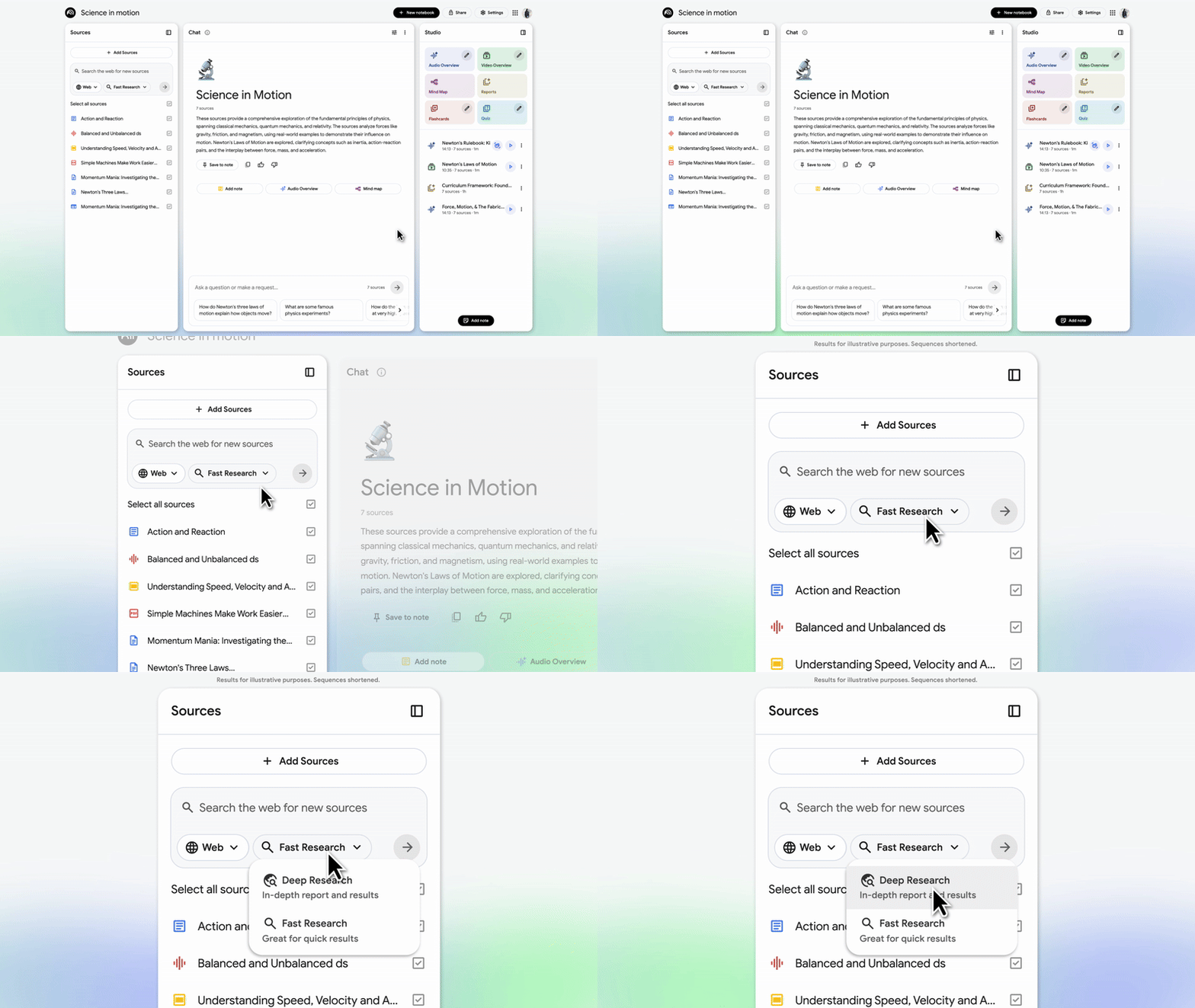
Deep Research operates seamlessly within NotebookLM:
- Create or open a notebook: Upload files or link content as your research base.
- Add a source > Deep Research: Select “Deep Research” when adding sources.
- Enter a detailed query: Define your research focus (e.g., “OpenAPI 3.1 vs 3.0 differences”).
- Automated web analysis: The AI agent scans, filters, and organizes findings from trusted sources.
- Review and refine: Apply filters, set date ranges, or keyword preferences.
- Import to NotebookLM: Bring structured results into your workspace for further processing—like generating quizzes, summaries, or audio overviews.
Technical note:
Deep Research leverages Gemini’s large language model for reasoning and synthesis, chaining subtasks such as fact-checking and cross-referencing. Google enforces usage caps to maintain fair access.
Practical developer workflow:
- Gather protocol specifications or API references via Deep Research.
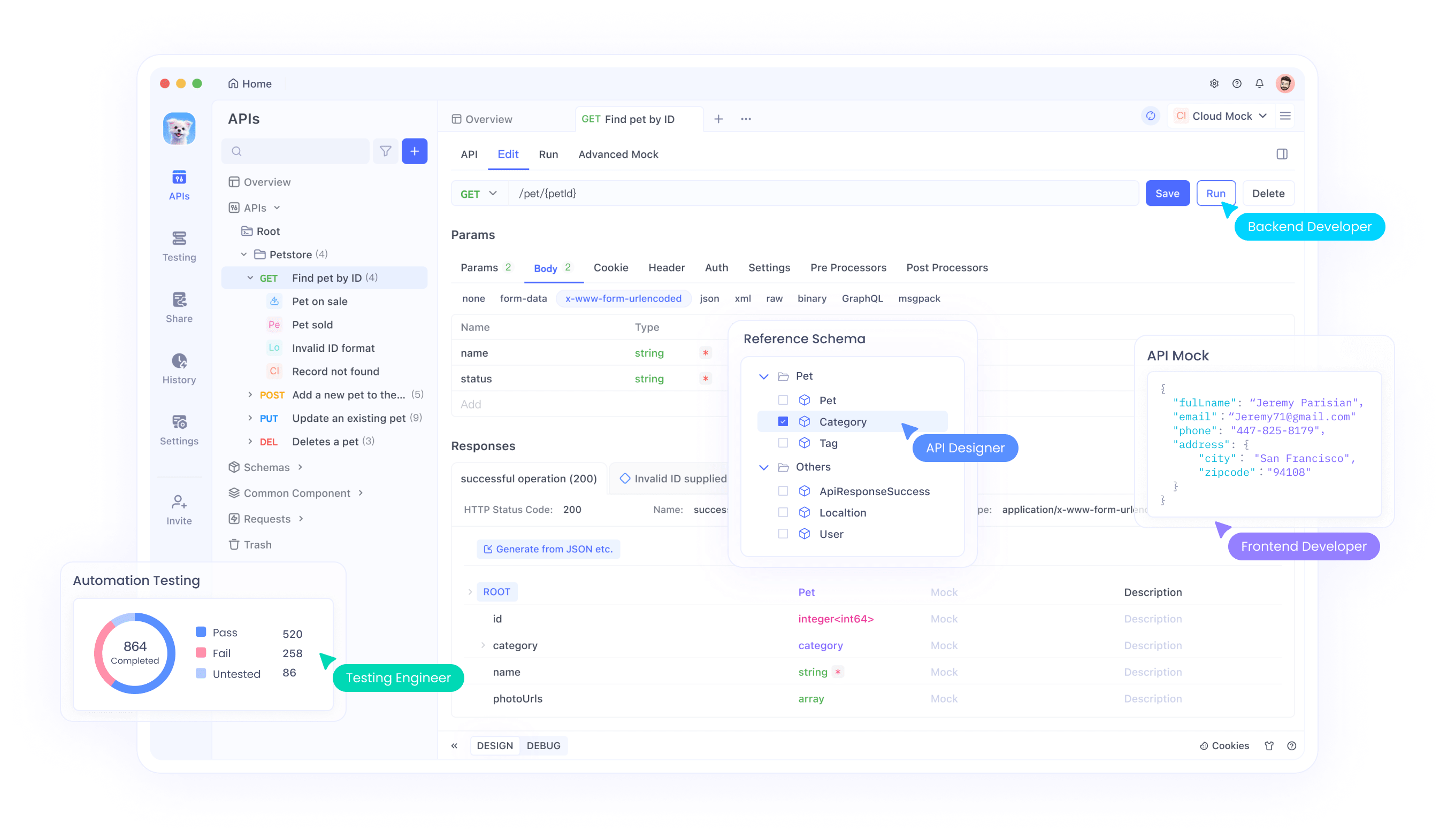
- Instantly test or prototype APIs using Apidog’s dashboard for visualized responses and automated test case generation.
Manus AI: Premium Autonomous Research and Automation
Manus AI by Butterfly Effect Technology is a paid, agentic AI platform. Its strengths include:
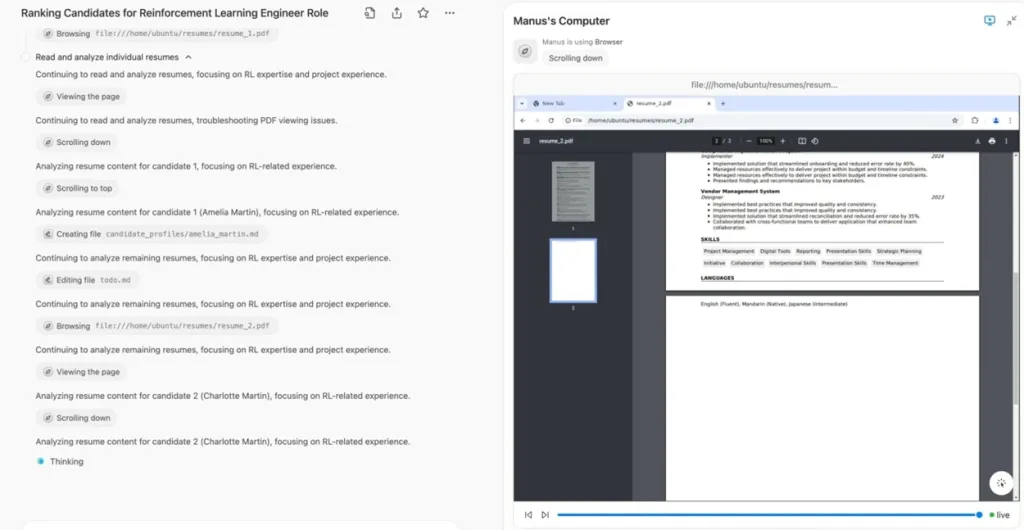
- Multi-step workflow execution: Handles complex tasks, from research and analysis to automation (e.g., drafting emails, resume screening).
- Custom integrations: Offers API hooks for bespoke automation.
- Subscription model: Pricing scales with usage, and advanced features like priority support are locked behind paywalls.
How it works:
- Input high-level instructions, and Manus decomposes them into actionable steps.
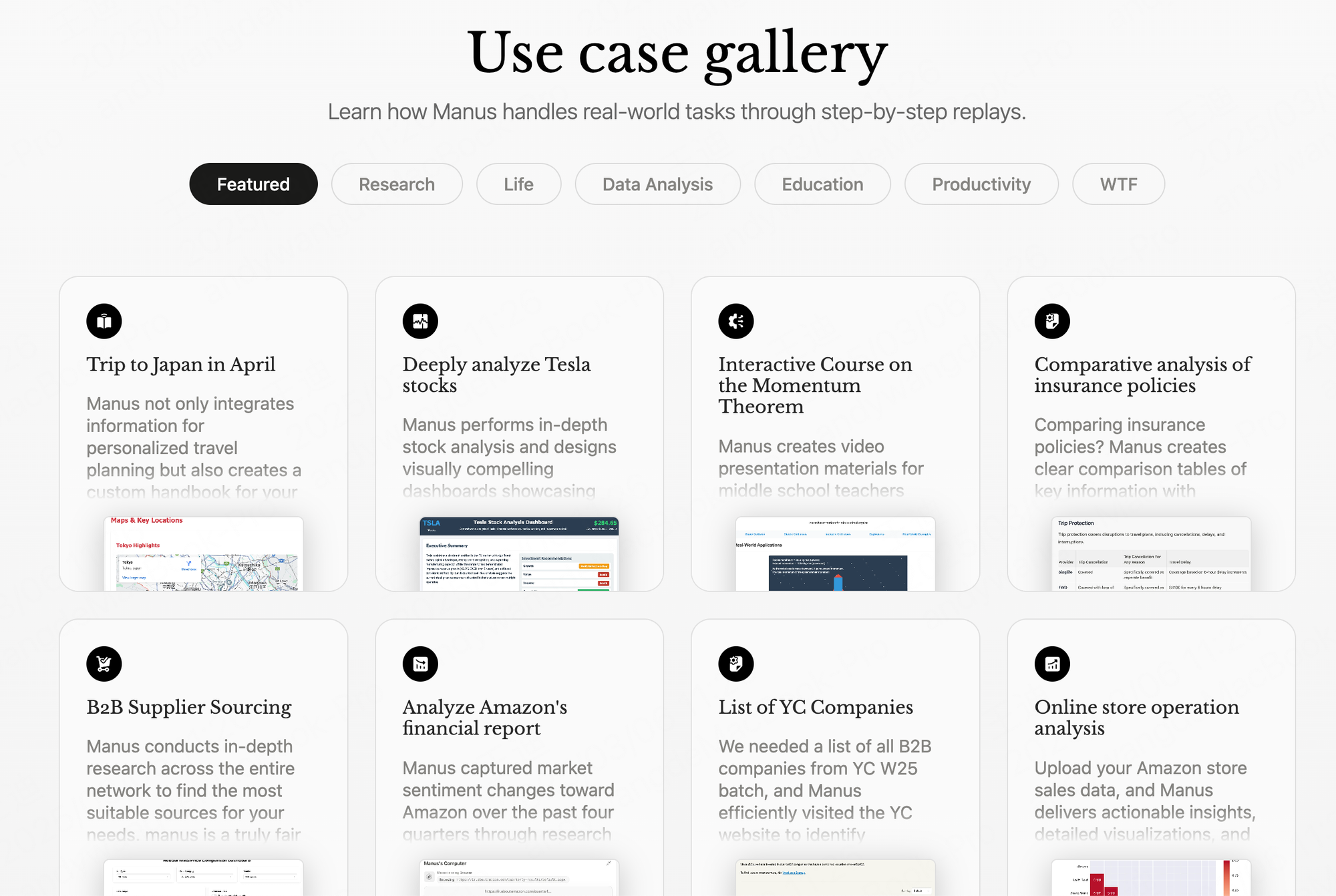
- Access a task gallery for analytics, productivity, and more.
- Agentic reasoning allows for autonomous problem-solving beyond simple data retrieval.
Considerations:
- Manus is powerful for workflow automation, but requires navigating subscription fees and potential privacy implications.
- API extensibility is a plus for developers, but costs and setup may be prohibitive for smaller teams.
Deep Research vs. Manus AI: Side-by-Side Comparison
While both tools streamline research and automation, key differences affect technical users:
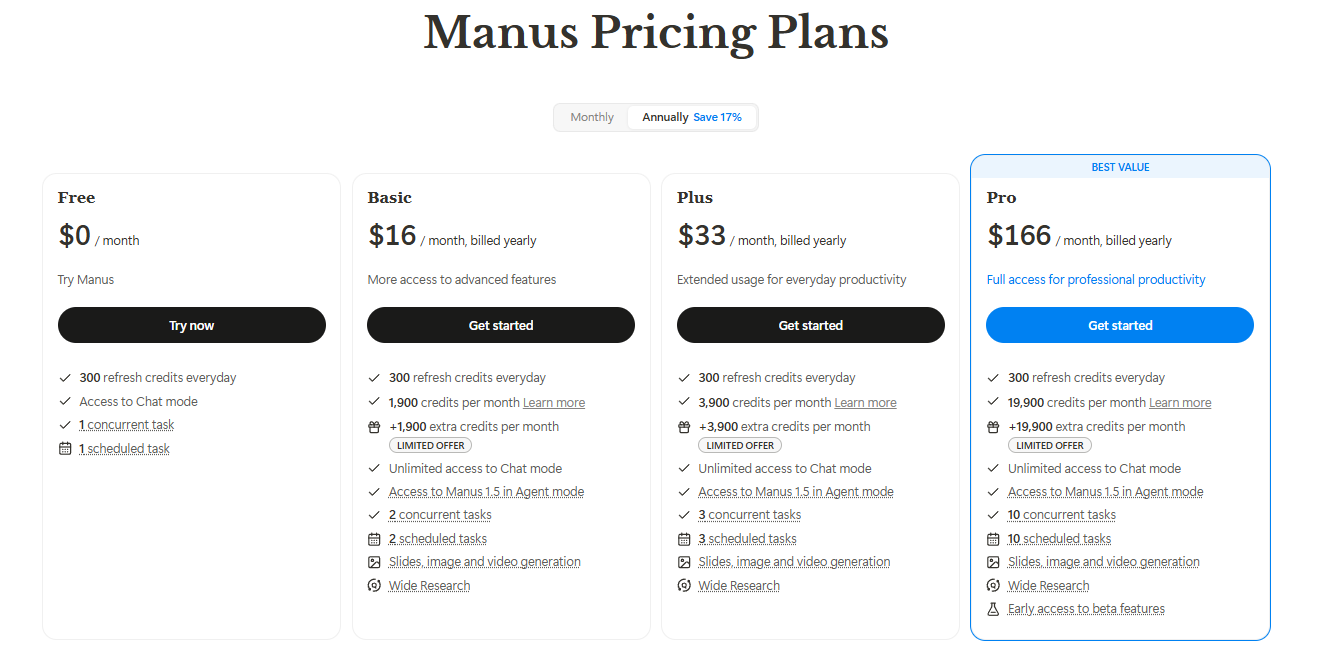
| Feature | Deep Research | Manus AI |
|---|---|---|
| Cost | Free | Paid subscription |
| Focus | Technical web research & synthesis | Autonomous multi-step execution |
| Integration | Google Workspace ecosystem | Custom APIs |
| Autonomy | High (for research tasks) | High (for workflow tasks) |
| User Access | Open to all NotebookLM users | Limited to subscribers |
Summary:
- Deep Research is ideal for deep-dive technical research at no cost, with seamless access for Google users.
- Manus AI offers broader automation and custom integration, best for teams needing end-to-end workflow automation and willing to pay for advanced features.
Why API Developers and Engineers Choose Deep Research
Deep Research democratizes advanced research capabilities, making it accessible to startups, educators, and independent developers. Key benefits:
- Accelerates technical research: Automates source gathering, freeing time for analysis and prototyping.
- Promotes verifiability: Annotated sources and summaries mitigate the risk of misinformation.
- Scalable for teams: Handles large queries across hundreds of sites efficiently.
- Privacy and security: Data remains within Google’s secure NotebookLM environment.
Educational use case:
Instructors can create custom study guides from synthesized online resources. Students and teams benefit from faster, more reliable knowledge acquisition.
Developer workflow tip:
Combine Deep Research with Apidog:
- Use Deep Research to find up-to-date API specs, code samples, or standards.
- Import and test these endpoints directly in Apidog’s environment for rapid prototyping.
Integrating Deep Research and Apidog in Technical Workflows
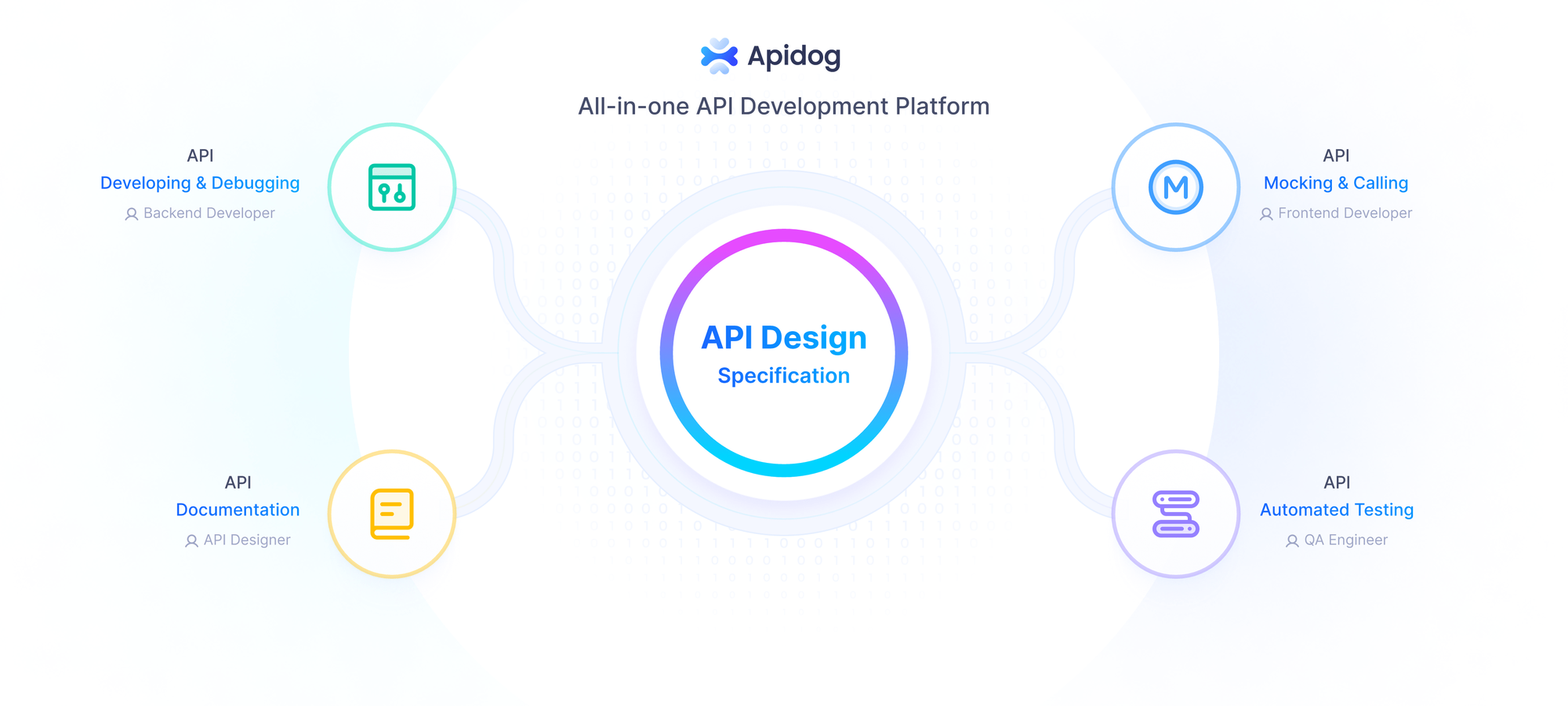
Apidog complements Deep Research by bridging the gap between research and hands-on API development.
How to integrate:
- Research: Gather the latest API documentation, best practices, or sample payloads with Deep Research.
- Import to Apidog: Use Apidog to generate API schemas, mock data, and automated test cases from the research findings.
- Test and iterate: Visualize endpoints, simulate responses, and validate integrations—all within Apidog’s free platform.
Technical highlights:
- Supports JSON and XML schemas, matching Deep Research’s structured outputs.
- AI-powered assistance for schema editing and validation.
- Enables collaborative development and monitoring—perfect for teams building or testing AI-driven agent workflows.
By connecting these tools, engineering teams streamline the entire cycle: from discovery to implementation and testing.
Conclusion
Deep Research in NotebookLM gives API developers and technical teams a free, powerful alternative to premium research platforms like Manus AI. Its automated, annotated research outputs save time and reduce errors—especially when paired with Apidog for immediate, hands-on API testing and documentation.
Ready to enhance your research-to-implementation workflow? Download Apidog for free and experience seamless integration with Google’s Deep Research.


