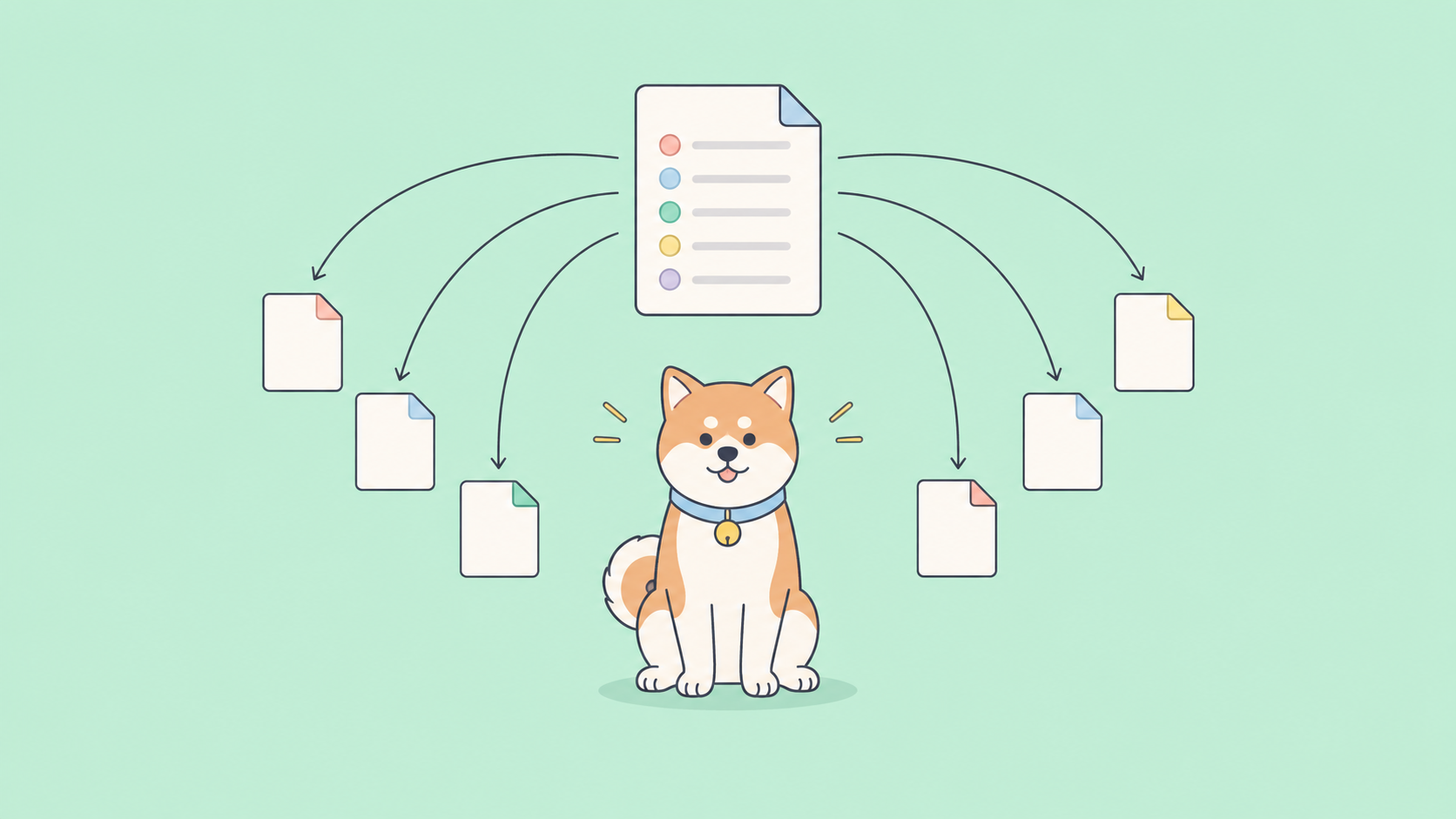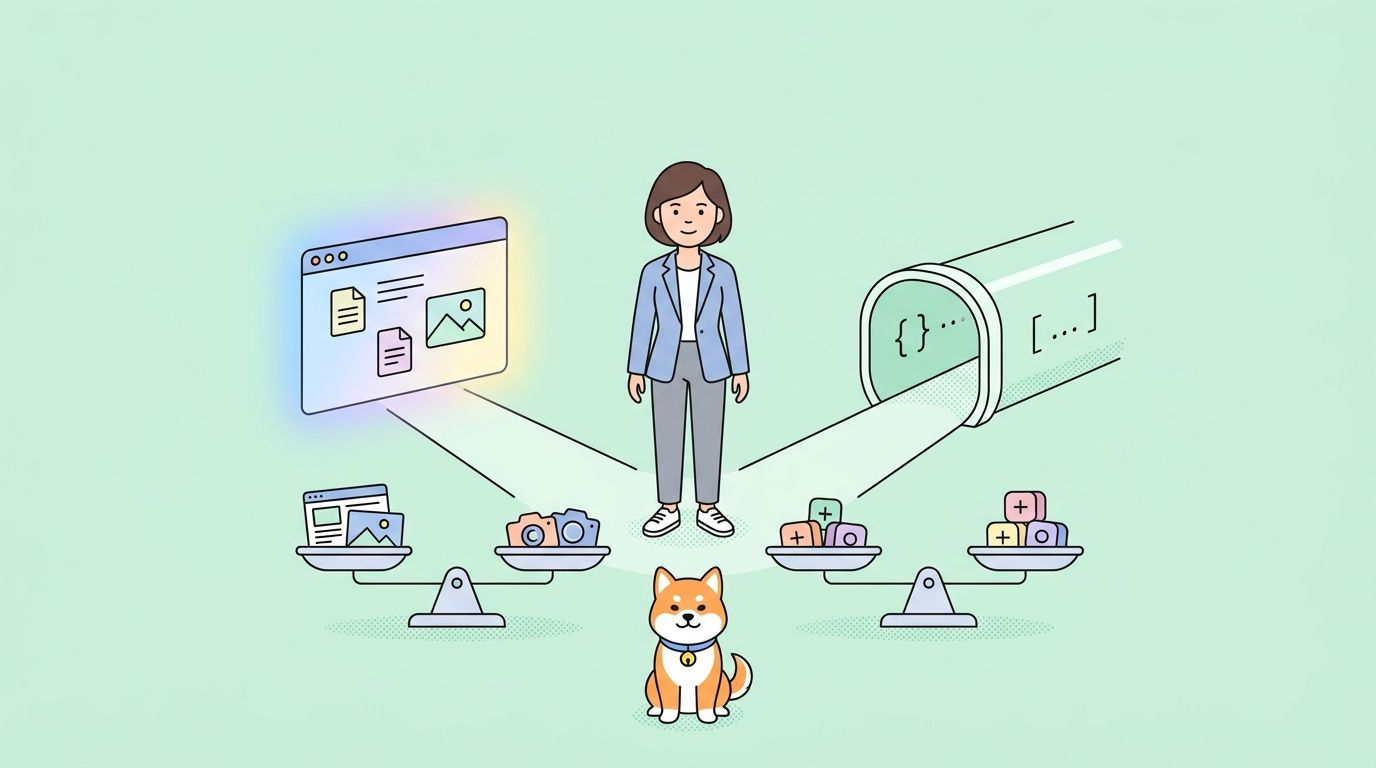
Driving a browser with an LLM through computer-use models is roughly 45 times more expensive than calling the same vendor through a structured API. YES.
This guide unpacks that 45x figure, explains when computer use still earns its keep, and shows how to keep both paths fast and cheap when you build with Apidog. The framework that follows works for OpenAI Operator, Anthropic computer use, browser-use, Skyvern, and any future tool-of-the-week that ships with a screenshot loop.
If you write APIs for AI agents, you should also read our companion guide on how to write agents.md files; the conventions there make the structured-API path the obvious default for your callers.
TL;DR
- Computer use means an LLM looks at screenshots and emits clicks, keystrokes, and scrolls; structured APIs mean the LLM emits JSON tool calls that your backend executes.
- For the same task, computer use burns 30 to 50 times more tokens because every step ships a fresh screenshot, plus retries.
- Choose computer use only when no API exists, the API is rate-locked, or the workflow lives behind authentication that resists scripting.
- Choose a structured API for everything else: payments, search, CRM updates, internal tools, anything you can document with OpenAPI.
- Hybrid is the realistic answer: structured APIs handle the 90 percent that has endpoints, computer use covers the long tail.
- Download Apidog to design the JSON tool schemas, mock the endpoints while you iterate, and replay the whole flow without burning agent credits.
Why the cost gap is so big
The 45x number is not a clever benchmark; it falls out of how each path uses tokens.
A structured API call sends one prompt with the user request and a tool schema, then receives a JSON object the runtime executes. Round trip: a few hundred tokens in, fifty tokens out, one network hop.
A computer-use loop sends the same prompt plus a screenshot, receives a click coordinate, executes it, screenshots again, and repeats. A typical “book a flight” task runs 12 to 30 of those rounds. Each screenshot costs around 1,500 tokens at typical resolution. Multiply.
Anthropic’s own computer use documentation prices the screenshot tokens openly; the real-world overhead is even higher because models retry on misclicks, scroll past the right element, and burn rounds dismissing cookie banners. The HN thread referenced Computer Use is 45x more expensive than structured APIs put the typical penalty at 30 to 50x, which matches what we see when we replay the same task through both paths in Apidog.
When the structured API path wins
Default to structured APIs when any of the following hold.
The vendor publishes an OpenAPI spec, a GraphQL schema, or even a single REST page. If a JSON shape exists, the LLM can fill it. Tool-call accuracy on GPT-5.5, Claude 4.5, and DeepSeek V4 sits above 95 percent on documented endpoints; the failure mode is rare, cheap to detect, and easy to retry.
The task fits in one or two endpoints. “Create a Stripe customer,” “update a HubSpot deal stage,” “post a Slack message,” “trigger a CI rerun” are all single calls. Routing them through a browser is the engineering equivalent of mailing a postcard from across the room.
The workflow runs unattended. Cron jobs, webhooks, and queue workers cannot supervise a screenshot loop that decides to scroll the wrong direction. Structured calls are deterministic at the network layer.
Latency matters. A structured call returns in 200 to 800 milliseconds. A computer-use loop with 15 rounds takes 30 to 90 seconds, longer when retries kick in.
You need to test it before shipping. Mocking a JSON endpoint takes seconds in Apidog. Mocking a browser screenshot loop is a research project.
When computer use earns its keep
A few cases still favor the screenshot loop.
Legacy vendor portals. Some procurement, freight, and benefits portals predate REST. They live behind ASP.NET sessions with no machine interface. Computer use replaces a brittle Selenium script that broke every quarter; trading 45x cost for zero maintenance is sometimes the right call.
Internal tools you cannot modify. The CRM your client paid for in 2014, the legacy ERP, the SharePoint dashboard. If you can’t ship an integration and the team won’t pay for an iPaaS, the screenshot loop is a real option.
One-off operator tasks. A founder asking an agent to “research these 50 competitors and stick the highlights in Notion” is not a workflow that needs a structured contract. Computer use handles it once and disappears.
Reverse-engineering protected by ToS. Skip this. Most “scrape this site with computer use” requests sit on the wrong side of vendor terms; the cost is the least of your problems.
A simple decision framework
Run the request through these four checks before reaching for computer use.
| Check | If yes | If no |
|---|---|---|
| Does a documented API exist? | Use the API. | Continue. |
| Can you ship a thin server-side adapter that wraps a private endpoint? | Build the adapter, expose it as JSON. | Continue. |
| Is the task one-off or low-volume (<100 runs/day)? | Computer use is acceptable. | Continue. |
| Are you OK paying 30-50x token cost on every run? | Computer use. | Stop. Negotiate API access. |
Three quarters of the workflows we see in customer codebases fail check one or two; computer use only survives when both fall through.
How structured APIs actually look in an agent
Here is the same “fetch yesterday’s failed payments” task expressed both ways. The structured version is what you want every agent to default to.
from openai import OpenAI

client = OpenAI()

tools = [{
    "type": "function",
    "function": {
        "name": "list_failed_payments",
        "description": "List failed payments in a date range",
        "parameters": {
            "type": "object",
            "properties": {
                "start": {"type": "string", "format": "date"},
                "end":   {"type": "string", "format": "date"},
            },
            "required": ["start", "end"],
        },
    },
}]

resp = client.chat.completions.create(
    model="gpt-5.5",
    messages=[{"role": "user", "content": "Show yesterday's failed payments."}],
    tools=tools,
    tool_choice="auto",
)

call = resp.choices[0].message.tool_calls[0]
args = json.loads(call.function.arguments)
payments = stripe.PaymentIntent.list(
    created={"gte": args["start"], "lte": args["end"]},
    limit=100,
)
Two prompts in, one structured response out, one HTTP call to Stripe. The agent never sees the dashboard.
The computer-use equivalent boots a browser, logs into Stripe, screenshots the dashboard, clicks the date picker, screenshots again, drags a range, screenshots, scrolls to “Failed,” screenshots, and finally extracts numbers from pixels. Each screenshot is roughly 1,500 input tokens. Twelve rounds is typical. The bill is 45x and the success rate is lower.
Designing the structured path with Apidog
The reason teams reach for computer use is rarely cost; it is usually that nobody designed a clean tool surface for the agent. Apidog gives you a place to do that work properly.
Step one: model the operations the agent needs as endpoints in an Apidog project. A handful of POSTs covering “list invoices,” “update deal,” “send message” is enough to replace 80 percent of operator demos. Apidog generates an OpenAPI 3.1 document straight from the design view.
Step two: feed that OpenAPI document into your agent framework. OpenAI’s tools array, Anthropic’s tool-use schema, and the LangChain OpenAPI loader all consume OpenAPI 3.1 directly. The agent now has typed function calls that mirror your design.
Step three: turn on Apidog’s mock server. The mock returns realistic JSON for every endpoint, so you can run the agent end-to-end without hitting production or paying token costs on a real run. We cover the same pattern in Apidog’s contract-first development guide.
Step four: replay traffic. Apidog records every request and response while the agent runs, so you can diff a passing run against a failing one and see which tool call drifted. This is how you cut the long tail of “the agent worked yesterday and broke today.”
Step five: ship. The same project doubles as your public docs, your QA harness, and your monitoring dashboard.
Hybrid: when you need both paths
In production, most agents end up hybrid. A reasonable default looks like this.
- 90 percent of operations go through a structured tool surface you designed.
- 10 percent fall back to a computer-use loop for the long tail of legacy portals.
- A router prompt decides which path to take based on the operation name.
The router is a tiny system message: “If tool_name in known_tools, call the tool. Otherwise, hand off to the browser agent.” Anthropic’s Claude 4.5 and OpenAI’s GPT-5.5 both handle this routing reliably; you can sketch the same pattern in DeepSeek V4. See how to use DeepSeek V4 API for the request shape.
Track both paths separately in your observability stack. The structured calls should be 99 percent of volume and 30 percent of cost; the computer-use fallback should be 1 percent of volume and 70 percent of cost. If the ratio inverts, somebody added an operation the wrong way and you need to design an endpoint for it.
Common mistakes to avoid
These are the patterns that show up in support tickets.
Skipping the schema. Teams ship agents with prose-only system prompts and wonder why structured calls fail. Always pass JSON Schema; both Claude and GPT improve tool accuracy by double digits when the schema is strict.
Letting the agent design the schema at runtime. A schema is product surface. Author it in Apidog, version it, and treat changes the way you would treat a public API change. Self-modifying schemas are how prod outages happen.
Logging tokens, not cost. Computer-use tokens hide in image inputs, which most observability tools price differently. Read your provider’s billing console, not your tracing dashboard.
Confusing computer use with RPA. Robotic process automation runs scripted clicks against known DOM elements. Computer use re-decides what to click on every screenshot. The first is repeatable and cheap; the second is flexible and expensive. Don’t reach for computer use when RPA is the right hammer.
Forgetting the cost of latency. A 45x token bill is one tax. The bigger one is that a 60-second screenshot loop kicks the agent out of the user’s flow. If the user is watching, you almost always want the API.
Alternatives to consider
If a vendor lacks an API but has a well-known UI, three intermediate options sit between full computer use and full integration.
Headless browser scripts (Playwright, Puppeteer) cost nothing per run after development. They break when the UI changes; budget for that.
Vendor-published Zapier or Make connectors. iPaaS platforms have already paid the integration tax for you. Pay for the seat, ship faster.
Reverse-engineered private APIs. Watch the network tab in DevTools. Many vendor dashboards talk to internal JSON endpoints you can call directly with the same auth cookie. Document them in Apidog and treat them as semi-stable. We use this trick in API testing without Postman.
Computer use is the last resort, not the default.
Real-world use cases
A fintech compliance team replaced a 6-step computer-use Stripe report with three structured calls. Token cost dropped 92 percent and the run went from 41 seconds to 2.
A B2B SaaS support agent kept computer use for one workflow only: a vendor procurement portal with no API. Everything else routed through OpenAPI tool calls designed in Apidog. Total token spend on the agent fell from $4,200 to $310 a month.
A solo founder used computer use exactly once a week to refresh a Notion dashboard from a legacy ERP. The 45x cost on a once-a-week run was a few cents; the alternative was a multi-week integration project. That is the right shape for computer use.
Conclusion
The 45x figure is real, repeatable, and it should reset how your team picks tools. Default to structured APIs designed in Apidog; reach for computer use only when no API exists and the workflow runs rarely enough that token cost is rounding error.
Five takeaways to ship with:
- Computer use costs 30 to 50 times more tokens than the equivalent structured API call.
- A documented endpoint plus a JSON Schema beats a screenshot loop on cost, latency, and reliability.
- Hybrid stacks are normal: design the 90 percent in Apidog, fall back to computer use for the 10 percent long tail.
- Mock the structured tool surface before you wire it to a live model. It saves agent credits and shortens the loop.
- Track both paths separately in observability so you notice when the ratio drifts.
Next step: open Apidog, create a project for your agent’s tool surface, and turn on the mock server. You will know within an hour whether the workflow you were going to ship as computer use can collapse to two structured calls instead.
FAQ
Is computer use ever cheaper than a structured API?
No, not on a per-run basis. The screenshot tokens dominate. Computer use can be cheaper in total when integration cost would exceed years of run cost, which only happens for very low-volume workflows against APIs that do not exist.
How do I mock a JSON tool surface for an agent?
Design the endpoints in Apidog, turn on the built-in mock server, and point your agent at the mock URL. Every request returns realistic JSON with no token cost. We cover the workflow end to end in API testing tools for QA engineers.
Can I use OpenAPI for tool calls in any model?
Yes. OpenAI’s tools parameter, Anthropic’s tool_use block, and DeepSeek V4’s tool-calling endpoint all consume OpenAPI 3.1 schemas. Apidog exports the schema cleanly. See how to use DeepSeek V4 API for the DeepSeek request shape.
Does GPT-5.5 still support computer use?
OpenAI ships computer use through the Operator product and through the Responses API. The cost profile matches Anthropic’s roughly screenshot-for-screenshot. The recommendation in this article applies regardless of vendor.
What about Skyvern, browser-use, and other open-source agents?
Same math. They reduce per-call price by routing through cheaper open models, but the round count and screenshot size are similar. Structured APIs still beat them by a wide margin where APIs exist.
How do I know when an endpoint is missing for an agent task?
Watch which tool calls fail or get refused. If the agent keeps trying to fall back to a browser, that is a missing endpoint in your tool surface. Add it in Apidog, regenerate the schema, and the agent stops falling back.