TL;DR
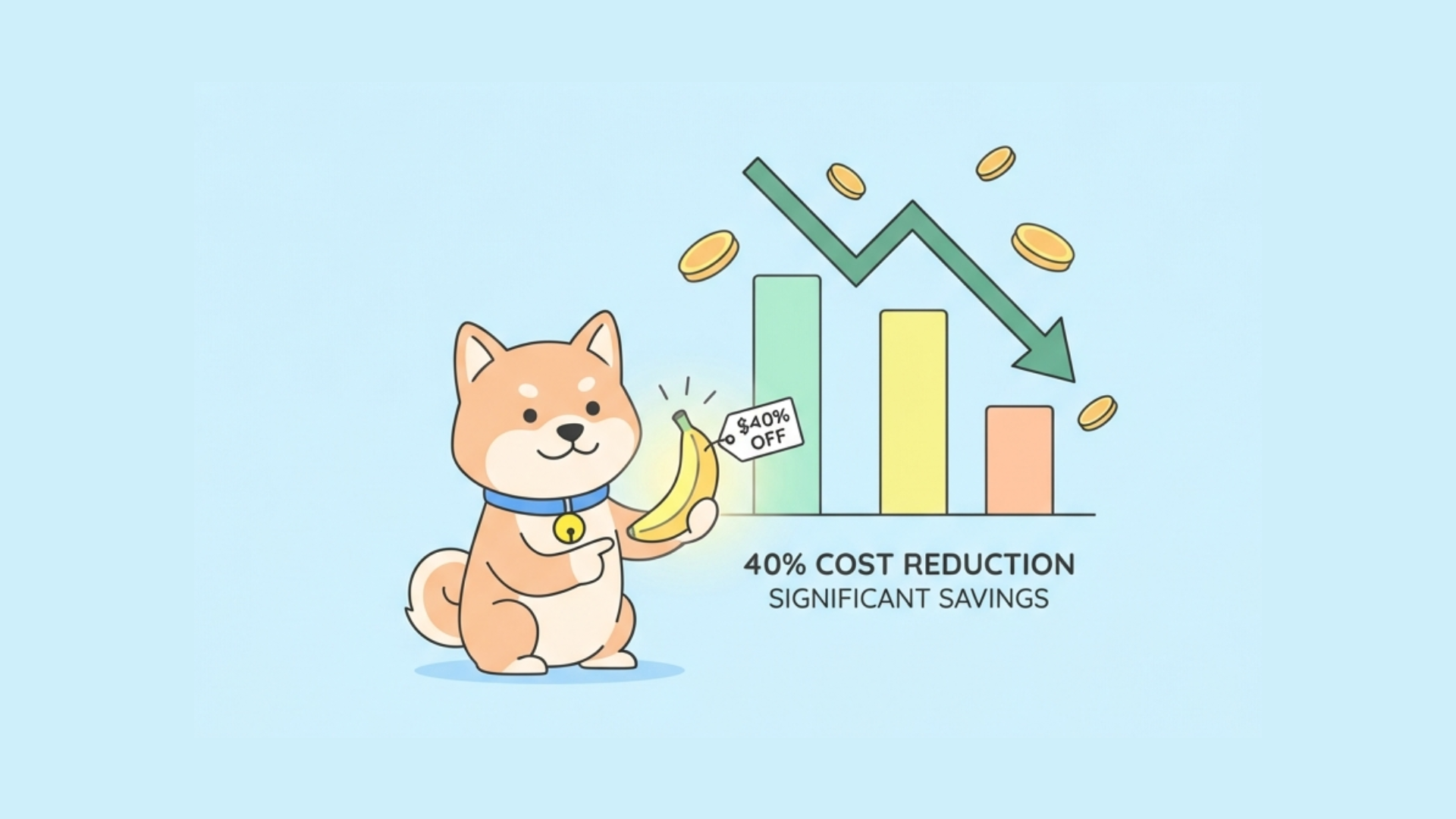
Nano Banana 2 (Gemini 3.1 Flash Image) pricing ranges from free to $0.040 per request. Hypereal offers the cheapest access at $0.040/request, that's 40% cheaper than Google's direct API at ~$0.067. The free tier provides ~15 generations per day, while paid Google plans ($19.99-$49.99/month) offer higher quotas and 4K resolution.
Whether you're building an AI-powered app, creating marketing content, or integrating image generation into your workflow, managing costs is critical.
What is Nano Banana 2?
Nano Banana 2 is Google's code name for Gemini 3.1 Flash Image. It's a fast, efficient text-to-image (T2I) model that produces high-quality images from text prompts in seconds.
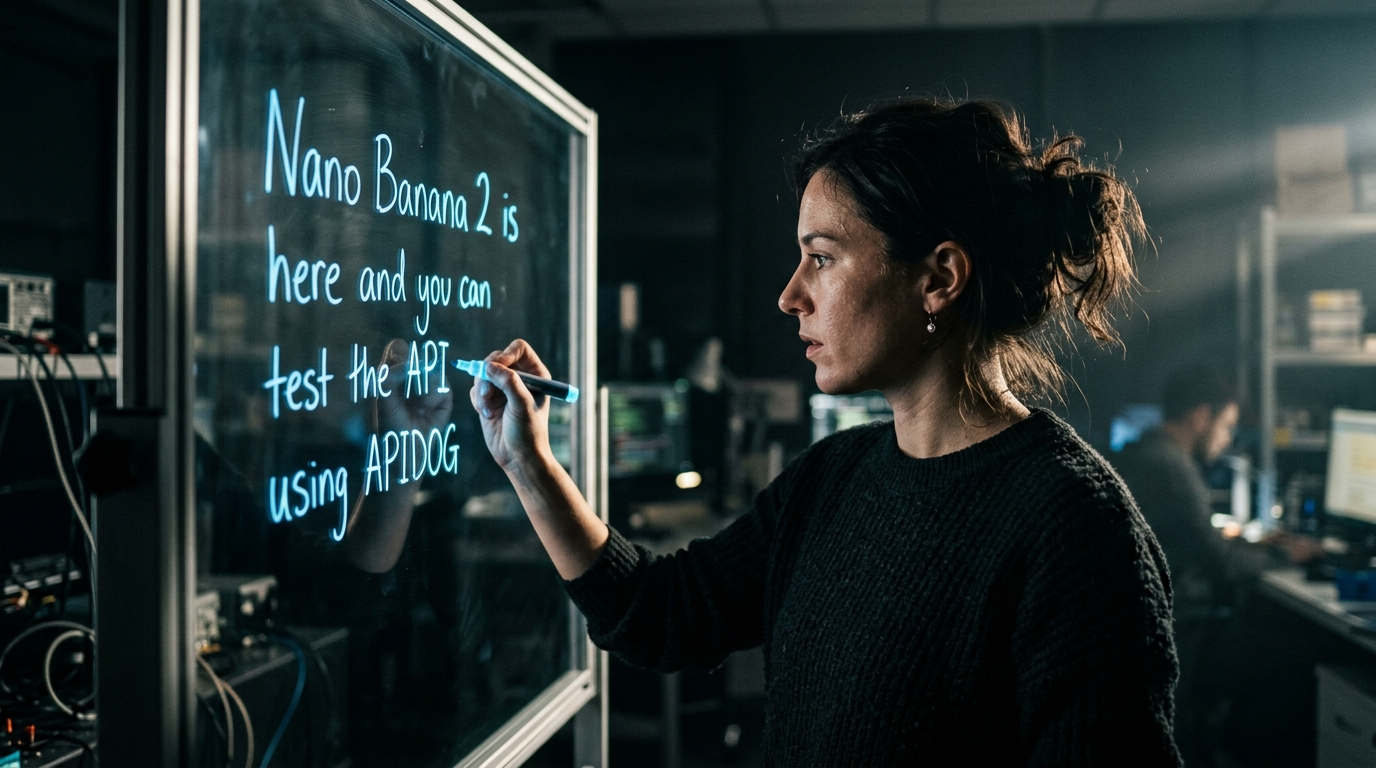
Key Capabilities
- Text-to-Image Generation: Convert text descriptions into detailed images
- Multi-modal Input: Work with combined text and image prompts
- Extreme Aspect Ratios: Generate panoramic, tall, or wide images
- High Resolution: Up to 4K output (3840×2160) on premium tiers
- Fast Generation: Typically 2-5 seconds per image
- Google Search Enhancement: Some providers add search-based refinements
Nano Banana 2 Pricing Overview
Here's a quick summary of all pricing options:
| Provider | Price | Best For | Sign-up Required |
|---|---|---|---|
| Hypereal | $0.040/request | Budget-conscious developers | Yes |
| Free (Gemini) | ~15/day | Learning and experimentation | Yes |
| Google AI Pro | $19.99/month | Regular users, small teams | Yes |
| Google AI Ultra | $49.99/month | Power users, enterprises | Yes |
| Google API | ~$0.067/request | Flexible usage, scaling | Yes |
Key Takeaway: Hypereal at $0.040/request is the cheapest option, 40% savings compared to Google's direct API.
Option 1: Hypereal (Cheapest at $0.040/request)
Hypereal is our top recommendation for accessing Nano Banana 2 at the lowest cost.
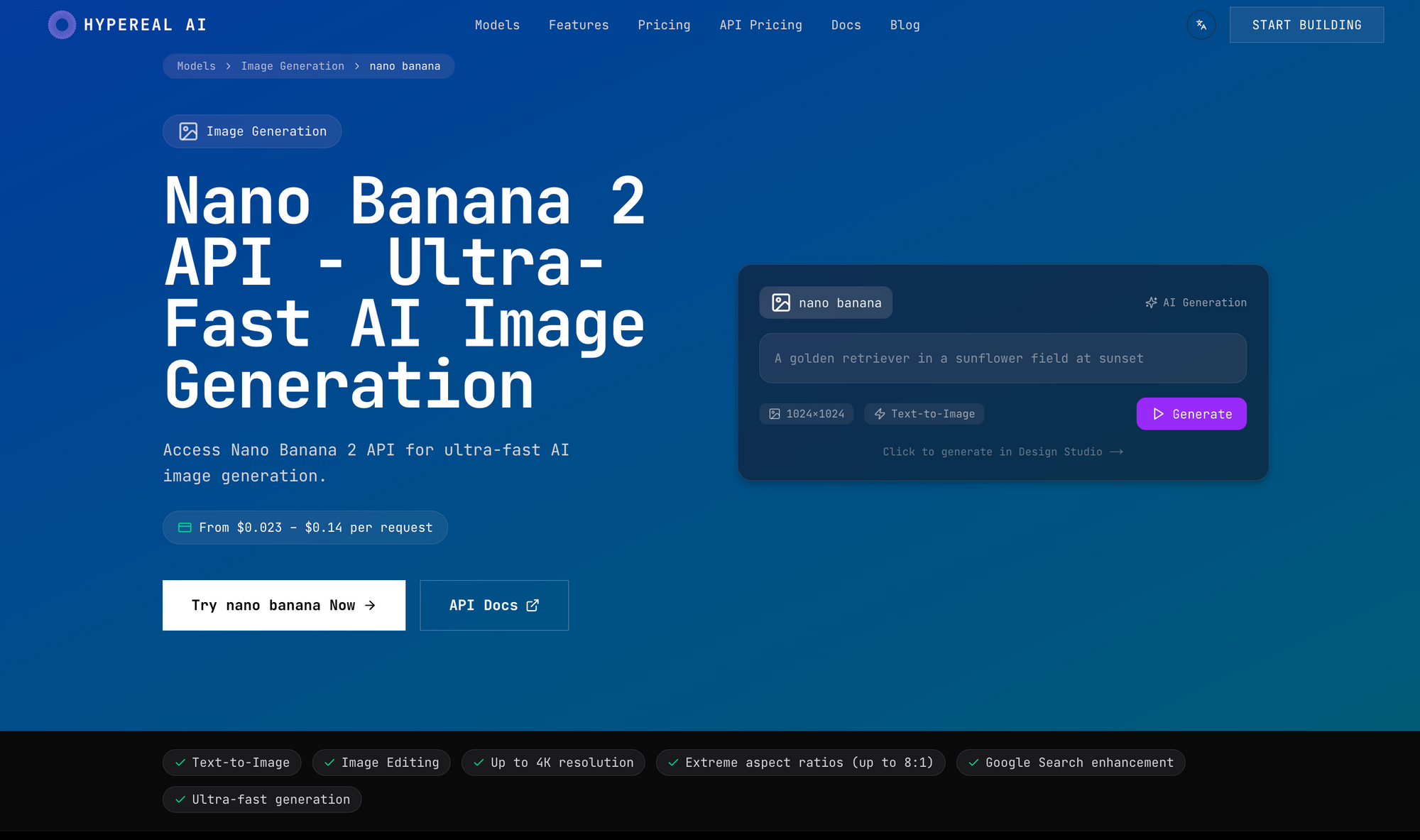
Pricing
$0.040 per request (40 cents per 10 requests)
This is the cheapest way to access Nano Banana 2 on the market.
What's Included
- Full Nano Banana 2 T2I (text-to-image) capabilities
- Extreme aspect ratios (panoramic, ultra-wide, ultra-tall)
- Up to 4K resolution (3840×2160)
- Google Search enhancement for better prompts
- No waitlist, immediate access
- API access with simple REST integration
- Commercial usage rights included
Why Choose Hypereal
| Benefit | Details |
|---|---|
| 40% cheaper | vs Google's ~$0.067 API price |
| Simple pricing | Pay per request—no complex tiers |
| No subscription | Pay only for what you use |
| No wait | Get started immediately |
| Commercial rights | Use in your products and client work |
| Easy API | Simple REST API integration |
Example Costs
| Monthly Requests | Hypereal Cost | Google API Cost | Savings |
|---|---|---|---|
| 100 | $4.00 | $6.70 | $2.70 |
| 500 | $20.00 | $33.50 | $13.50 |
| 1,000 | $40.00 | $67.00 | $27.00 |
| 5,000 | $200.00 | $335.00 | $135.00 |
| 10,000 | $400.00 | $670.00 | $270.00 |
| 50,000 | $2,000.00 | $3,350.00 | $1,350.00 |
Who Should Use Hypereal?
- Startups with tight budgets
- Freelancers billing clients for image generation
- Agencies generating hundreds of images monthly
- Developers building AI-powered products
- Anyone who needs reliable access without subscription lock-in
Option 2: Free Tier
Google offers a free tier through the Gemini app, perfect for learning and experimentation.
What's Included
- ~15 generations per day (varies by demand)
- Basic resolution (up to 1024×1024)
- Standard processing speed
- Gemini web app and mobile app access
- Basic prompt editing
Best For
- Learning Nano Banana 2's capabilities
- Testing prompts before production use
- Casual experimentation
- Personal projects
- Proof of concepts
How to Access Free Tier
- Visit gemini.google.com
- Sign in with your Google account
- Start generating images in the chat interface
Note: The free tier is not suitable for commercial use or production applications. If you need reliable, unlimited access, use Hypereal.
Option 3: Google AI Pro ($19.99/month)
Google AI Pro is the subscription plan for regular users who need more than the free tier.
Pricing
$19.99 per month
Billed monthly, cancel anytime.
What's Included
- Substantial monthly generation quota
- Up to 2048px resolution
- Priority processing (faster than free tier)
- Access to Nano Banana Pro (enhanced model)
- Commercial usage rights
- Higher API rate limits
- Gemini Advanced features included
- Access to Gemini 2.0 Pro and Ultra models
Cost Analysis
At $19.99/month, your per-image cost depends on usage:
| Images/Month | Effective Cost/Image |
|---|---|
| 100 | $0.20 |
| 500 | $0.04 |
| 1,000 | $0.02 |
| 2,000 | $0.01 |
Break-even point: If you generate more than ~285 images/month, the Pro plan becomes more cost-effective than pay-per-use at $0.067/image.
Who Should Use Google AI Pro?
- Freelancers with regular client work
- Small businesses with consistent needs
- Content creators publishing daily
- Developers building internal tools
- Marketing teams needing bulk generation
How to Subscribe
- Visit gemini.google.com
- Click "Upgrade to Gemini Advanced"
- Complete payment ($19.99/month)
- Access Pro features immediately
Option 4: Google AI Ultra ($49.99/month)
Google AI Ultra is the premium tier for power users and enterprises.
Pricing
$49.99 per month
Google's highest-tier AI subscription.
What's Included
- Generous or unlimited quota (varies by demand)
- Full 4K resolution (3840×2160)
- Highest priority processing
- Access to all Gemini models (2.0 Ultra, 2.0 Pro, Nano variants)
- Extended commercial license
- Priority support
- Early access to new features
- 2TB Google Cloud storage
Value Analysis
For $49.99/month, you get:
- Unlimited (or very high) image generation
- Best quality and speed
- All Google's AI features
- Suitable for enterprise workloads
Who Should Use Google AI Ultra?
- Large agencies with high volume needs
- Professional studios
- Enterprise teams
- Production applications requiring 4K
- Teams needing priority support
Option 5: Google API Pay-Per-Use
For flexible, usage-based pricing directly from Google.
Estimated Pricing
~$0.067 per image generation
Note: Google has complex pricing tiers based on input/output tokens and resolution. The ~$0.067 figure is an estimate for standard 1024×1024 images.
Pros
- Pay only for usage: No upfront costs
- No commitment: Month-to-month flexibility
- Scalable: Handle variable workloads
- Direct from Google: Latest features immediately
- High limits: Suitable for large applications
Cons
- More expensive than Hypereal (40% more)
- Complex pricing: Multiple tiers and factors
- Requires setup: API key, billing account
- Variable costs: Harder to predict monthly spend
When to Use Google API
- Very low volume (<200 images/month)
- Unpredictable usage patterns
- Need for the latest Google features
- Enterprise requiring direct Google support
Detailed Price Comparison
Side-by-Side Comparison
| Feature | Hypereal | Free | Google API | Pro | Ultra |
|---|---|---|---|---|---|
| Price | $0.040/req | Free | ~$0.067/req | $19.99/mo | $49.99/mo |
| Resolution | Up to 4K | 1024px | Up to 2K | Up to 2K | 4K |
| Daily Limit | Unlimited | ~15 | Unlimited | High | Unlimited |
| Speed | Fast | Standard | Fast | Priority | Highest |
| Commercial | Yes | No | Yes | Yes | Yes |
| API Access | Yes | No | Yes | Yes | Yes |
| Support | Standard | None | Standard | Priority | Premium |
Monthly Cost Comparison at Scale
| Usage | Hypereal | Google API | Pro Plan | Ultra Plan |
|---|---|---|---|---|
| 100 img/mo | $4 | $7 | $20 | $50 |
| 500 img/mo | $20 | $34 | $20 | $50 |
| 1,000 img/mo | $40 | $67 | $20 | $50 |
| 2,000 img/mo | $80 | $134 | $20 | $50 |
| 5,000 img/mo | $200 | $335 | $20+ | $50 |
| 10,000 img/mo | $400 | $670 | $20+ | $50 |
| 50,000 img/mo | $2,000 | $3,350 | $20+ | $50 |
Analysis: Hypereal provides the best value for most use cases. The Pro plan only makes sense above ~285 images/month, and Ultra for very high volumes or 4K requirements.
Cost Examples by Use Case
Example 1: Solo Blogger
Scenario: You run a personal blog and need images for 4 blog posts per month.
- Usage: ~20 images/month
- Hypereal: $0.80/month
- Free tier: $0 (perfect fit!)
- Google API: $1.34/month
- Pro: $19.99/month (overkill)
Recommendation: Use the free tier,20 images is well within the daily limit.
Example 2: Small Business Website
Scenario: You run an e-commerce site needing product images, blog graphics, and social media content.
- Usage: 200 images/month
- Hypereal: $8.00/month
- Google API: $13.40/month
- Pro: $19.99/month
- Ultra: $49.99/month
Recommendation: Hypereal at $8/month, significant savings over Pro while meeting all needs.
Example 3: Marketing Agency
Scenario: A digital marketing agency creating content for multiple clients.
- Usage: 5,000 images/month
- Hypereal: $200/month
- Google API: $335/month
- Pro: Likely exceeds quota, would need overages
- Ultra: $49.99/month (might work if within limit)
Recommendation: Hypereal at $200/month, predictable costs, no quota concerns.
Example 4: SaaS Product
Scenario: A SaaS company integrating AI image generation into their product.
- Usage: 20,000 images/month
- Hypereal: $800/month
- Google API: $1,340/month
- Pro: Exceeds quota significantly
- Ultra: $49.99/month (but may have limits)
Recommendation: Hypereal at $800/month, 40% savings over Google API, reliable SLA.
Example 5: Enterprise Studio
Scenario: A game studio needing thousands of AI-generated assets.
- Usage: 100,000 images/month
- Hypereal: $4,000/month
- Google API: $6,700/month
- Pro: Won't work
- Ultra: Contact Google for enterprise
Recommendation: Hypereal at $4,000/month, or negotiate enterprise pricing directly with Google for 100K+ volume.
How to Get Started
Getting Started with Hypereal (Recommended)
- Visit: Hypereal Official website
- Sign up: Create an account with email
- Get API Key: Generate your API key in the dashboard
- Make Requests: Use simple REST API calls
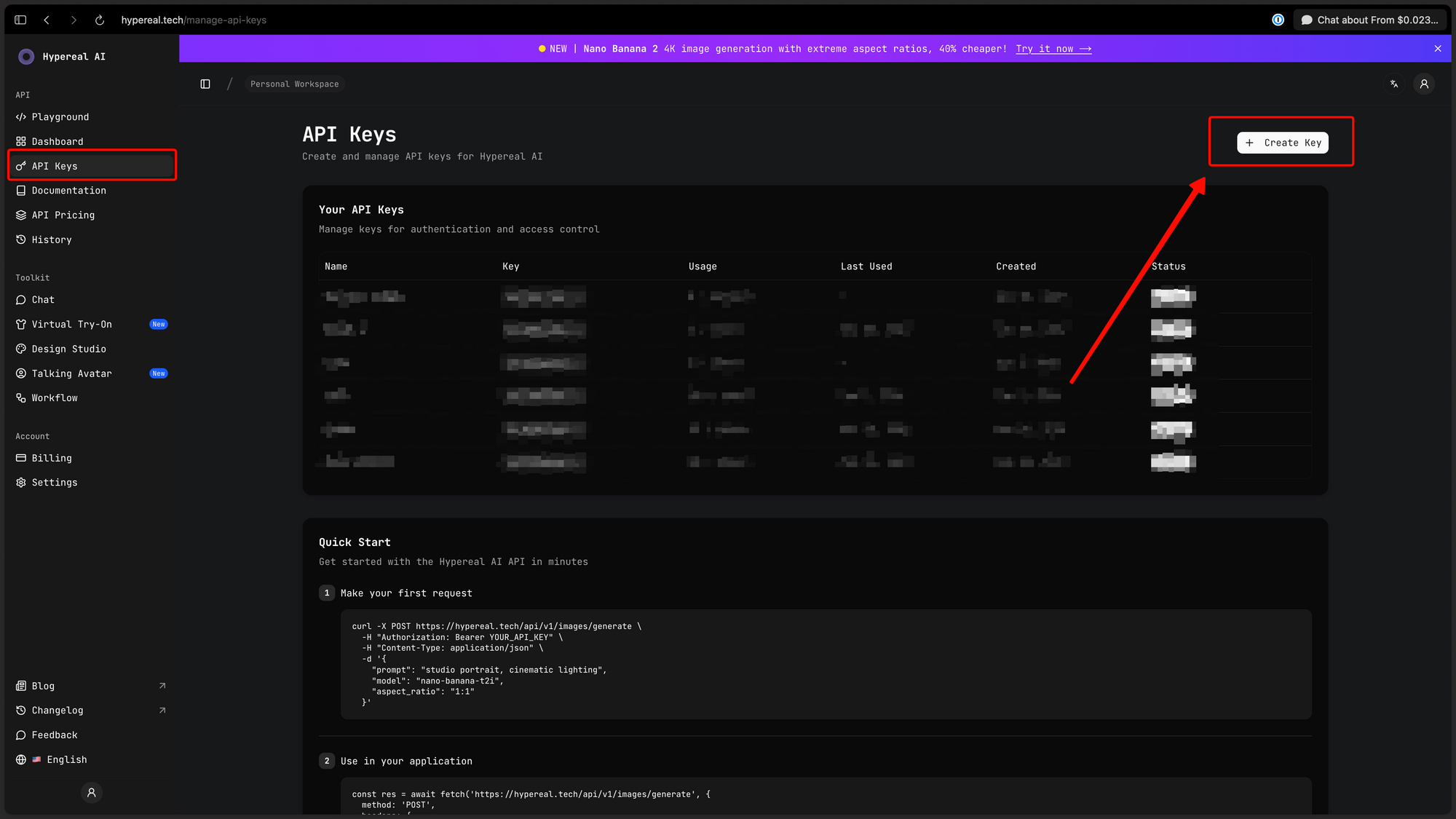
Example API Call (Python):
import requests

API_URL = "https://api.hypereal.tech/v1/nano-banana"
headers = {
    "Authorization": "Bearer YOUR_API_KEY",
    "Content-Type": "application/json"
}
payload = {
    "prompt": "A futuristic city at sunset, cyberpunk style",
    "aspect_ratio": "16:9",
    "resolution": "2048x1152"
}

response = requests.post(API_URL, json=payload, headers=headers)
image_url = response.json()["data"][0]["url"]
Getting Started with Google API
- Visit: aistudio.google.com
- Create Project: Set up a Google Cloud project
- Enable API: Enable Gemini API
- Get API Key: Generate credentials
- Set Billing: Add payment method
- Make Requests: Use Google's API
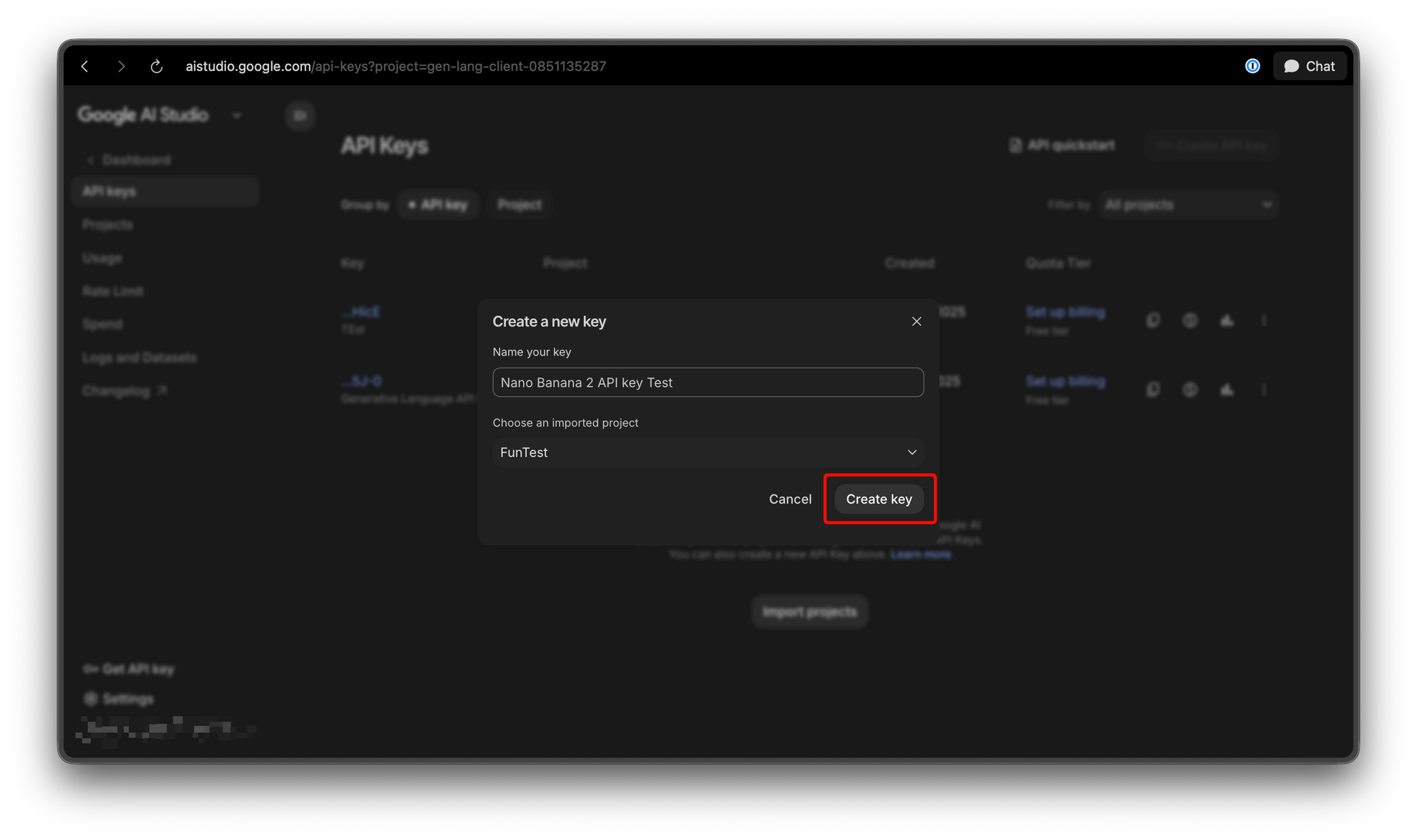
Example API Call:
import google.genai as genai

client = genai.Client(api_key="YOUR_GOOGLE_API_KEY")
response = client.models.generate_images(
    model="gemini-2.0-flash-exp",
    prompt="A futuristic city at sunset, cyberpunk style"
)
Which Option Should You Choose?
Decision Matrix
| If... | Choose... |
|---|---|
| Budget is critical | Hypereal ($0.040/req) |
| Just learning | Free tier |
| < 285 images/month | Free or Hypereal |
| 285-500 images/month | Pro ($19.99/mo) |
| 500+ images/month | Hypereal |
| Need 4K resolution | Ultra ($49.99/mo) |
| Enterprise needs | Contact Hypereal or Google |
| Unpredictable usage | Hypereal or API pay-per-use |
Our Recommendation
For most users: Hypereal at $0.040/request
Reasons:
- 40% cheaper than Google's API
- No subscription,pay only for what you use
- Commercial rights included
- 4K resolution available
- Simple pricing, no complex tiers
Nano Banana 2 Features & Capabilities
Generation Speed
- Typical: 2-5 seconds per image
- Complex prompts: 5-10 seconds
- 4K resolution: 10-20 seconds
Supported Resolutions
| Tier | Maximum Resolution |
|---|---|
| Free | 1024×1024 |
| Pro | 2048×2048 |
| Ultra | 3840×2160 (4K) |
| Hypereal | 3840×2160 (4K) |
Aspect Ratios
- 1:1 (Square)
- 4:3, 3:4 (Portrait/Landscape)
- 16:9, 9:16 (Widescreen)
- 21:9 (Ultrawide)
- Custom ratios (extreme aspects)
Prompt Capabilities
- Detailed text descriptions
- Multiple subjects
- Style references (photorealistic, anime, oil painting, etc.)
- Composition guidance
- Negative prompts
- Image-to-image (inpainting/outpainting)
Managing API Costs with Apidog
Whether you use Hypereal, Google API, or any other provider, tracking your API costs is essential. Apidog provides comprehensive API management tools.
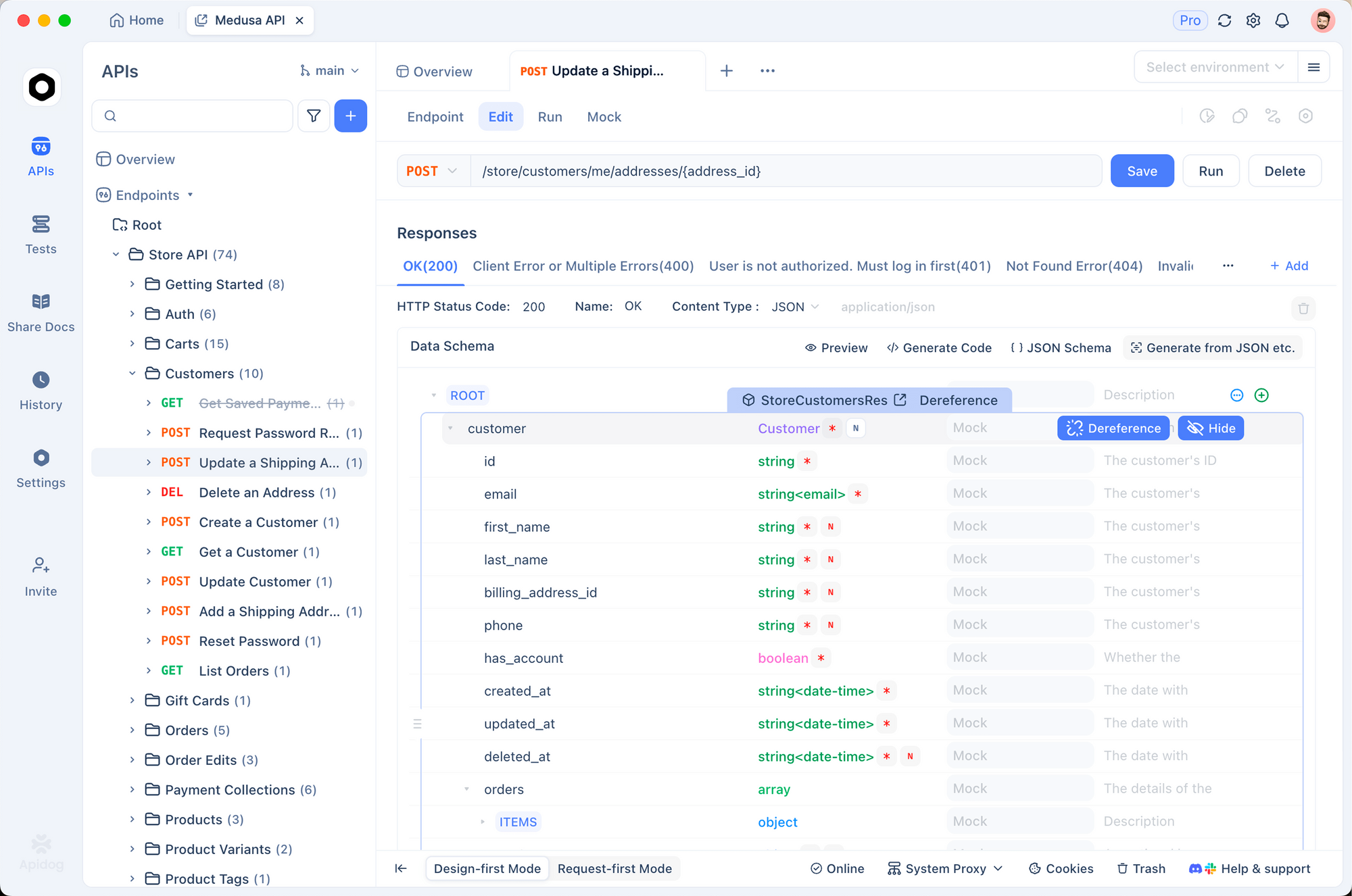
Apidog Features for Image Generation APIs
| Feature | Benefit |
|---|---|
| Request Logging | Track every API call |
| Cost Analytics | Calculate spending in real-time |
| Budget Alerts | Get notified before overspending |
| Usage Reports | Analyze patterns over time |
| Team Collaboration | Share access with your team |
Conclusion
Hypereal at $0.040/request is the cheapest and most practical way to access Nano Banana 2 in 2026. Here's the summary:
| Option | Price | Best For |
|---|---|---|
| Hypereal | $0.040/request | ✅ Most users, budget-conscious |
| Free | ~15/day | Learning, personal use |
| Pro | $19.99/month | Heavy Google ecosystem users |
| Ultra | $49.99/month | 4K, enterprise, power users |
| Google API | ~$0.067/request | Flexible, variable usage |
Key Takeaways:
- Hypereal saves 40% compared to Google's direct API
- Free tier works for learning and occasional use
- Pro plan breaks even at ~285 images/month
- Ultra for 4K and enterprise needs
- Track costs with Apidog to optimize spending