
TL;DR
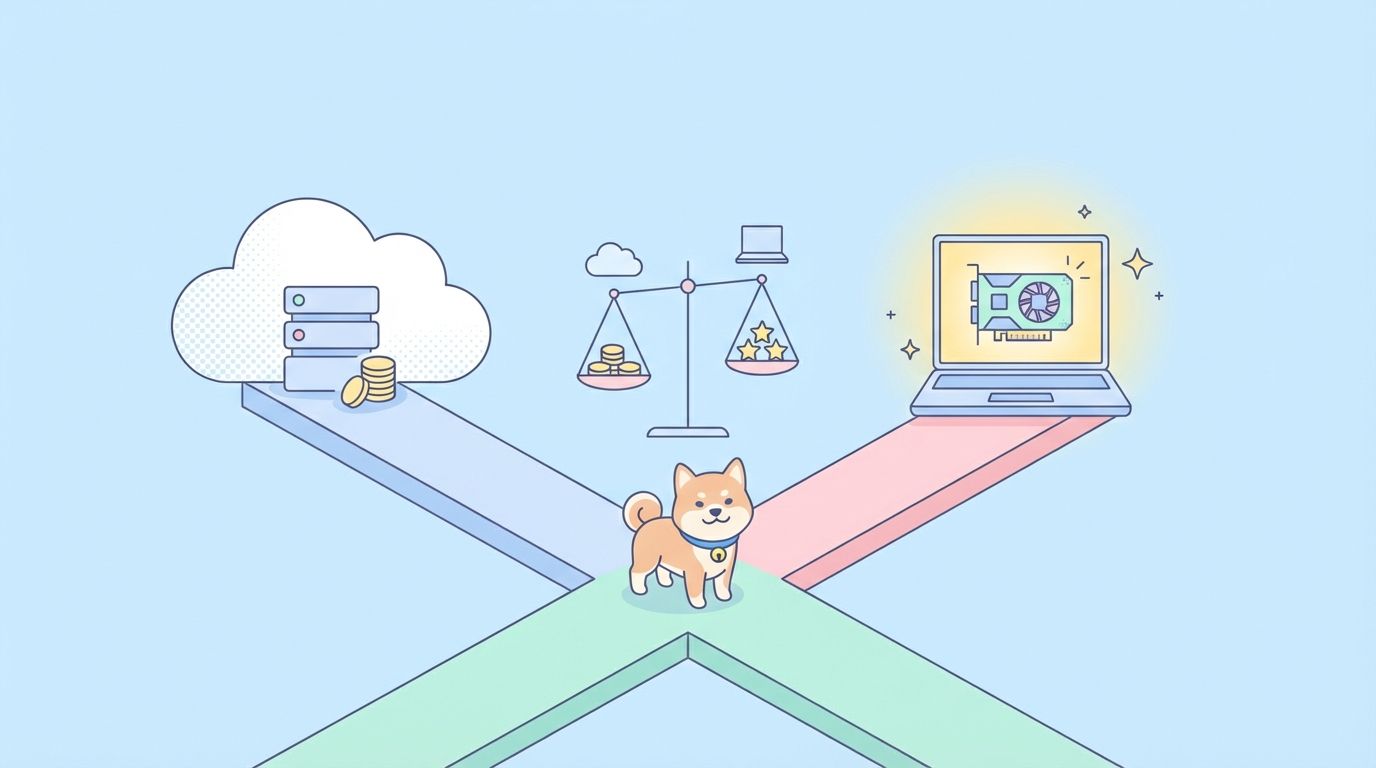
Local AI runs on your hardware, costs nothing per request, and keeps data private. API-based AI is faster to start, more capable, and scales without infrastructure. Most teams need both. This guide covers when each approach wins, with concrete numbers.
Introduction
Gemma 4 running natively on an iPhone. A browser extension that embeds a full language model without an API key. These weren't possible 18 months ago. Today they're shipping on HackerNews.
The decision used to be simple: frontier models are API-only, everything else is too weak to matter. That's changed. Local models like Qwen2.5-72B, Gemma 4, and DeepSeek-V3 now compete on real benchmarks. Developers who previously defaulted to OpenAI's API are reconsidering, especially for privacy-sensitive applications or high-volume tasks where per-token costs compound fast.
This article cuts through the marketing. You'll get concrete numbers on cost, latency, and capability so you can make the right call for your use case.
/v1/chat/completions and run the same assertions. More on that later. See [internal: api-testing-tutorial] for the baseline testing approach.What "running AI locally" actually means
Local AI isn't one thing. There are three distinct setups:
On-device inference: the model runs entirely on the device, with no server. Gemma Gem in a browser tab, Gemma 4 on an iPhone's Neural Engine, or a Ollama model on your MacBook. No internet required after download.
Self-hosted server: you run a model on your own hardware (a workstation, a cloud VM you control, or an on-premises server) and expose an API. The model isn't running on the end-user's device, but it's not at OpenAI either. Tools like llama-server, Ollama, and vLLM handle this.
Private cloud: you deploy a model on your own cloud infrastructure (AWS Bedrock custom models, Azure private endpoints, GCP Vertex AI custom models). More control than public API, less hassle than fully self-hosted.
The comparison in this article focuses on self-hosted vs. public API, since that's the decision most developers face.
Cost comparison
This is where local AI wins clearly for high-volume workloads.
Public API pricing (April 2026):
| Model | Input (per 1M tokens) | Output (per 1M tokens) |
|---|---|---|
| GPT-4o | $2.50 | $10.00 |
| Claude 3.5 Sonnet | $3.00 | $15.00 |
| Gemini 1.5 Pro | $1.25 | $5.00 |
| GPT-4o mini | $0.15 | $0.60 |
| Claude 3 Haiku | $0.25 | $1.25 |
Self-hosted cost estimate (Qwen2.5-72B on a single A100 80GB):
An A100 80GB from Lambda Labs costs ~$1.99/hour on-demand. Qwen2.5-72B at INT4 quantization fits on one A100 and serves roughly 200 tokens/second.
At 200 tokens/second with 100% utilization, that's 720K tokens/hour, or roughly $0.0028 per 1K tokens total (input + output). For context, GPT-4o charges $0.01 per 1K tokens output alone.
Break-even point: if you're processing more than ~70K output tokens per day consistently, self-hosted beats GPT-4o on cost. Below that, the API wins because you're not paying for idle GPU time.
For lighter models: a 4-bit quantized Gemma 4 (12B) runs on a single RTX 4090 ($600-800 used). At $0.40/hour for equivalent cloud GPU time, self-hosting breaks even against GPT-4o mini at roughly 15K output tokens/day.
Latency comparison
This is where it gets more nuanced.
Time to first token (TTFT): on a dedicated A100, TTFT for a 1K-token prompt with a 72B model is roughly 800ms-1.5s. OpenAI's API typically returns the first token in 300-800ms for similar inputs under normal load.
For on-device inference (iPhone Neural Engine, Apple Silicon), TTFT for Gemma 4 is 200-400ms because there's zero network overhead. This is where on-device wins clearly.
Throughput: a single A100 running a 72B model at INT4 serves one user well but degrades under concurrent load without batching. Public APIs handle concurrency transparently.
Streaming: both approaches support streaming. For on-device models, the entire generation happens locally, so there's no network jitter. For API models, you're at the mercy of network conditions.
Summary: on-device wins for lowest latency (no network). Self-hosted wins for throughput at scale (with proper batching via vLLM). Public API wins for burst capacity and simplicity.
Capability comparison
This is where public APIs still have the edge for most demanding tasks.
Reasoning and complex tasks: GPT-4o and Claude 3.5 Sonnet remain ahead of open-weight models on MMLU, HumanEval, and complex multi-step reasoning. The gap has narrowed significantly with Qwen2.5-72B and DeepSeek-V3, but it's still real.
Code generation: close. DeepSeek-Coder-V2 and Qwen2.5-Coder-32B match GPT-4o on many code benchmarks. For code-specific tasks on a self-hosted setup, you can use a specialized code model rather than a general-purpose one.
Context length: frontier API models support 128K-1M token contexts. Most self-hosted models top out at 32K-128K in practice (longer contexts require proportionally more memory).
Multimodal: GPT-4o and Gemini 1.5 Pro handle image, audio, and video inputs. Open-weight multimodal models exist (LLaVA, Qwen-VL) but lag behind.
Function calling / tool use: OpenAI and Anthropic have the most reliable tool-use support. Open-weight models with tool use work but are less consistent on complex tool chains. See [internal: how-ai-agent-memory-works] for how this affects agent architectures.
Privacy and data control
This is where local wins without contest.
With a public API: - Your prompts leave your network - The provider's data retention policy applies (OpenAI retains inputs for 30 days by default unless you opt out via API) - You're subject to the provider's terms of service on sensitive content - In regulated industries (healthcare, finance, legal), this may be a compliance blocker
With a self-hosted model: - Prompts stay on your infrastructure - No third-party data retention - Full control over what the model can and can't process - GDPR/HIPAA compliance is easier to maintain
For applications handling personal health data, legal documents, or proprietary code, self-hosted is often not optional.
How to test AI integrations regardless of where the model runs
Whether you're hitting https://api.openai.com/v1/chat/completions or http://localhost:11434/api/chat (Ollama) or http://localhost:8080/v1/chat/completions (llama-server), the API surface is OpenAI-compatible. This matters because Apidog Test Scenarios work against any HTTP endpoint.
A single Test Scenario can run against both:
{
  "scenario": "Chat completion smoke test",
  "environments": {
    "local": {"base_url": "http://localhost:11434"},
    "production": {"base_url": "https://api.openai.com"}
  },
  "steps": [
    {
      "name": "Basic completion",
      "method": "POST",
      "url": "{{base_url}}/v1/chat/completions",
      "body": {
        "model": "{{model_name}}",
        "messages": [{"role": "user", "content": "Say 'test passed' and nothing else"}],
        "max_tokens": 20
      },
      "assertions": [
        {"field": "status", "operator": "equals", "value": 200},
        {"field": "response.choices[0].message.content", "operator": "contains", "value": "test passed"},
        {"field": "response.usage.total_tokens", "operator": "less_than", "value": 50}
      ]
    }
  ]
}
Run this scenario against your local Ollama instance during development and against the OpenAI API in CI. If your code works against the local model, it should work against the API. If it doesn't, the difference is usually in: - Model name format (Ollama uses qwen2.5:72b, OpenAI uses gpt-4o) - Function calling response structure (subtle differences between providers) - Streaming event format (data vs. delta vs. full response objects)
Apidog's Smart Mock is useful for simulating local-model behavior in CI without needing the GPU online. Configure a mock that returns valid OpenAI-compatible responses and run your Test Scenarios against it. See [internal: how-to-build-tiny-llm-from-scratch] for background on why the response structures differ at the model level.
Setting up a local model server in 10 minutes
If you want to try self-hosted before committing, Ollama is the fastest path:
# Install Ollama
curl -fsSL https://ollama.com/install.sh | sh

# Pull a model (Gemma 4 12B, fits in 10GB VRAM)
ollama pull gemma4:12b

# Start the server (OpenAI-compatible API on port 11434)
ollama serve

# Test it
curl http://localhost:11434/v1/chat/completions \
  -H "Content-Type: application/json" \
  -d '{
    "model": "gemma4:12b",
    "messages": [{"role": "user", "content": "Hello"}]
  }'
For production self-hosting with multi-user concurrency, vLLM is the better choice:
pip install vllm
python -m vllm.entrypoints.openai.api_server \
  --model Qwen/Qwen2.5-72B-Instruct-AWQ \
  --quantization awq \
  --max-model-len 32768
This exposes an OpenAI-compatible API on port 8000. Point Apidog at http://your-server:8000 and run your Test Scenarios directly.
When to choose each approach
| Scenario | Local | API |
|---|---|---|
| High-volume batch processing (>100K tokens/day) | Cheaper | Expensive |
| Privacy-sensitive data (health, legal, finance) | Required | Risky |
| Lowest latency on-device | Best | Not possible |
| Frontier model capability needed | Insufficient | Required |
| Burst workloads with variable traffic | Complex to scale | Handles automatically |
| No GPU available | Hard | Easy |
| Dev/test environment | Great (Ollama) | Costs money |
| Multimodal tasks | Limited | Full support |
| Regulated industry compliance | Easier | Requires DPA |
The honest answer for most teams: use a public API for production (Claude or GPT-4o for quality tasks, Haiku or 4o-mini for high-volume cheaper tasks), and Ollama locally for development and testing. This gives you the best of both: frontier quality in production, zero cost in development, and consistent OpenAI-compatible API surface throughout.
See [internal: open-source-coding-assistants-2026] for how open source coding assistants fit into the local AI picture.
Conclusion
The local vs. API decision isn't binary. The right answer depends on your volume, privacy requirements, latency needs, and the capability level you need.
For most developers building AI-powered applications: start with a public API, move to self-hosted when your monthly bill exceeds $200-300, and use Ollama in your local environment from day one. Keep your code provider-agnostic by using the OpenAI-compatible API surface everywhere.
Test both environments consistently with Apidog to catch the subtle differences between local and cloud model behavior before they become production bugs.
FAQ
What's the minimum GPU to run a useful local model?An RTX 3060 (12GB VRAM) runs Qwen2.5-7B or Gemma 4 4B at full quality. An RTX 4090 (24GB VRAM) handles most 14B-20B models at INT4 quantization and 34B models at INT2. For 72B models you need 2x 24GB GPUs or a single A100/H100.
Can I run local AI on Apple Silicon?Yes. Ollama has native Apple Silicon support and uses the Neural Engine for acceleration. An M3 Pro (18GB unified memory) runs Qwen2.5-14B comfortably. An M4 Max (128GB) handles 70B models.
Is local model output quality good enough for production?Depends on the task. For code generation, summarization, and structured data extraction: yes, with a 32B+ model. For complex reasoning, nuanced writing, or tasks that need deep world knowledge: frontier API models still have a clear edge.
Do local models support function calling?Yes, but inconsistently. Llama 3.1, Qwen2.5, and Mistral all support tool use. The reliability is lower than GPT-4o or Claude 3.5 Sonnet on complex tool chains. Test thoroughly with Apidog Test Scenarios before relying on local model tool use in production. See [internal: claude-code] for how frontier models handle tool use in coding contexts.
How much does it cost to self-host a 70B model on AWS?A p4d.24xlarge (8x A100 40GB) costs $32.77/hour on-demand. Runs a 70B INT8 model with high throughput. A g5.2xlarge (1x A10G 24GB) at $1.21/hour runs a 14B INT4 model for lighter workloads. Reserved instances reduce these by 30-40%.
What's the difference between Ollama and llama.cpp?llama.cpp is the underlying inference engine. Ollama wraps llama.cpp with a REST API, model management (pull, list, delete), and a simple CLI. Use Ollama for development. Use llama.cpp directly (via llama-server) if you need more control over quantization formats or hardware configuration.
Can I switch between local and API models without changing my code?Yes, if you use an OpenAI-compatible client. In Python: openai.OpenAI(base_url='http://localhost:11434/v1', api_key='ollama') connects to Ollama. Change base_url to https://api.openai.com/v1 and update api_key to switch to the cloud. Set these via environment variables and your code never changes.


