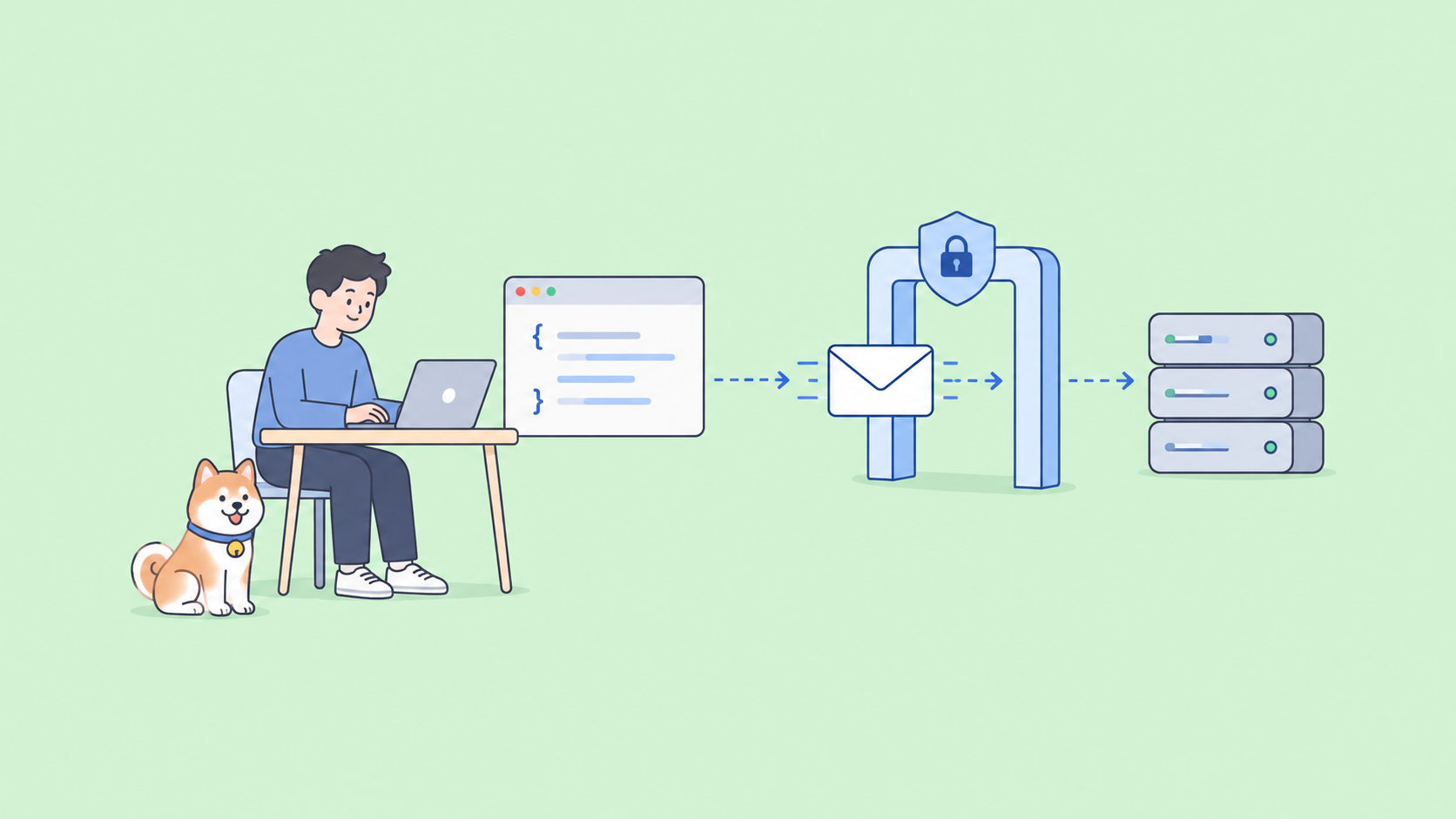
The Kimi K2.7 Code API gives you Moonshot’s coding-tuned trillion-parameter model behind an OpenAI-compatible endpoint. If you can call the OpenAI API, you can call this one; swap the base URL, set the model id, and you’re done. There’s also an Anthropic-compatible endpoint so it drops straight into Claude Code.
This guide covers both ways to access it, the exact base URL and model ids, working code in curl, Python, and Node, the pricing, and how to test the whole thing in Apidog before you ship.
TL;DR
- Base URL:
https://api.moonshot.ai/v1(OpenAI-compatible). For Claude Code, usehttps://api.moonshot.ai/anthropic. - Model id:
kimi-k2.7-codeon the pay-per-token Moonshot API;kimi-for-codingon the Kimi Code subscription. - Pricing: $0.95 per million input tokens, $4.00 per million output, $0.19 per million on cache hits.
- Get a key at the Kimi platform console, then call it like any OpenAI endpoint.
- The model always reasons (thinking is forced on), so expect reasoning tokens in every response.
Two ways to access the model
Pick the path that matches how you’ll use it.
Pay-per-token developer API. Standard usage-based billing through the Moonshot API. Model id kimi-k2.7-code, base URL https://api.moonshot.ai/v1. This is what you want for production traffic, scripts, and anything programmatic.
Kimi Code subscription. A flat-rate plan tied to the Kimi Code CLI and console. Keys from the Kimi Code console use the model id kimi-for-coding and bill against a quota that refreshes every 7 days instead of per token. Better for heavy interactive coding, where per-token costs would pile up.
The rest of this guide uses the pay-per-token API, since that’s the one you call from your own code.
Step 1: Get an API key
- Sign in at the Kimi platform console.
- Create a key and copy it. You won’t see it again, so store it in a secret manager or an environment variable.
- Export it locally:
export MOONSHOT_API_KEY="sk-your-key-here"
Treat the key like a password. Don’t commit it, and don’t paste it into client-side code.
Step 2: Make your first request
The endpoint mirrors OpenAI’s chat completions, so a plain curl call works:
curl https://api.moonshot.ai/v1/chat/completions \
  -H "Authorization: Bearer $MOONSHOT_API_KEY" \
  -H "Content-Type: application/json" \
  -d '{
    "model": "kimi-k2.7-code",
    "messages": [
      {"role": "system", "content": "You are a careful senior engineer."},
      {"role": "user", "content": "Write a Python function that validates an email and returns a clear error message."}
    ]
  }'
You’ll get back a standard OpenAI-shaped response: a choices array with the message, plus a usage object showing input, output, and reasoning token counts.
Step 3: Call it from Python
Because it’s OpenAI-compatible, the official openai SDK works with a base-URL change:
from openai import OpenAI

client = OpenAI(
    api_key=os.environ["MOONSHOT_API_KEY"],
    base_url="https://api.moonshot.ai/v1",
)

resp = client.chat.completions.create(
    model="kimi-k2.7-code",
    messages=[
        {"role": "user", "content": "Refactor this loop for readability and explain why."},
    ],
)

print(resp.choices[0].message.content)
print(resp.usage)
No new client, no custom HTTP layer. The same code that talks to GPT now talks to Kimi.
Step 4: Call it from Node
import OpenAI from "openai";

const client = new OpenAI({
  apiKey: process.env.MOONSHOT_API_KEY,
  baseURL: "https://api.moonshot.ai/v1",
});

const resp = await client.chat.completions.create({
  model: "kimi-k2.7-code",
  messages: [
    { role: "user", content: "Write a Jest test for an empty-input edge case." },
  ],
});

console.log(resp.choices[0].message.content);
What to know about the model’s behavior
A few quirks shape how you call it.
Thinking is always on. K2.7 Code forces reasoning and keeps it across turns. Every response carries reasoning tokens, which you pay for as output. The upside is it reasons about 30% more efficiently than K2.6, so the bill is lighter than the previous generation for the same work.
Tool calling works the OpenAI way. Pass a tools array with function schemas and the model returns tool-call objects you execute and feed back. It’s tuned for multi-step tool use, so it handles long chains without losing track.
It’s multimodal. You can send image content in the messages array for tasks like reading a screenshot of a failing UI or a diagram.
Pricing and rate limits
The pay-per-token rates:
| Token type | Price per million |
|---|---|
| Input | $0.95 |
| Output (incl. reasoning) | $4.00 |
| Cache hit | $0.19 |
Two things keep costs down. Cache hits are billed at a fraction of input price, so repeated system prompts and shared context get cheap. And the reduced reasoning budget means fewer output tokens per task than K2.6. For more tactics, see our guide on reducing agent token costs. If you want the older generation’s numbers for comparison, our Kimi K2.6 API guide and DeepSeek V4 API guide cover those.
Use it inside Claude Code, Cline, or Cursor
You don’t have to write a client to put K2.7 Code to work in your editor.
Claude Code. Point it at the Anthropic-compatible endpoint:
export ANTHROPIC_BASE_URL="https://api.moonshot.ai/anthropic"
export ANTHROPIC_AUTH_TOKEN="$MOONSHOT_API_KEY"
export ANTHROPIC_MODEL="kimi-k2.7-code"
Cline and RooCode. Select Moonshot as the provider, choose the api.moonshot.ai endpoint, paste your key, and pick kimi-k2.7-code as the model. Disable the browser tool for the smoothest run.
Cursor. Add the model through an OpenAI-compatible custom endpoint with the same base URL and key. The setup mirrors our Kimi-in-Cursor guide; only the model id changes.
Test and debug the API in Apidog
Before you wire the API into an agent, confirm exactly what it returns. Apidog gives you a visual workspace to send requests, inspect responses, and lock in tests.
- Create a
POSTrequest tohttps://api.moonshot.ai/v1/chat/completions. - Add the header
Authorization: Bearer {{MOONSHOT_API_KEY}}, storing the key as an Apidog environment variable so it never sits in plain text. - Send an OpenAI-style body with
"model": "kimi-k2.7-code"and yourmessages. - Run it. Apidog formats the JSON, surfaces the
usagetoken counts, and saves the call. - Turn the call into a test: assert the status is
200, thatchoices[0].message.contentisn’t empty, and thatusage.completion_tokensstays under a budget you set.
Now you have a regression test you can re-run on every model update. If you’re exercising the model’s tool calls through MCP, our MCP server testing playbook shows the assertions that catch broken tool contracts. Download Apidog to set it up.
FAQ
What’s the API base URL? https://api.moonshot.ai/v1 for OpenAI-compatible calls, https://api.moonshot.ai/anthropic for Claude Code.
Which model id do I use? kimi-k2.7-code on the pay-per-token API. The Kimi Code subscription uses kimi-for-coding.
Is it OpenAI-compatible? Yes. The request and response format matches OpenAI chat completions, so existing SDKs work with a base-URL change. There’s also an Anthropic-compatible endpoint.
How much does it cost? $0.95 per million input tokens, $4.00 per million output, and $0.19 per million on cache hits.
Do I always pay for reasoning tokens? Yes. Thinking is forced on, so every response includes reasoning tokens billed at the output rate. It still uses about 30% fewer than K2.6.
Can I send images? Yes. The model is multimodal, so image content in the messages array is supported.
Summary
The Kimi K2.7 Code API is a base-URL swap away from any OpenAI-compatible client: hit https://api.moonshot.ai/v1, use the model id kimi-k2.7-code, and pay $0.95/$4.00 per million tokens. For interactive coding, the flat-rate Kimi Code subscription with kimi-for-coding may cost less. It plugs into Claude Code, Cline, RooCode, and Cursor with a config change, and you can validate the whole thing in Apidog before you trust it in production. Get a key, send the curl call above, and check the token usage to see how the pricing lands for your workload.