Moonshot AI shipped Kimi Code alongside the Kimi K2.7 Code model: a terminal-native coding agent that reads your repo, writes and edits files, runs shell commands, and spawns sub-agents for parallel work. If you live in Claude Code or Codex, the shape will feel familiar. The difference is the engine underneath and the price. Kimi Code runs on an open-weight model and bills on a flat subscription instead of per-token.
This guide gets you from a clean machine to your first agent task, then covers the commands and config you’ll actually use.
What Kimi Code is
Kimi Code is Moonshot’s own agent framework, built to use the K2.7 Code model’s strengths: preserved thinking across turns, interleaved reasoning, and multi-step tool calls. Out of the box it can:
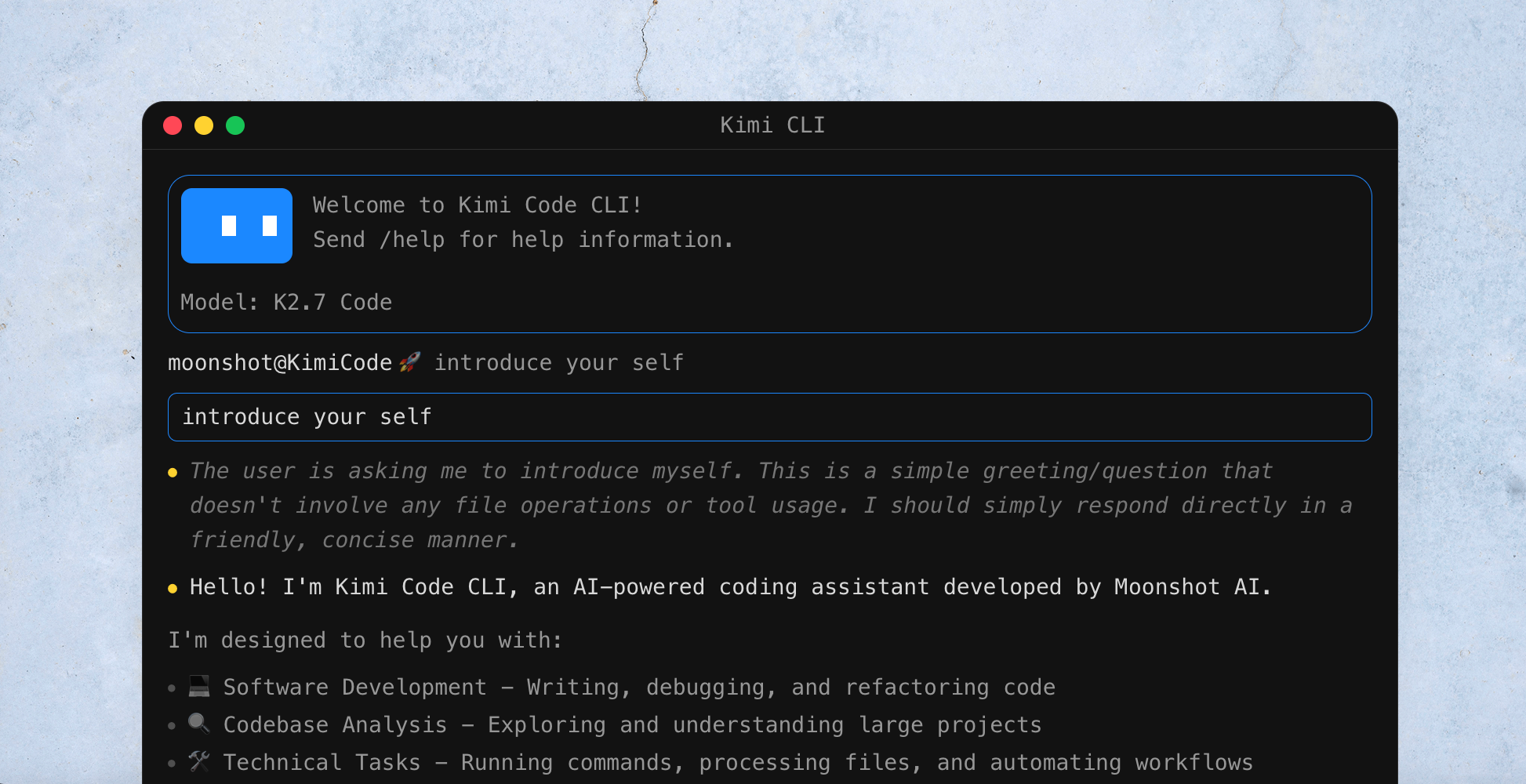
- Write, debug, and refactor code across multiple files
- Explore and explain large codebases
- Run shell commands and process files
- Search the web for docs and current information
- Spawn sub-agents to run tasks in parallel
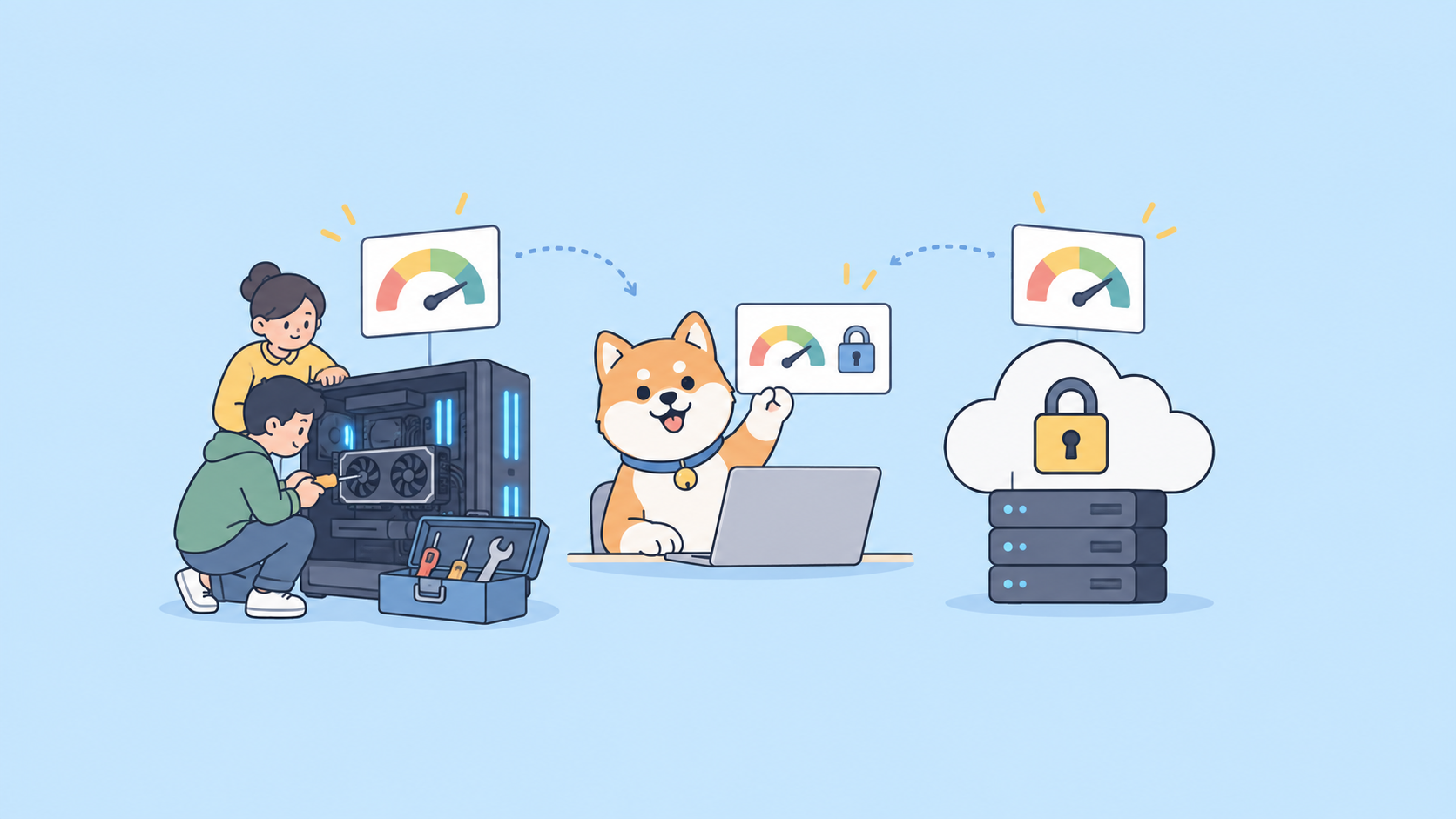
It runs in your terminal, in VS Code through an extension, and in JetBrains or Zed through the ACP protocol. The model behind it is open weight, so the same intelligence is available to self-host if you ever need to; see our Kimi K2.7 Code explainer for the model details.
Install Kimi Code
The installer pulls in uv (a Python package manager) first, then installs the CLI through it. One line does the whole thing.
macOS and Linux:
curl -fsSL https://code.kimi.com/kimi-code/install.sh | bash
Windows (PowerShell):
irm https://code.kimi.com/kimi-code/install.ps1 | iex
When it finishes, start the agent from any project directory:
kimi
The first run drops you into an interactive session in your current folder. Kimi Code treats that directory as the project root, so cd into the repo you want to work on before you launch it.
Log in
Authenticate from inside the session with one command:
/login
That kicks off an OAuth flow with your Kimi account and connects the CLI to the Kimi Code platform. If you’d rather use an API key, for example to drive a third-party tool, generate one in the Kimi Code console. Each account allows up to 5 keys.
A quick note on quota: Kimi Code runs on subscription plans, and limits refresh on a 7-day cycle rather than monthly. Rate limits land around 300 to 1200 requests per 5 hours with up to 30 concurrent requests, depending on your plan. Check /usage mid-session to see where you stand.
Your first task
With the agent logged in, just describe what you want in plain language. A good first run is letting it learn the project:
/init
/init analyzes the codebase and writes an AGENTS.md file that captures structure, conventions, and key entry points. The agent reads that file on future runs, so it starts each session with context instead of rediscovering your repo every time. If you’ve used DESIGN.md for coding agents, this is the same idea applied automatically.
After that, give it real work:
Add input validation to the POST /users endpoint and write a test for the empty-email case.
Kimi Code plans the change, edits the files, runs the test, and reports back. By default it asks before destructive actions. If you trust it on a task and want it to stop asking, toggle auto-approval:
/yolo
Use that one with care. It’s great for greenfield scratch work, risky on a repo you care about.
Slash commands worth knowing
You drive a session with slash commands. These are the ones you’ll reach for daily.
| Command | What it does |
|---|---|
/help |
List all commands |
/login |
Authenticate with your Kimi account |
/init |
Analyze the project and generate AGENTS.md |
/model |
Switch the active model |
/usage |
Check remaining quota for the current cycle |
/sessions |
List past sessions |
/resume |
Reopen a previous session with its context |
/clear |
Reset the current context |
/compact |
Compress the conversation to free up context |
/yolo |
Toggle auto-approval of actions |
/exit |
Quit the session |
/compact is the underrated one. Long agent runs fill the context window with tool output; compacting summarizes the history so you can keep going without starting over or blowing past the window.
Connect it to your existing editor or agent
You don’t have to abandon your current setup to use the K2.7 Code model.
VS Code. Install the “Kimi Code” extension from the marketplace and sign in with the same account.
JetBrains and Zed. Connect through the CLI’s ACP protocol, so the agent runs inside the editor you already use.
Claude Code, Cline, and RooCode. The model is served through an OpenAI-compatible API. Point the tool’s base URL at https://api.moonshot.ai/v1, set the model to kimi-k2.7-code, and drop in an API key. The flow is the same one we documented for running Kimi inside Claude Code and Cursor; only the model id changes.
Customize with MCP and sub-agents
Two features make Kimi Code worth configuring rather than just running.
Model Context Protocol (MCP). Kimi Code is an MCP client, so you can plug in external tool servers: a database reader, a browser, an internal API, your issue tracker. The agent then calls those tools as part of a task. If you’re building or testing an MCP server, our MCP server testing playbook covers how to validate the tool contract before you hand it to an agent.
Sub-agents. For work that splits cleanly, Kimi Code can spawn sub-agents that run in parallel and report back to the main session. Think “scan every service for the deprecated call” or “draft tests for these six modules at once.” You define custom agents in config, much like Claude Code subagents.
Test the API behind it before you build
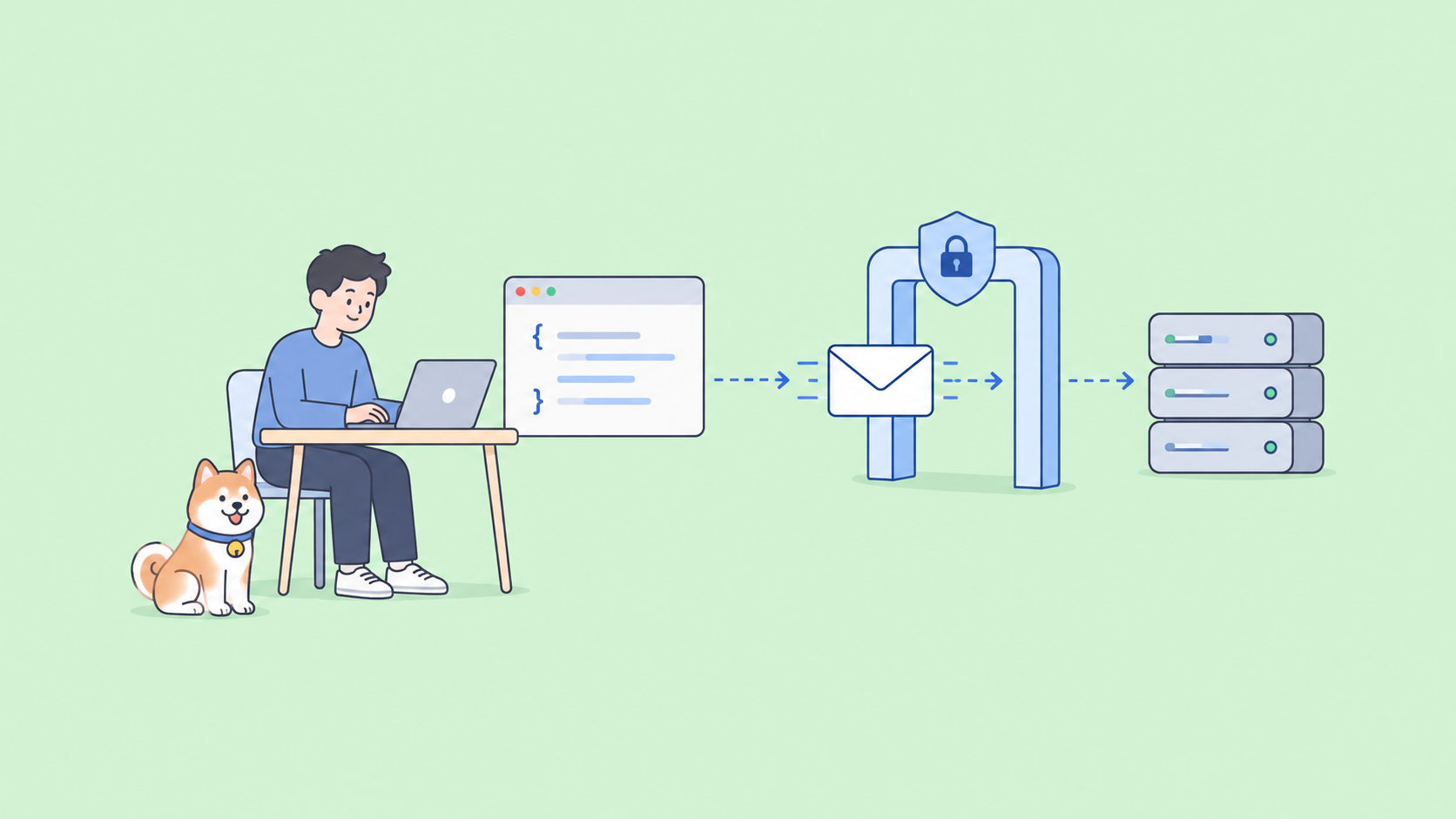
If you’re wiring kimi-for-coding into your own tool through the API, test the raw endpoint first so you know exactly what it returns. Apidog gives you a visual workspace for that.
- Create a
POSTrequest tohttps://api.moonshot.ai/v1/chat/completions. - Add an
Authorization: Bearer <your-key>header using a key from the Kimi platform console. - Send an OpenAI-style body with
"model": "kimi-k2.7-code"and yourmessages. - Read the formatted response and the token usage, then save the call as a reusable test.
From there you can assert on status codes, validate the tool-call structure the agent depends on, and re-run the checks whenever Moonshot updates the model. Download Apidog to set it up.
Is Kimi Code worth switching to?
The honest answer depends on what you optimize for. The K2.7 Code model trails GPT-5.5 and Claude Opus by a few points on most coding benchmarks, so if you want the highest possible single-shot quality, the closed frontier still wins. But Kimi Code pairs a capable agent with an open-weight model and flat-rate pricing, which changes the math for anyone running long agent sessions all day. For a side-by-side on where the agent landscape sits, see our Claude Code vs OpenAI Codex comparison.
The low-risk move: install it, run /init on a side project, and give it a real task. You’ll know within an afternoon whether it earns a spot next to your current agent.
FAQ
How do I install Kimi Code? Run the one-line installer (curl ... | bash on macOS/Linux, irm ... | iex on Windows), then start it with kimi.
How do I log in? Run /login inside the session for OAuth, or create an API key in the Kimi Code console for third-party tools.
Which model does it run? Kimi K2.7 Code. On the Kimi Code subscription the model id is kimi-for-coding; on the pay-per-token Moonshot API it’s kimi-k2.7-code.
Does it work in VS Code? Yes, through the “Kimi Code” extension. JetBrains and Zed connect via the ACP protocol.
Can I use it with Claude Code or Cline? Yes. The API is OpenAI-compatible, so point the tool’s base URL at the Kimi endpoint and set the model id.
What does it cost? It runs on subscription plans with quota that refreshes every 7 days, not per-token billing. Check /usage to see your remaining quota.
Does it support MCP? Yes. Kimi Code is an MCP client and supports custom sub-agents.
Once the CLI is running, the next step most developers take is pairing it with Moonshot's newer model — using Kimi K3 for coding through Kimi Code covers the full workflow from prompt design to agentic task execution.
Summary
Kimi Code is a terminal-and-IDE coding agent built on Moonshot’s open-weight K2.7 Code model. Install it with one command, log in with /login, run /init to teach it your repo, and start handing it tasks. It speaks MCP, spawns sub-agents, and plugs into VS Code, JetBrains, Zed, and OpenAI-compatible tools like Claude Code. It’s not the highest-scoring agent on paper, but flat-rate pricing on an open model makes it a serious option for heavy daily use. Test the API in Apidog first, then put the agent on a real task and judge it on your own code.