TL;DR
AI agents fail not because they lack intelligence but because they forget. Understanding the four types of agent memory, how they're stored, and how they affect API behavior lets you build more reliable agents and catch bugs before they hit production.
Introduction
Here's the dirty secret of most AI agent failures: the model is fine. The memory layer is broken.
An agent that can't recall what happened three turns ago, that loses user context between sessions, or that contradicts itself mid-task isn't hallucinating because of model quality. It's failing because the memory architecture wasn't designed carefully or wasn't tested at all.
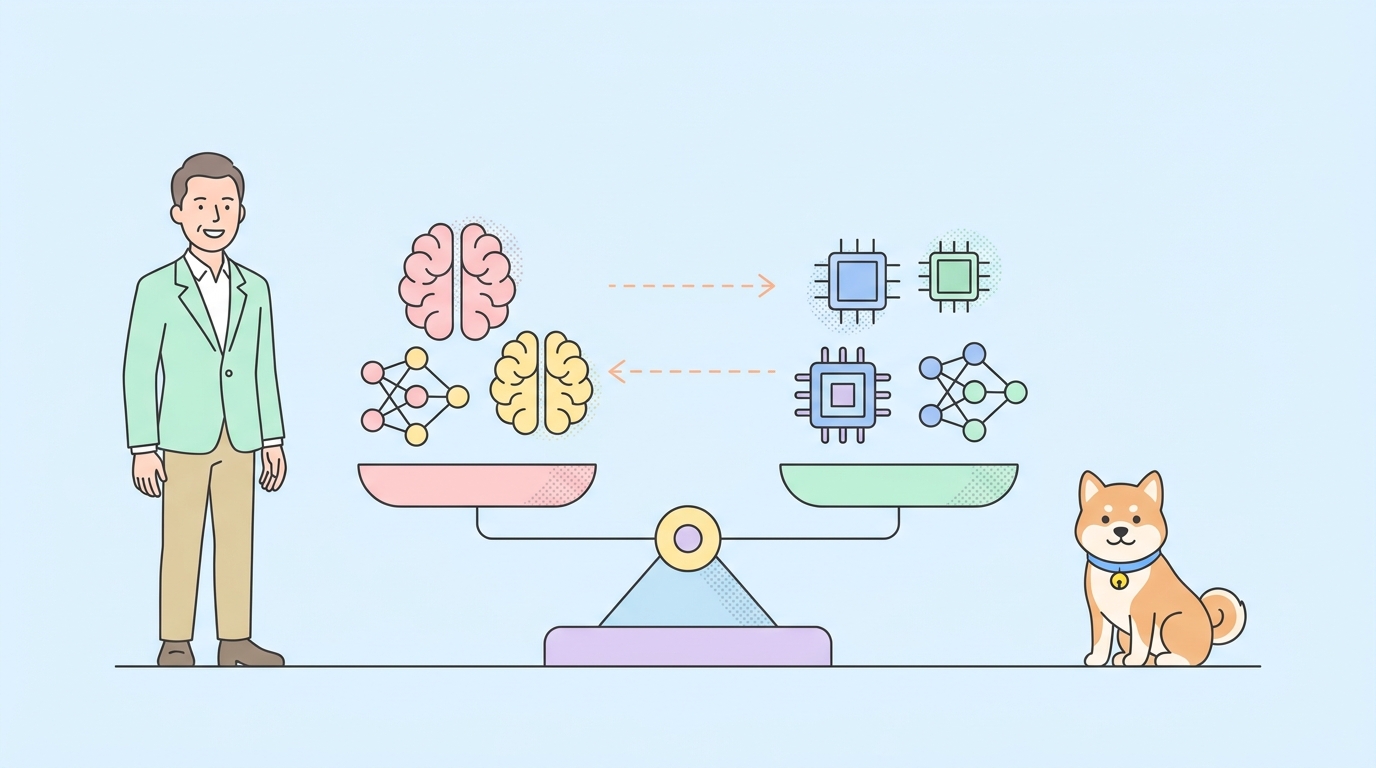
Hippo, an open-source agent memory system that recently trended takes a biologically inspired approach: it models short-term, long-term, and episodic memory separately, the same way human memory works. That project surfaced a real gap: most developers build agent memory as an afterthought and only discover it's broken in production.
What is AI agent memory?
Agent memory is any mechanism that lets an AI system access or retain information beyond the current input. Without it, every API call is stateless: the model gets a prompt, returns a response, and remembers nothing.
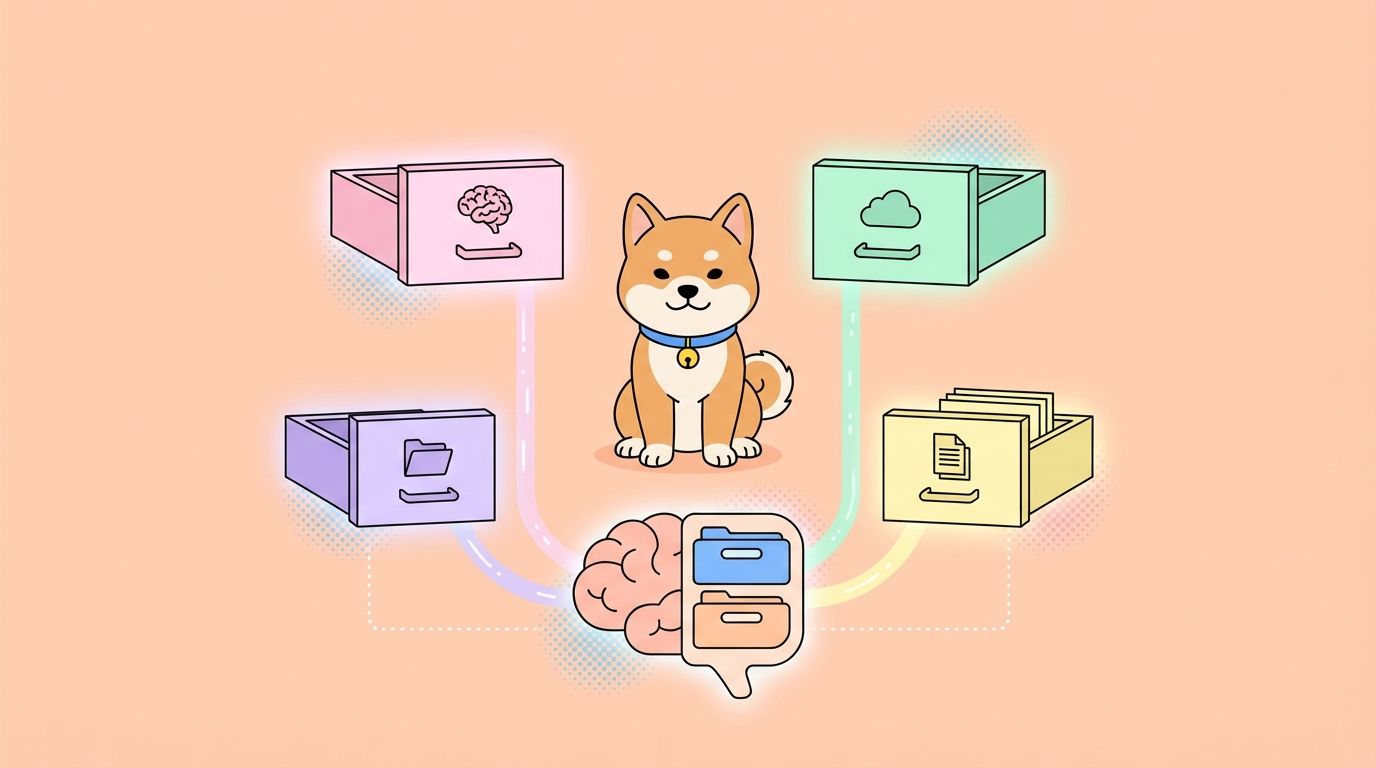
Four distinct memory types serve different purposes.
The four types of agent memory
Working memory
Working memory is the agent's active context: everything in the current prompt. For most LLM-based agents, this is the context window. GPT-4o has a 128K token context window. Claude 3.5 Sonnet supports 200K. Gemini 1.5 Pro supports 1M.
Working memory is fast and precise but expensive (you pay per token) and bounded. Once you hit the limit, the oldest context is silently dropped. This is the most common source of agent bugs in long-running tasks.
Episodic memory
Episodic memory stores what happened: a log of past interactions, decisions, and observations. Think of it as the agent's diary.
In practice, this is usually a vector database (Chroma, Pinecone, Qdrant) or a structured event log. The agent retrieves relevant past episodes via semantic search before generating a response. Hippo's approach stores interaction sequences with timestamps and decay weights, so recent interactions get higher retrieval priority.
Semantic memory
Semantic memory stores what the agent knows: facts, domain knowledge, user preferences, and stable world knowledge. Unlike episodic memory, it's not time-ordered.
This can be pre-loaded (a system prompt with user profile data), dynamically built (facts extracted from past conversations and stored in a knowledge graph), or externally sourced (RAG against a document store).
Procedural memory
Procedural memory stores how to do things: action sequences, tool-use patterns, and skills the agent has learned. This is the hardest to build and often skipped in production systems.
In practice it appears as few-shot examples embedded in the system prompt, or as a library of stored action plans the agent can retrieve and adapt.
How memory is stored in real systems
The four types rarely map cleanly to four separate stores. Real setups look more like this:
Context window (working): everything in the active prompt. Managed by the agent framework. Expires when the conversation ends.
External vector store (episodic + semantic): Chroma, Pinecone, or Qdrant stores embeddings of past interactions and knowledge chunks. The agent queries this at each turn and injects relevant chunks into the prompt.
Structured DB (semantic + procedural): PostgreSQL or SQLite for user preferences, account state, or learned action templates. Queried via tool calls.
In-memory cache (working overflow): Redis or a simple dict for fast access to recent context that doesn't need embedding search.
Hippo specifically models its three-tier memory system with explicit handoff logic: working memory entries that haven't been accessed recently get consolidated into episodic memory, which eventually gets summarized into semantic memory. This mirrors how human memory consolidation works during sleep (the project even has a "sleep" command for triggering consolidation).
How agent memory affects API behavior
This is where things get practically important. If you're building or consuming an agent API, memory directly shapes what your API calls look like and what can go wrong.
Session IDs: most agent APIs use a session or thread ID to correlate memory across calls. The OpenAI Assistants API uses thread_id. A dropped or reused thread ID causes the agent to lose context or blend two users' sessions.
Context size in request payloads: agents that inject memory into prompts produce larger request bodies over time. An agent conversation that starts at 2KB can grow to 40KB after 20 turns. If your HTTP client has a payload size limit, requests fail silently.
Retrieval latency: vector store lookups add 50-200ms per turn. If you're asserting on API response time, memory retrieval is a real contributor.
Inconsistent state after failures: if an agent's tool call fails mid-task, the episodic log may record a partial action. The next turn starts from a corrupted state. Good agents checkpoint state before and after tool use.
How to test agent memory via API with Apidog
Testing stateful agent APIs requires more than a single-request assertion. You need to verify that context carries over across multiple calls, that memory-backed responses change as expected, and that the system degrades gracefully when memory is unavailable.
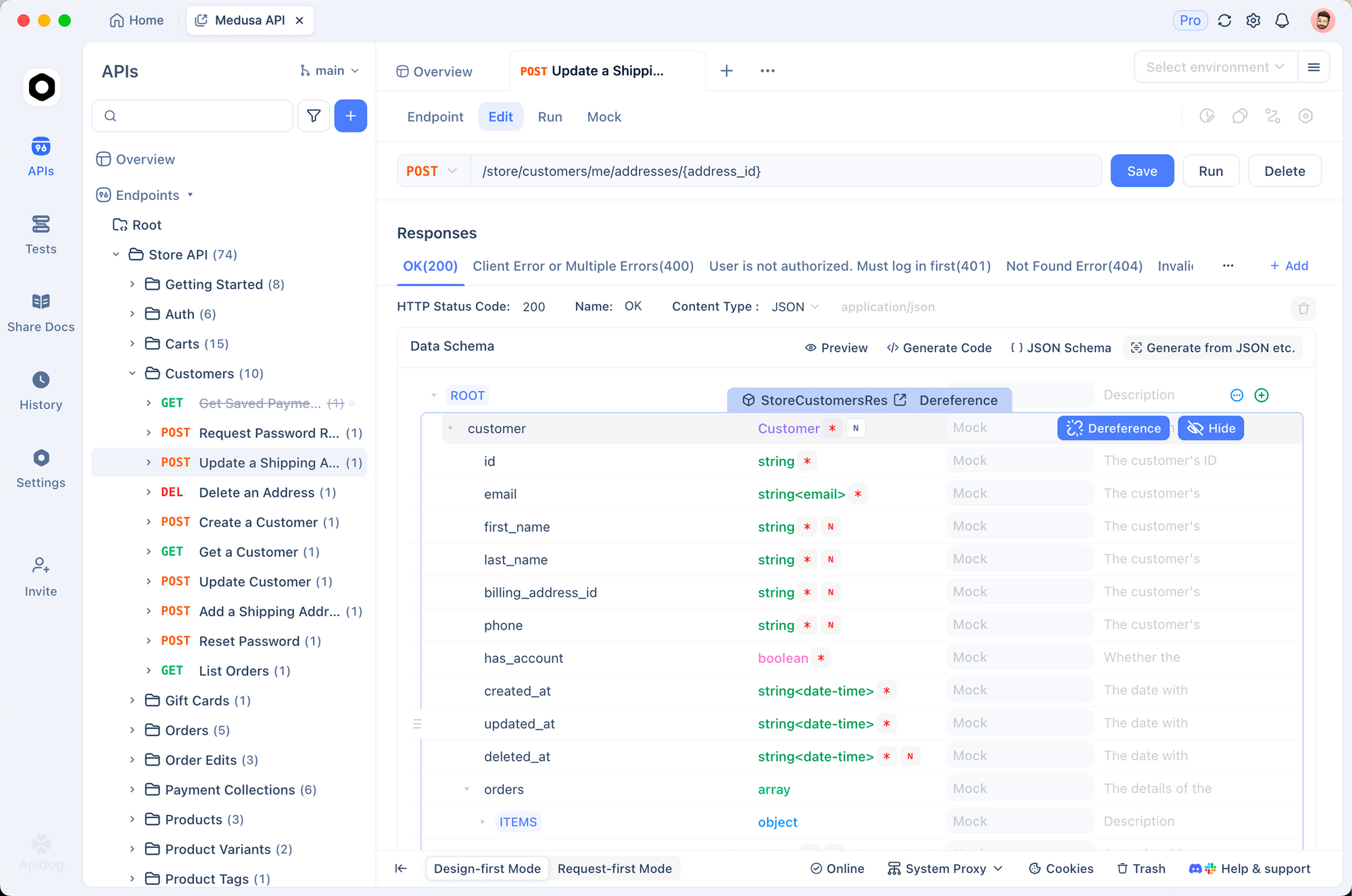
Apidog Test Scenarios handle exactly this. Here's how to set one up for an agent API.
Test 1: context carryover
Create a scenario with three sequential steps:
- POST
/agent/chatwith a message introducing a fact ("My project uses PostgreSQL 16") - POST
/agent/chatwith a follow-up that requires recalling that fact ("What database should I optimize for?") - Assert on step 2's response:
response.message.contentshould contain "PostgreSQL"
If the agent's memory layer is working, step 2 retrieves the fact from episodic or semantic memory and uses it in the response. If not, you get a generic answer.
Test 2: session isolation
Run the same two-step sequence twice with different session_id values. Assert that the second session's response does not contain any context from the first session. This catches shared memory bugs: one of the most common and hardest-to-debug issues in multi-tenant agent deployments.
Test 3: memory failure degradation
Use Apidog's Smart Mock to simulate a memory backend failure. Configure the mock to return a 503 on the vector store lookup endpoint. Then run your agent conversation and assert that: - The agent responds without crashing - The response includes a graceful fallback ("I don't have enough context to answer that") - The session can resume after the mock is removed
Test 4: context window overflow
Send 30+ rapid messages in sequence to push the working memory past the context limit. Assert that: - The agent doesn't throw a context_length_exceeded error (it should truncate gracefully) - The response on turn 30 still answers correctly using episodic retrieval - Token counts in response.usage stay within the expected range
You can run all four of these as a single Test Scenario in Apidog, chaining them sequentially with shared variables for session IDs and response data. See [internal: how-to-build-tiny-llm-from-scratch] for background on why context windows work the way they do at the model level.
Common memory failure modes
Silent context truncation: the context window fills up and older messages disappear without warning. The agent answers based on incomplete history. Catch this by asserting on response.usage.prompt_tokens and verifying it stays below your model's context limit.
Session bleed: two users' sessions share a memory namespace. Catch this with session isolation tests.
Stale semantic memory: knowledge stored weeks ago contradicts current facts. The agent confidently gives wrong information. Catch this by including a "current date" assertion in your test: if the agent quotes a price or version number, assert it matches the value you loaded in the test context.
Embedding drift: vector stores built with one embedding model break when you switch to a different one. All retrieved documents become semantically wrong. Not directly testable via API, but you can add an assertion that checks if retrieved context is semantically related to the query.
Memory injection prompt injection: malicious user input that manipulates what gets stored and retrieved. Include adversarial inputs in your test suite: store a "user preference" that contains a system prompt override and verify the agent ignores it. See [internal: rest-api-best-practices] for broader API security testing guidance.
Conclusion
Agent memory is the difference between an assistant that feels intelligent and one that feels amnesiac. The four types, working, episodic, semantic, and procedural, each serve a distinct role. Understanding how they're stored and retrieved in real systems tells you exactly where bugs can hide and what to assert in your API tests.
Tools like Hippo show the field moving toward principled memory architecture. Whatever memory system you're building on, Apidog Test Scenarios give you the testing layer to verify it behaves the way you expect, especially the failure cases that only show up at scale.
FAQ
What's the simplest way to add memory to an agent?The simplest approach is a sliding window over the conversation history: keep the last N turns in the prompt. It's not episodic memory, but it works for short tasks. For longer-running agents, add a vector store and semantic retrieval.
How does the OpenAI Assistants API handle memory?The Assistants API manages a thread object that stores the conversation history server-side. You can also attach file search and code interpreter tools that give the agent access to external knowledge. The memory management is abstracted away, which is convenient but makes debugging harder.
What's the best vector database for agent memory?For local development: Chroma (no infrastructure needed). For production: Qdrant or Pinecone depending on whether you need self-hosted or managed. The Hippo library supports pluggable storage backends. See [internal: claude-code] for how Claude Code uses its own memory layer.
How do I prevent agents from hallucinating past interactions?Store interaction logs in a structured format with metadata (timestamp, confidence, source). When retrieving past context, include the metadata in the prompt: "According to our conversation on [date], you mentioned X." The explicit citation reduces confident hallucination.
Can I test agent memory without a running agent?Yes. Use Apidog's Smart Mock to simulate the agent's API responses, including the memory-backed ones. Define mock responses that change based on the session ID or the content of the request body. This lets you test your frontend or integration layer's handling of memory behavior without a live agent.
How much does vector storage cost in production?Pinecone's free tier supports 1 index with 100K vectors. At scale, Pinecone charges roughly $0.096/hour for a p1.x1 pod (1M 768-dimension vectors). Qdrant self-hosted is free. For most agents, the bigger cost is embedding generation, not storage. See [internal: what-is-mcp-server] for how MCP server integrations interact with agent memory systems.
What's the difference between RAG and agent memory?RAG (retrieval-augmented generation) retrieves relevant documents at query time from a fixed knowledge base. Agent memory is dynamic: it grows and changes as the agent interacts. A RAG system answers "what do the docs say about X?" An agent memory system answers "what do I know about this user and what have I done with them?"