Grok-3 is xAI’s advanced large language model, engineered to compete with leading AI systems. As with any powerful AI API, Grok-3 enforces usage limits to ensure fair access, system stability, and cost control. Understanding these rate limits is essential for API developers, backend engineers, and technical leads who want to build reliable, scalable applications.
If you’re seeking a robust Postman alternative for efficient API testing and development, Apidog delivers streamlined workflows and enhanced productivity for modern teams.
)
Grok-3 API Rate Limits: What Developers Need to Know
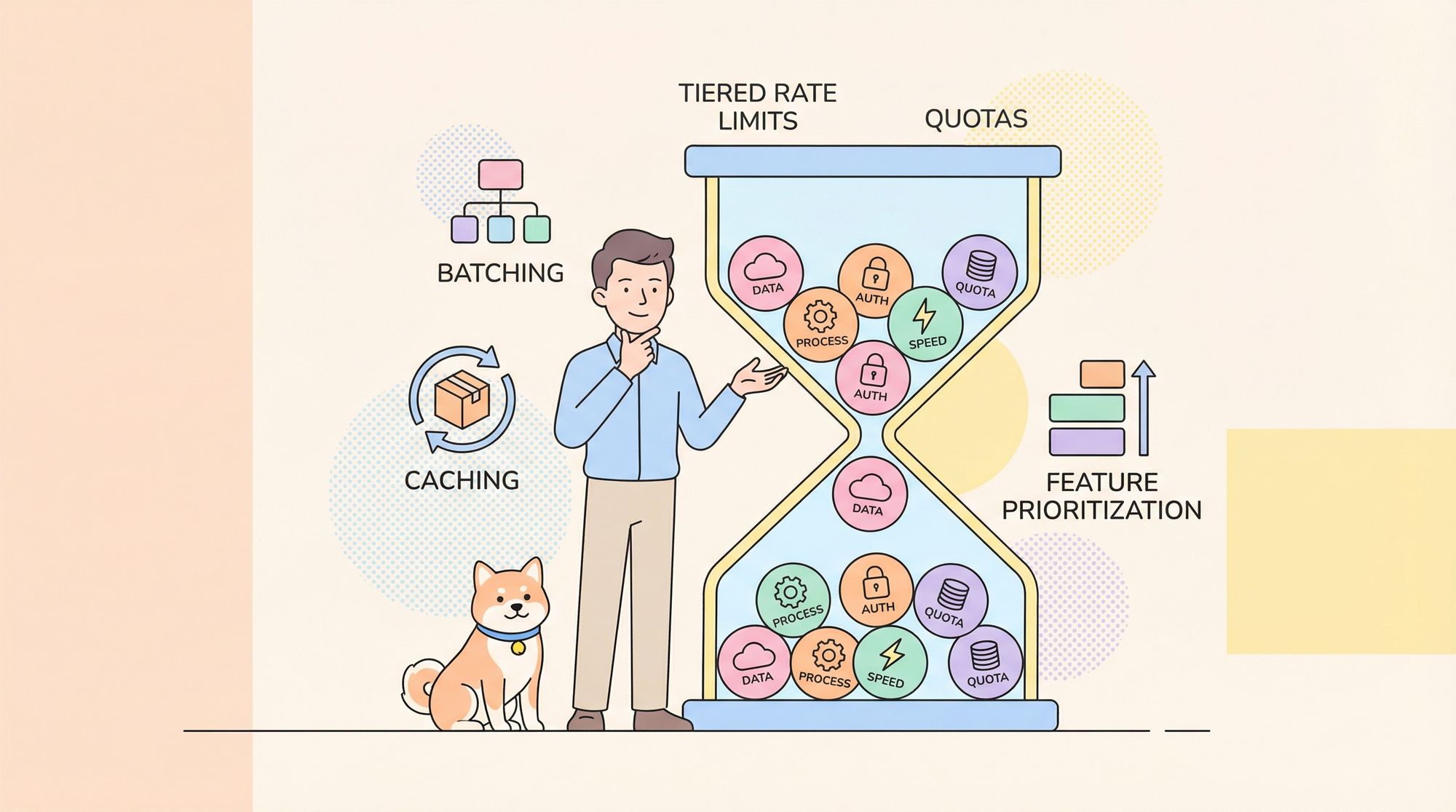
Grok-3 uses a tiered rate limiting system, with quotas that vary based on account type and the specific features accessed. Staying within these limits is critical for uninterrupted API integrations.
Account Tiers and Access Levels
Based on community insights and available documentation, Grok-3 API access is structured as follows:
- X Premium+ Subscribers: Full access, with the highest rate limits and premium features. (Subscription: $40/month)
- Basic X Users: Limited access with core features like DeepSearch and Think Mode, but with undefined daily quotas.
- SuperGrok Subscription: Unlocks advanced capabilities (enhanced DeepSearch, Reason Mode) and higher limits. (Reportedly $30/month or $300/year)
- Feature-Specific Restrictions: Each feature (standard chat, image generation, DeepSearch, etc.) likely has its own quota, though official numbers are not always specified.
Note: Non-premium Grok-3 API users are commonly believed to have a limit of 20 requests per 2 hours, based on developer reports.
For the latest and most accurate quota details, consult xAI’s official documentation. Rate limits may change as Grok-3 evolves.
How Grok-3 Rate Limits Work
Grok-3 rate limits are managed through:
- Per-User Tracking: Usage is tied to individual account credentials.
- Feature Counters: Each feature (e.g., DeepSearch, Reason Mode) is monitored separately.
- Rolling Time Windows: Most quotas reset on a rolling window, not on a fixed schedule.
Benefits of Grok-3 Paid Plans (X Premium+)
Paid subscribers gain significant advantages:
- Higher request quotas for all features
- Priority processing during peak usage
- Full access to premium capabilities (e.g., DeepSearch, Reason Mode)
- Faster average response times
Handling Grok-3 Rate Limits: Practical Strategies
Rate limiting is a common challenge for API-driven teams. Here’s how to work within Grok-3’s constraints efficiently:
1. Batch Requests to Reduce API Calls
Instead of making multiple separate requests, batch related queries in a single prompt:
response1 = grok3_client.complete("What is Python?")
response2 = grok3_client.complete("What are its key features?")

# Batch into one:
response = grok3_client.complete("""
Please provide information about Python:
1. What is Python?
2. What are its key features?
""")
2. Implement Client-Side Caching
Reduce redundant API calls by caching common responses:
import hashlib
import time

class Grok3CachingClient:
    def __init__(self, api_key, cache_ttl=3600):
        self.api_key = api_key
        self.cache = {}
        self.cache_ttl = cache_ttl

    def complete(self, prompt):
        cache_key = hashlib.md5(prompt.encode()).hexdigest()
        if cache_key in self.cache:
            cached_response = self.cache[cache_key]
            if time.time() - cached_response['timestamp'] < self.cache_ttl:
                return cached_response['data']
        response = self._make_api_call(prompt)
        self.cache[cache_key] = {'data': response, 'timestamp': time.time()}
        return response
3. Plan Feature Usage Intelligently
Prioritize advanced features like DeepSearch and Reason Mode:
def optimize_grok3_usage(queries):
    prioritized, deep_search, reason_mode = [], [], []
    for query in queries:
        if requires_external_data(query):
            deep_search.append(query)
        elif requires_complex_reasoning(query):
            reason_mode.append(query)
        else:
            prioritized.append(query)
    # Limit by quotas
    deep_search = deep_search[:10]  # e.g., 10/day
    reason_mode = reason_mode[:1]   # e.g., 1/day
    return {'standard': prioritized, 'deep_search': deep_search, 'reason_mode': reason_mode}
4. Track Rate Limits Programmatically
Monitor quotas using response headers, and avoid unexpected lockouts:
class Grok3RateLimitTracker:
    def __init__(self):
        self.limits = {
            'standard': {'max': 20, 'remaining': 20, 'reset_time': None},
            'image_gen': {'max': 10, 'remaining': 10, 'reset_time': None},
            'deep_search': {'max': 10, 'remaining': 10, 'reset_time': None},
            'reason': {'max': 1, 'remaining': 1, 'reset_time': None}
        }
    def update_from_headers(self, feature_type, headers):
        if 'X-RateLimit-Remaining-Requests' in headers:
            self.limits[feature_type]['remaining'] = int(headers['X-RateLimit-Remaining-Requests'])
        if 'X-RateLimit-Reset-Requests' in headers:
            self.limits[feature_type]['reset_time'] = parse_datetime(headers['X-RateLimit-Reset-Requests'])
    def can_use_feature(self, feature_type):
        return self.limits[feature_type]['remaining'] > 0
5. Gracefully Handle Rate Limit Errors
Plan for HTTP 429 errors with retry logic or queuing:
def handle_grok3_request(prompt, feature_type='standard'):
    try:
        return grok3_client.complete(prompt, feature=feature_type)
    except RateLimitError as e:
        reset_time = parse_reset_time(e.headers)
        wait_time = (reset_time - datetime.now()).total_seconds()
        if wait_time < MAX_ACCEPTABLE_WAIT:
            time.sleep(wait_time + 1)
            return grok3_client.complete(prompt, feature=feature_type)
        # Queue for later or fallback to a simpler feature
        task_queue.add_task(prompt, feature_type, execute_after=reset_time)
        if feature_type == 'deep_search':
            return handle_grok3_request(prompt, feature_type='standard')
        return {"error": "Rate limit reached", "retry_after": format_datetime(reset_time)}
6. Multi-User App Considerations
If your product serves multiple users over a single Grok-3 integration:
- Set per-user quotas below your total API quota
- Use a fair request scheduling system
- Optionally, introduce priority tiers for high-value users
from collections import defaultdict
from queue import PriorityQueue

class Grok3ResourceManager:
    def __init__(self, total_hourly_limit=100):
        self.user_usage = defaultdict(int)
        self.total_hourly_limit = total_hourly_limit
        self.request_queue = PriorityQueue()
        self.last_reset = time.time()

    def request_access(self, user_id, priority=0):
        # Reset counters hourly
        if time.time() - self.last_reset > 3600:
            self.user_usage.clear()
            self.last_reset = time.time()
        # Check limits
        total_usage = sum(self.user_usage.values())
        if total_usage >= self.total_hourly_limit:
            return False
        fair_share = max(5, self.total_hourly_limit // len(self.user_usage))
        if self.user_usage[user_id] >= fair_share:
            self.request_queue.put((priority, user_id))
            return False
        self.user_usage[user_id] += 1
        return True
Best Practices and Takeaways
- Free users: Typically limited to 20 standard interactions per 2 hours, with separate quotas for advanced features.
- Feature-specific limits: E.g., DeepSearch (10/day), Reason Mode (very limited).
- Paid plans: Substantial quota increases, premium features, and better performance.
Always verify current quotas in xAI’s official documentation, as limits may change.
Why Apidog Is a Smart Choice for API Teams
Managing rate limits, testing API integrations, and monitoring quotas is easier with the right tools. Apidog provides a unified platform for API design, debugging, and testing—helping teams optimize calls, detect bottlenecks, and maintain compliance with rate limits.
OpenAI plays the same game with its coding agent — see our answer to whether Codex has quotas and rate limits for the comparison.
Knowing the tiers also helps you stretch a zero-dollar budget: using the Grok 3 and Grok 3 Mini APIs for free is entirely possible if you stay inside the right limits.
Conclusion
Understanding and managing Grok-3’s API rate limits is crucial for building stable, high-performing applications. By batching requests, caching intelligently, planning feature use, and tracking quotas, teams can maximize value while avoiding interruptions. As usage and limits evolve, staying proactive—and using tools like Apidog—will keep your API projects running smoothly.
For enterprise-scale needs, contact xAI for possible custom rate limit arrangements.