Google Pub Sub, officially known as Google Cloud Pub/Sub, is a fully managed, real-time messaging service designed to enable asynchronous communication between independent applications and services. At its core, Google Pub Sub facilitates the decoupling of systems by providing a reliable, scalable, and global publish-subscribe model for event-driven architectures. This makes it an essential building block for modern cloud-based applications, supporting both event ingestion and distribution at massive scale.
Whether you're architecting microservices, building analytics pipelines, or integrating distributed systems, understanding Google Pub Sub is crucial for anyone involved in cloud-native development.
How Google Pub Sub Works: Key Concepts and Architecture
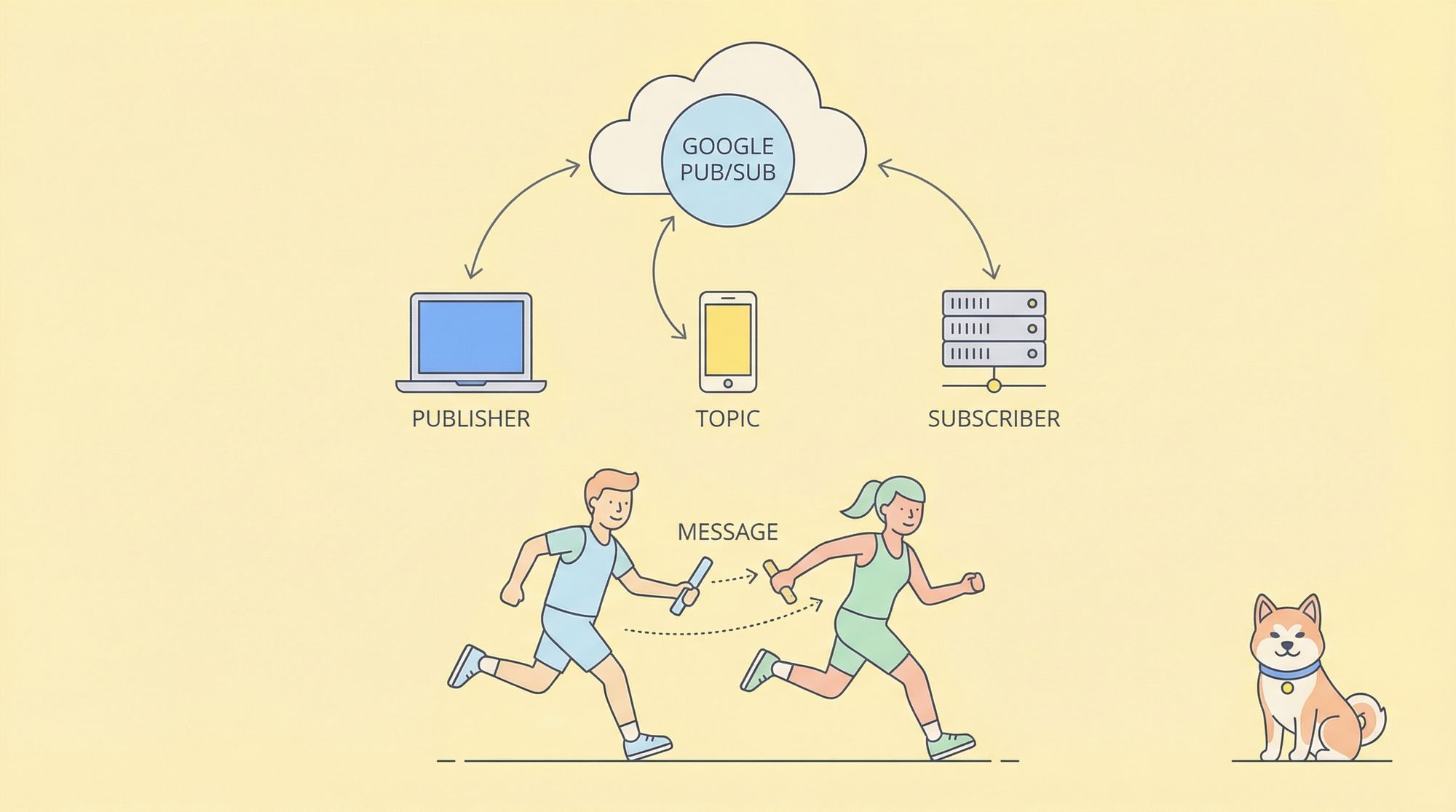
At its foundation, Google Pub Sub operates on the publish-subscribe (pub/sub) messaging paradigm. This model allows one service (the publisher) to send messages to a topic, and other services (the subscribers) to receive those messages asynchronously.
Core Components of Google Pub Sub
- Topics: Named resources to which messages are sent by publishers.
- Subscriptions: Represent a stream of messages from a specific topic, delivered to subscribers.
- Publishers: Applications that create and send (publish) messages to a topic.
- Subscribers: Applications or services that receive messages from a subscription attached to a topic.
Message Flow
1. A publisher sends a message to a topic.
2. One or more subscriptions are attached to the topic.
3. Subscribers pull or receive (push) messages from their subscriptions.
4. Messages are acknowledged by subscribers to ensure at-least-once delivery.
Google Pub Sub supports both push and pull delivery:
- Pull: The subscriber application explicitly requests (pulls) messages from the subscription.
- Push: Google Pub Sub pushes messages to a pre-configured endpoint (usually an HTTP server).
Reliability and Scalability
Google Pub Sub guarantees at-least-once delivery, storing messages redundantly across multiple zones. It automatically scales to handle millions of messages per second, which is vital for big data, analytics, and IoT scenarios.
Key Features That Set Google Pub Sub Apart
1. Fully Managed and Serverless
No need to manage servers, clusters, or partitioning. Google Pub Sub auto-scales, handles availability, and ensures durability behind the scenes.
2. Global Availability
Designed to operate across regions, making it ideal for global applications and disaster recovery scenarios.
3. Flexible Delivery Modes
Choose between push and pull delivery options to fit your architecture. Fan-out patterns (one-to-many) are natively supported.
4. Security and Compliance
All data is encrypted in transit and at rest. Access is controlled via IAM (Identity and Access Management) policies, ensuring only authorized services can interact with topics and subscriptions.
5. In-Order Delivery and Exactly-Once Processing
Optional message ordering per key and integration with Dataflow enable exactly-once processing semantics for advanced use cases.
Setting Up Google Pub Sub: Step-by-Step Guide
Let's walk through the process of setting up and using Google Pub Sub in a typical cloud project.
1. Create a Topic
gcloud pubsub topics create my-topic
2. Create a Subscription
gcloud pubsub subscriptions create my-subscription --topic=my-topic
3. Publish a Message
gcloud pubsub topics publish my-topic --message="Hello, world!"
4. Pull Messages
gcloud pubsub subscriptions pull my-subscription --auto-ack
Alternatively, you can use the Google Cloud Pub/Sub client libraries for Java, Python, Node.js, and other programming languages to integrate Pub/Sub with your codebase.
Example: Publishing and Receiving Messages (Python)
from google.cloud import pubsub_v1
publisher = pubsub_v1.PublisherClient()
topic_path = publisher.topic_path('your-project-id', 'my-topic')
publisher.publish(topic_path, b'Hello, Pub/Sub!')
subscriber = pubsub_v1.SubscriberClient()
subscription_path = subscriber.subscription_path('your-project-id', 'my-subscription')def callback(message):
    print(f"Received: {message.data}")
    message.ack()subscriber.subscribe(subscription_path, callback=callback)
Real-World Use Cases for Google Pub Sub
1. Event-Driven Microservices
Microservices often need to communicate asynchronously. Google Pub Sub allows services to emit events without knowing which systems will consume them, reducing coupling and improving scalability.
2. Ingesting Analytics and Log Data
Streaming logs and analytics events from multiple sources into BigQuery, Dataflow, or other analytics platforms is seamless with Pub/Sub as the ingestion layer.
3. IoT Data Streams
Thousands or millions of IoT devices can publish sensor data to Pub/Sub topics, with backend services processing data in real-time.
4. Real-Time Notifications
Applications can use Google Pub Sub to send real-time notifications to users, update dashboards, or trigger workflows based on incoming events.
5. Workflow Orchestration
Complex workflows across distributed systems can use Pub/Sub to trigger processes and coordinate steps without tight dependencies.
Integrating Google Pub Sub with API-Driven Development
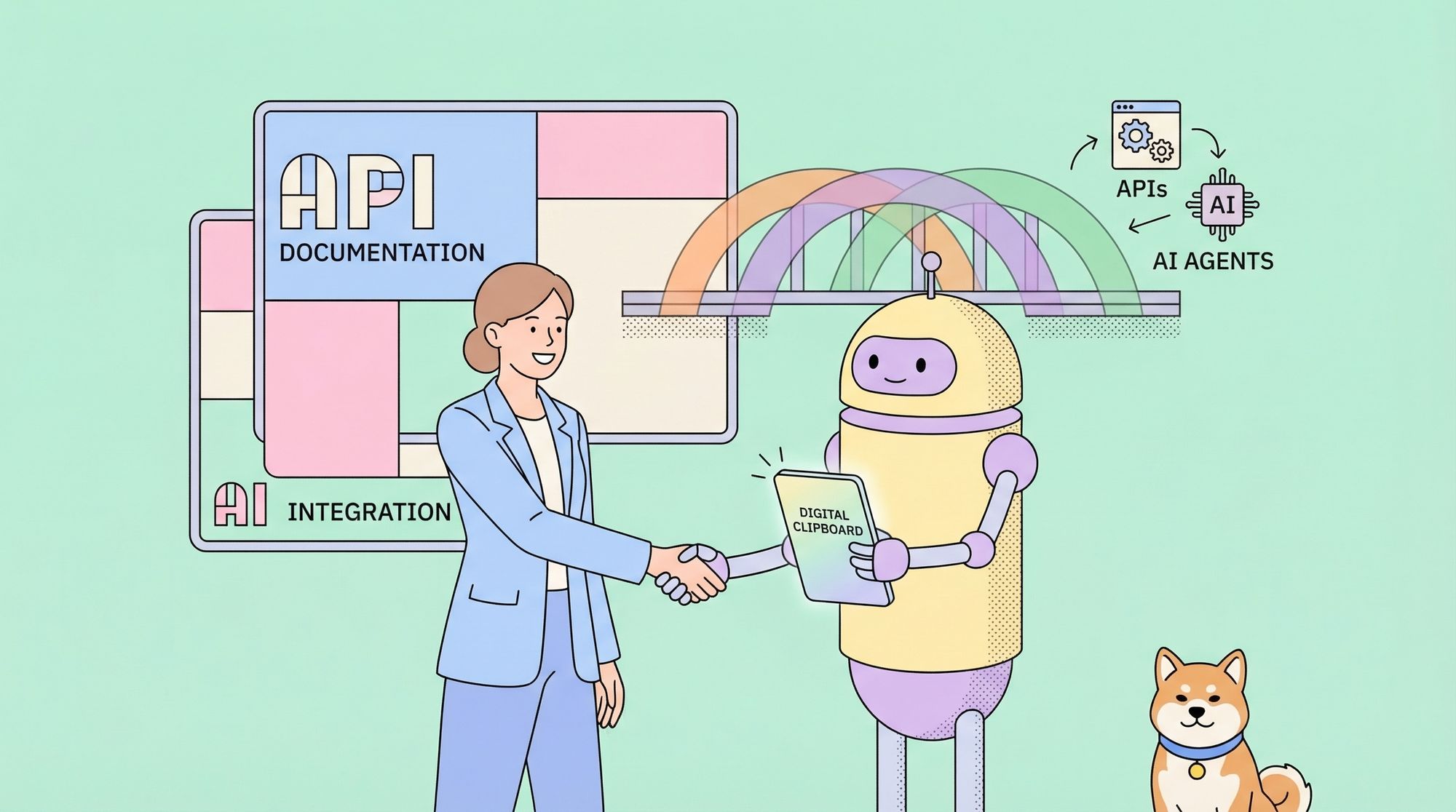
Designing robust APIs that interact with Google Pub Sub is a common requirement. This is where tools like Apidog become invaluable. Apidog allows developers to:
- Design and document APIs that publish or subscribe to Pub/Sub topics.
- Mock Pub/Sub endpoints to simulate message flows during development.
- Test HTTP push endpoints which receive messages from Pub/Sub, ensuring they handle incoming data correctly.
By integrating Apidog into your workflow, you can design, mock, and test APIs that interact with Google Pub Sub, streamlining your development and accelerating time to production.
Best Practices for Using Google Pub Sub
1. Structured Message Payloads
Always use structured data formats like JSON or Protobuf for message payloads to ensure interoperability and easy parsing.
2. Idempotent Subscribers
Design subscribers to handle duplicate messages gracefully, as at-least-once delivery can result in retries.
3. Monitor and Alert
Leverage Google Cloud Monitoring to track Pub/Sub metrics—such as message backlog, delivery latency, and error rates—to ensure system health.
4. Access Control
Use IAM roles to tightly control who can publish and subscribe to your topics. Limit permissions to the minimum necessary.
5. API-First Development
Define your Pub/Sub APIs and message schemas up front. Apidog can help you document and share these definitions across your team, ensuring consistency and reducing errors.
Advanced Features: Ordering, Filtering, and Dead-Letter Topics
Message Ordering
For use cases requiring strict order (e.g., financial transactions), Google Pub Sub allows ordering by keys, ensuring that all messages with the same key are delivered in order.
Message Filtering
Subscriptions can filter messages based on attributes, ensuring subscribers only receive relevant data, reducing processing overhead.
Dead-Letter Topics
Configure dead-letter topics to handle undeliverable messages, allowing you to isolate problematic data for later inspection or reprocessing.
Google Pub Sub Pricing and Limits
Google Pub Sub pricing is based on the volume of data ingested or delivered, with generous free tiers (e.g., up to 10 GB per month). There are also quotas on message size (up to 10 MB), throughput, and the number of topics/subscriptions per project. Always review the latest Google Cloud Pub/Sub pricing page for details.
Practical Example: Building a Real-Time Analytics Pipeline with Google Pub Sub
Suppose you’re building a web analytics platform. Each page view event is published to a Pub/Sub topic by your frontend application. A backend service subscribes to this topic, processes the events, and stores aggregated data in BigQuery.
Workflow:
1. Frontend: Publishes JSON payloads to the pageviews topic.
2. Pub/Sub: Delivers events to the analytics-service subscription.
3. Backend Subscriber: Pulls messages, processes them, and writes to BigQuery.
4. Analytics Dashboard: Queries BigQuery for real-time metrics.
By using Apidog, you can design and document the API endpoints that handle the publishing and receiving of these events, as well as mock responses for frontend and backend integration testing.
Conclusion: Mastering Google Pub Sub for Modern Cloud Applications
Google Pub Sub is a cornerstone of event-driven, scalable cloud architectures. Its fully managed, global, and secure design makes it the go-to solution for real-time messaging, big data ingestion, and microservices communication.
Whether you’re designing APIs, orchestrating workflows, or building analytics pipelines, Google Pub Sub empowers you to decouple your systems and accelerate innovation. Pairing Pub/Sub with powerful API tools like Apidog ensures your message-driven applications are robust, well-documented, and easy to maintain.