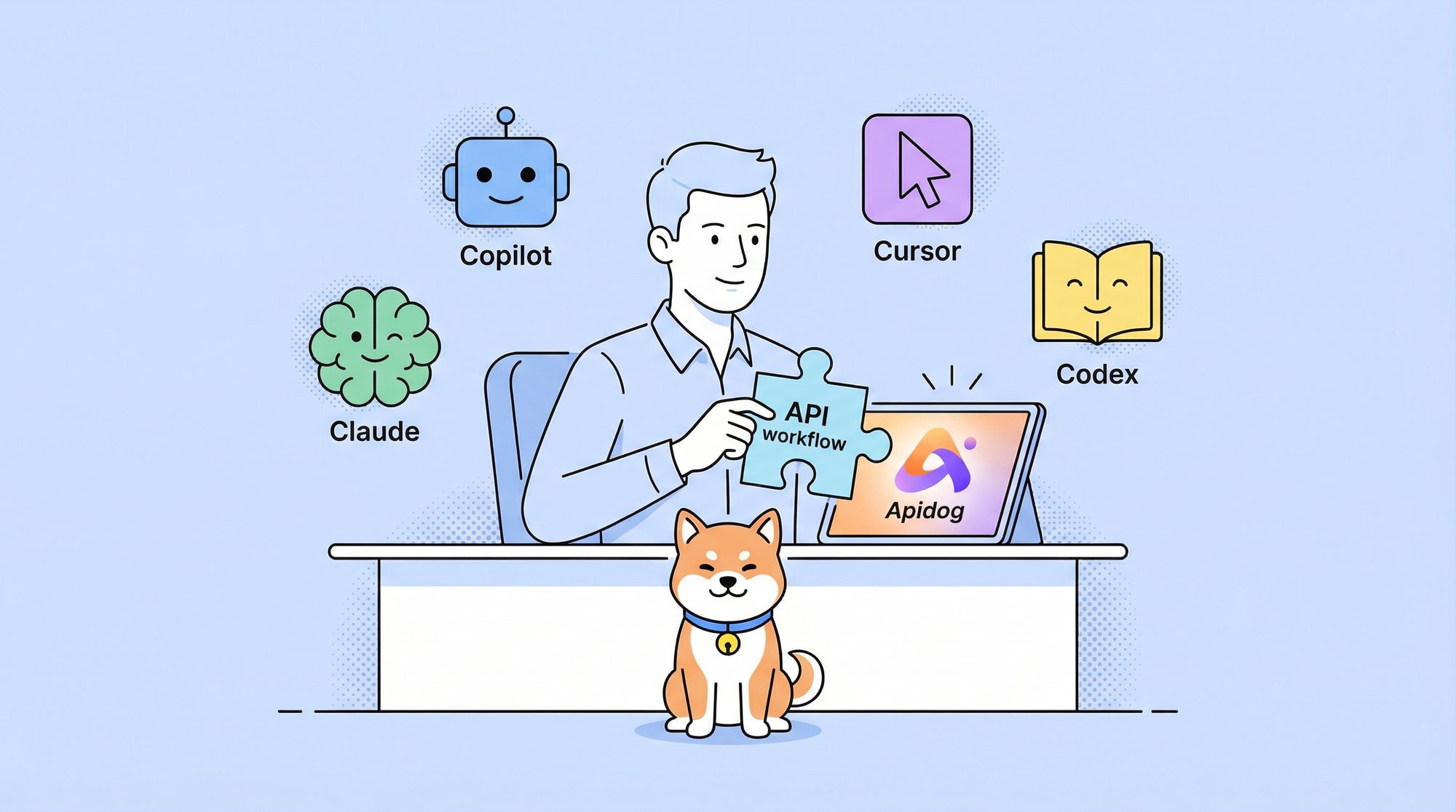
Choosing the best AI coding assistant is more challenging than ever for API developers. With tools like GitHub Copilot, Claude Code, Cursor, and OpenAI Codex rapidly evolving, developers face a crowded market filled with bold claims but nuanced differences. How do you find the right fit for your API development workflow—and ensure seamless integration with essential tools like Apidog?
Whether you’re building APIs, automating repetitive coding tasks, or collaborating across teams, the right AI coding assistant can transform your productivity. In this guide, we break down the strengths, limitations, and ideal use cases for each leading platform, helping backend teams and technical leads make informed decisions.
💡 Looking to streamline API development while maximizing your AI coding workflow? Download Apidog for free to unify API testing, documentation, and team collaboration—no matter which AI assistant you choose.
The Evolving Landscape of AI Coding Assistants
Since the introduction of GitHub Copilot in 2021, AI-powered code generation has moved far beyond autocomplete. Today’s tools can understand complex codebases, generate entire functions, and even assist with debugging. This rapid evolution is reshaping daily workflows for over 70% of professional developers, according to recent surveys.
Why Developers Adopt AI Coding Tools
- Accelerate boilerplate and routine coding: AI assistants handle repetitive patterns so engineers can focus on architecture and business logic.
- Generate drafts and prototypes faster: Jumpstart new APIs or features with AI-generated stubs and implementations.
- Collaborate across teams: Shared suggestions and context-aware code generation improve consistency and reduce onboarding friction.
The market’s expansion means backend and API-focused teams now have diverse options—each with unique technical approaches and integration models.
GitHub Copilot: Mainstream AI Code Completion
GitHub Copilot remains the most widely adopted AI coding assistant, thanks to its deep integration with Visual Studio Code and the broader GitHub ecosystem.
How Copilot Works
- Context-aware suggestions: Copilot analyzes your current file and nearby code to offer inline completions.
- Multi-language support: Excels with popular languages like Python, JavaScript, and Java.
- Comment-driven code generation: Turn descriptive comments into working code for algorithms and data structures.
Real-World Workflow Benefits
- Seamless integration: No need to switch editors—Copilot works natively in VS Code.
- Adaptation over time: Learns from your projects and coding habits, improving relevance.
- Enterprise controls: Usage analytics, policy management, and compliance features for larger teams.
Performance studies indicate a 30-40% reduction in time spent on repetitive coding tasks when using Copilot.
Considerations for API and Backend Teams
- Domain limitations: Copilot can miss the mark on specialized APIs or legacy code.
- Privacy risks: Trained on public repos, so code suggestions should be reviewed for sensitive patterns.
- Cost: $10/month for individuals, $19/user/month for enterprise—costs can add up for large teams.
OpenAI Codex: Customizable AI Coding Engine
OpenAI Codex powers Copilot but is also available directly via API, offering greater flexibility for teams needing custom AI coding solutions.
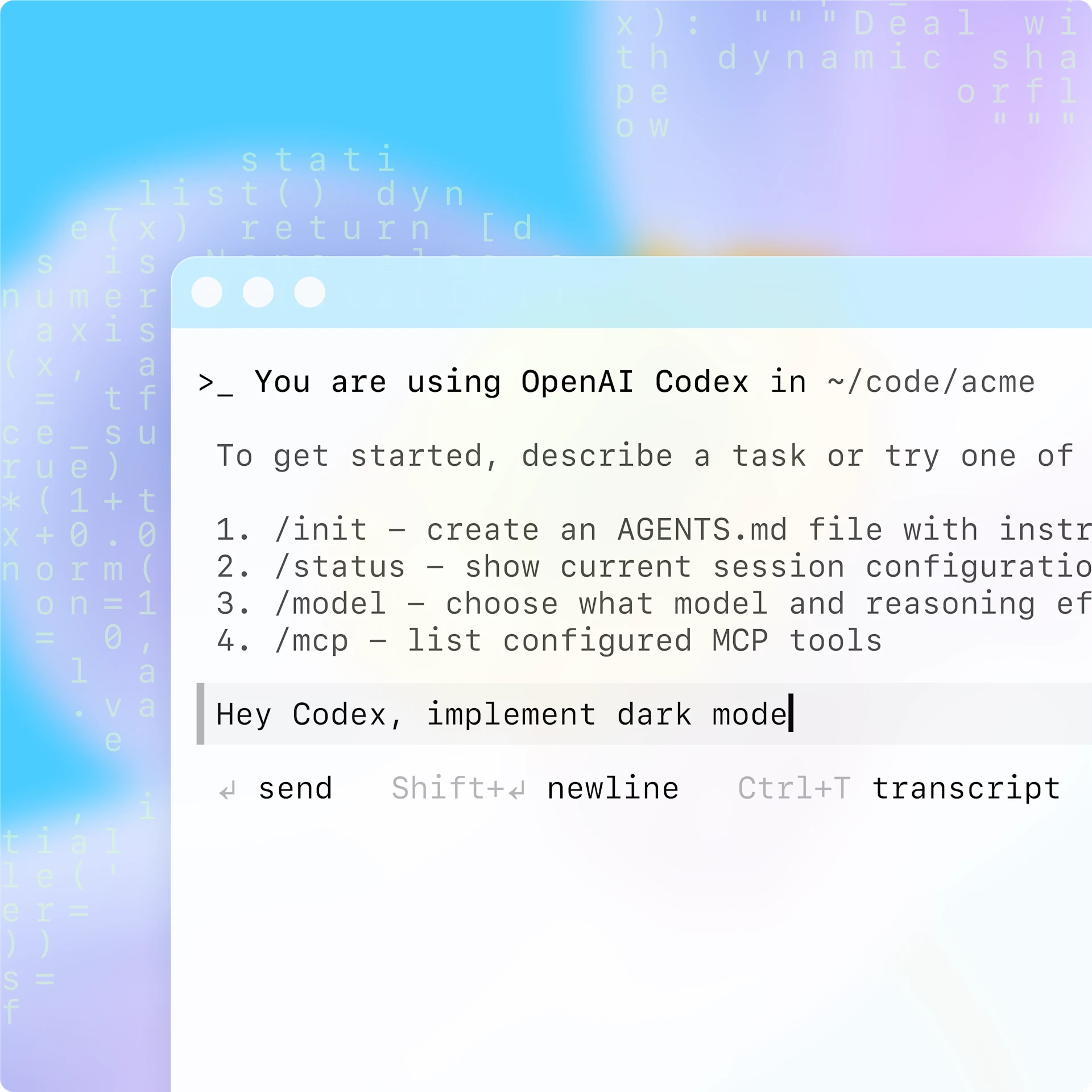
What Makes Codex Unique?
- Fine-tuned for code generation: Based on GPT-3, but specialized for programming tasks.
- Natural language understanding: Converts requirements, pseudocode, or comments into production-ready code.
- Supports multiple languages and frameworks: Trained on billions of lines of public code.
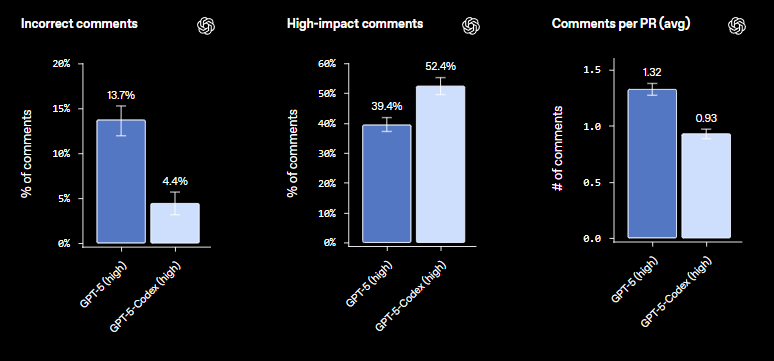
Codex is particularly valuable for teams building custom internal tools or integrating AI assistance into specialized workflows.
Explore how to use GPT-5-Codex for advanced tasks and Apidog integration.
Apidog BlogAshley Innocent

Direct API Access: Build Your Own AI Workflows
- Granular control: Tune prompts, filter responses, and set parameters for your domain.
- Domain-specific assistants: Tailor Codex to your tech stack or business requirements.
- Technical expertise required: Direct API use demands prompt engineering and ongoing maintenance.
See GPT-5 Codex pricing and developer options.
Apidog BlogAshley Innocent

Optimizing Codex for API Development
- Prompt clarity matters: Well-structured prompts and clear requirements yield better results.
- Post-processing and validation: Use static analysis or validation scripts to ensure generated code meets standards.
Claude Code: Terminal-First AI Companion
Anthropic’s Claude Code takes a different route—offering AI-powered assistance directly in the command line. For developers who prefer terminal workflows, this is a compelling alternative.
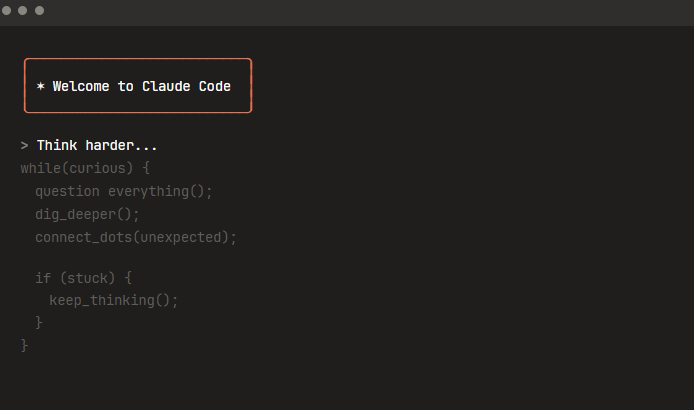
Key Features of Claude Code
- Terminal-centric design: Integrates with command-line tools like git and npm.
- Project-wide context: Understands module dependencies and can make cross-file changes.
- Full-feature requests: Ask for entire features, debugging help, or architectural advice via natural language.
Advanced Contextual Understanding

- Multi-file reasoning: Consistent changes across related files—ideal for refactoring or large project migrations.
- Persistent context: Remembers project evolution and developer preferences across sessions.
Who Should Use Claude Code?
- Command-line enthusiasts: Fits naturally into dev workflows centered on the terminal.
- Teams maintaining large or evolving codebases: Excels at holistic, context-rich assistance.
Note: For those accustomed to GUI editors, there’s a learning curve. Clear, specific requests yield the best results.
Cursor: The AI-Native Code Editor
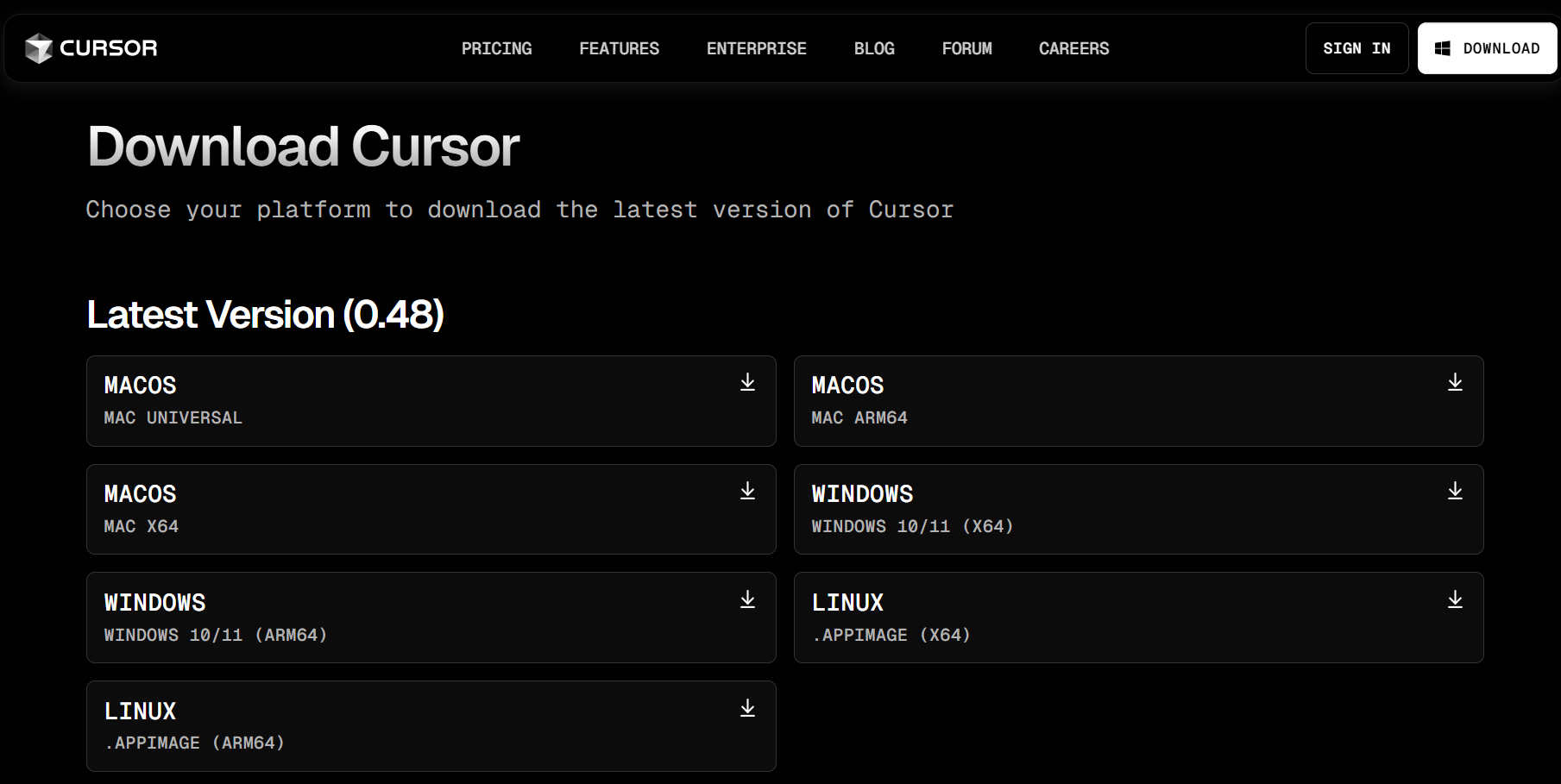
Cursor is a ground-up reimagining of the developer environment, blending conversational AI assistance with traditional editing in a single interface.
Standout Features
- Conversational coding: Highlight code and discuss improvements, alternatives, or debugging strategies in natural language.
- Parallel solution exploration: Maintain multiple “threads” for different approaches without losing context.
- Transparent suggestions: Visual indicators for AI confidence and side effects help you make informed choices.
Built-In Collaboration and Analysis
- Team-based AI conversations: Multiple developers can interact with the AI and share insights.
- Version control integration: Audit and track both manual and AI-generated changes.
- Educational value: Cursor explains complex code sections, helping upskill junior developers.
Performance and Adoption
- Speed: Users report completing complex tasks 40-60% faster than in traditional editors.
- Resource requirements: Demands more memory and CPU—best for modern hardware.
- Learning curve: Interface is unique; expect an adjustment period.
Feature Comparison: Which AI Assistant is Right for Your Team?
Code Generation Approaches
- Copilot: Inline, incremental suggestions—great for ongoing coding.
- Claude Code: Handles entire features or refactors via terminal commands.
- Cursor: Mixes conversational and inline suggestions, adapting to your style.
- Codex (API): Most flexible—build your own workflows.
Language and Framework Support
- Copilot: Broad, especially strong in top languages.
- Claude Code: Deep support for web stacks and systems languages.
- Cursor: Excellent for polyglot projects and cross-language APIs.
Integration & Workflow Fit
- Copilot: Best for VS Code users.
- Claude Code: Editor-agnostic, leverages existing command-line processes.
- Cursor: Requires adopting a new, AI-native editor.
- Codex (API): Integrate anywhere with sufficient engineering resources.
Performance & Resource Needs
- Copilot: Lightweight, minimal impact.
- Claude Code: Server-side, needs stable internet.
- Cursor: High resource usage locally.
Practical Considerations for Backend and API Teams
Productivity & Code Quality
- Routine tasks: All platforms speed up boilerplate and scaffolding.
- Complex problems: Cursor and Claude Code offer more exploratory and refactoring support.
- Code review is essential: AI suggestions should always be validated, especially for sensitive APIs or business logic.
Security & Compliance
- Data handling differs: Evaluate how each tool manages your source code and project metadata.
- Regulated industries: Favor tools with clear logging and audit trails.
- Intellectual property: Be aware of training data sources and review AI-generated code for potential risks.
Pricing & ROI
0
1
2
- Typical cost: $10-30/month per developer for most platforms.
- Enterprise plans: May reach $50+/user/month, plus hidden costs like training and workflow changes.
- Measure ROI: Track actual productivity gains versus costs to justify adoption.
How Apidog Complements Your AI Coding Assistant
While AI tools accelerate coding, robust API management remains critical for backend teams. Apidog integrates seamlessly with any coding workflow—whether you use Copilot, Claude, Cursor, or a custom Codex implementation. With Apidog, you can:
- Test APIs instantly: Validate endpoints as you code, catching errors early.
- Generate and sync documentation: Keep docs up-to-date as you iterate, regardless of your AI assistant.
- Collaborate across teams: Share API contracts, test suites, and version history with ease.
For API-focused teams, Apidog ensures that your AI-generated code translates into reliable, well-documented, and secure APIs—without friction.
Conclusion: Choosing the Best AI Coding Assistant for APIs
Selecting the right AI coding assistant depends on your team's workflows, project complexity, and integration needs:
- Copilot: Reliable and easy for VS Code users.
- Claude Code: Powerful for terminal-based teams and large codebases.
- Cursor: Best for those seeking deep AI collaboration in a modern editor.
- Codex (API): Ideal for custom, domain-specific solutions.
No matter your choice, pairing your AI assistant with a purpose-built API platform like Apidog helps maximize productivity, code quality, and team collaboration.