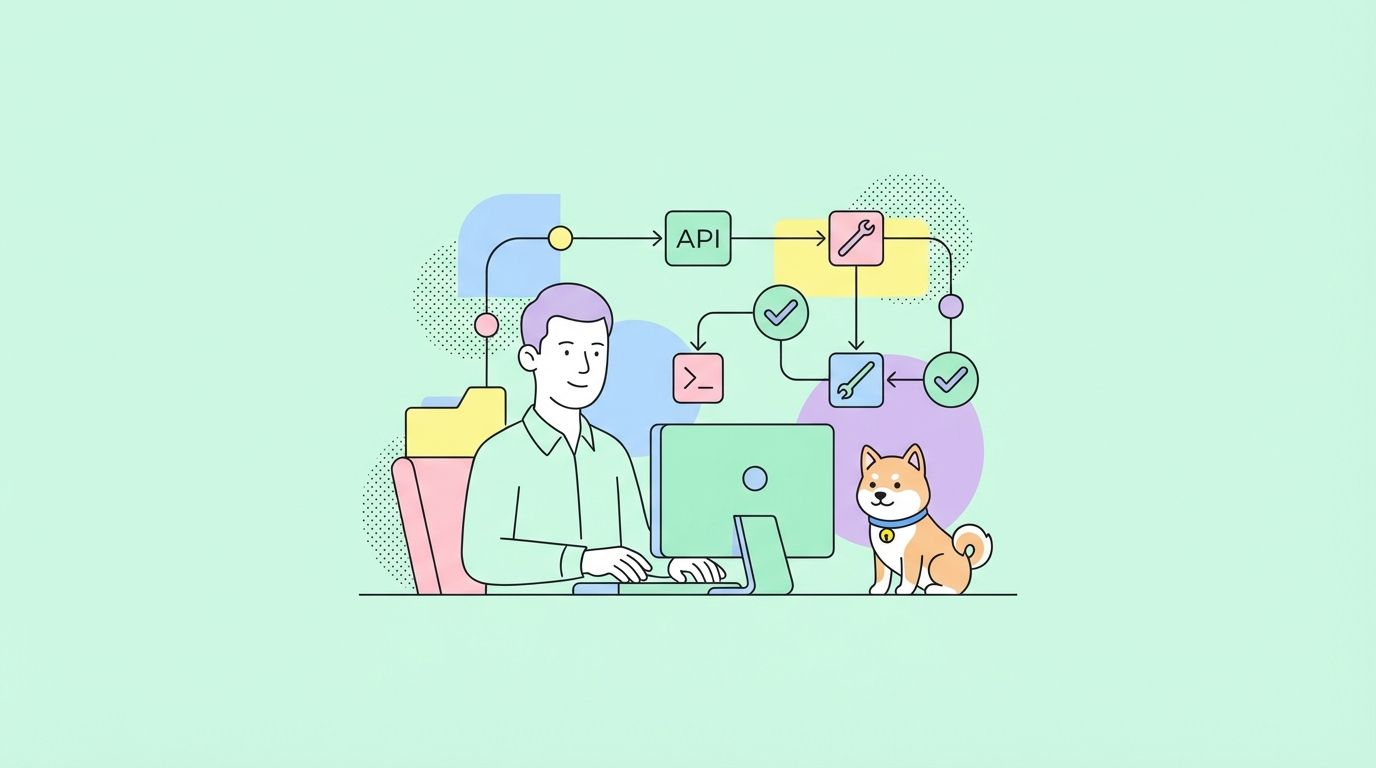
Claude Code gives you a 5-hour token budget on a rolling window. The catch: that window starts the moment you send your first message of the day. If you fire off a quick question at 8:30 AM and burn through your budget by 11 AM, you’re locked out until 1 PM, two dead hours right in the middle of your workday.
A developer built a clean fix for this. It’s called claude-warmup, and it uses a scheduled GitHub Action to send a single throwaway “hi” to Claude Haiku before your workday begins. That one message anchors your 5-hour window to a time you choose, not to whenever you happen to open Claude.
Why This Works
Claude Code’s budget window is anchored to the clock hour of your first message. A message sent at 6:15 AM floors the window to 6:00 AM, so your 5-hour block runs from 6 AM to 11 AM. By the time you exhaust your budget mid-morning, your next window starts immediately at 11 AM.
Without this, the window starts whenever you first message Claude, often mid-morning and the reset lands in the middle of your most productive hours.
The warmup ping costs almost nothing. One “hi” to Claude Haiku with no tools or context uses negligible tokens.
Setup (6 Steps)
1. Fork the repo
gh repo fork vdsmon/claude-warmup --clone
cd claude-warmup
2. Generate an OAuth token
On a machine where Claude Code is installed, run:
claude setup-token
This outputs a sk-ant-oat01-... token. Copy it. It stays valid for about a year.
3. Store the token as a GitHub secret
gh secret set CLAUDE_OAUTH_TOKEN
Paste the token when prompted. GitHub Actions will use this to authenticate.
4. Set your cron schedule
The default is weekdays at 9:15 UTC. Change it to match your timezone and work schedule:
gh variable set WARMUP_CRON --body "15 13 * * 1-5"
A few reference times:
| Your timezone | Warmup for 9 AM start | Cron expression |
|---|---|---|
| UTC | 8:45 AM UTC | 45 8 * * 1-5 |
| US Eastern (EST) | 8:45 AM = 13:45 UTC | 45 13 * * 1-5 |
| US Pacific (PST) | 8:45 AM = 16:45 UTC | 45 16 * * 1-5 |
| CET (Central Europe) | 8:45 AM = 7:45 UTC | 45 7 * * 1-5 |
5. Test the workflow
gh workflow run warmup.yml
Watch the Actions tab in your fork to confirm it runs successfully.
6. Verify it’s working
The next morning, open Claude Code and run:
/usage
The session reset time should match your anchor hour. If you set the warmup to fire at 8:45 AM, your window should show a reset at 8:00 AM.
Alternative: Run It Locally
If you prefer not to use GitHub Actions, run the warmup command directly from your terminal via cron or macOS launchd:
claude -p "hi" --model haiku --no-session-persistence
Add this to your local crontab (crontab -e) using the same timing logic. It works the same way, the key is that the message fires before you start your day, not that it comes from GitHub’s servers.
Tips to Make Your Budget Last Longer
Controlling the reset window helps, but it’s worth knowing what eats your budget fastest so you can plan around it.
Extended Thinking burns tokens fast. When Claude reasons step-by-step through a complex problem, it uses significantly more tokens than a direct answer. Save Extended Thinking for tasks that actually need it, architecture decisions, debugging tricky logic and turn it off for quick lookups or code generation you already know how to structure.
Keep context lean. Claude Code reads your open files and recent terminal output as part of every message. The larger that context, the more tokens each exchange costs. Close files you’re not actively working on, and use --no-session-persistence when you’re running one-off commands that don’t need history.
Batch your requests. Ten small questions cost more than one well-formed question that covers all ten. Before you ask something, take 30 seconds to write a clear, complete prompt. You’ll get a better answer and spend fewer tokens getting there.
Use Haiku for simple tasks. When you’re asking Claude to rename a variable, generate a boilerplate function, or reformat a config file, you don’t need Opus or Sonnet. Specify --model haiku for lightweight tasks and save the heavier models for work that requires real reasoning.
If You’re Building APIs Alongside Claude Code
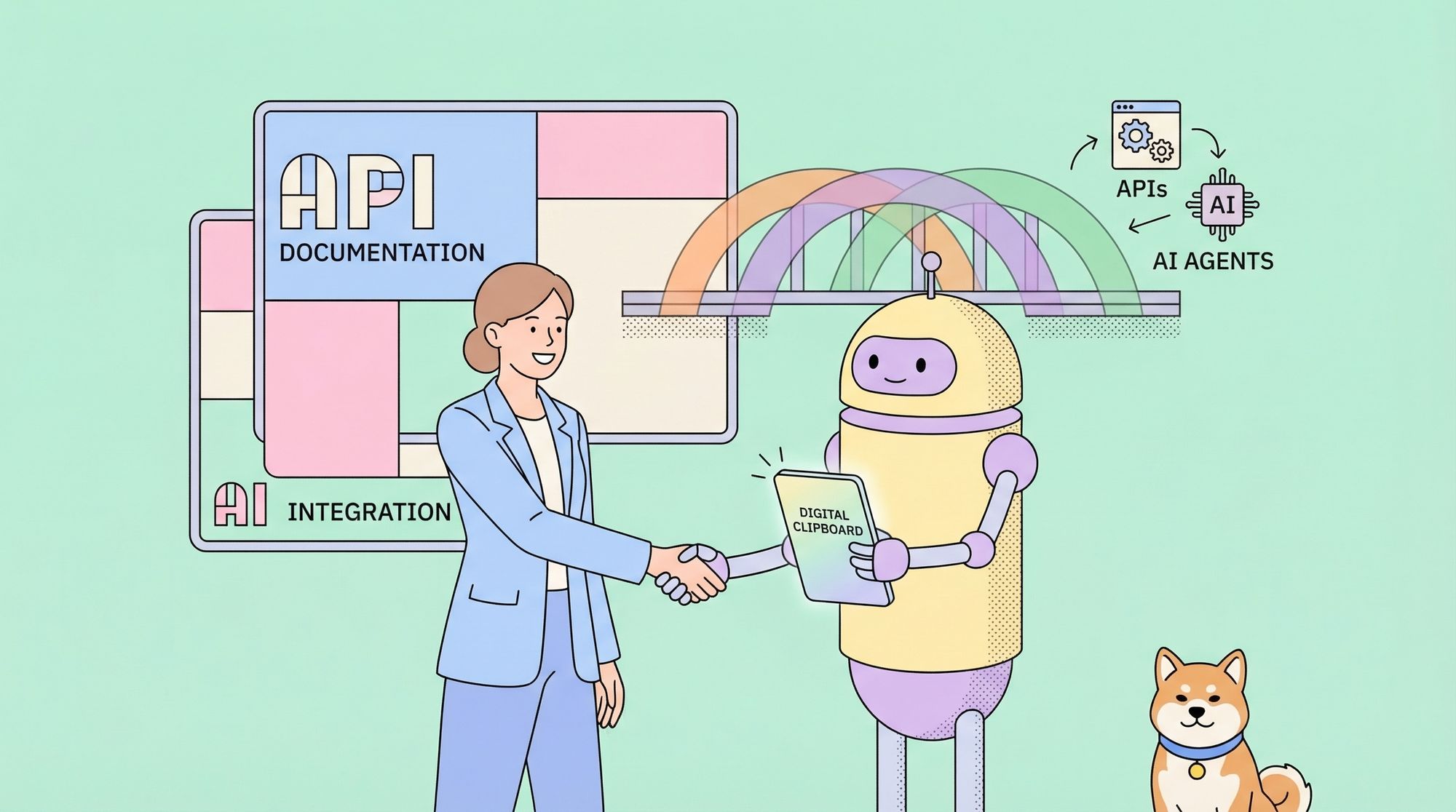
A lot of developers use Claude Code while building or testing APIs. If that’s your workflow, Apidog fits naturally alongside it. You can design your API schema, generate mock servers, and run automated tests all from one place, without switching between Postman, Swagger, and separate mock tools. When Claude Code writes an endpoint, you can test it immediately in Apidog without copying anything between tools.
It’s free to get started and handles REST, GraphQL, and gRPC out of the box.
What to Keep in Mind
- The window is fixed once set. Once that first message fires, the 5-hour block is locked in. It won’t shift mid-day.
- Budget is shared. claude.ai, Claude Code, and Claude Desktop all draw from the same pool. Extended Thinking and tool calls deplete it faster than plain chat.
- There’s also a 7-day cap. This technique controls the daily reset window, not the weekly budget ceiling.
- The token resets to the clock hour. A warmup at 8:47 AM anchors to 8:00 AM, not 8:47. Plan your cron 15 minutes before the hour you want.
If your Claude Code sessions keep running dry at the wrong time, this fix takes under 10 minutes to set up and runs itself every day. The full repo is at github.com/vdsmon/claude-warmup.