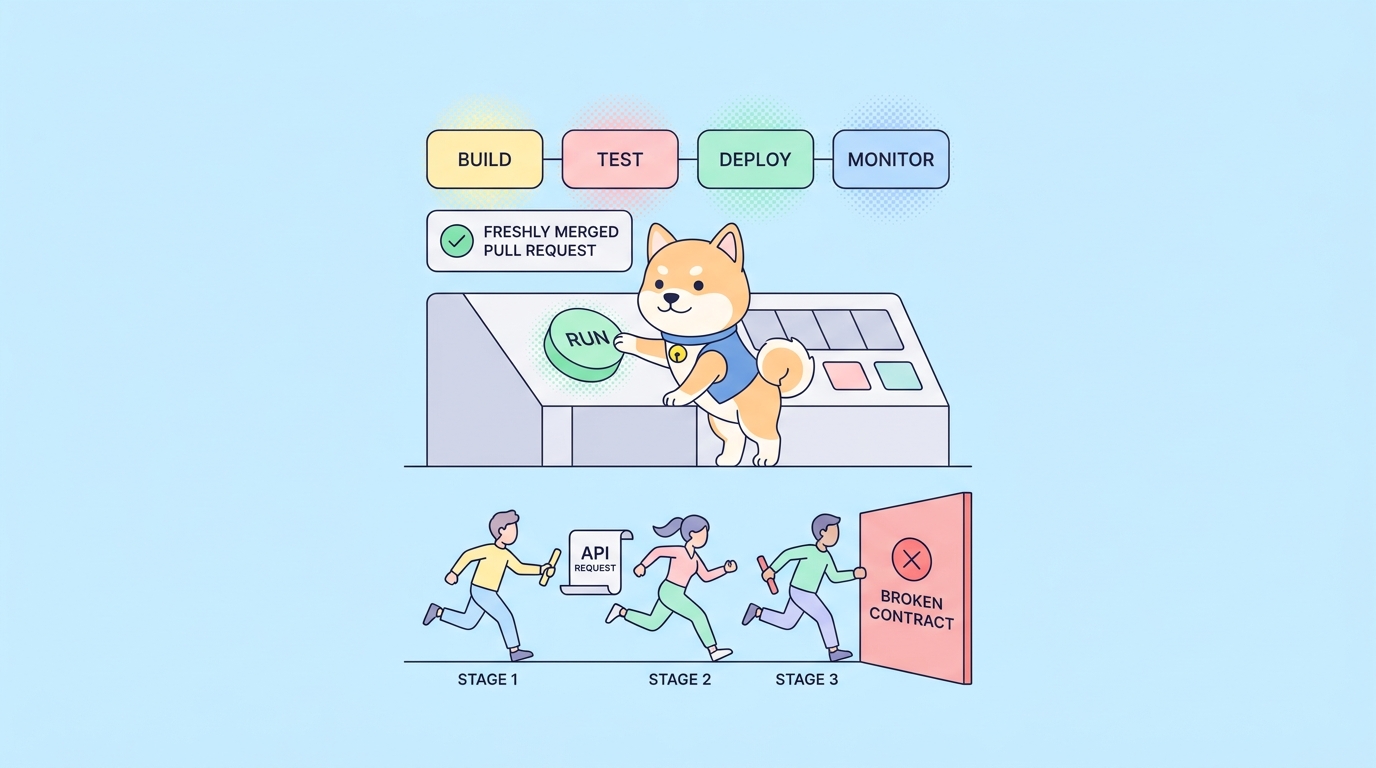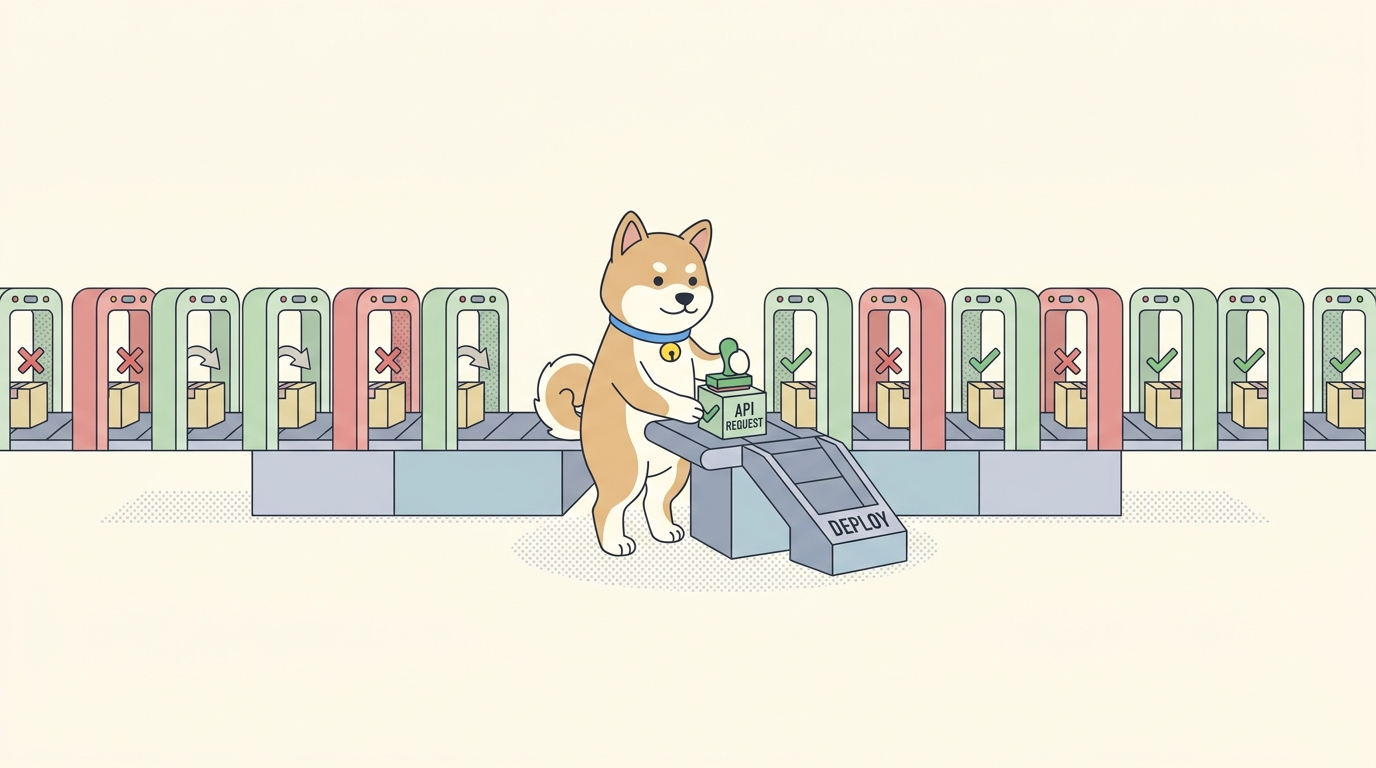
A green pipeline that ships a broken API is worse than no pipeline at all. It tells your team everything is fine right up until a customer files a ticket. Most API test setups in CI start strong and quietly rot: a few endpoints get covered, then the suite goes flaky, someone adds continue-on-error to stop the noise, and within a quarter the tests run but nobody trusts them. The pipeline is green because it has learned to ignore failure.
The fix isn’t more tests. It’s a handful of decisions about how you design, run, and gate those tests that hold up under real-world pressure, the kind that comes from a Friday-afternoon hotfix or a schema change three services deep. This guide walks through twelve of those decisions, with concrete config you can copy into GitHub Actions, GitLab CI, or any runner you already use.
The thread running through all of them is the same: your API tests should live next to your API contract, run from one portable command, and fail loudly when the contract breaks. That’s the workflow we’ll build with Apidog, an API platform where you design the spec, write assertions visually, and run the whole suite headlessly in CI through the Apidog CLI. You design tests once in the app, then run that exact suite in any pipeline with a single command. If you want to follow along, download Apidog and keep your own API handy.
If CI/CD itself is new to you, the short version is this: continuous integration runs your tests on every commit, and continuous delivery promotes the build that passes them. We have a fuller breakdown in What Is CI/CD and How Does It Work. The rest of this article assumes you have a pipeline and want the API testing part to actually earn its place in it.
1. Put API tests in the pipeline, not in a tab you forgot to open
The first best practice is the one people skip: run your API tests automatically, on every push, without a human deciding to. A test suite you run manually before a release is a checklist, not a safety net. By the time you remember to run it, the change that broke things is already six commits back.
Wire the suite into the stage that matters. For most teams that’s on pull requests, so a broken API blocks the merge instead of reaching main. Here’s the minimal shape in GitHub Actions:
name: API Tests
on:
  pull_request:
    branches: [main]
jobs:
  api-tests:
    runs-on: ubuntu-latest
    steps:
      - uses: actions/checkout@v4
      - uses: actions/setup-node@v4
        with:
          node-version: '20'
      - name: Install Apidog CLI
        run: npm install -g apidog-cli
      - name: Run API test suite
        run: |
          apidog run \
            --access-token "$APIDOG_ACCESS_TOKEN" \
            -t "$SCENARIO_ID" \
            -e "$APIDOG_ENV_ID" \
            -r cli,junit \
            --out-dir ./test-results
        env:
          APIDOG_ACCESS_TOKEN: ${{ secrets.APIDOG_ACCESS_TOKEN }}
          SCENARIO_ID: ${{ vars.SCENARIO_ID }}
          APIDOG_ENV_ID: ${{ vars.APIDOG_ENV_ID }}
That’s the whole integration. The CLI exits 0 when every assertion passes and a non-zero code when any fails, so GitHub turns the job red on a real failure with no extra wiring. We cover the full GitHub setup in How to Automate API Tests in GitHub Actions; the pattern carries to any runner.
The point of best practice one is that the decision to test is made by the machine, not the developer. Humans forget. Pipelines don’t.
2. Keep the run command portable across CI providers
Pipelines migrate. Teams move from Jenkins to GitHub Actions, add GitLab for a new repo, or spin up a self-hosted runner for compliance. If your API tests are welded to one provider’s plugin ecosystem, every migration means rewriting them.
The way to avoid that is to make the test invocation a single shell command that any runner can call. With the Apidog CLI, the command that runs your suite is identical no matter who invokes it:
apidog run --access-token "$APIDOG_ACCESS_TOKEN" -t "$SCENARIO_ID" -e "$ENV_ID" -r cli,junit
That same line works in a GitHub Actions run step, a GitLab script block, a Jenkins shell stage, or a Travis script section. Only the wrapper around it changes. GitLab, for example:
api-tests:
  image: node:20
  script:
    - npm install -g apidog-cli
    - apidog run --access-token "$APIDOG_ACCESS_TOKEN" -t "$SCENARIO_ID" -e "$ENV_ID" -r cli,junit
  artifacts:
    when: always
    reports:
      junit: ./test-results/*.xml
Because the heavy lifting (request orchestration, assertions, environment resolution) lives in the CLI and the test definitions live in Apidog, your pipeline YAML stays thin. When you switch providers, you copy six lines, not six hundred. The Jenkins variant is spelled out in How to Integrate Apidog Automated Tests with Jenkins for CI/CD if that’s your stack.
3. Assert on behavior, not just status codes
A test that only checks for 200 OK will pass while your API returns an empty array, the wrong currency, or a null where the client expects an object. Status-code-only tests are the single biggest reason green pipelines ship broken responses.
Real assertions check the shape and content of the response: the fields that exist, their types, the values that matter to a consumer. In Apidog you build these visually against the response, so you’re asserting on the actual payload rather than guessing at a JSONPath in your head. A solid order-lookup test asserts that the status is 200, the order.total is a number, the currency equals the value you sent, and the items array isn’t empty. Each of those is a separate assertion that fails independently, so a red build tells you which contract broke.
Three rules make assertions hold up over time:
- Assert on the contract, not the data. Check that
totalis a number, not that it equals49.99. The exact value changes; the type doesn’t. - One concern per assertion. Bundling six checks into one assertion hides which one failed.
- Cover the unhappy path. A
400on bad input and a401on a missing token are part of your contract too. Test that they still behave.
For a deeper treatment of writing assertions that survive refactors, see our guide to API assertions. Strong assertions are what turn a smoke test into a contract test, and contract tests are what catch the regressions that matter.
4. Manage environments and secrets as configuration, never as hardcoded values
Your tests run against different targets: a local stack, a staging API, a production smoke endpoint. The base URL, auth tokens, and tenant IDs all change between them. Hardcoding any of those into a test is how a staging test accidentally hits production, or how a token ends up in your git history.
Keep environments as named configurations and inject the differences. In Apidog, an environment holds the base URL and variables for one target; you pick which one a CI run uses with the -e flag. The pipeline supplies the access token from its secret store, never from a file in the repo:
apidog run \
  --access-token "$APIDOG_ACCESS_TOKEN" \
  -t "$SCENARIO_ID" \
  -e "$STAGING_ENV_ID" \
  -r cli,junit
The same scenario, pointed at a different -e value, becomes your production smoke test. Nothing about the test changes; only the environment it resolves against does. Store APIDOG_ACCESS_TOKEN in GitHub Secrets, GitLab CI/CD variables, or your runner’s credential manager, and reference it by name. The rule is simple: anything that differs between environments or anything secret is configuration, and configuration is injected at runtime.
5. Make tests deterministic so the pipeline is trustworthy
A flaky test is a test that fails for reasons unrelated to your code. It’s also the fastest way to destroy a pipeline’s credibility. Once a suite “sometimes fails,” developers start re-running jobs until they go green, which means a real failure now hides in the noise of fake ones.
Most API test flakiness comes from a few predictable sources:
- Shared mutable state. Two tests creating a user with the same email, or one test depending on data another test deleted. Each test should set up and tear down its own data, or use isolated tenants.
- Timing assumptions. Asserting on an async result before it’s ready. If an operation is eventual, poll for the condition instead of sleeping a fixed number of seconds.
- Real dependencies you don’t control. A third-party payment sandbox that rate-limits you, or an upstream service that’s down for maintenance. Mock those boundaries so your test measures your API, not someone else’s uptime. Apidog can stand up a mock for an unstable dependency from its schema, which keeps the external flakiness out of your build.
- Order dependence. Tests that only pass when run in a specific sequence. A suite should pass when run in any order, because runners parallelize.
Determinism is the difference between a pipeline people respect and one they route around. Spend the engineering on it early; flaky tests compound interest.
6. Keep the API test stage fast, or developers will route around it
A test suite that takes twenty minutes on every pull request becomes a tax developers resent and eventually disable. Speed isn’t a nice-to-have in CI; it’s what keeps the suite running at all. The target most teams aim for is a sub-five-minute API stage on PRs.
A few levers get you there:
- Run independent scenarios in parallel. If your tests are deterministic (best practice five), nothing stops you splitting them across parallel jobs or letting the runner fan them out. Independent suites can run side by side.
- Tier your tests. Run a fast smoke suite on every PR and the full regression suite on merge to
mainor on a nightly schedule. Not every test needs to gate every commit. - Cache the install. Caching the global npm install of
apidog-cliacross runs shaves the setup time off every job. - Fail fast where it helps, finish where it doesn’t. On a PR, stop at the first failure to give quick feedback. On a nightly full run, use the CLI’s
--on-error continueso one broken endpoint doesn’t hide the other forty that also broke.
Here’s the tiered pattern in GitHub Actions, with a quick smoke run on PRs and the full suite on a schedule:
on:
  pull_request:
    branches: [main]
  schedule:
    - cron: '0 2 * * *'   # nightly full regression

jobs:
  api-tests:
    runs-on: ubuntu-latest
    steps:
      - uses: actions/checkout@v4
      - uses: actions/setup-node@v4
        with:
          node-version: '20'
      - run: npm install -g apidog-cli
      - name: Run suite
        run: |
          if [ "${{ github.event_name }}" = "pull_request" ]; then
            apidog run --access-token "$APIDOG_ACCESS_TOKEN" -t "$SMOKE_ID" -e "$ENV_ID" -r cli,junit --out-dir ./test-results
          else
            apidog run --access-token "$APIDOG_ACCESS_TOKEN" -t "$FULL_ID" -e "$ENV_ID" -r cli,junit --on-error continue --out-dir ./test-results
          fi
        env:
          APIDOG_ACCESS_TOKEN: ${{ secrets.APIDOG_ACCESS_TOKEN }}
A fast stage that runs is worth more than a thorough stage that gets disabled.
7. Publish machine-readable results, not just a wall of console text
When a build fails, “the API tests failed” is not enough. You need to know which assertion broke, in which scenario, on which request. A red build with a thousand lines of console output is barely better than no test at all; someone still has to read it.
The fix is to emit results in a format your CI server parses natively. JUnit XML is the standard CI test-result format, and almost every platform reads it. The Apidog CLI writes one with the junit reporter:
apidog run \
  --access-token "$APIDOG_ACCESS_TOKEN" \
  -t "$SCENARIO_ID" \
  -e "$ENV_ID" \
  -r cli,html,junit \
  --out-dir ./test-results
That command emits three views of the same run: cli for live console output, html for a browsable report a human can open, and junit for the machine. Point your pipeline at the XML and the platform turns it into structured, per-test results:
      - name: Publish test report
        if: always()
        uses: actions/upload-artifact@v4
        with:
          name: api-test-results
          path: ./test-results
Note the if: always(). You want the report published even when the run fails, because a failed run is exactly when you need it. The payoff is real: instead of “the API build is broken,” you get “the cart-total assertion in the checkout scenario started failing,” which turns a debugging session into a glance.
8. Gate merges on the suite with branch protection
A passing test suite that doesn’t block anything is just a notification. The point of CI is to make broken code unmergeable, and that takes one more step than most teams configure: branch protection.
The exit code does the local work. Because the Apidog CLI exits non-zero on any failed assertion, the job goes red on a real failure. But a red job on a PR is only advisory until you make the check required. In GitHub, set the API-tests check as a required status check on main; the merge button stays disabled until it’s green. GitLab and Bitbucket have the equivalent in their merge-request settings.
This is the difference between a suite that catches regressions and one that documents them after the fact. Without a required check, a developer under deadline pressure clicks merge and the broken API ships with a red check sitting right next to it. With the gate, the platform refuses. The test stops being a suggestion and becomes a rule the tooling enforces for you.
Pair this with the machine-readable results from best practice seven and a commit-status integration, and your Git host shows the exact failing check inline on the PR. The feedback loop closes: push, test, blocked, fix, green, merge.
9. Generate test coverage from your API spec instead of writing it by hand
The slowest part of API testing is keeping the tests in sync with the API. Every new endpoint needs a new test; every changed field needs an updated assertion. Done by hand, the tests always lag the API, and the gap is where regressions live.
The leverage move is to drive tests from the contract. If your API has an OpenAPI spec, you can generate the test scaffolding from it: a request per endpoint, with the schema already describing the expected response shape. In Apidog, the spec and the tests live in the same workspace, so a test scenario can be built directly from the documented endpoints rather than transcribed from them. We walk through the generation flow in How to Generate API Test Collections from OpenAPI Specs.
This matters in CI because spec-driven tests catch a specific, common bug: drift between what your docs promise and what your API returns. When the test is generated from the spec and run against the live API, a mismatch fails the build. The contract becomes executable. You still write the assertions that encode business meaning by hand, but you don’t hand-write the boilerplate of “does this endpoint exist and return the documented shape.” Let the spec carry that weight.
10. Use data-driven tests to cover edge cases without duplicating scenarios
The same endpoint behaves differently across inputs: a valid order, an order over the credit limit, an order with an unknown SKU, an order in an unsupported currency. Writing a separate scenario for each is how suites balloon into hundreds of near-identical tests that nobody maintains.
Data-driven testing runs one scenario against many input rows. You define the request and assertions once, then feed a table of cases. The Apidog CLI takes a data file with the -d flag:
apidog run \
  --access-token "$APIDOG_ACCESS_TOKEN" \
  -t "$SCENARIO_ID" \
  -e "$ENV_ID" \
  -d ./test-data/orders.csv \
  -r cli,junit \
  --out-dir ./test-results
Each row in orders.csv becomes one iteration with its own pass or fail. One scenario, one CLI invocation, full edge-case coverage, and a JUnit report that shows which input rows failed. This keeps your suite small and your coverage wide, which is exactly the trade you want in CI. Our guide on data-driven API testing with CSV or JSON goes deeper on structuring the data file.
The pattern pays off most on validation logic and pricing rules, the places where a single endpoint has the most branches and the most ways to silently regress.
11. Run a post-deploy smoke test against the real environment
Tests that pass against staging tell you the build is good. They don’t tell you the deploy worked. Config drift, a missing environment variable, a misrouted load balancer, an expired certificate: all of these pass every pre-merge test and break only in the environment you actually shipped to.
The guard is a smoke test that runs after the deploy, against the live target. It’s a small, fast suite, just the critical paths, your auth flow, your most important read and write endpoints, pointed at production or the freshly deployed environment. Because the run command is portable (best practice two) and environments are just configuration (best practice four), this is the same suite with a different -e:
  smoke-after-deploy:
    needs: deploy
    runs-on: ubuntu-latest
    steps:
      - uses: actions/setup-node@v4
        with:
          node-version: '20'
      - run: npm install -g apidog-cli
      - name: Smoke test production
        run: |
          apidog run \
            --access-token "$APIDOG_ACCESS_TOKEN" \
            -t "$SMOKE_SCENARIO_ID" \
            -e "$PROD_ENV_ID" \
            -r cli,junit \
            --out-dir ./smoke-results
        env:
          APIDOG_ACCESS_TOKEN: ${{ secrets.APIDOG_ACCESS_TOKEN }}
If the smoke test fails, that’s your signal to roll back before users notice. For teams running blue-green or canary deploys, you run the smoke suite against the new color before switching traffic to it, so your first real user is never the one who finds the broken deploy. The cost is a minute of pipeline time. The alternative is finding out from a support ticket.
12. Treat the test suite as code you maintain, not a setup you finish
The last best practice is a mindset. A CI test suite is not a project you complete; it’s an asset you maintain alongside the API it protects. The teams whose pipelines stay trustworthy are the ones who treat a flaky test as a bug, a slow stage as tech debt, and a gap in coverage as a regression waiting to happen.
A few habits keep a suite healthy over the long run:
- Add the test with the feature. A new endpoint ships with its scenario in the same PR, not in a follow-up that never lands.
- Fix flakes the day they appear. A quarantined flaky test is a coverage gap with a green light on it. Don’t let
continue-on-errorbecome permanent. - Review what the suite doesn’t cover. Periodically check which endpoints have no assertions. The untested ones are where the next outage starts.
- Keep the pipeline config in version control. Your YAML, your environment definitions, and your test data all live in the repo, reviewed like any other change.
Because the test definitions live in Apidog and the pipeline only holds a thin invocation, most of this maintenance happens where it’s easy: you add scenarios and assertions in the app, and the CI config barely changes. The teams that get this right spend their time improving coverage, not babysitting YAML. For a broader view of organizing large suites, see Apidog Test Suites: A Smarter Way to Automate API Testing.
Putting it together
These twelve practices reinforce each other. Portable run commands make post-deploy smoke tests trivial. Deterministic tests make parallelism safe, which keeps the stage fast, which keeps developers using it. Machine-readable results make branch protection meaningful, because the gate points at a specific failing check instead of a wall of text. Spec-driven and data-driven tests keep the suite comprehensive without making it slow to maintain.
The common foundation is keeping your tests close to your contract and runnable from one command. That’s the Apidog workflow in a sentence: design the API and its tests in one place, then run that exact suite in any pipeline with apidog run. The CLI exits non-zero on failure, emits JUnit for your CI to parse, and behaves the same whether GitHub Actions, GitLab, Jenkins, or a self-hosted runner calls it.
Start small. Wire one critical scenario into your PR pipeline with real assertions and a required status check. Get that loop trustworthy, then layer in the rest: tiered runs, data-driven edge cases, a post-deploy smoke test. A pipeline you trust is one that goes red only when something is genuinely broken, and green only when it’s genuinely safe to ship. Download Apidog and build the first scenario today.
FAQ
What’s the difference between API testing in CI and CI/CD? CI (continuous integration) runs your API tests automatically on every commit or pull request to catch regressions early. CD (continuous delivery) promotes a build to a deploy target once it passes those checks. API tests sit in both: a pre-merge suite gates integration, and a post-deploy smoke suite verifies the delivery. The same Apidog CLI command serves both stages.
Do I need to write code to run API tests in a pipeline? No. You build the requests and assertions visually in Apidog, then run them headlessly with a single apidog run command. The pipeline only needs that one command, which keeps your CI config thin and means QA engineers can own the tests without maintaining a code-based framework. The full walkthrough is in How to Automate API Tests in CI/CD.
How do I stop my API tests from being flaky in CI? The three biggest causes are shared mutable test data, timing assumptions on async operations, and uncontrolled third-party dependencies. Give each test its own data, poll for async conditions instead of sleeping a fixed time, and mock external boundaries you don’t control. A suite that passes in any order and on any run is the goal.
How do I make a failing API test block a merge? Two pieces. First, the test runner must exit non-zero on failure; the Apidog CLI does this on any failed assertion, so the job goes red automatically. Second, mark that job as a required status check in your Git host’s branch protection rules. The merge button stays disabled until the check passes.
Can I run the same API tests in GitHub Actions, GitLab, and Jenkins? Yes. Because the test logic lives in Apidog and the pipeline only calls apidog run, the command is identical across providers; only the surrounding YAML or pipeline script changes. That portability is what makes migrating CI providers a six-line edit instead of a rewrite. See How to Automate API Tests in GitHub Actions for the GitHub-specific setup.
How fast should my API test stage be? Aim for under five minutes on pull requests. Get there by running a fast smoke suite on PRs and the full regression suite nightly, parallelizing independent scenarios, and caching the CLI install. A slow stage is a stage developers eventually disable, which defeats the purpose.